CSV Glossary Lookup
Find and insert terms from a local CSV glossary.
As of October 2026, Obsidian Search can find text in notes and canvases. Its documented content search does not cover CSV or TSV glossary contents. CSV Glossary Lookup imports those files for exact selected-term lookup.
Your glossary may have several senses for one term or use columns in a different order. Check the import preview before using it in a note.
If your glossary is a Markdown note, search for a term with Obsidian Search. Select text in an editor and open Search to search that selection.
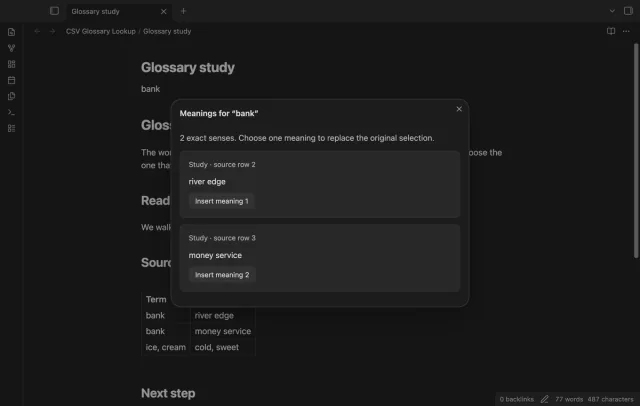
Import a local CSV or TSV file, map its term and meaning columns, and select Use glossary. Look up selected text to compare exact senses before inserting one.
MIT · no telemetry · core features free
Open the plugin settings and select Import glossary.
Choose your CSV or TSV file and check whether its first row contains column names.
Map two different columns, inspect the preview and select Use glossary.
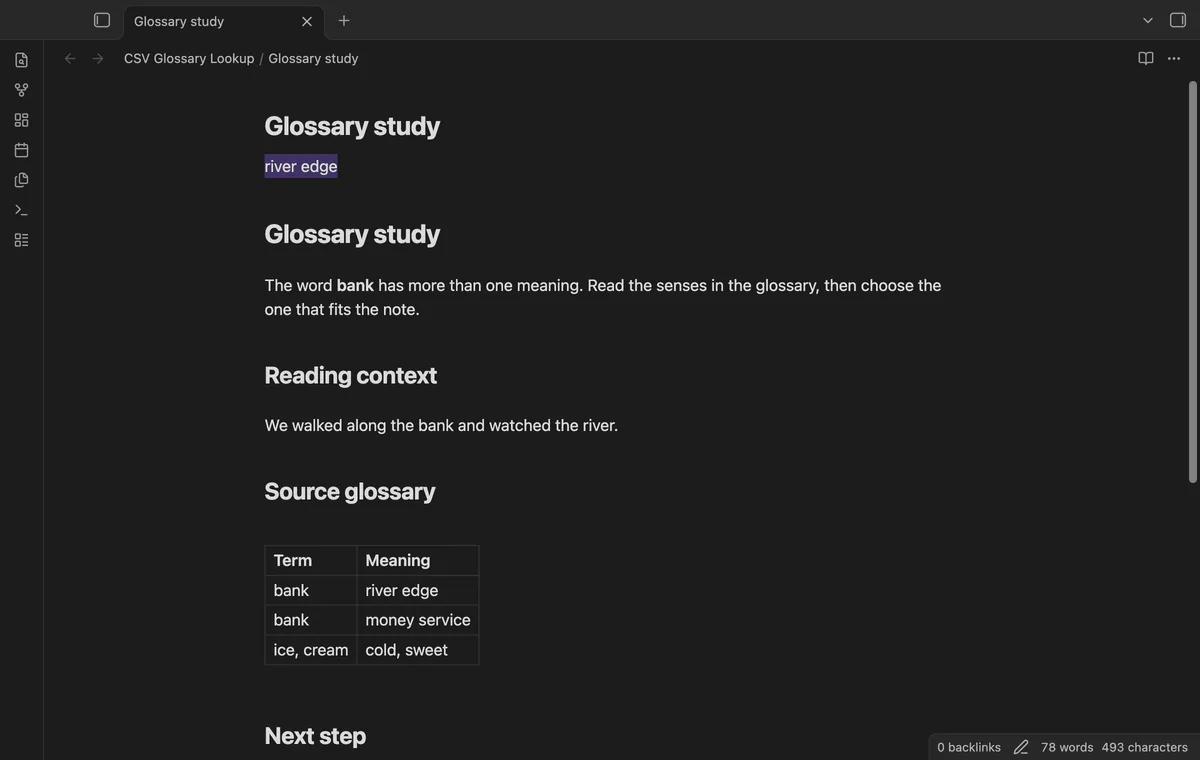
Select a term in a Markdown editor and run Look up selected text.
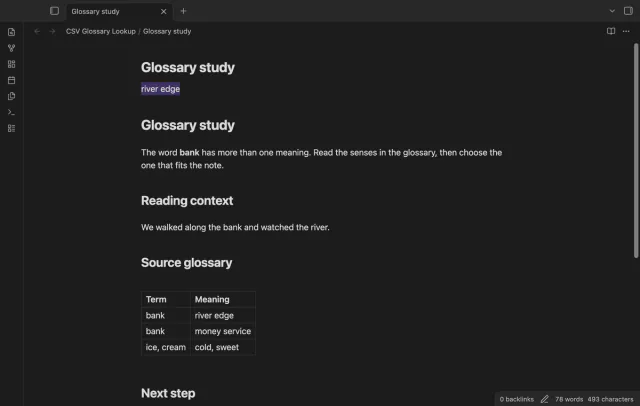
Read the senses, then insert one meaning or close the modal to keep your note unchanged.
Turn off First row has column names in the preview. Map the generated column labels, then inspect the data before selecting Use glossary.
Keep them in your source file. Lookup uses the two mapped columns, which must be different.
A malformed import leaves the previous glossary available. Fix the source and import it again.
 You can now look up local glossary terms.
You're officially a regular.
Obsidian rewards people who share. NoteMods is just me and a lot of coffee. If this guide saved you a fight with the syntax, buy me a cup.
That's visit . Regulars are the reason I keep NoteMods running. If it's part of your routine now, a coffee says thanks better than anything.
Find and insert terms from a local CSV glossary.