Obsidian doesn't open .adoc files on its own. AsciiDoc isn't in the list of accepted file formats, and a moderator wrote in July 2025 that core support isn't on the roadmap. As of October 2026 you either convert the files to Markdown or install a community plugin that opens them.
Updated · 4 ways compared · 7 sources
Background
The request Native support for AsciiDoc in Obsidian Core dates from 28 May 2020. As of October 2026 it has 340 likes and 92 posts, and the latest reply is from August 2026. The first poster had a lot of documentation in adoc and couldn't open it from the folder view.
In July 2025 an Obsidian team member tidied the thread and posted a notice. Support for AsciiDoc in core is not on the roadmap. The same post links three community plugins, and the plugin list has more today.
4 ways to do it
Convert the files to Markdown
A 2020 reply in the thread gives a conversion in two steps. Asciidoctor writes DocBook, and Pandoc turns the DocBook into GitHub-flavored Markdown. After that, Obsidian treats the file like any other note.
limits
The poster calls the result not perfect but good enough. It runs one way, so edits you make to the Markdown don't flow back to the .adoc source.
Asciidoctor editor is a community plugin by dzruyk, one of the three in the moderator notice. Its README says it supports a view mode and an edit mode. You switch between them with the standard Toggle reading view hotkey.
limits
The README says global file search isn't supported because of the Obsidian API, and it points to the Omnisearch plugin. It also says the plugin isn't compatible with other AsciiDoc plugins.
AsciiDoc Live is a community plugin that renders .adoc, .asciidoc and .asc files with Asciidoctor.js. Its README describes a preview that updates while you type, a source mode with a toolbar, and image paste. Cross references open the target file and scroll to the anchor.
limits
Its README carries a desktop only badge and tells you to disable any other AsciiDoc plugin first. It doesn't mention include directives.
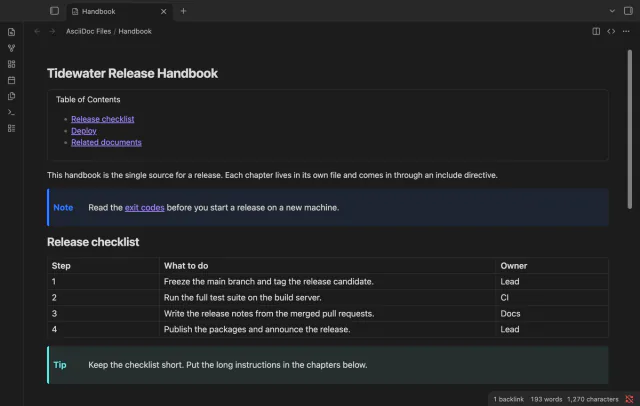
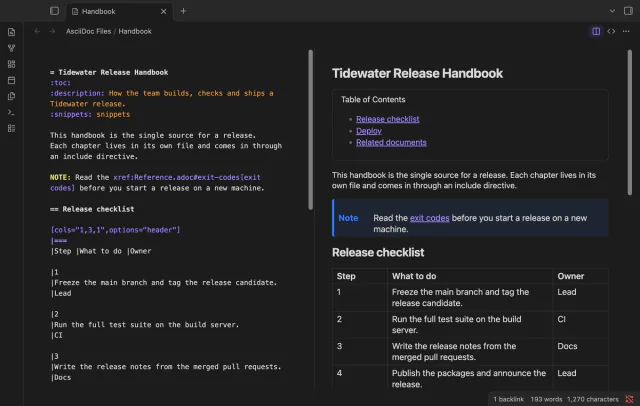
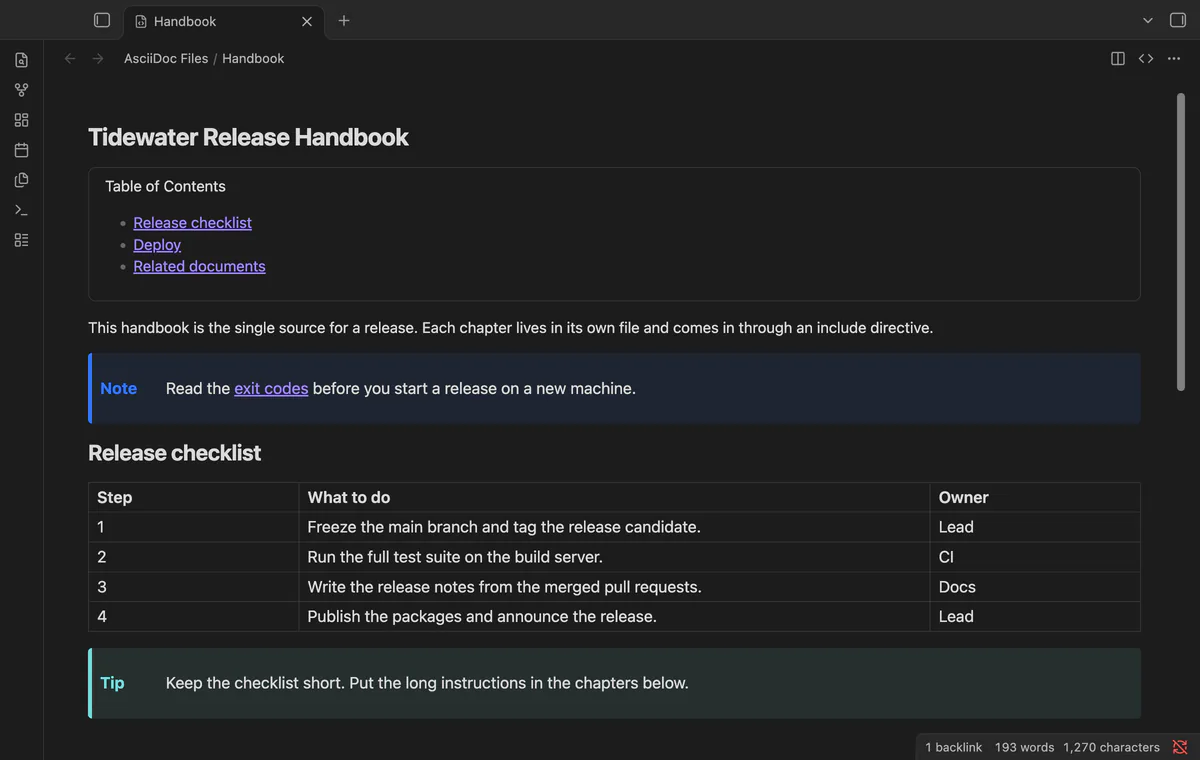
AsciiDoc Files opens .adoc and .asciidoc files in their own tab. You get a source editor with highlighting, a rendered preview, or both side by side. The preview runs Asciidoctor.js in safe mode, then the sanitizer of the app. Cross references open the target file.
The editor, the preview, cross reference links and code colors are free. Include directives, the outline and links panel, and HTML export need Pro.
limits
Core search, backlinks and the graph still read Markdown files only. Without Pro each include directive shows a short note, and the plugin isn't tested on mobile yet.
Open and preview an AsciiDoc file with AsciiDoc Files
Turn off any other AsciiDoc plugin first. Only one plugin can open a file type.
Install AsciiDoc Files from Community plugins and enable it.
Click an .adoc or .asciidoc file in the file explorer. It opens in the preview.
Use the buttons in the tab header to switch between preview, source, and source with preview.
To start a new document, run the command Create a new .adoc file.
To show included files in place, sponsor on GitHub and sign in from the plugin settings. Includes need Pro.
Common questions
Will Obsidian support AsciiDoc natively?
Nothing points that way. A moderator notice from July 2025 states that AsciiDoc support in core isn't on the roadmap. The request stays open and still gets replies, the latest in August 2026.
Can I write AsciiDoc inside a Markdown note?
A community plugin named AsciiDoc Blocks renders AsciiDoc from a code block inside a note. Its README says it focuses on tables. Other AsciiDoc features might work, it says, but come with no warranty or support.
Can two AsciiDoc plugins run at the same time?
No. Only one plugin can open a file type. AsciiDoc Files shows a notice when another plugin already has .adoc. The READMEs of Asciidoctor editor and AsciiDoc Live give the same advice.
Right-click the heading and choose Rename this heading. Obsidian then updates every link to that heading. If you just type over the heading text, the links keep the old text, as of October 2026, unless a community plugin updates them.