How to import OPML outlines into Obsidian
Convert each outline root into a Markdown note, with its children as nested lists.
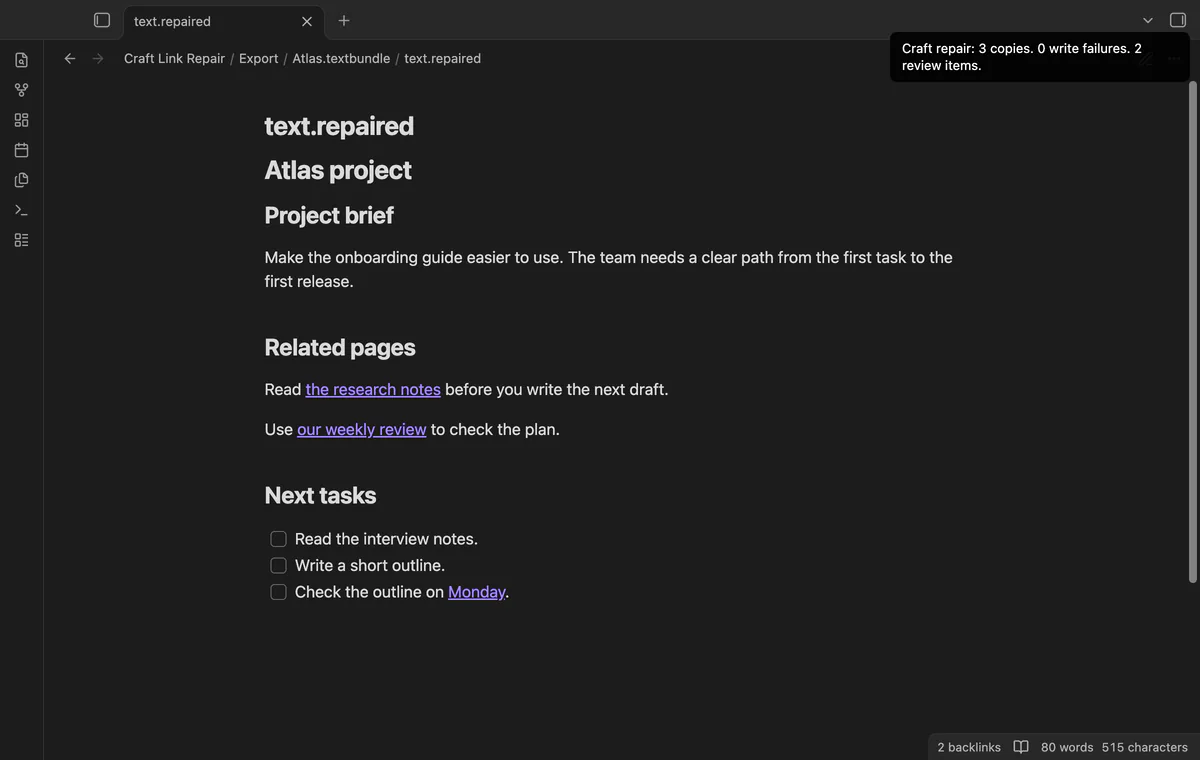
Import the Markdown export first, then repair links that still use Craft addresses. As of October 2026, Obsidian documents Craft Markdown import and warns about its nonstandard link syntax. Craft Link Repair maps supported page identifiers to new local copies.
Readable exported text can still contain links that open the source app. Metadata lets the repair tool distinguish a supported page target from a display label.
Export Markdown from Craft on your desktop and follow Obsidian Markdown import instructions. Review the resulting links after moving the files.
Open a source target, identify its local note and replace the link with an Obsidian internal link. This suits a small set of known pages.
Keep unpacked Markdown, metadata and assets together inside the vault. Preview supported links, write copies and inspect unresolved URLs in the report.
MIT · no telemetry · core features free
Unpack your export inside the vault, keeping Markdown, metadata and assets together.
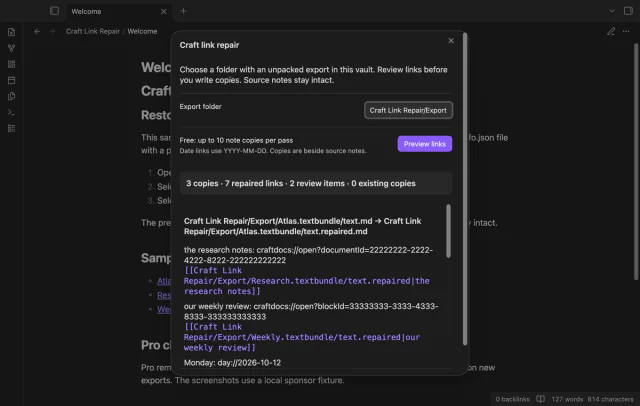
Run Preview repaired copies from the command palette.
Enter the export folder path and select Preview links.
Review the output paths and select Write copies.
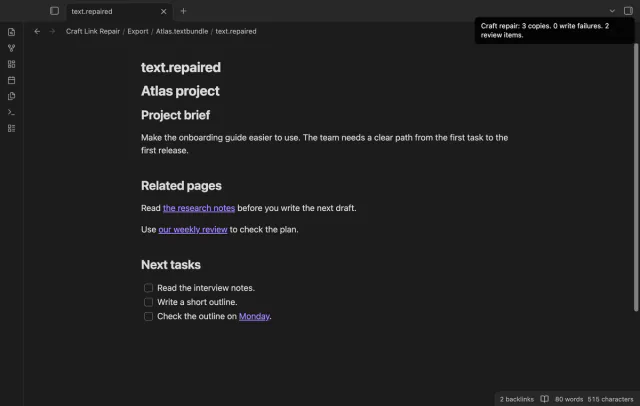
Open the report and follow links in sample repaired notes.
Pro copies in another folder can link back to source assets. The repair tool rebases simple relative paths rather than copying those files.
The converter creates a wikilink to the date-note path. It doesn't create the destination date note.
 You can now repair Craft links in Obsidian.
You're officially a regular.
Obsidian rewards people who share. NoteMods is just me and a lot of coffee. If this guide saved you a fight with the syntax, buy me a cup.
That's visit . Regulars are the reason I keep NoteMods running. If it's part of your routine now, a coffee says thanks better than anything.
Preview Craft link repairs in file copies.