How to start a new paragraph with one Enter in Obsidian
As of October 2026, one Enter in Obsidian adds one line break, and Markdown needs a blank line to start a new paragraph.
As of October 2026, Ctrl+X with no selected text cuts the whole paragraph in Obsidian, and Ctrl+C copies it. The help pages say these editing shortcuts cannot be customized in Obsidian. A plugin can make Ctrl+X do nothing when nothing is selected.
Line Cut Guard has Pro, and $15 one time turns it on in all 129 plugins.
The forum request "Disable Ctrl-X / Cmd-X cut unselected paragraph" asks for a toggle to turn the paragraph cut off. Later posts ask for the same choice for Ctrl+C.
The Editing shortcuts help page lists Cut paragraph as Ctrl+X with no selected text, and Copy paragraph as Ctrl+C with no selected text.
The page says these shortcuts come from your operating system or from the framework of Obsidian. The Hotkeys settings only change the keys of Obsidian commands.
Line Cut Guard makes Ctrl+X do nothing when only a cursor is in the note. A short notice says that nothing is selected, and selected text is cut as usual.
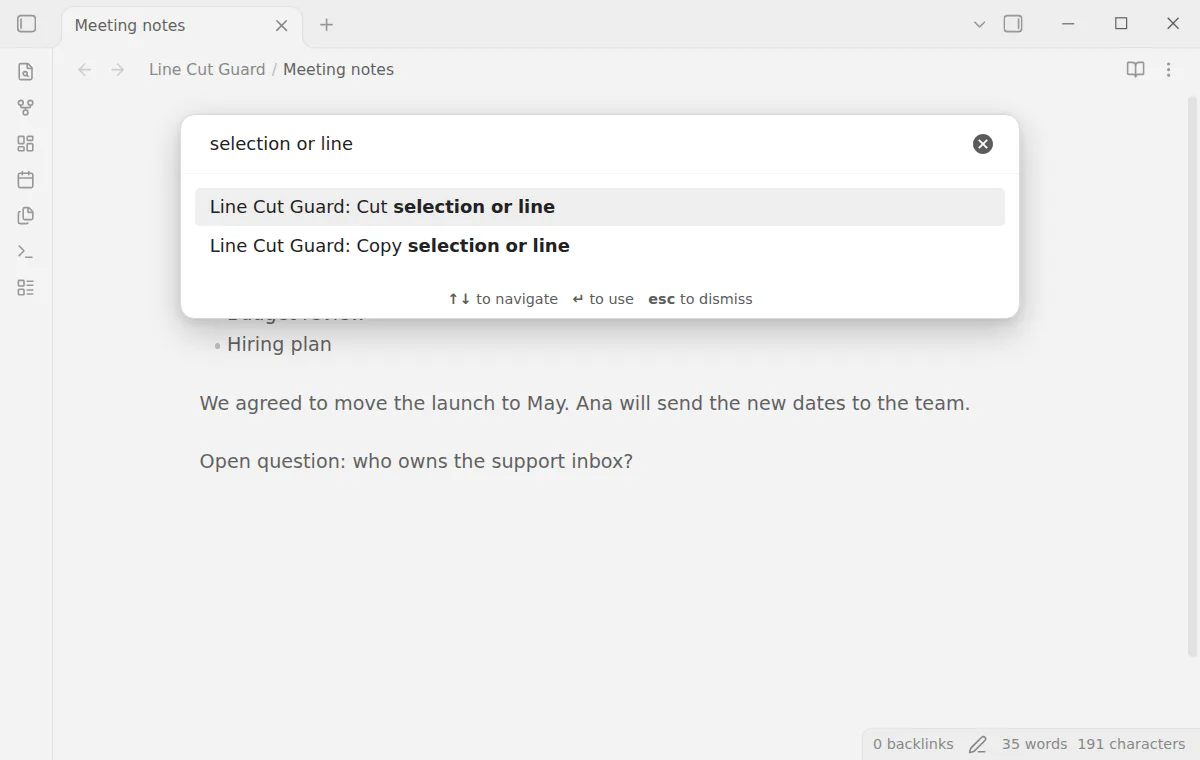
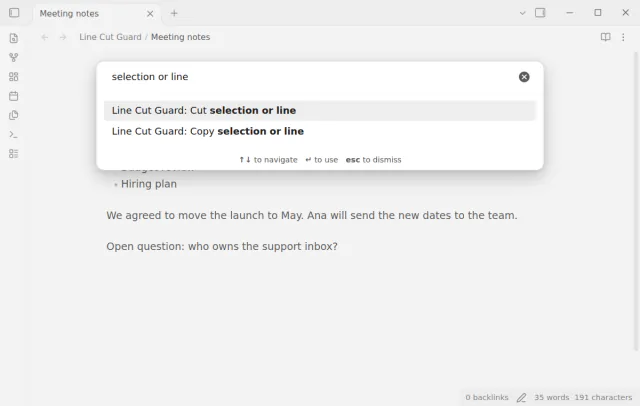
The setting Ctrl+C with nothing selected can stop the line copy too. Two commands, Cut selection or line and Copy selection or line, keep the line action for when you want it.
MIT · no telemetry · core features free
Open Settings, then Community plugins, and turn off restricted mode.
Select Browse, search for Line Cut Guard, then select Install and Enable. It needs Obsidian 1.13.4 or later.
Put the cursor in a paragraph and press Ctrl+X, or Cmd+X on macOS. The paragraph stays, and a notice says that nothing is selected.
To stop Ctrl+C as well, open the plugin settings and set Ctrl+C with nothing selected to Does nothing.
To cut a line on purpose, select it first, or run Cut selection or line. You can give that command a hotkey such as Ctrl+Shift+X.
No. The help pages say that editing shortcuts such as Ctrl+X come from the system or the framework. Hotkeys only change Obsidian commands. A plugin such as Line Cut Guard can stop the cut.
No. When at least one cursor has selected text, Obsidian cuts it as usual. Selected table cells and a selected image also count as a selection.
Yes, when you set Ctrl+C with nothing selected to Does nothing. The default keeps the Obsidian line copy. The copy setting applies in the editor, and Reading view keeps its usual copy.
 That's every step, start to finish.
This guide uses Line Cut Guard. Pro adds "Second press mode". One payment of $15 turns on Pro in 129 plugins.
This guide uses Line Cut Guard. Pro adds "Second press mode". One payment of $15 turns on Pro in 129 plugins.
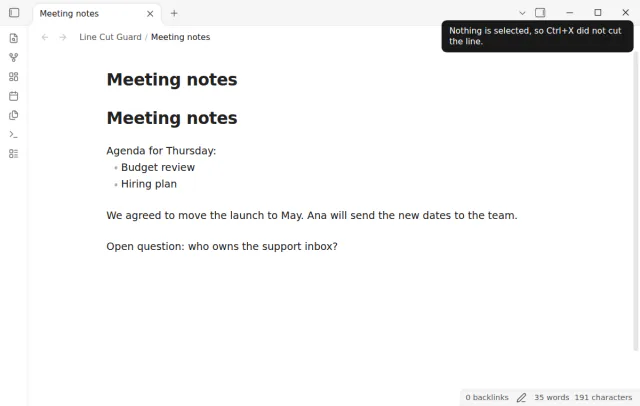
Ctrl+X or Cmd+X with only a cursor does nothing, and selected text is cut as usual.