How to limit spellcheck to the active paragraph in Obsidian
As of October 2026, Obsidian offers a native Spellcheck switch in editor settings.
As of October 2026, one Enter in Obsidian adds one line break, and Markdown needs a blank line to start a new paragraph. So you press Enter twice, and core Obsidian has no setting that changes this. A free plugin can make one Enter write the blank line for you.
The forum request "Add an Option for Enter = New Paragraph" opened in December 2021. On 8 November 2026 it had 152 likes, 65 posts and 12,164 views.
The first post compares Obsidian with word processors and other writing apps, where Enter starts a paragraph and Shift+Enter starts a line. A reply on the same day asked for commands with hotkeys, not a new default.
The Obsidian help on basic syntax says one Enter makes a new line in the same paragraph. A blank line between two blocks of text makes two paragraphs.
So press Enter two times at the end of each paragraph. Reading view, exports and other Markdown tools then show separate paragraphs.
The same help page names two ways to break a line inside a paragraph. Add two spaces at the end of the line, or press Shift+Enter.
The setting Strict line breaks, under Editor, makes Obsidian follow the Markdown rule. A single Enter with no trailing spaces then joins the two lines when rendered.
Paragraph Enter makes one Enter in a plain paragraph write the blank line for you. Enter in the middle of a paragraph splits it in two, and Shift+Enter makes a line break in the same paragraph.
Lists, tasks, quotes, callouts, tables, code, math, headings and front matter keep the normal Enter. The plugin is free, needs no account and makes no network requests.
MIT · no telemetry · core features free
Install Paragraph Enter from Community plugins and enable it. It needs Obsidian 1.13.4 or later, and the mode is on after install.
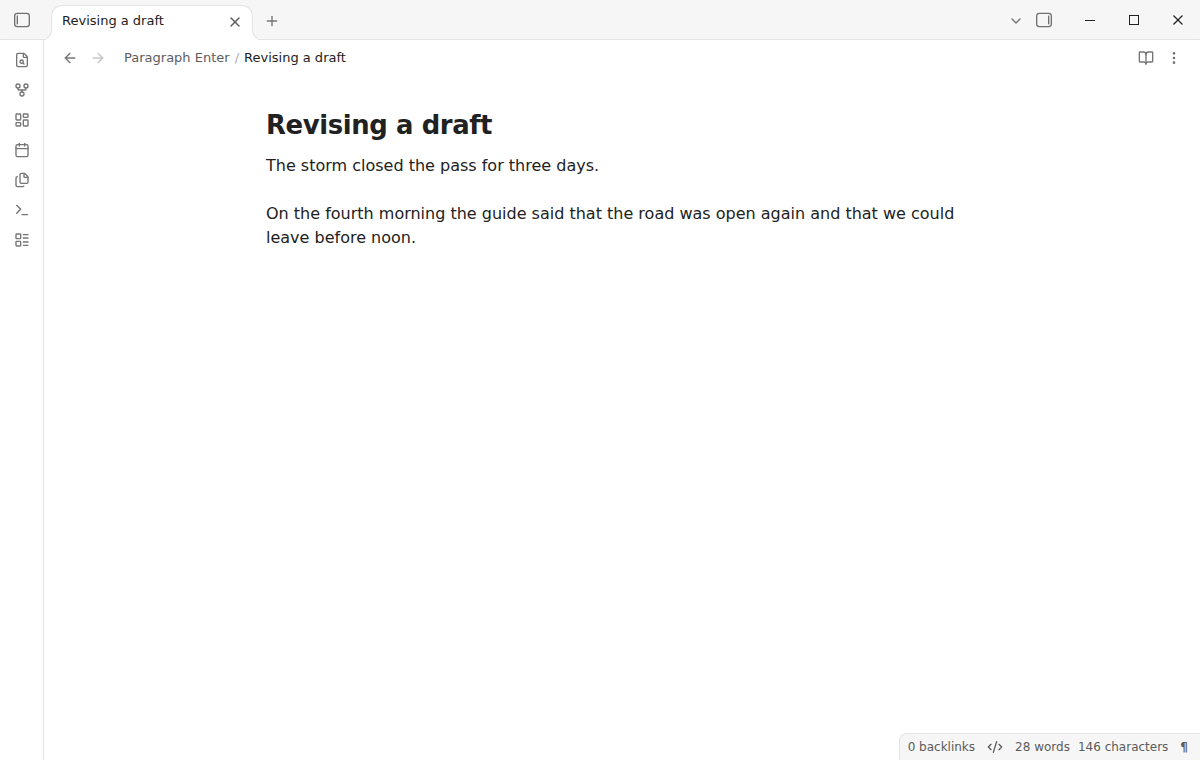
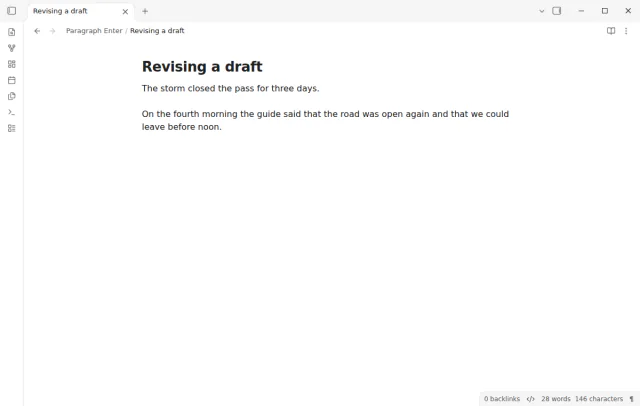
Open a note in Live Preview or Source mode and write a sentence.
Press Enter once. The cursor moves to a new paragraph with a blank line above it.
Press Shift+Enter when you want a new line in the same paragraph. Choose the break in the Line break style setting.
To switch the mode off and on, select the paragraph mark in the status bar or run the command Toggle paragraph Enter.
Obsidian writes Markdown, and in Markdown a single line break keeps the text in the same paragraph. A new paragraph needs a blank line. The Obsidian help on basic syntax explains this rule.
Line break is the default and suits Obsidian with strict line breaks off. Choose Two spaces if you turned strict line breaks on or export to CommonMark tools. HTML writes a <br> tag that every Markdown renderer shows.
Yes. In Paragraph Enter each Enter is one undo step. Undo removes the paragraph break and puts the cursor back, and it keeps the words that you typed.
 That's every step, start to finish.
You're officially a regular.
Obsidian rewards people who share. NoteMods is just me and a lot of coffee. If this guide saved you a fight with the syntax, buy me a cup.
That's visit . Regulars are the reason I keep NoteMods running. If it's part of your routine now, a coffee says thanks better than anything.
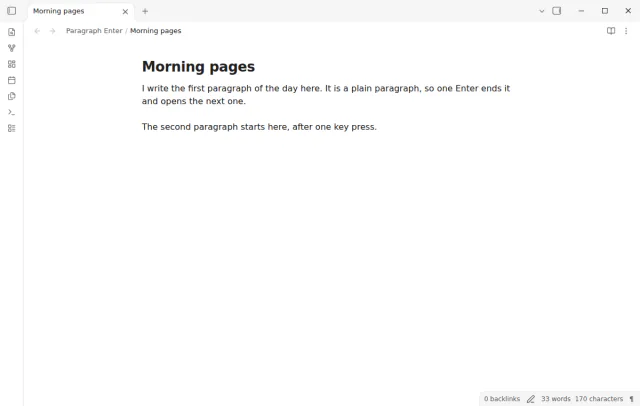
Press Enter once for a new paragraph, and Shift+Enter for a line break in the same paragraph.