How to get relative line numbers on wrapped lines in Obsidian
Obsidian's own line numbers give a wrapped paragraph one number, and its Settings help page lists no relative numbers, as of October 2026.
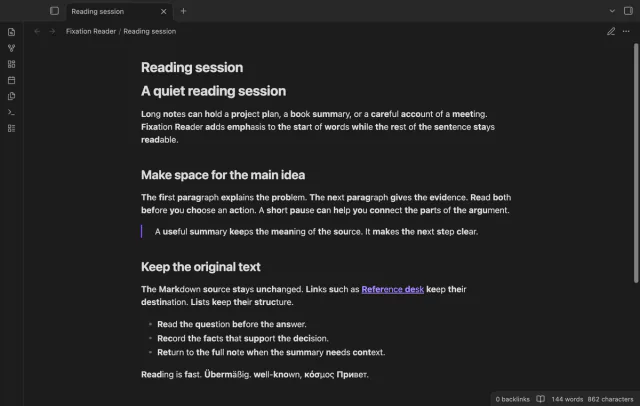
As of October 2026, Obsidian makes text bold when you wrap it in two asterisks, also around chosen letters. Fixation Reader instead marks supported word starts in Reading view without inserting Markdown markers. Try its strength and minimum length controls on a familiar paragraph, then toggle the display to compare.
You may want selected word starts to stand out in a long note. Manual emphasis becomes part of your text; display-only emphasis can be toggled without rewriting it. Neither method here establishes a reading speed or comprehension benefit.
Obsidian supports bold Markdown with two asterisks on each side of the text. Put those markers around a chosen word prefix. This gives you manual control over which letters receive emphasis.
The free Reading view effect computes word starts from strength and minimum word length. Latin, Cyrillic and Greek words get emphasis; unsupported scripts stay unchanged. Code, math and existing bold text keep their appearance.
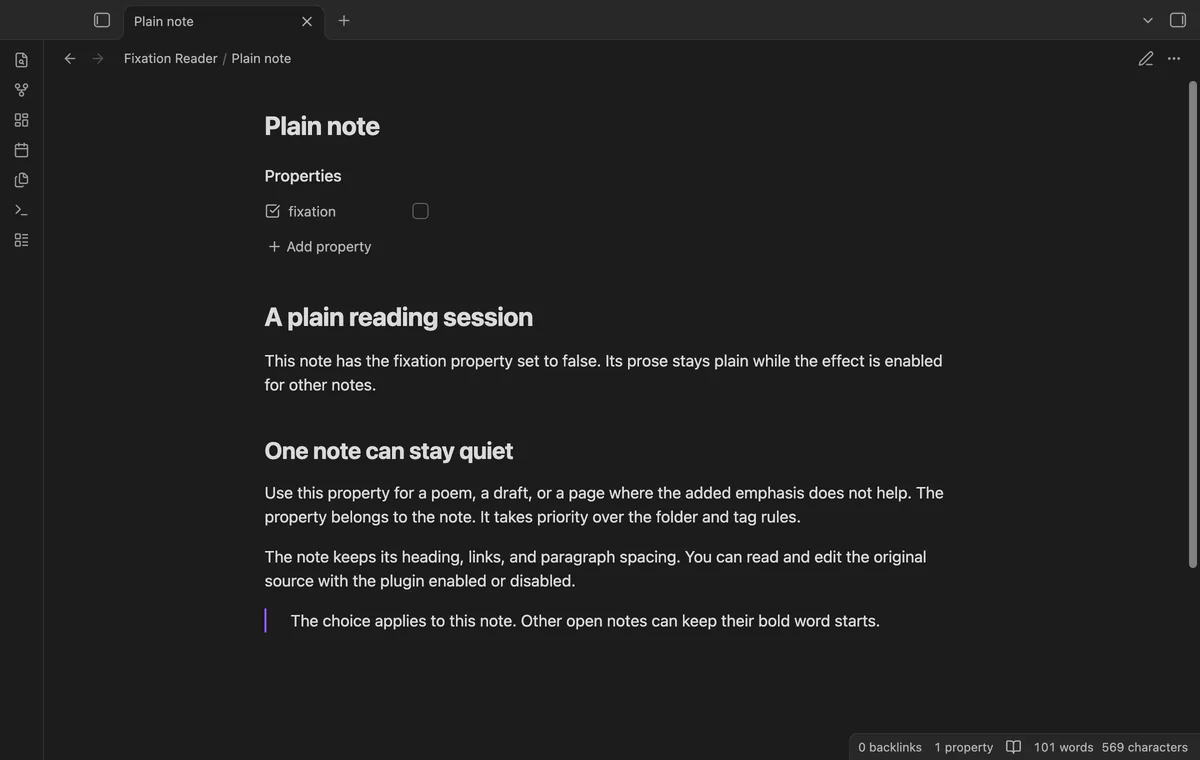
Use the toggle command to compare the display, or set the Boolean property fixation: false to keep a note plain. Pro adds Live Preview, folder and exact-tag exclusions, and custom style.
MIT · no telemetry · core features free
Install Fixation Reader from Community plugins and enable it.
Open a Markdown note in Reading view.
Read a familiar paragraph with the default strength and minimum word length.
Run Turn fixation on or off and compare the display.
Adjust the two controls in settings if you prefer another amount of emphasis.
Use the Reading view effect and its toggle command. The display processor adds marks to rendered text rather than writing note content. Adding a note property is a source change you make yourself.
The default minimum is three letters. Words below that length keep their normal appearance. Lower the minimum if you want supported shorter words included.
The Pro tag rule uses exact names while ignoring case. A rule for skip doesn't match skip/child. Folder exclusions do include subfolders.
Live Preview marks words only where the Markdown parser has reached the visible text. Text beyond that point stays plain until a later editor update can process it.
 You can now show bold word starts.
You're officially a regular.
Obsidian rewards people who share. NoteMods is just me and a lot of coffee. If this guide saved you a fight with the syntax, buy me a cup.
That's visit . Regulars are the reason I keep NoteMods running. If it's part of your routine now, a coffee says thanks better than anything.
Emphasize word starts without changing note text.