PDF Cover Cards
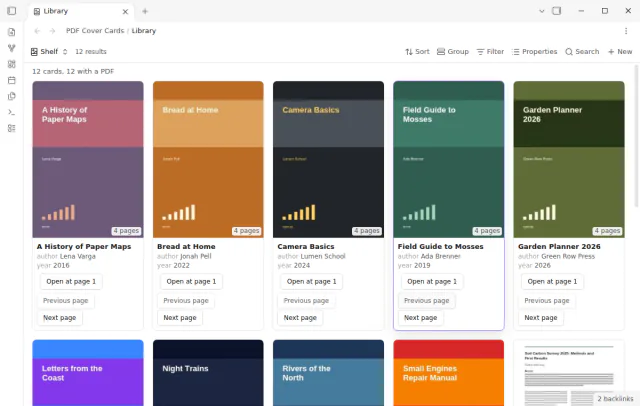
Show the first PDF page as a cover in your base.
Choose how many lines each property gets on the cards of a base.
MIT · no telemetry · core features free
The tests run on desktop Obsidian only. The plugin uses no desktop API.
Directory facts fetched from community.obsidian.md/users/theluckystrike.
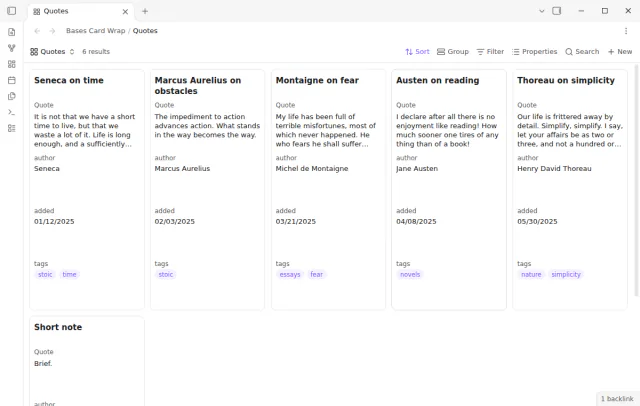
You keep quotes, titles or summaries in properties, and the core cards view cuts them after one line.
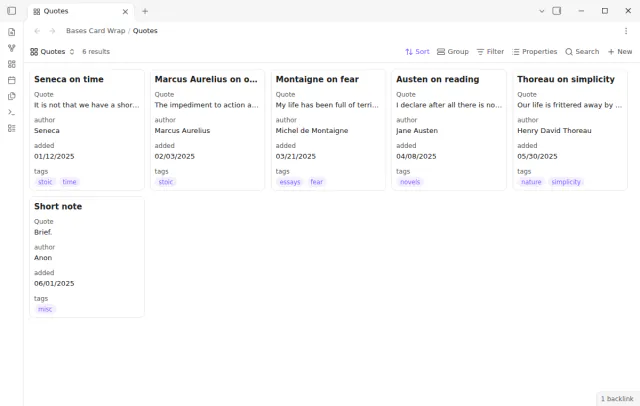
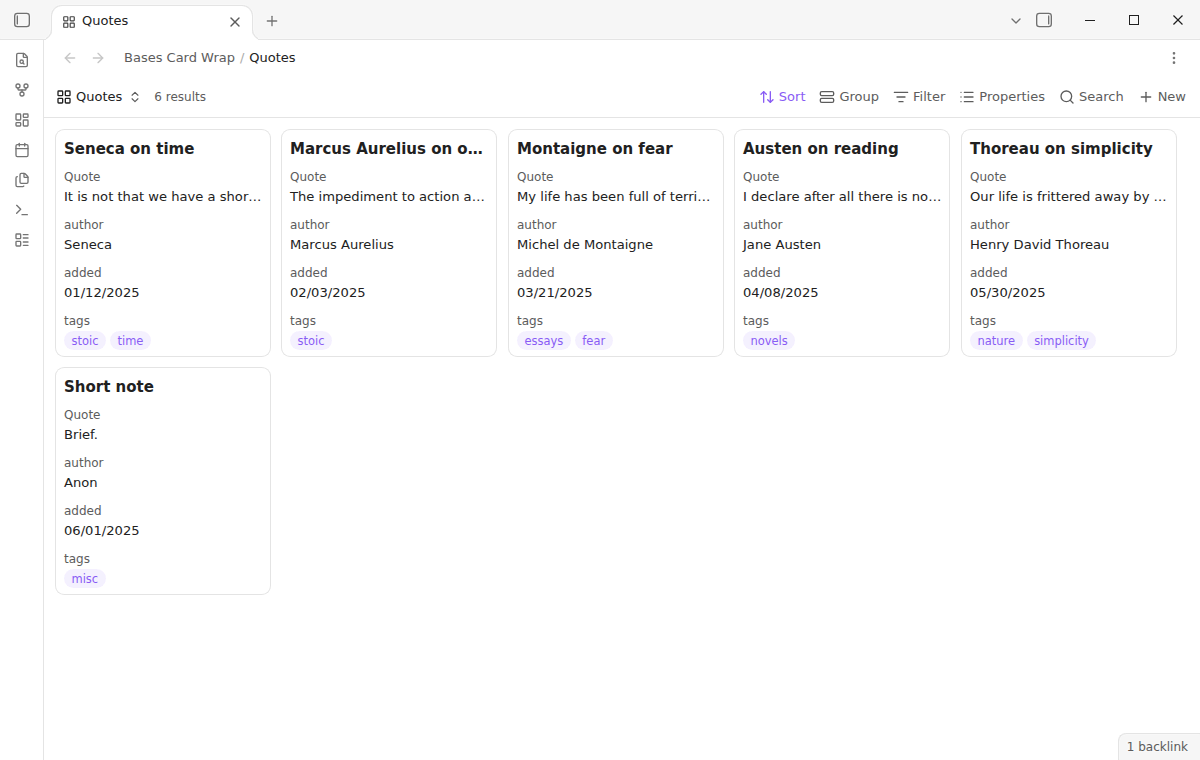
In the core cards view, each property gets one line, so a long quote stops after a few words. Bases Card Wrap lets you choose the number of lines for each property in each view.
The plugin changes how the core cards view looks. It does not add a view type, and it does not change your notes or your .base files.
 Play demo
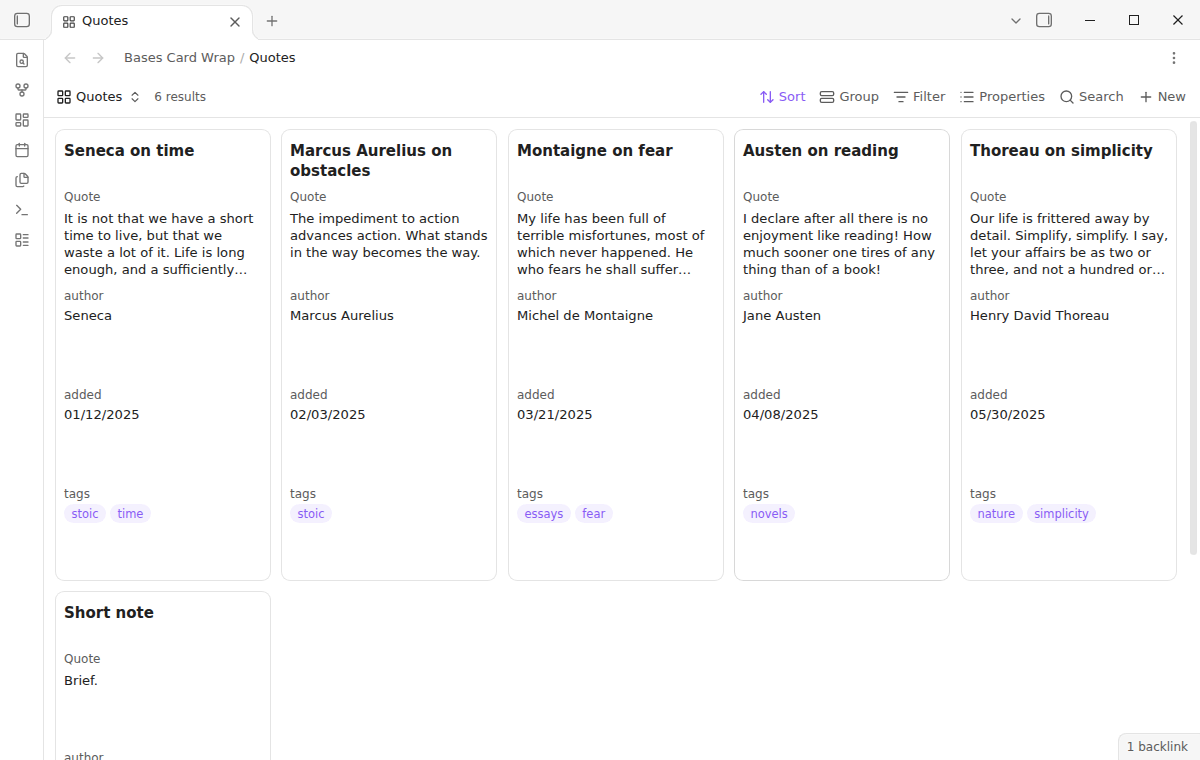
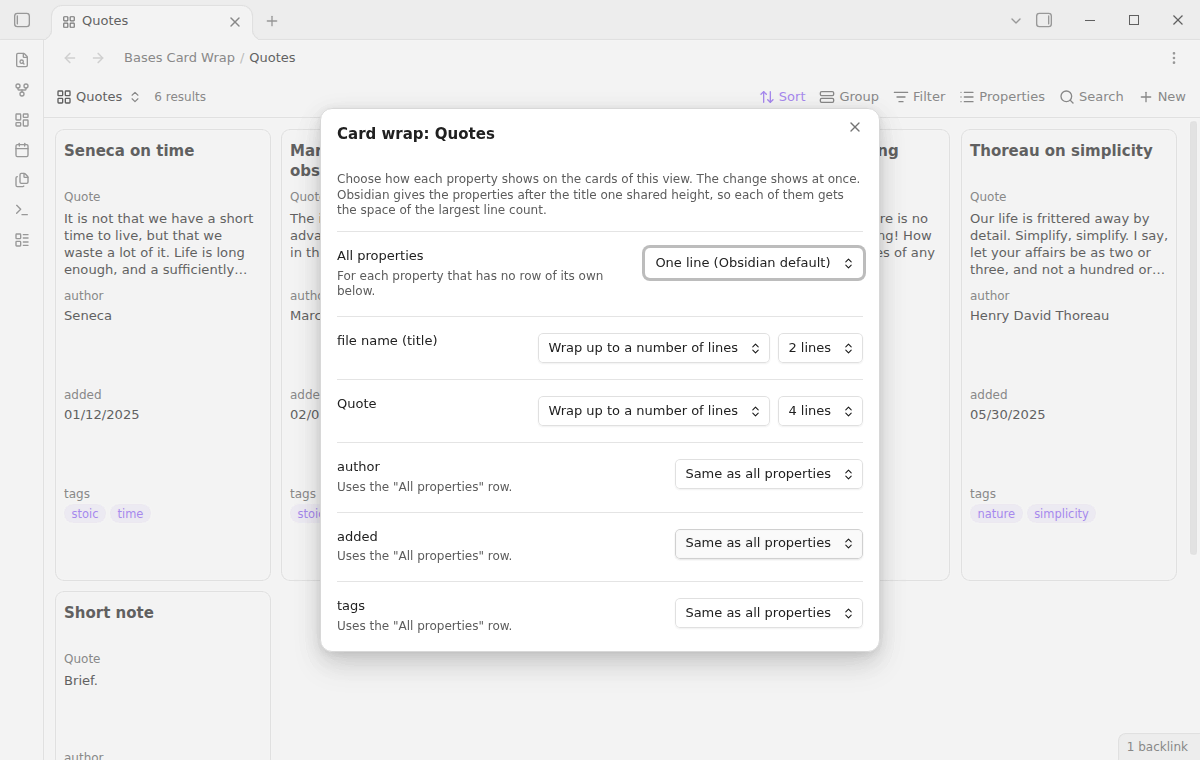

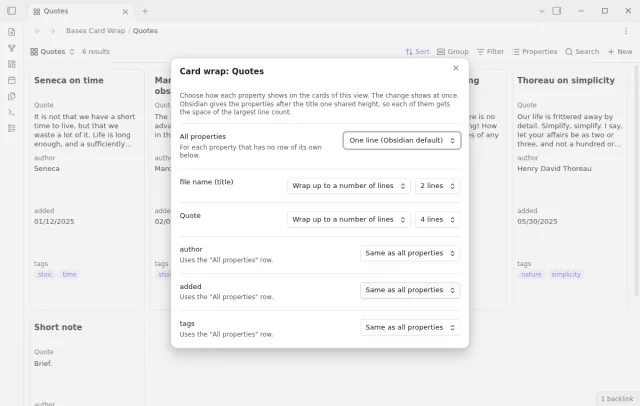
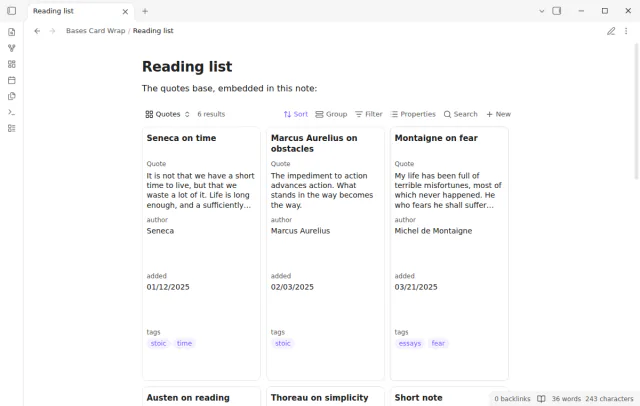
Give the title 2 lines and the quote 4 lines. The text wraps, and an ellipsis shows where it stops. All cards in the view get the same height.
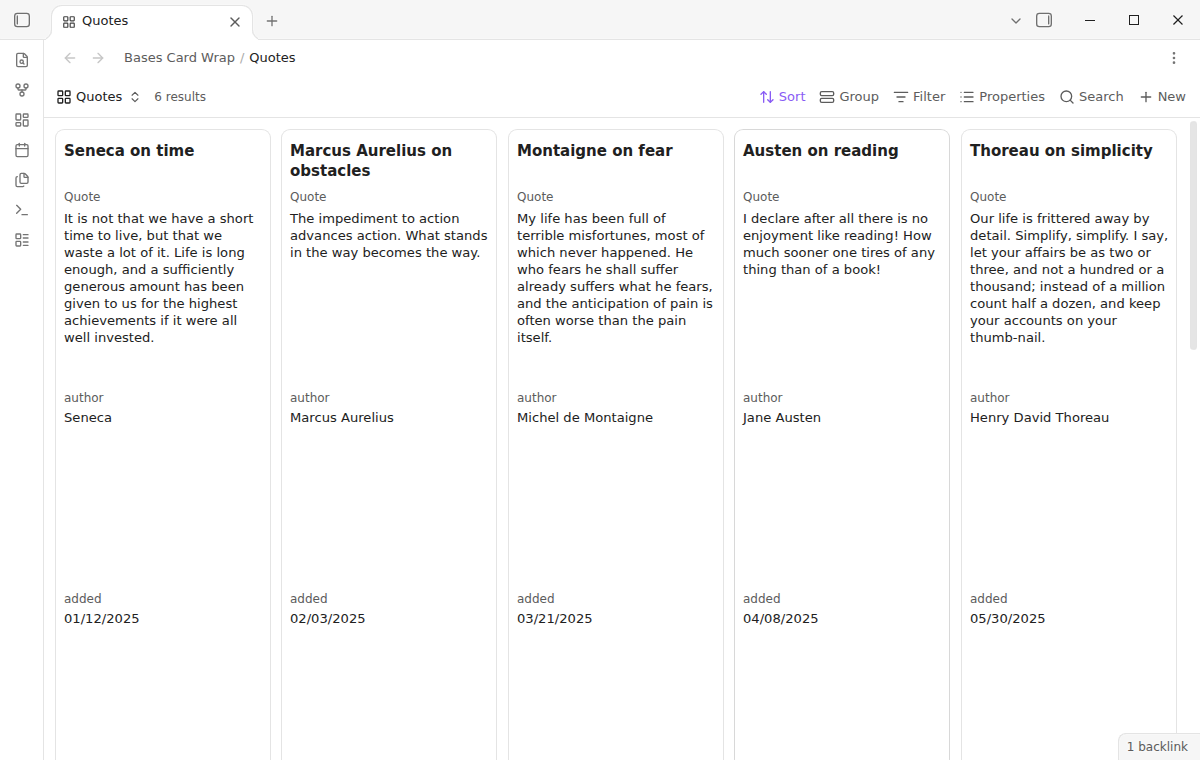
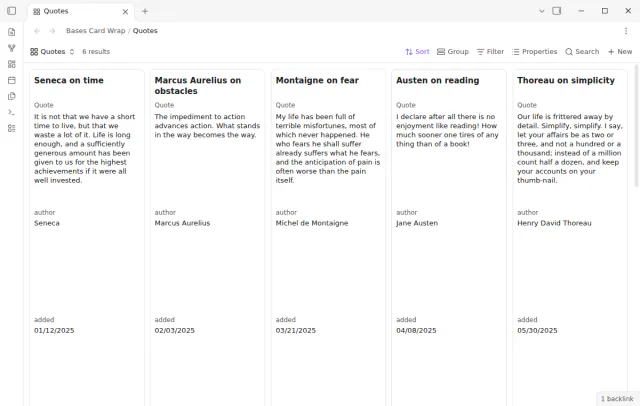
The wrap mode shows the value in a box of up to 10 lines. When the value is longer, scroll inside the box to read the rest.
Run the command Set card wrap for this view. A window has one row for all properties and one row for each property, in the order of the cards. A change shows at once, and other views of the base keep their own rules.
Core gives all properties after the title one shared height. Each of them gets the space of the largest line count in the view, so a short value leaves empty space below it. The title has its own height.
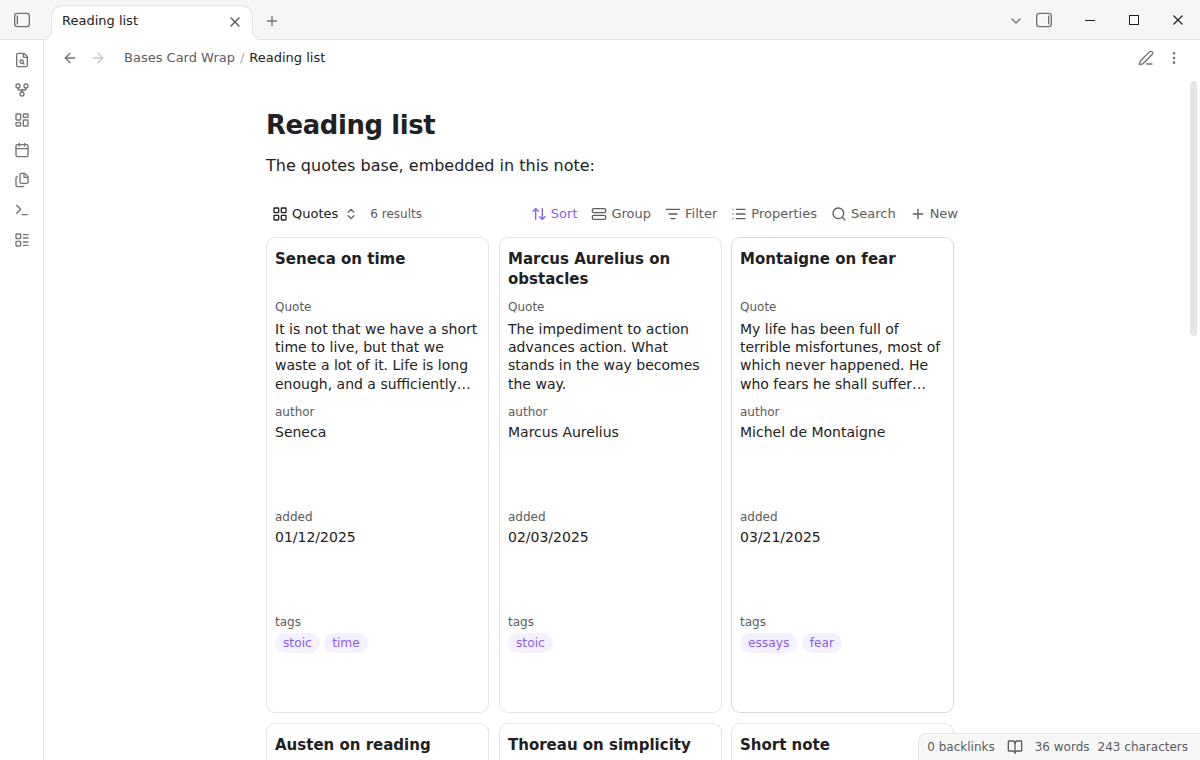
The rule of a view also applies where you embed the base in a note. It works in Reading view and in Live Preview.
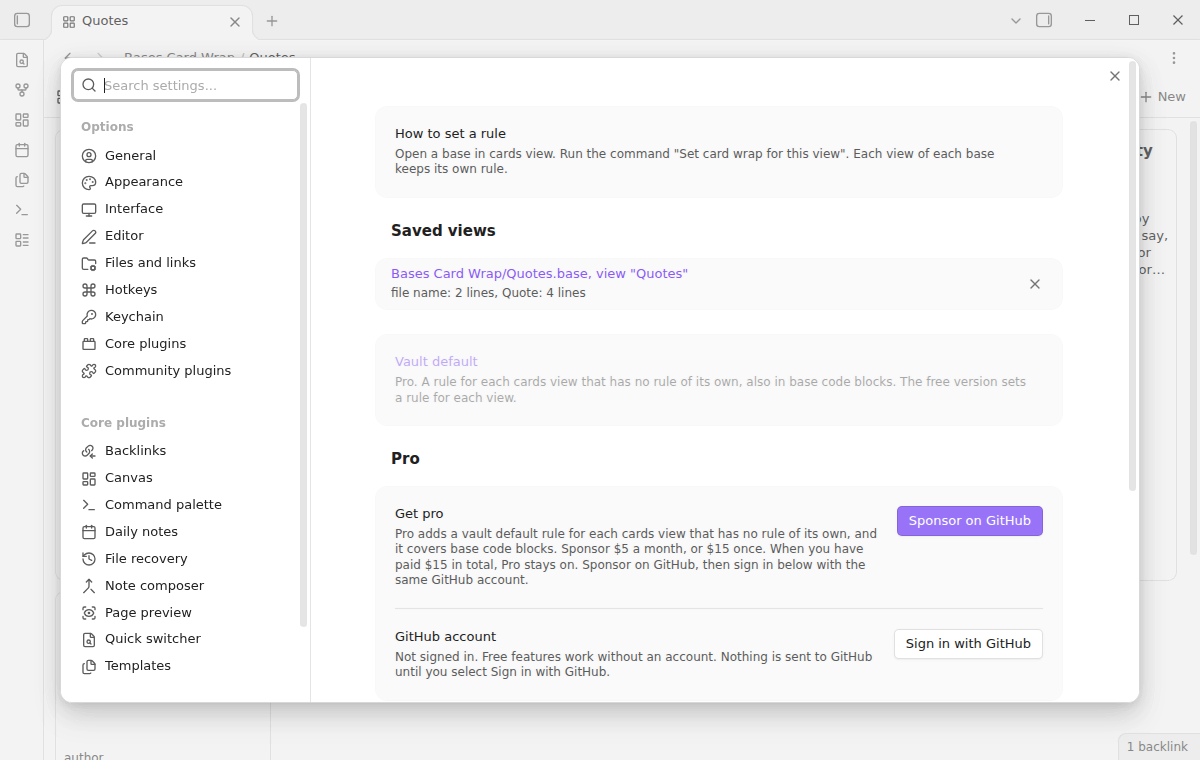
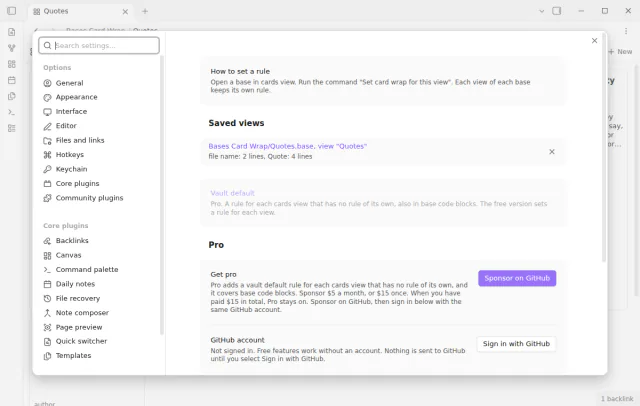
The settings list each view that has a rule. Select a row to edit the rule, or delete it to get the core look back for that view.
One view goes from one line to 2 lines, 4 lines and then the full value. The animation at the top of this page shows it.
The free version has rules for each view of a base file, and no vault default rule.
Pro costs $5 a month or $15 one time through GitHub Sponsors. One sponsorship turns on Pro in every plugin that has it.
Pro adds a default rule for each cards view that has no rule of its own. It also applies to base code blocks, which have no file, so the free rules for each view do not reach them.
needs
steps
Open a base file and select a cards view.
Run the command Set card wrap for this view.
In the row All properties, select a mode. Or select a mode in the row of one property.
For Wrap up to a number of lines, select the number of lines.
Close the window. The plugin saves each change at once.
If the app can't find a new plugin yet, try again later. Obsidian says a plugin that passes the review shows in the app within 24 hours.
A forum request for word wrap in Bases cards has been open since August 2025. The topic has 48 likes and 9 posts.
Need a change for your team? I build custom Obsidian plugins and features.
Core gives every card in a view one height, and all properties after the title one shared height. Each property gets the space of the largest line count. To keep cards short, give the long property the lines and put it last.
No. The plugin keeps the rules in its own data file in your vault.
Yes. The plugin changes the line count and the wrap of the value line. A date, a list or a link keeps its core look.
The core look comes back at once, without a reload. Your rules stay saved for the next time that you enable it.
Until you select Sign in with GitHub, Bases Card Wrap makes no network requests. Sign in and the sponsorship check contact github.com and api.github.com with the scope read:user, and a successful check is reused for 7 days. The plugin sends no note content, file names or other vault data.
Tell me what is broken in Bases Card Wrap, or what it should do next.
Bases Card Wrap 1.0.0, MIT license
MIT · no telemetry · core features free
Show the first PDF page as a cover in your base.
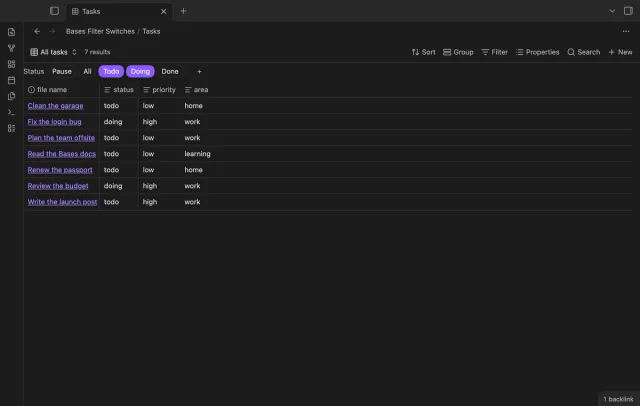
Turn saved Bases filters on or off with switches.
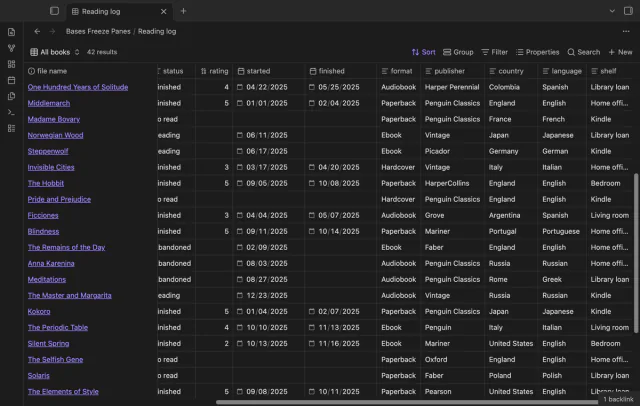
Keep column and note names visible as you scroll a base.