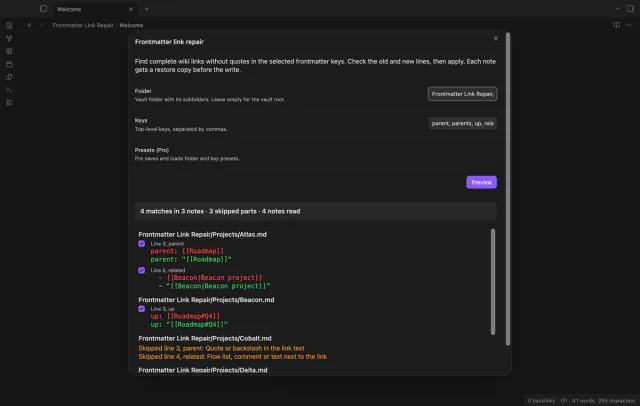
Frontmatter Link Repair
Repair wiki links with restore copies.
Pick an icon with Iconize and the note gets the same icon in its properties.
MIT · no telemetry · core features free
Tests ran on Obsidian 1.13.4 and the latest version on desktop. They used the Iconize 2.14.7 data file format and no real Iconize install, and no mobile test exists.
Directory facts fetched from community.obsidian.md/users/theluckystrike.
You use Iconize and want the icon in the note itself, for sync, copy and paste, search or a file over app vault.
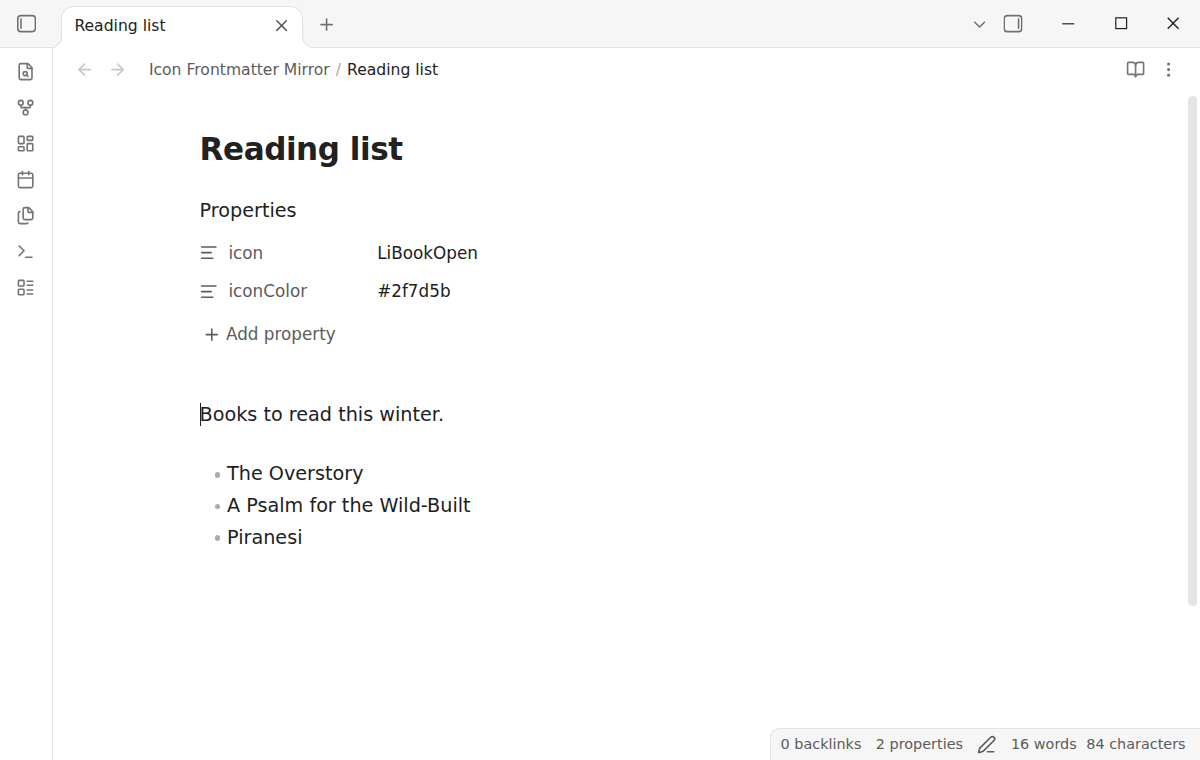
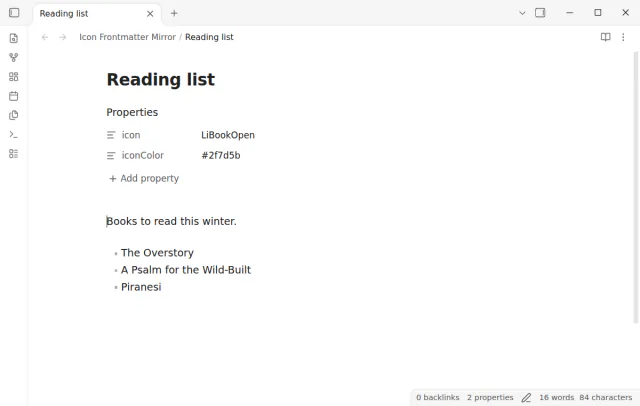
Iconize keeps the icon of each note in its own data file. When you use Change icon, the icon does not go into the note. Icon Frontmatter Mirror copies it to the icon property of the note, and the color to iconColor.
The plugin reads the Iconize data file and never writes it. It checks the file every 2 seconds and keeps the properties current.
 Play demo
Set an icon with the Iconize icon picker. The plugin writes the same text that Iconize stores to the icon property, for example LiBookOpen or an emoji. A color goes to iconColor.
A change shows in the note 2 to 4 seconds after Iconize saves. A removed icon removes the property only when the property still has the value that the plugin wrote. The command Mirror icons now reads the file at once.
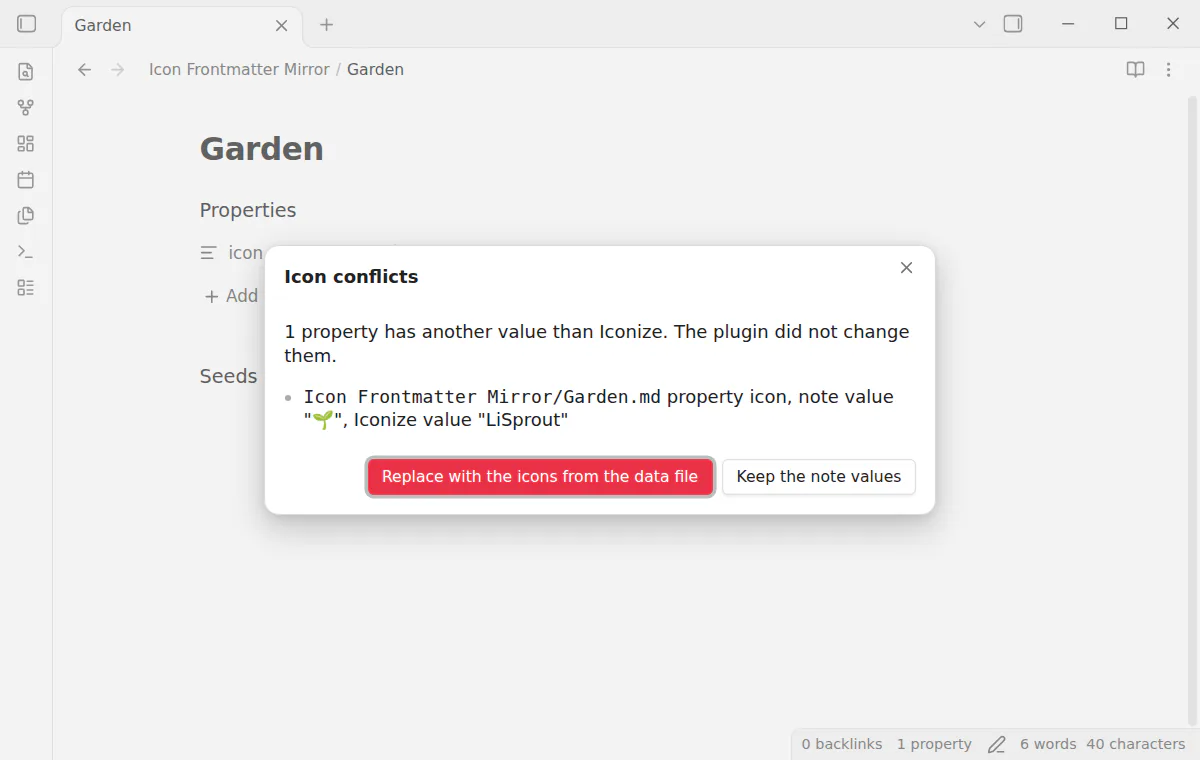
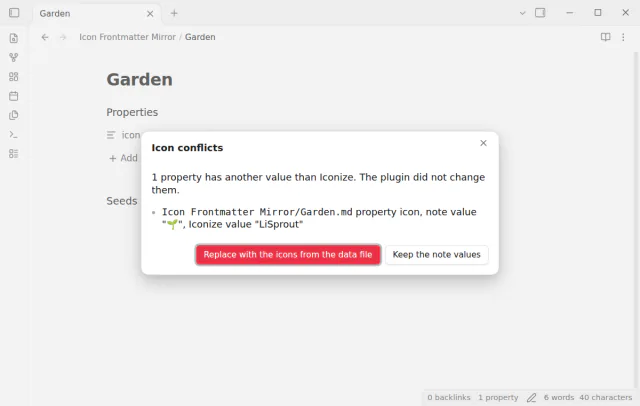
If a note has another value in the property, the plugin keeps it and adds the note to a conflict list. Run Show icon conflicts to compare each value with the Iconize value. Then replace the note values or keep them.
If one check would remove values from over 10 notes, the plugin removes nothing and shows a notice. Run Apply held icon removals to confirm. This helps after you reinstall Iconize.
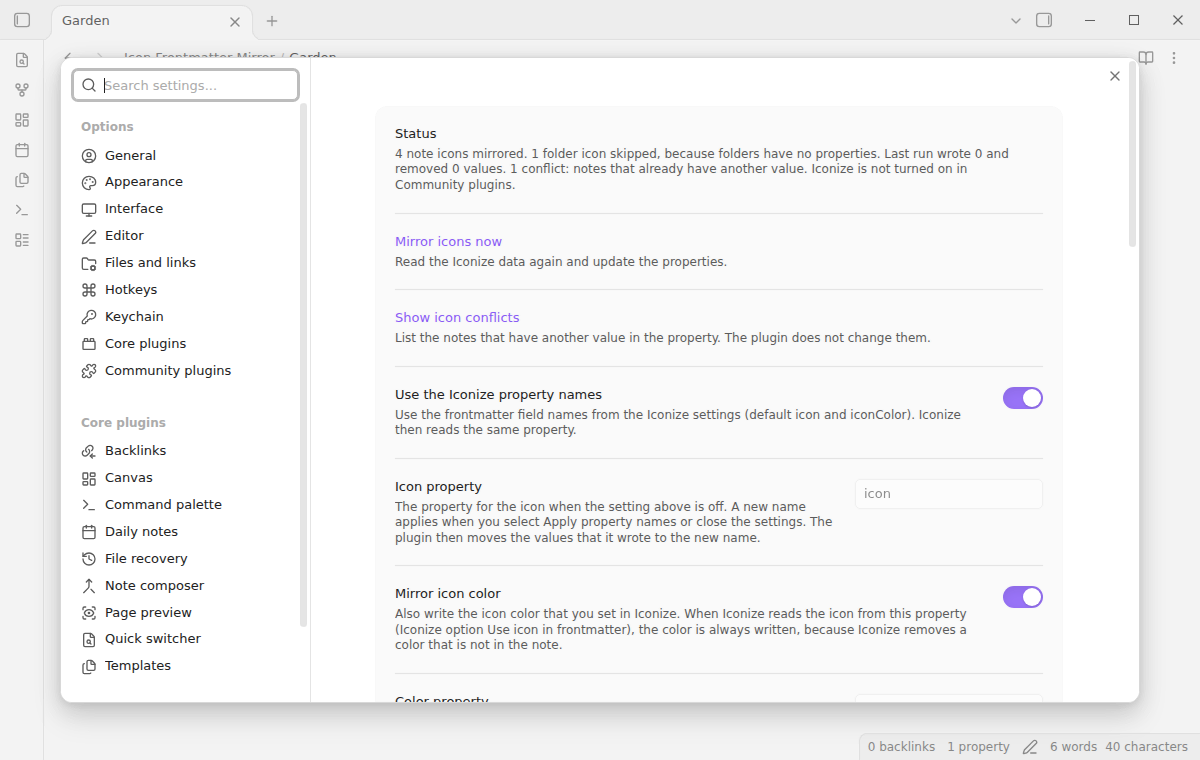
The settings tab shows the number of mirrored notes, skipped folder icons, the last run and the conflicts. Folders have no properties, so the free version skips folder icons. The plugin writes a note only when a value must change.
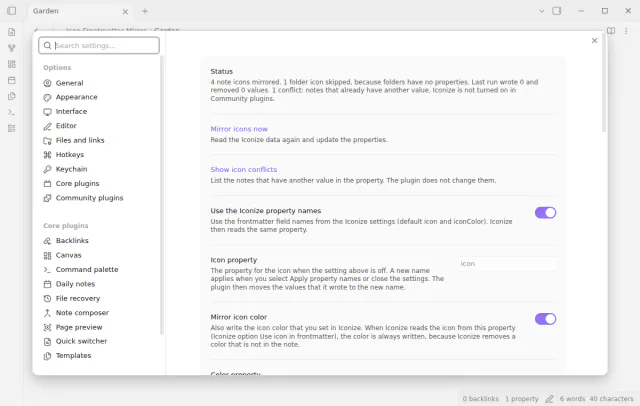
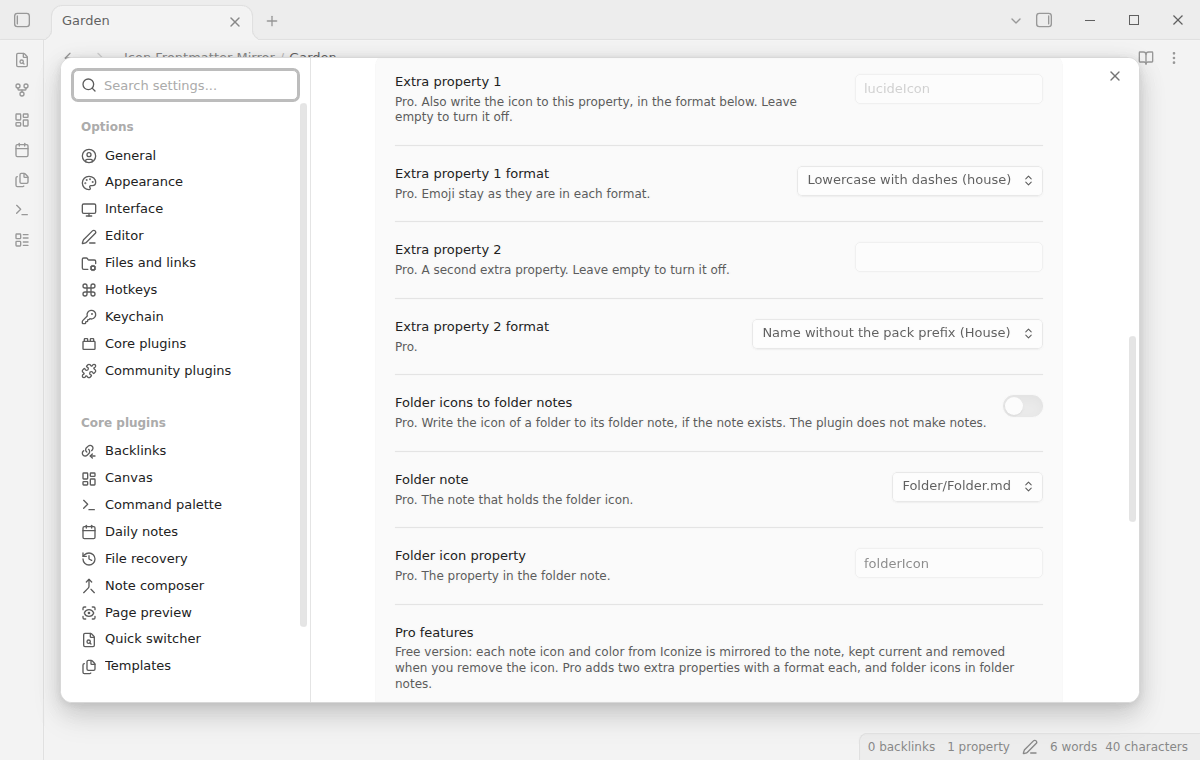
The free version writes one icon property and one color property, and it skips folder icons.
Pro costs $5 a month or $15 one time through GitHub Sponsors. One sponsorship turns on Pro in every plugin that has it.
Pro writes the icon to one or two more properties. Each has a format, such as LiHouse, House or house. Pro also writes a folder icon to the property folderIcon of the folder note, which must exist.
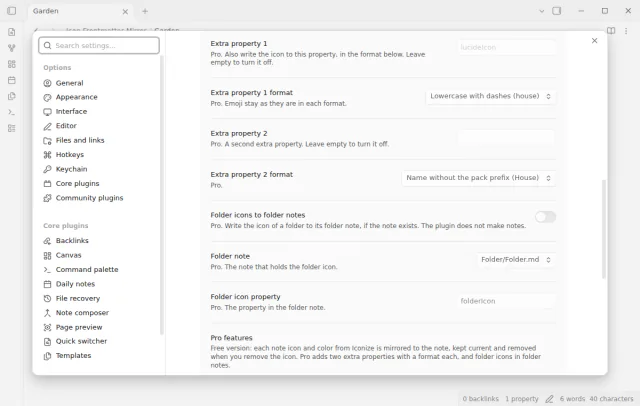
needs
steps
Install and turn on Iconize and this plugin.
Right-click a note in the file explorer, select Change icon and pick an icon.
After 2 to 4 seconds, open the note. The properties show icon with the name of the icon.
To update all notes at once, run the command Icon Frontmatter Mirror, Mirror icons now.
If some notes already had an icon property, run Show icon conflicts.
If the app can't find a new plugin yet, try again later. Obsidian says a plugin that passes the review shows in the app within 24 hours.
Iconize issue 380 asks for a separate option to write the icon to frontmatter. It has been open since February 2024 with 28 plus one reactions and 9 comments, and a duplicate issue 590 has 6.
Need a change for your team? I build custom Obsidian plugins and features.
No. The plugin only reads the Iconize data file. It writes only to your notes, through the frontmatter API of Obsidian.
The plugin removes the property if it still has the value that the plugin wrote. If you changed the value, the plugin keeps your value.
Yes, when Use icon in frontmatter is on in Iconize. The value is the exact text that Iconize stores, so Iconize finds the same icon and changes nothing. The plugin then always writes the color too.
The plugin reads the file only after it stays the same for one check. If the file is not complete or not valid JSON, the plugin keeps the last good copy and writes nothing.
Until you select Sign in with GitHub, Icon Frontmatter Mirror makes no network requests. Sign in and the sponsorship check contact github.com and api.github.com with the scope read:user, and a successful check is reused for 7 days. The plugin sends no note content, file names or other vault data.
Tell me what is broken in Icon Frontmatter Mirror, or what it should do next.
Icon Frontmatter Mirror 1.0.0, MIT license
MIT · no telemetry · core features free
Repair wiki links with restore copies.
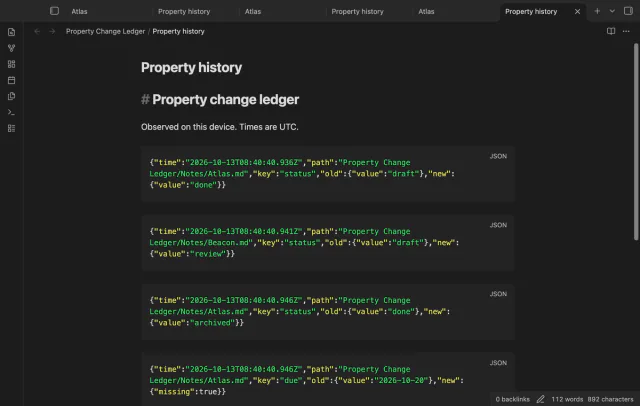
Record selected property changes while your vault is open.
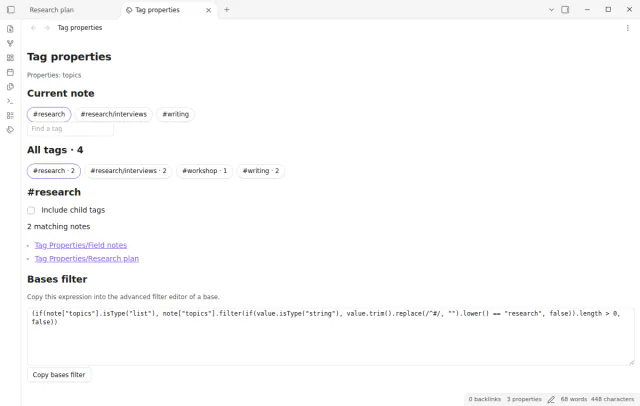
Browse the values of a list property such as topics as tags with note counts and note links.