Tag Properties
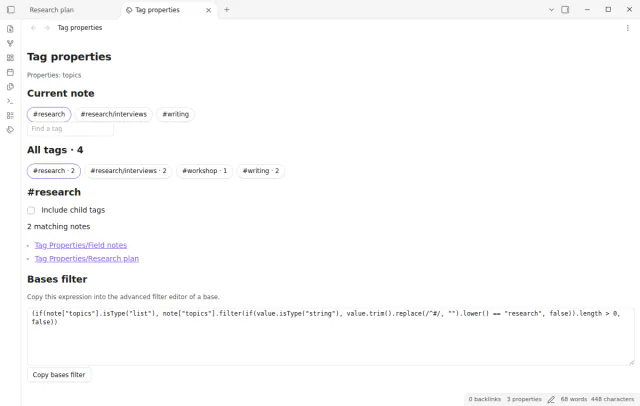
Browse the values of a list property such as topics as tags with note counts and note links.
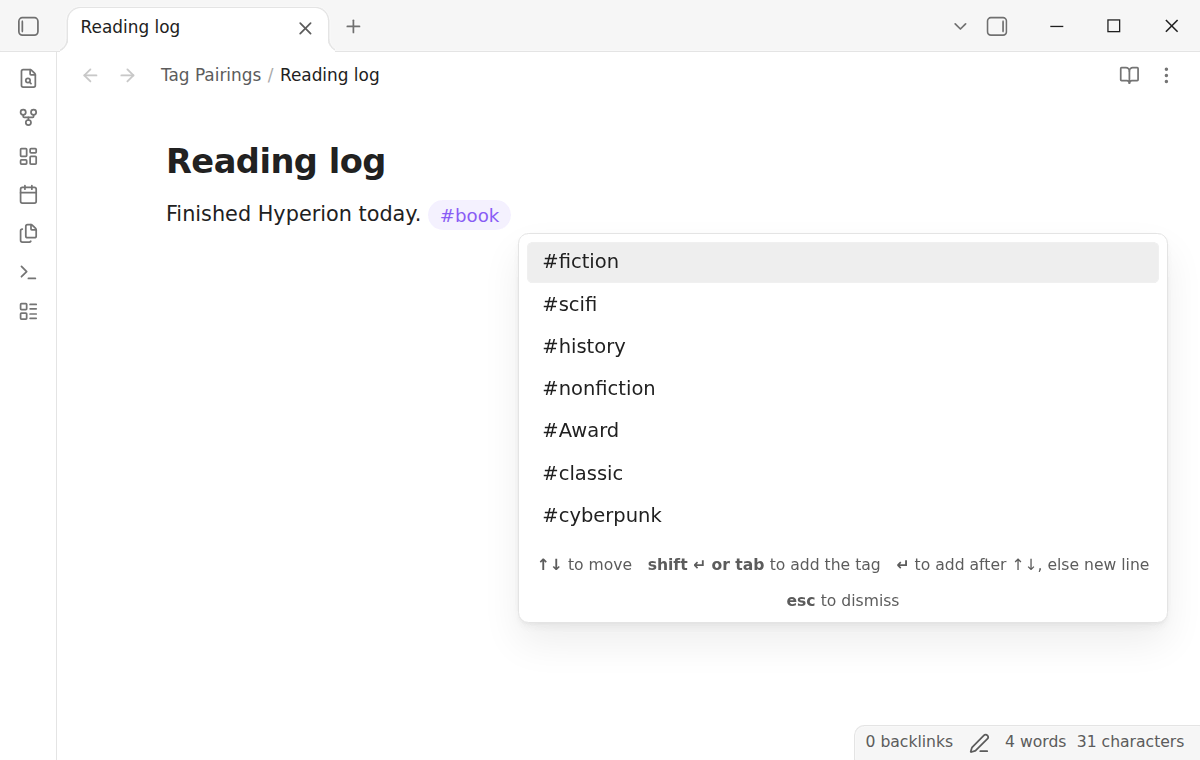
Type a tag and see the tags that your other notes use with it.
MIT · no telemetry · core features free
End-to-end tests run on Obsidian 1.13.4 and the latest version on desktop. No mobile test exists.
Directory facts fetched from community.obsidian.md/users/theluckystrike.
You tag notes by hand and want the tags that you used together before.
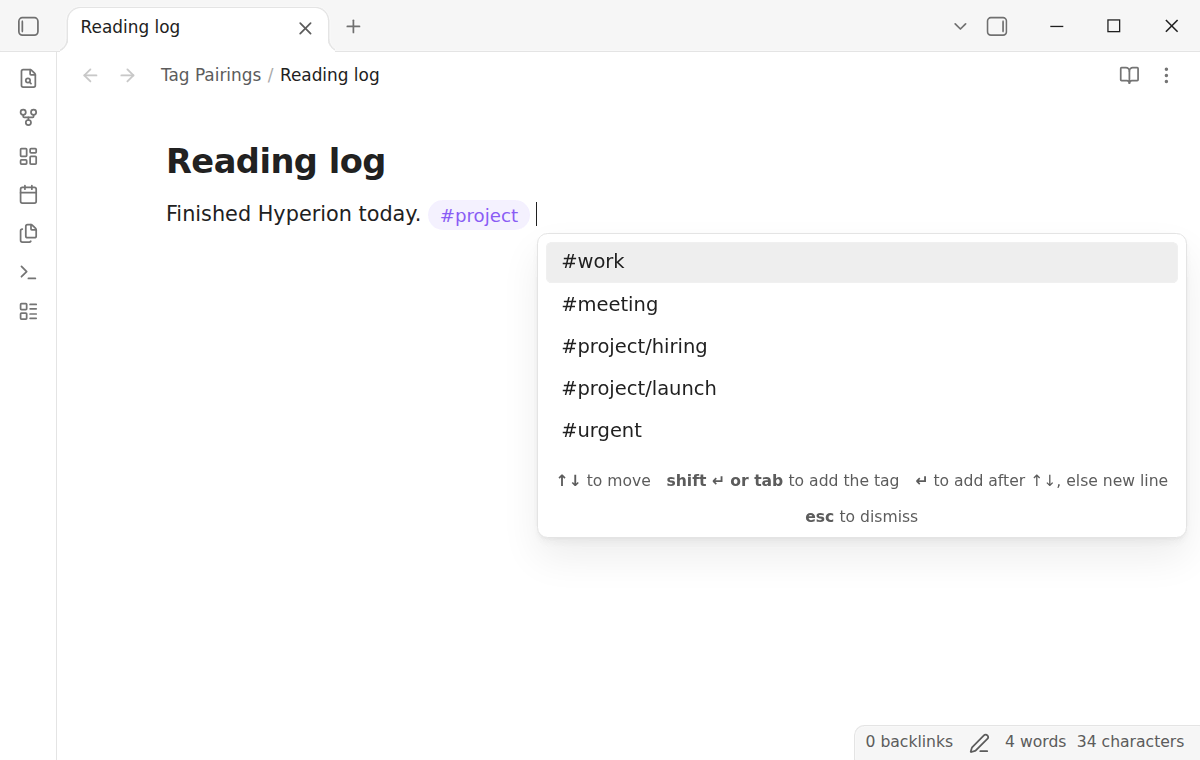
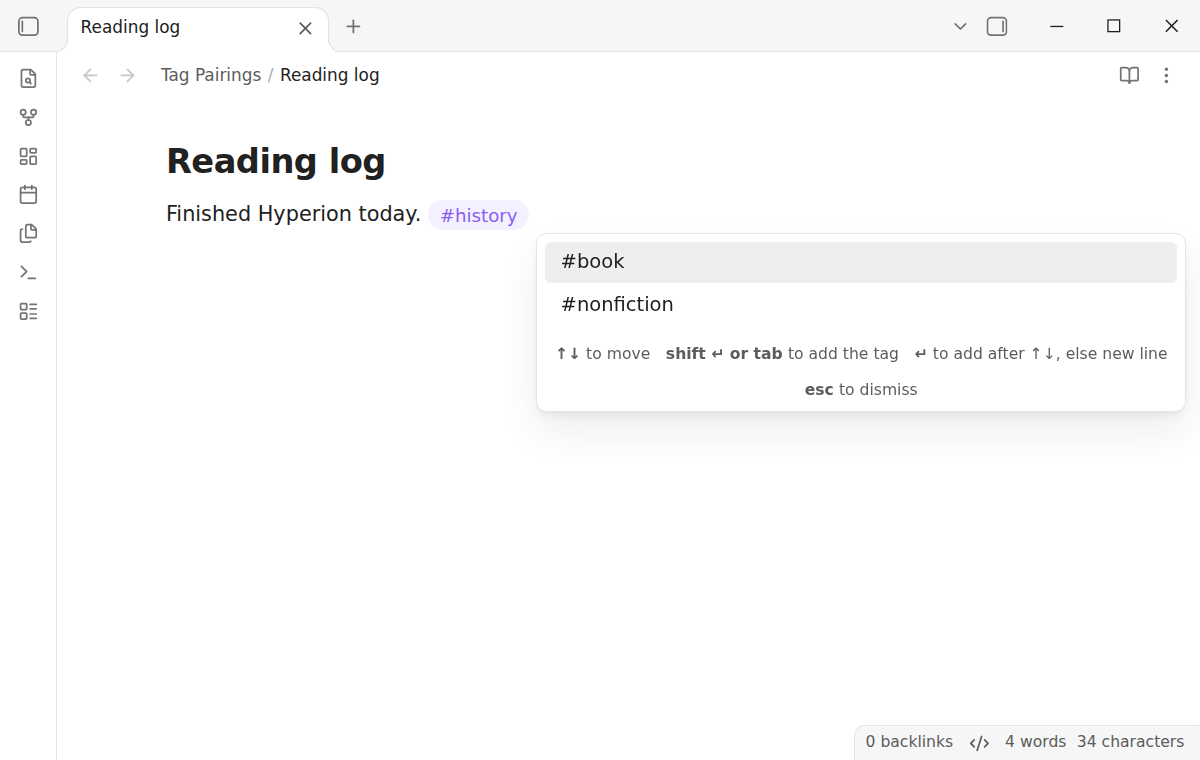
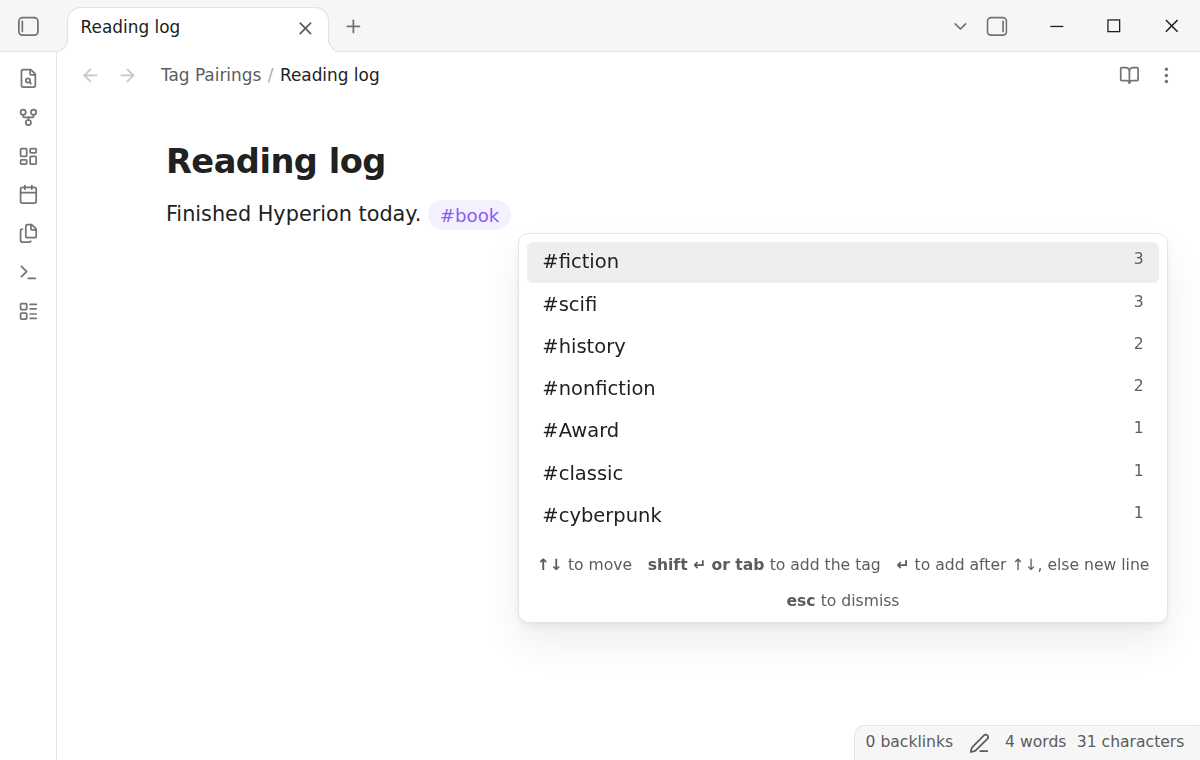
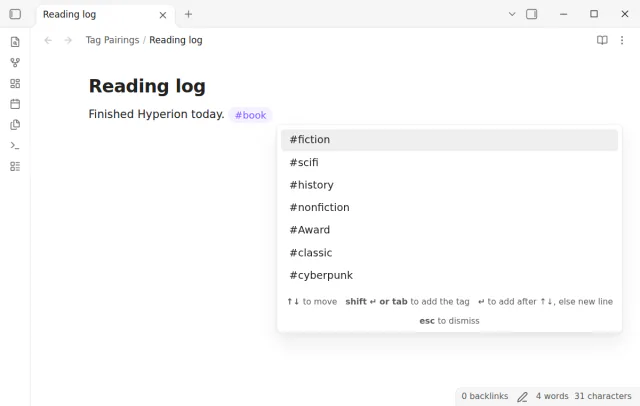
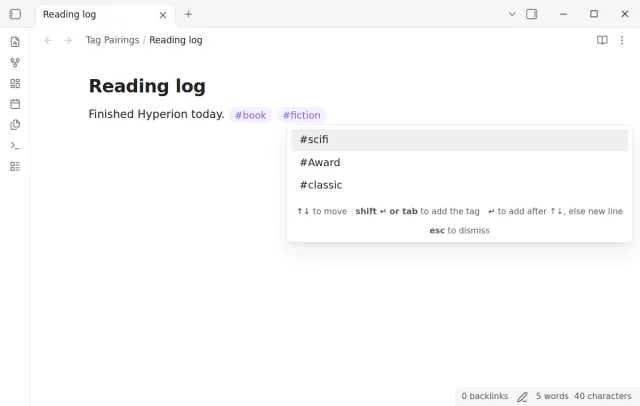
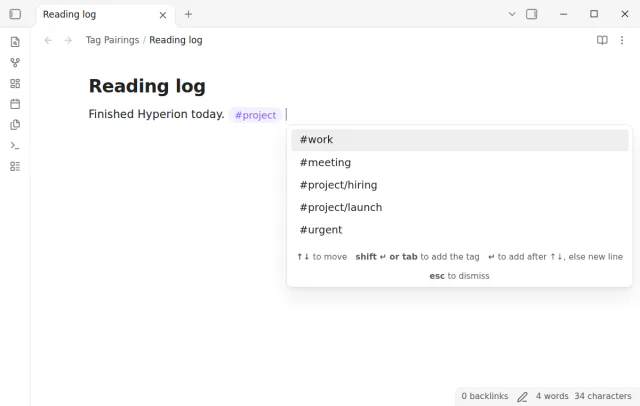
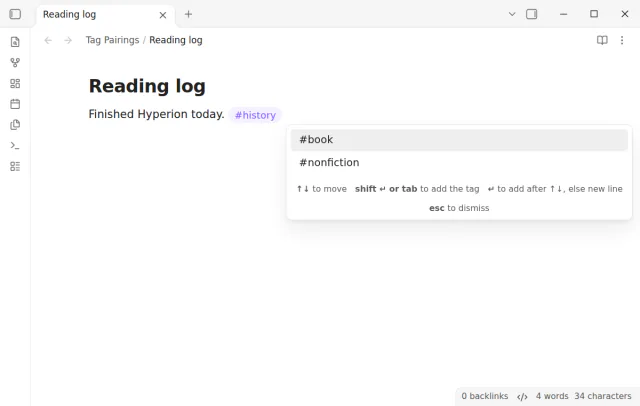
After you type a tag and a space, Tag Pairings opens a box at the cursor. The box lists the tags that occur most often in the same notes as that tag. The tag that shares the most notes is first.
The plugin counts tags on your device. It never writes to your notes on its own. It inserts text only when you pick a tag.
 Play demo
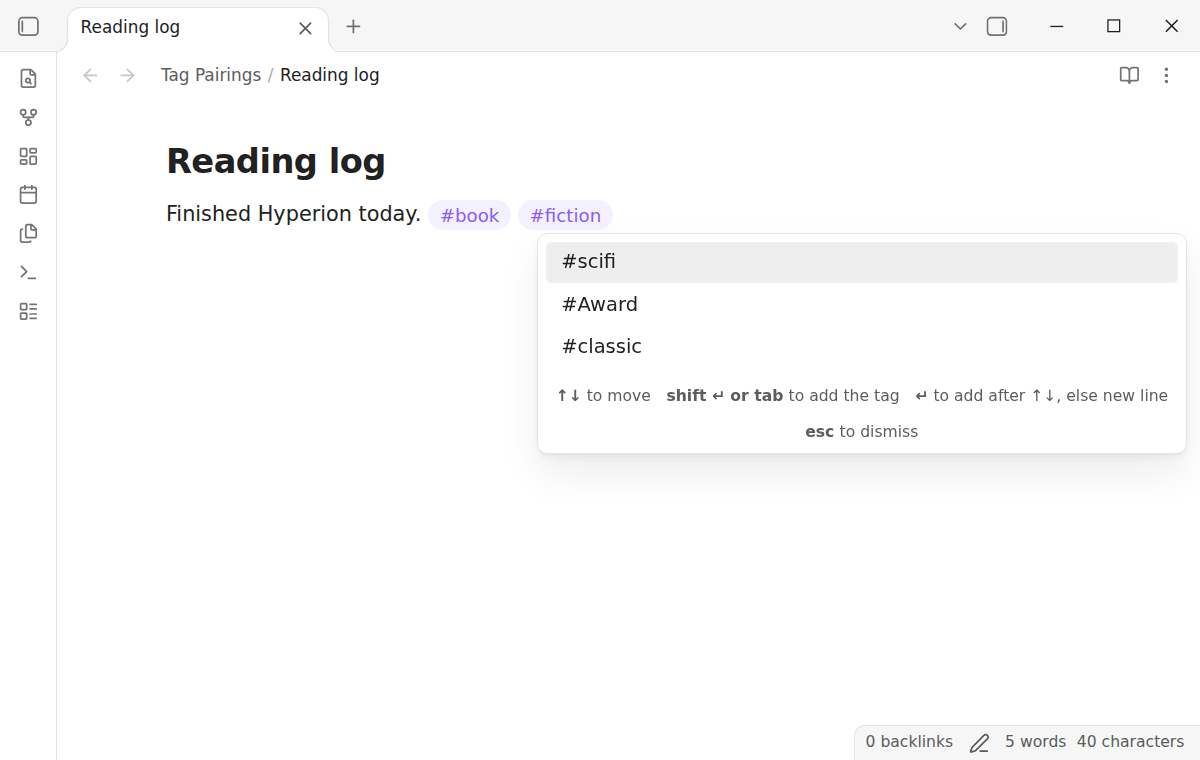
Type a tag and a space on any line. A box lists the tags that share the most notes with it. The list leaves out the tags that the note already has and the tags on the current line.
Press Shift+Enter or Tab, or click a tag, to add it. Enter adds a tag only after you move the highlight with Up or Down, so Enter still makes a new line. The box then opens again with the tags that occur with the tag you just added.
The plugin reads the tags from the metadata cache of Obsidian, the same source as the tag pane. Tags in the body and in the tags property count the same. A nested tag counts for its parents too.
The box works in Live Preview and in Source mode. It does not open in a code block, in inline code or in the front matter.
The free version shows up to 20 tags, without counts, and counts the whole vault.
Pro costs $5 a month or $15 one time through GitHub Sponsors. One sponsorship turns on Pro in every plugin that has it.
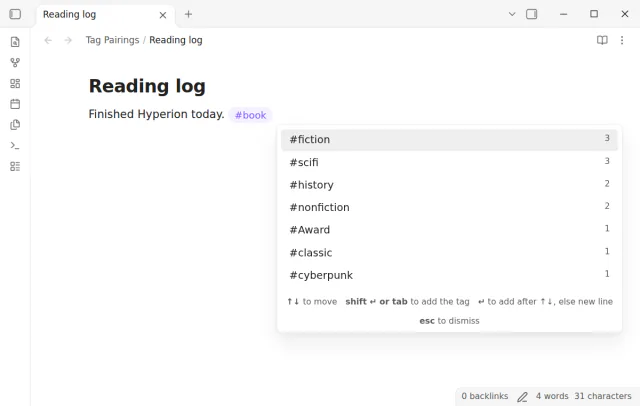
Pro shows the number of shared notes next to each tag. It can count only the notes in the folder of the current note. It also sets the list length from 5 to 50 tags.
needs
steps
Enable the plugin. There is nothing to set up.
Open a note in Live Preview or Source mode.
Type a tag, for example #recipe, then a space.
Press Shift+Enter or Tab to add the highlighted tag. Or move the highlight with Up or Down, then press Enter.
Press Escape to close the box and keep typing.
If the app can't find a new plugin yet, try again later. Obsidian says a plugin that passes the review shows in the app within 24 hours.
A forum request from 2020, Tag Suggestions, asks to quickly add associated tags. The topic has 11 likes.
Need a change for your team? I build custom Obsidian plugins and features.
No other tag shares a note with that tag yet, or each tag that does is already in the note or on the line. The box also stays closed in code, in the front matter and when the # follows a letter.
Yes. Until you move the highlight with Up or Down, Enter closes the box and makes a new line. After Up or Down, Enter adds the highlighted tag. Shift+Enter and Tab always add it.
Obsidian treats Book and book as one tag. The plugin does the same, and it inserts the spelling that most of your notes use.
No. It counts tags on your device. The free features make no network requests.
Until you select Sign in with GitHub, Tag Pairings makes no network requests. Sign in and the sponsorship check contact github.com and api.github.com with the scope read:user, and a successful check is reused for 7 days. The plugin sends no note content, file names or other vault data.
Tell me what is broken in Tag Pairings, or what it should do next.
Tag Pairings 1.0.0, MIT license
MIT · no telemetry · core features free
Browse the values of a list property such as topics as tags with note counts and note links.
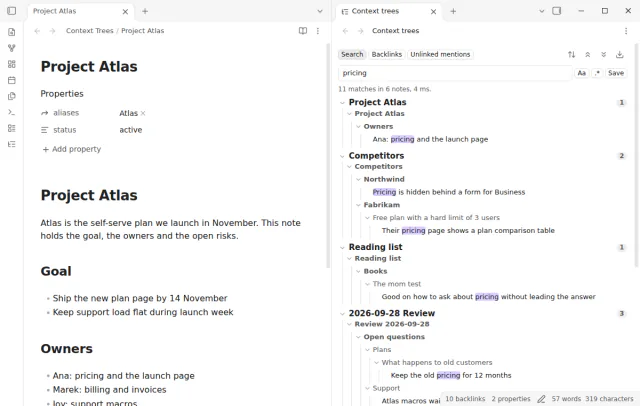
Show parent headings and lists in search results.
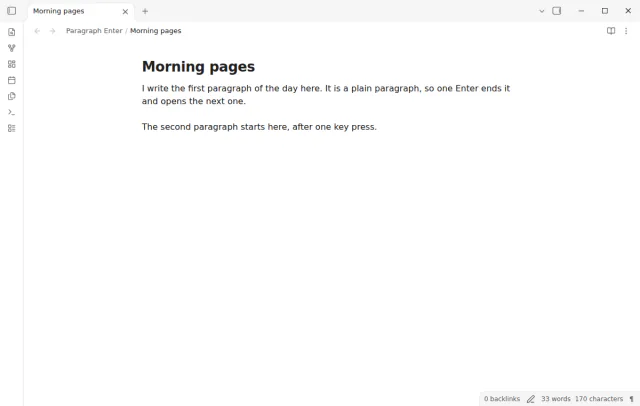
Press Enter once for a new paragraph, and Shift+Enter for a line break in the same paragraph.