Task Date Links
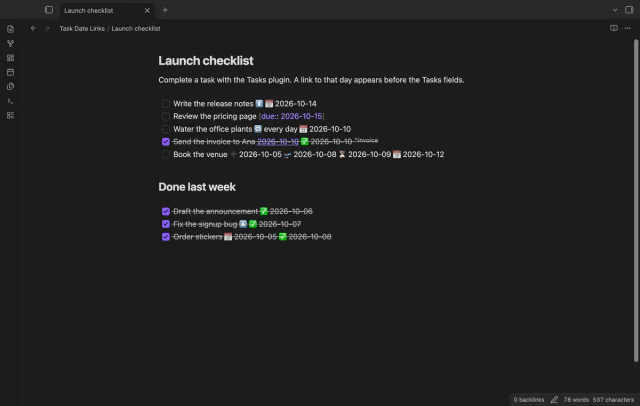
Link completed tasks to their daily notes for backlinks.
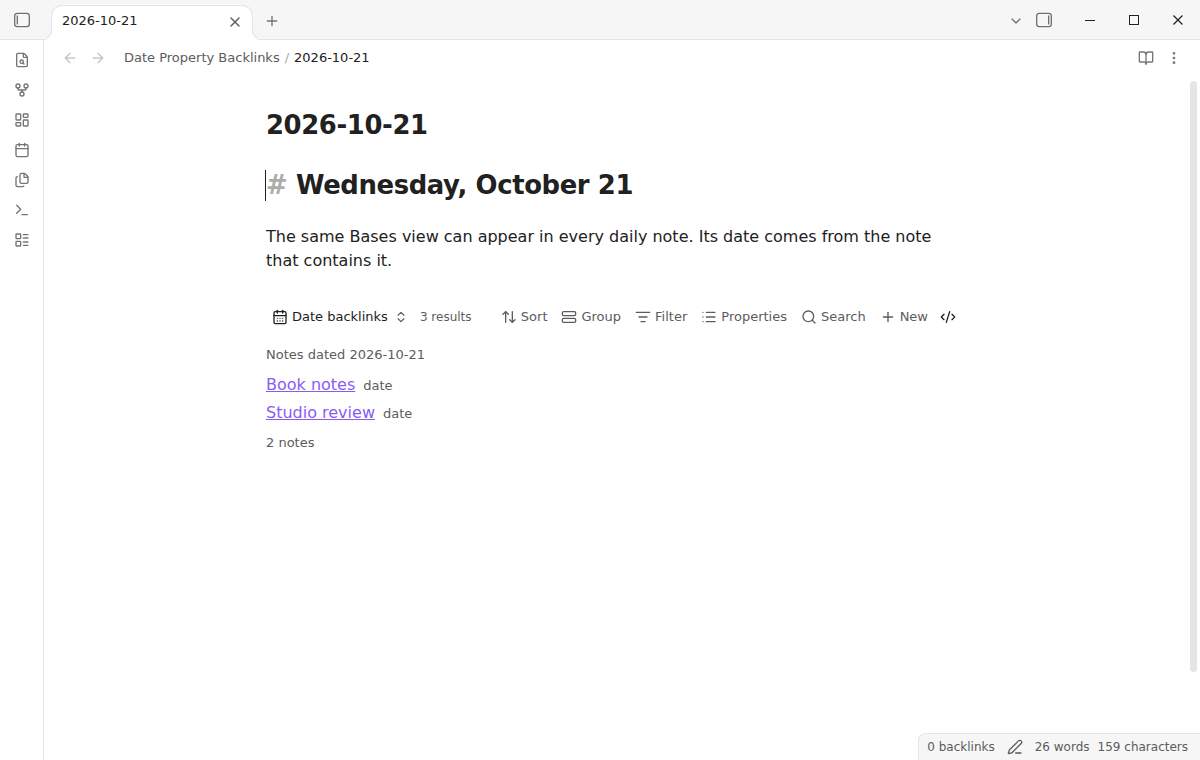
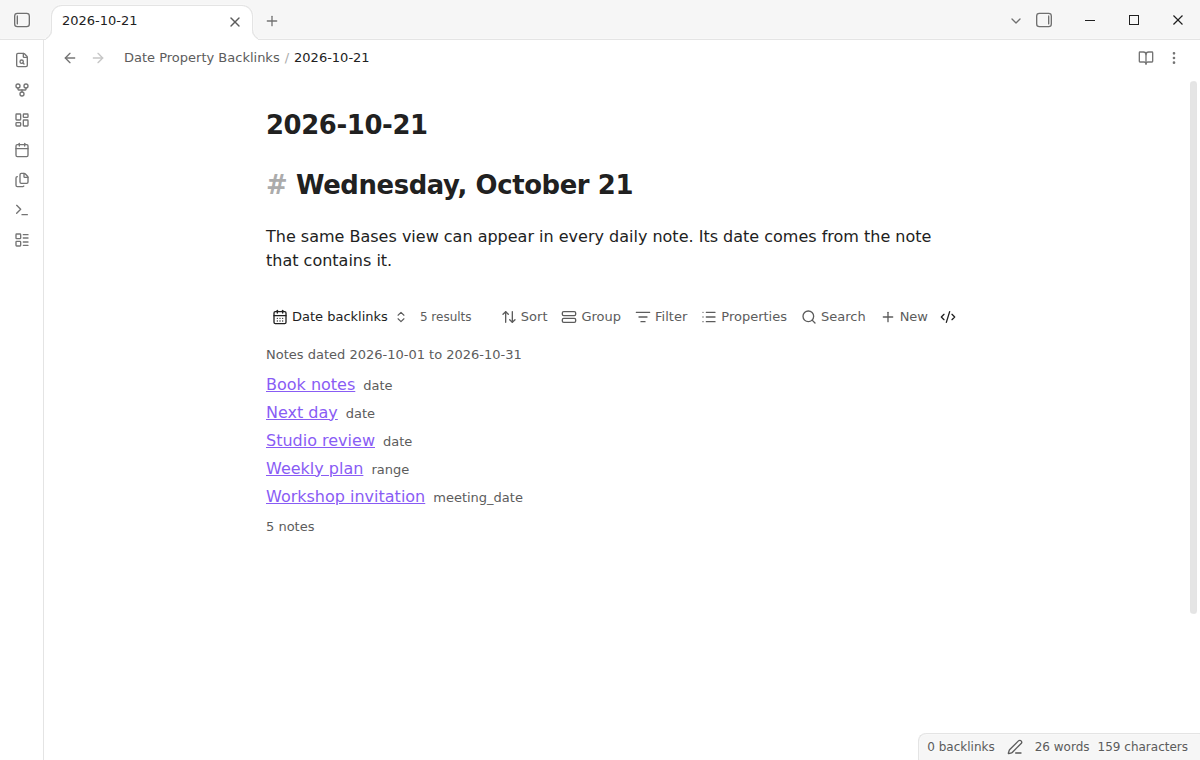
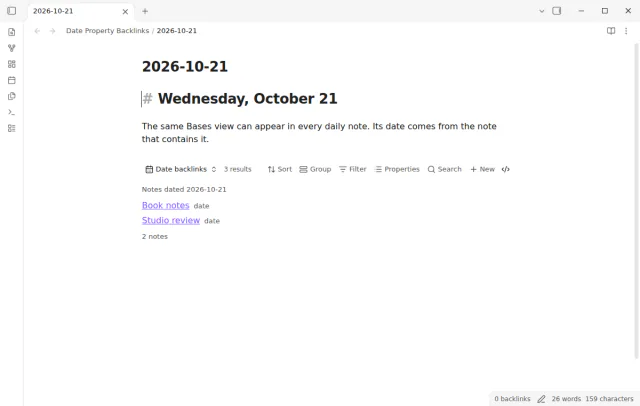

See every note whose date property matches the day, in a live Bases view inside your daily note.
MIT · no telemetry · core features free
The directory takes these platforms from the plugin manifest. The automated tests run in the desktop app only.
Directory facts fetched from community.obsidian.md/users/theluckystrike.
You keep daily notes and give other notes a date property, and you want to see them on that day.
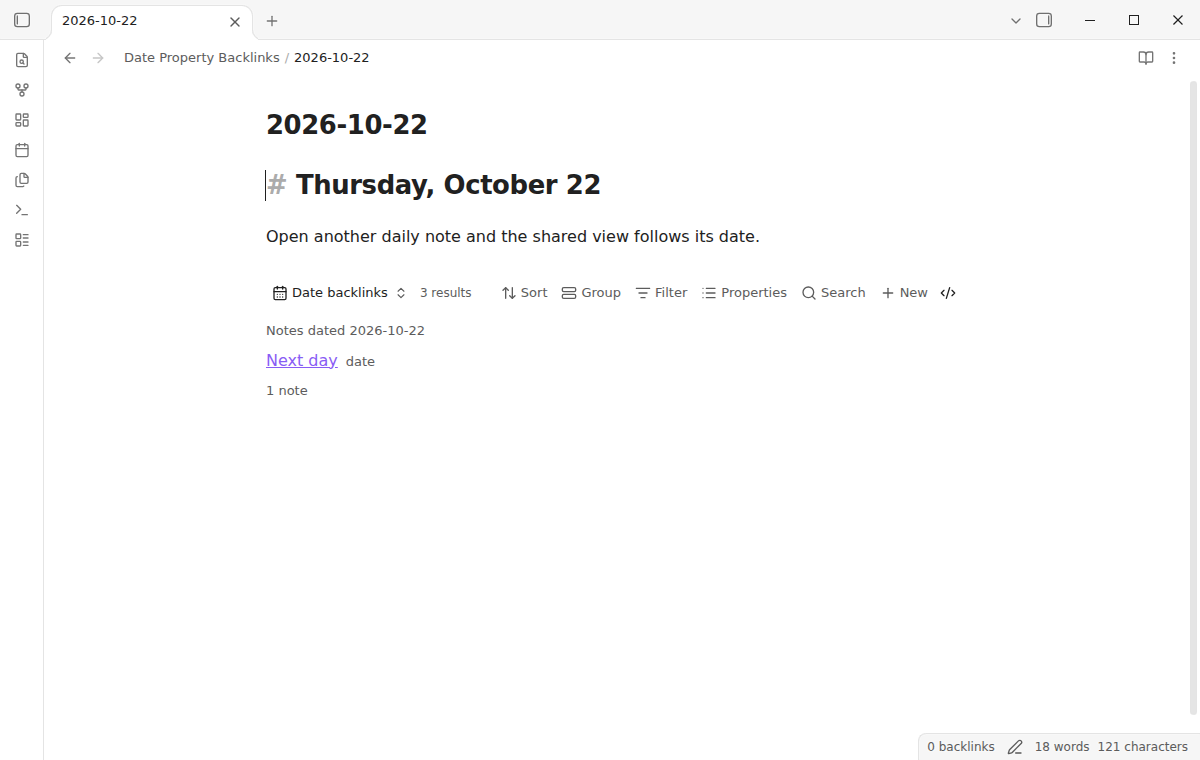
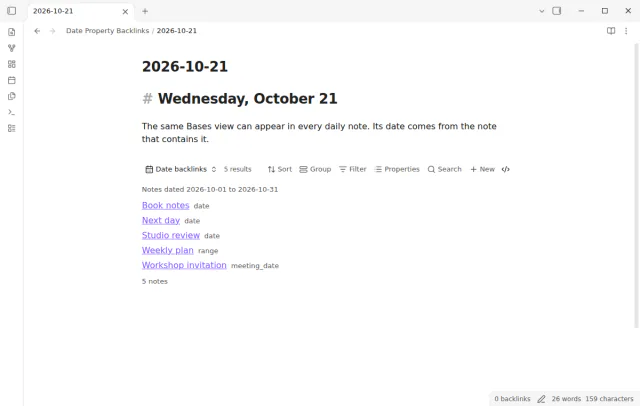
Add one shared Bases view to your daily notes template, or turn on the automatic view for existing daily notes. Date Property Backlinks reads the date from the daily note file name and lists the notes with a matching date property. Your source notes get no new links or properties.
 Play demo
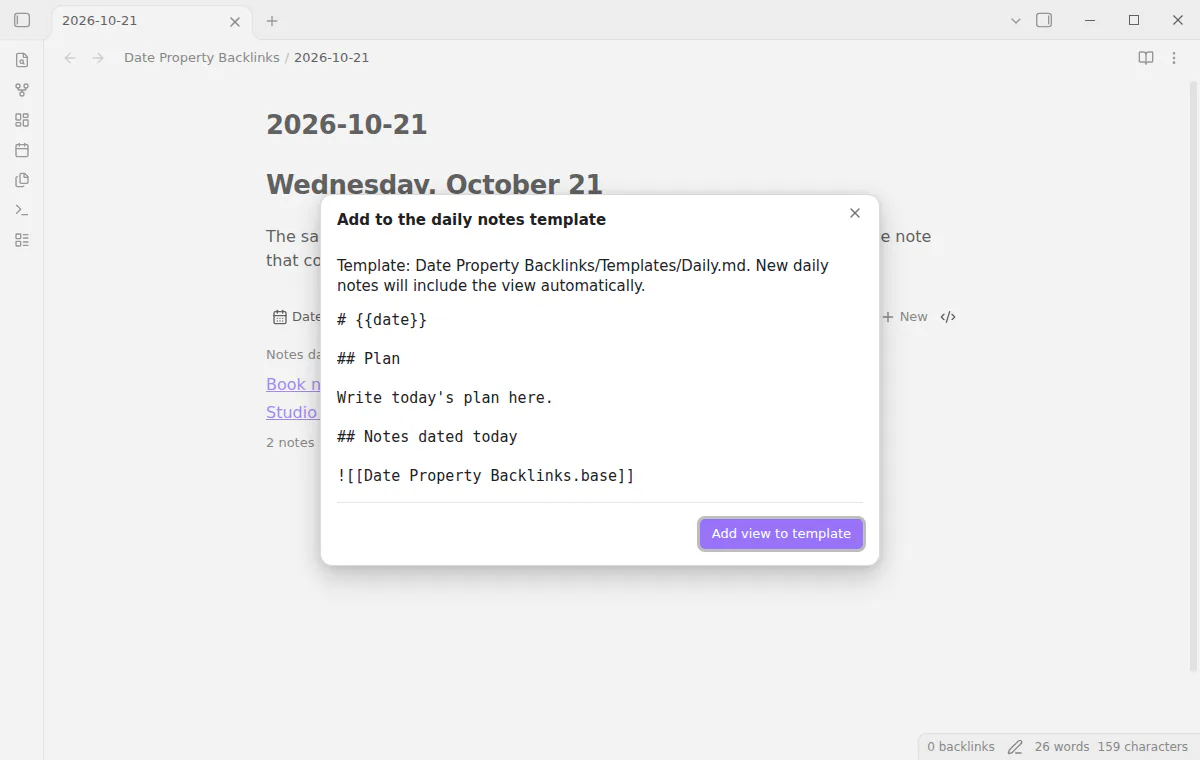
Choose a template in core Daily notes or Periodic Notes, preview the change, then add one shared Bases embed. Every new daily note from that template includes the view. Running setup again adds no duplicate.
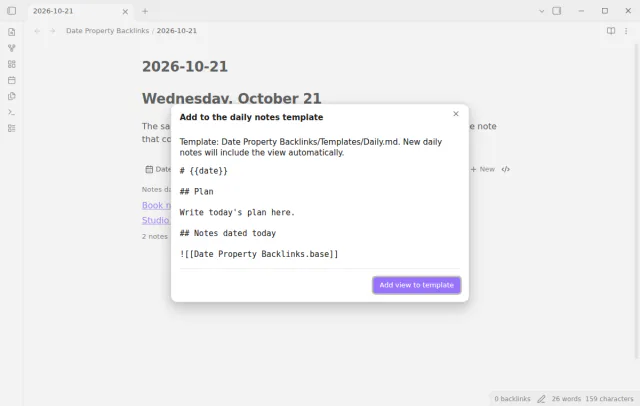
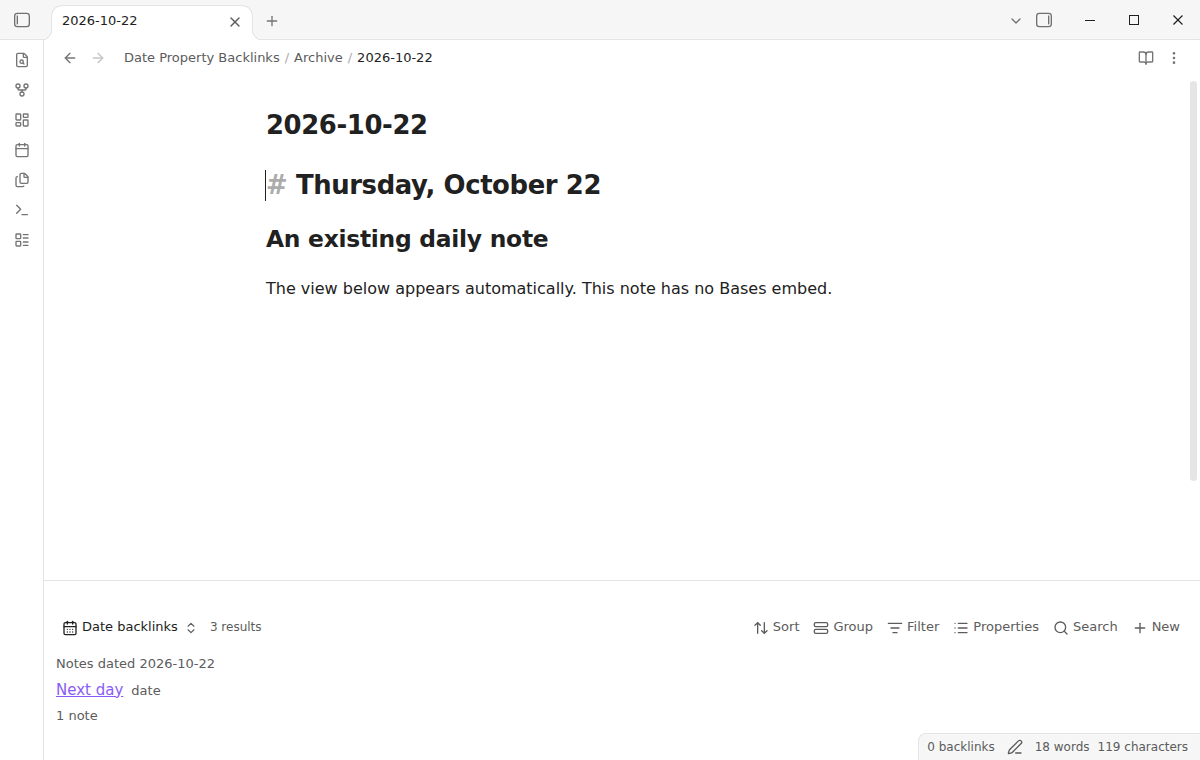
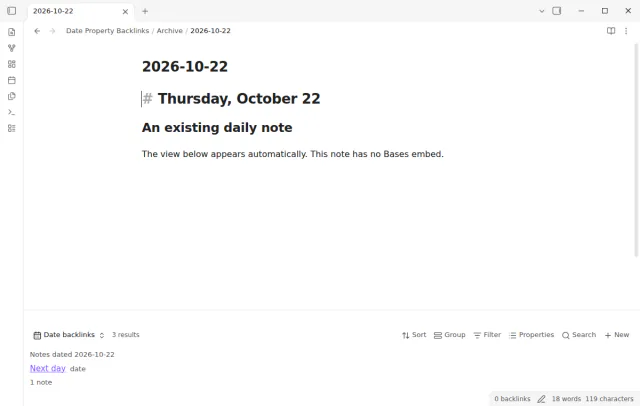
Turn on the automatic view to cover daily notes that already exist. It appears below the note and leaves the note text unchanged. Notes that already hold an embed are skipped.
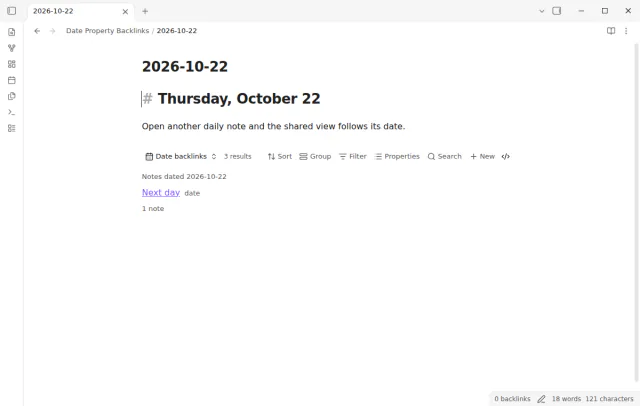
Choose a date property in the view settings, and the default is note.date. A date-time matches on its local calendar date, and a list matches when any item has the target date. Empty, invalid and other dates do not match.
The free view matches one date property for one day; week and month rollups, extra properties and ranges need Pro.
Pro costs $5 a month or $15 one time through GitHub Sponsors. One sponsorship turns on Pro in every plugin that has it.
Pro adds week and month rollups, extra date properties, and inclusive date ranges. Choose Monday or the Obsidian locale as the week start. A start and end range matches when it overlaps the selected window.
needs
steps
Enable the Bases core plugin and set your template in Daily notes or Periodic Notes.
Run Add to the daily notes template, check the template path and preview, then add the view.
Create a daily note from that template to see the matching notes.
Choose your date property in the Bases view settings.
If the app can't find a new plugin yet, try again later. Obsidian says a plugin that passes the review shows in the app within 24 hours.
A forum request asks for backlinks in a daily note from a date property link. Without a query, a daily note does not list the notes that carry its date.
this.file can also list notes for a daily date. This plugin sets up the view without a query, handles date-time and list values, and does not need Dataview.Need a change for your team? I build custom Obsidian plugins and features.
Check that the Bases core plugin is on and that you opened the embed from a daily note. The file name must match the selected date format. Then choose the date property that your notes use.
Yes. Set Daily note date format with Moment tokens. The default format is YYYY-MM-DD.
No. Setup creates a Base file and adds a template embed. The properties of your source notes stay the same.
The command does not replace a file that it did not create. Rename the existing file, then run the command again.
Until you select Sign in with GitHub, the plugin makes no network requests. Sign in and the sponsorship check contact github.com and api.github.com, and a successful check is reused for 7 days. It sends no note content, file names or other vault data, and it has no telemetry.
Tell me what is broken in Date Property Backlinks, or what it should do next.
Date Property Backlinks 1.2.0, MIT license
MIT · no telemetry · core features free
Link completed tasks to their daily notes for backlinks.
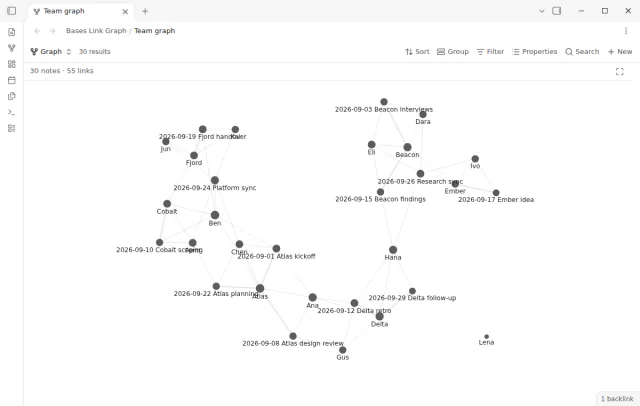
See the notes and links from a filtered base as a graph.
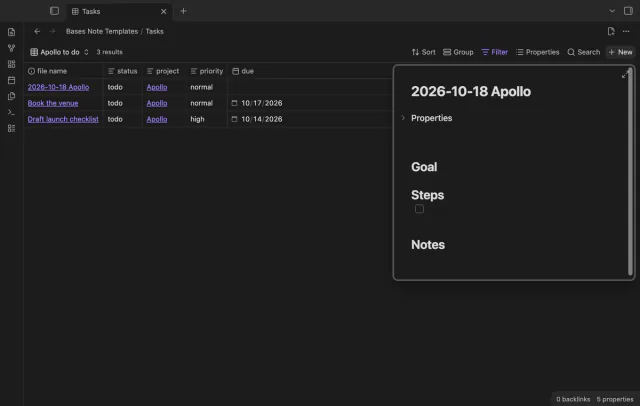
Create notes in Bases with a template and filter values.