
AsciiDoc Files
Edit AsciiDoc source and see its preview side by side.
Save PDF questions with a separate answer key.
MIT · no telemetry · core features free
The directory takes these platforms from the plugin manifest. The automated tests run in the desktop app only.
Directory facts fetched from community.obsidian.md/users/theluckystrike.
You keep text study cards in your notes and want a question sheet for written practice.
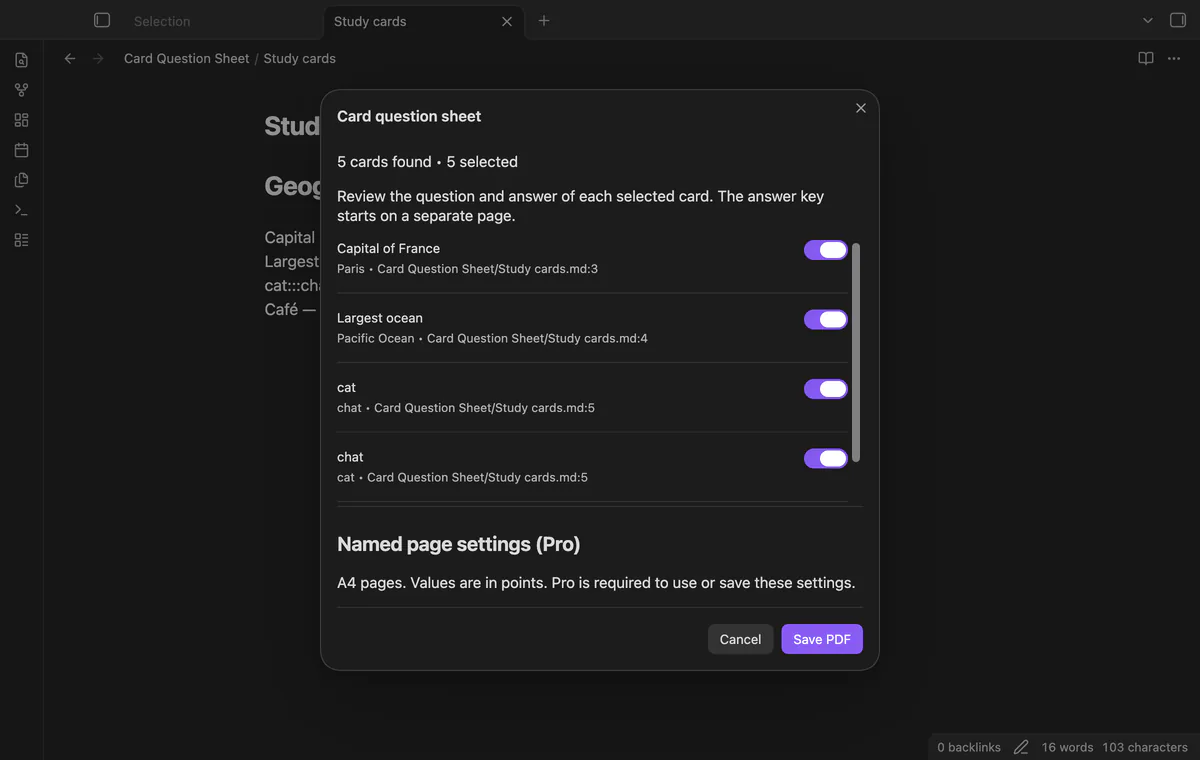
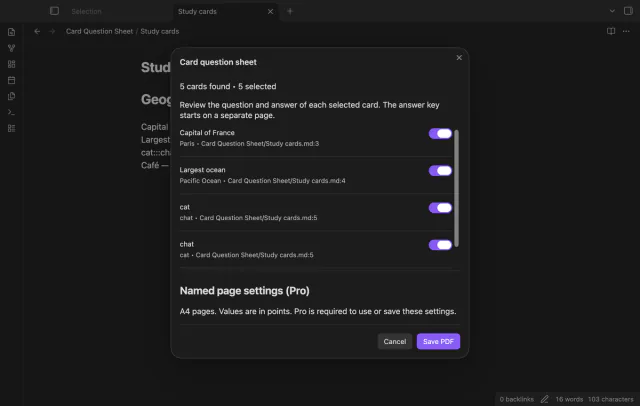

Card Question Sheet reads text cards from your current note and previews their questions and answers. Clear cards you don't want, then save a PDF in your vault. The source note stays intact.
 Play demo
Put one card on each line using Question::Answer. A triple colon produces a card in each direction. Frontmatter and fenced code blocks are excluded.
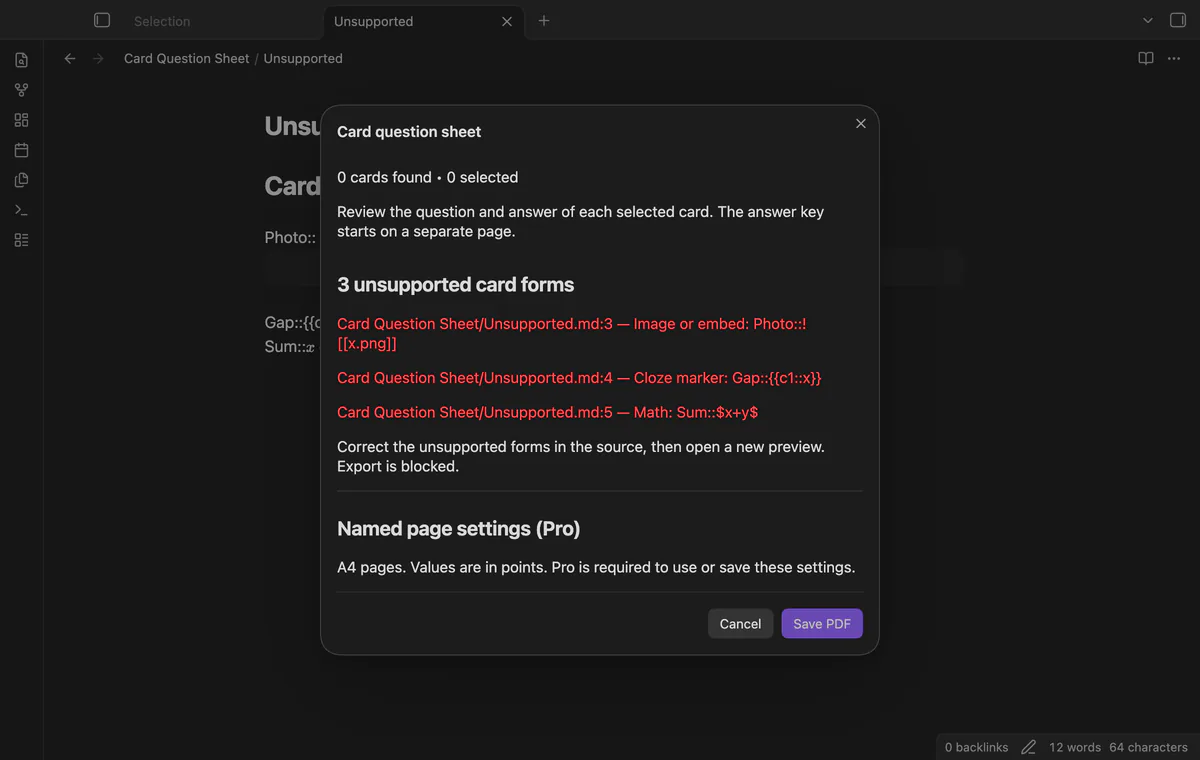
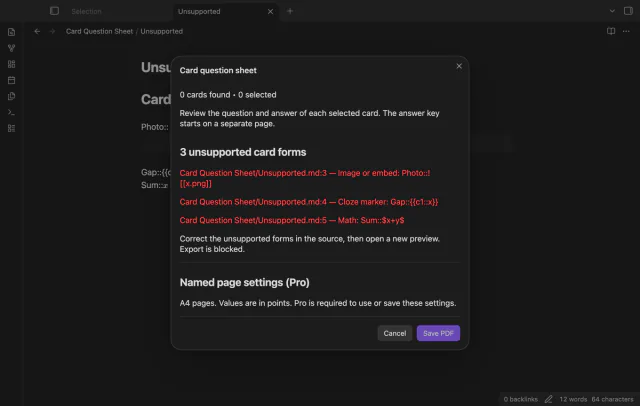
The preview reports images, cloze markers, math, multiline markers and ambiguous separators with their source lines. A reported unsupported form blocks saving the PDF. Correct those lines and reopen the preview.
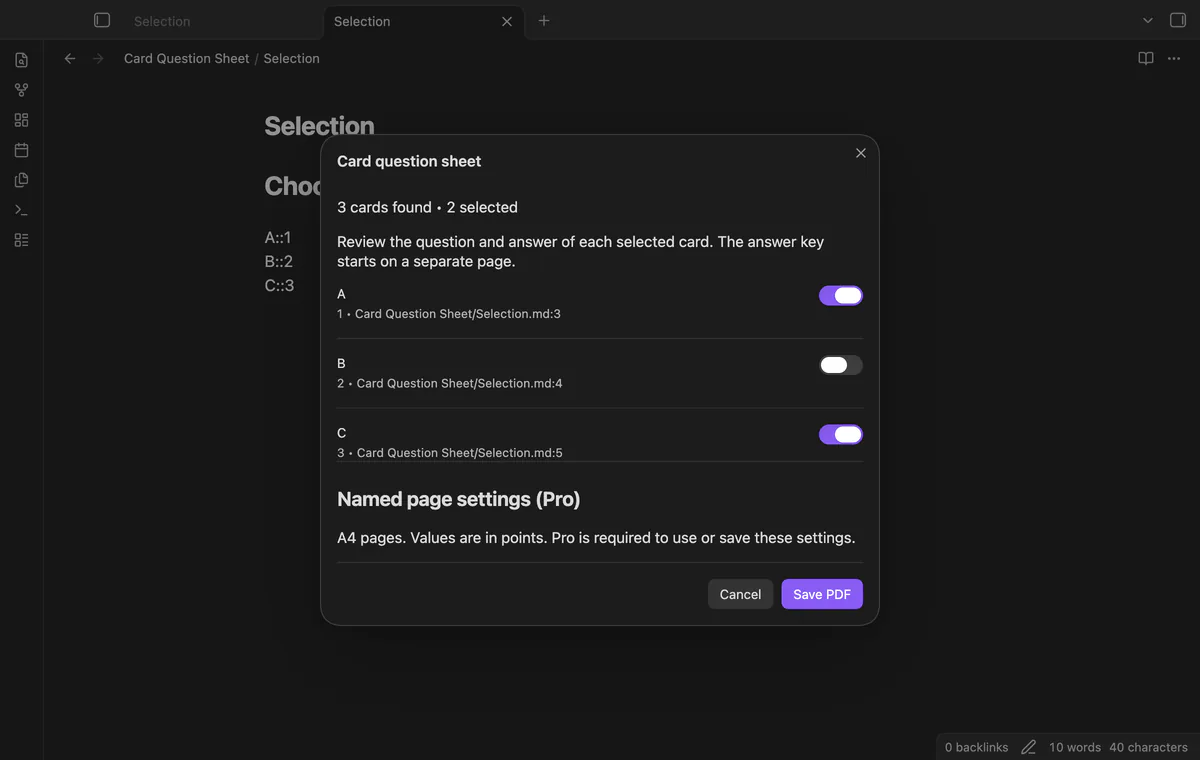
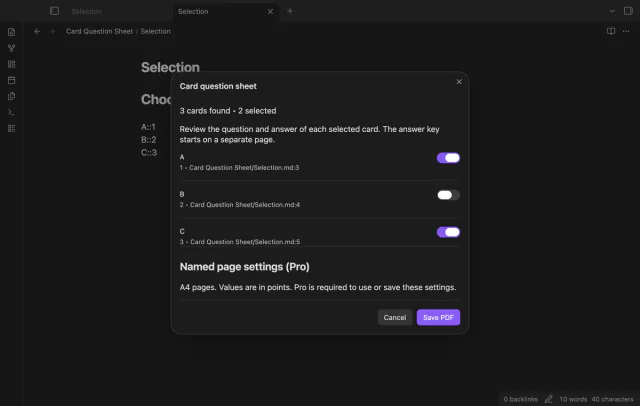
Clear a card to leave it out. Selected cards get consecutive numbers in source order, and the answer key uses those numbers. Selections last only while the preview stays open.
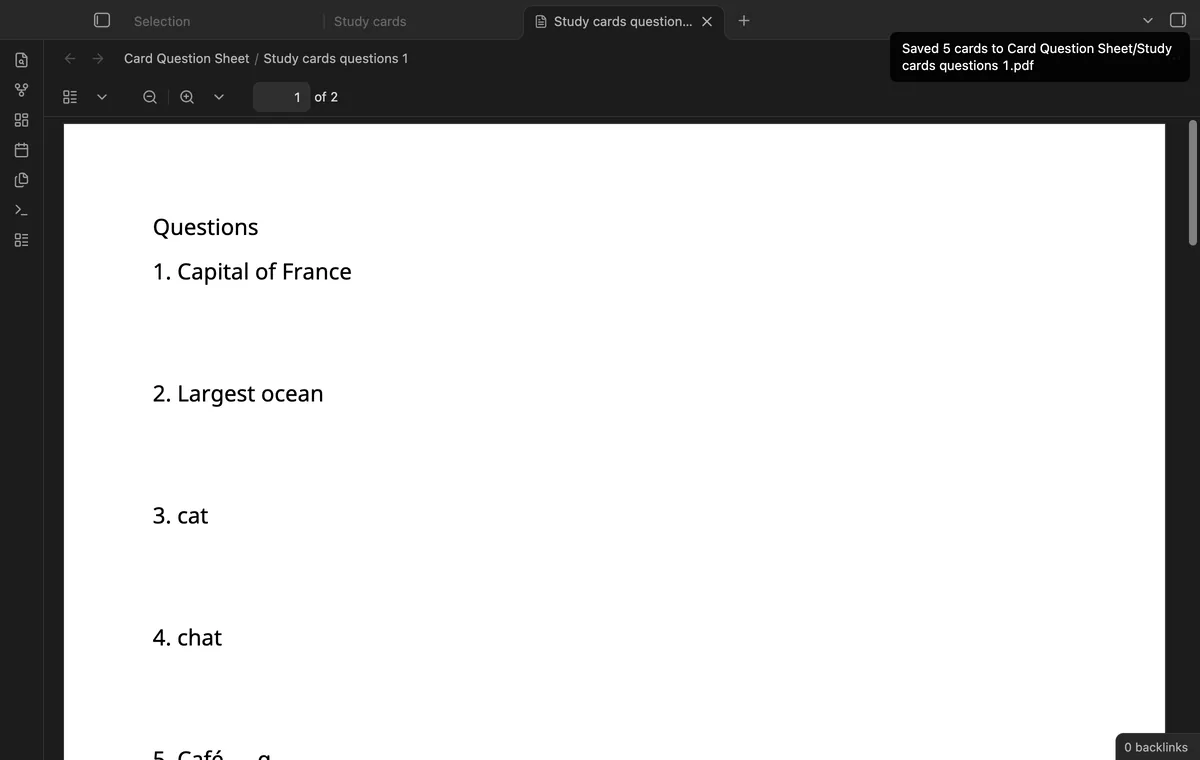
The PDF uses A4 pages with writing space below questions. The answer key starts on a separate page. Existing output names get a numbered suffix.
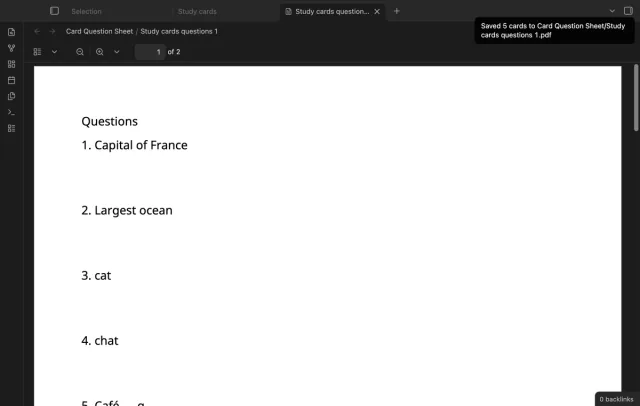
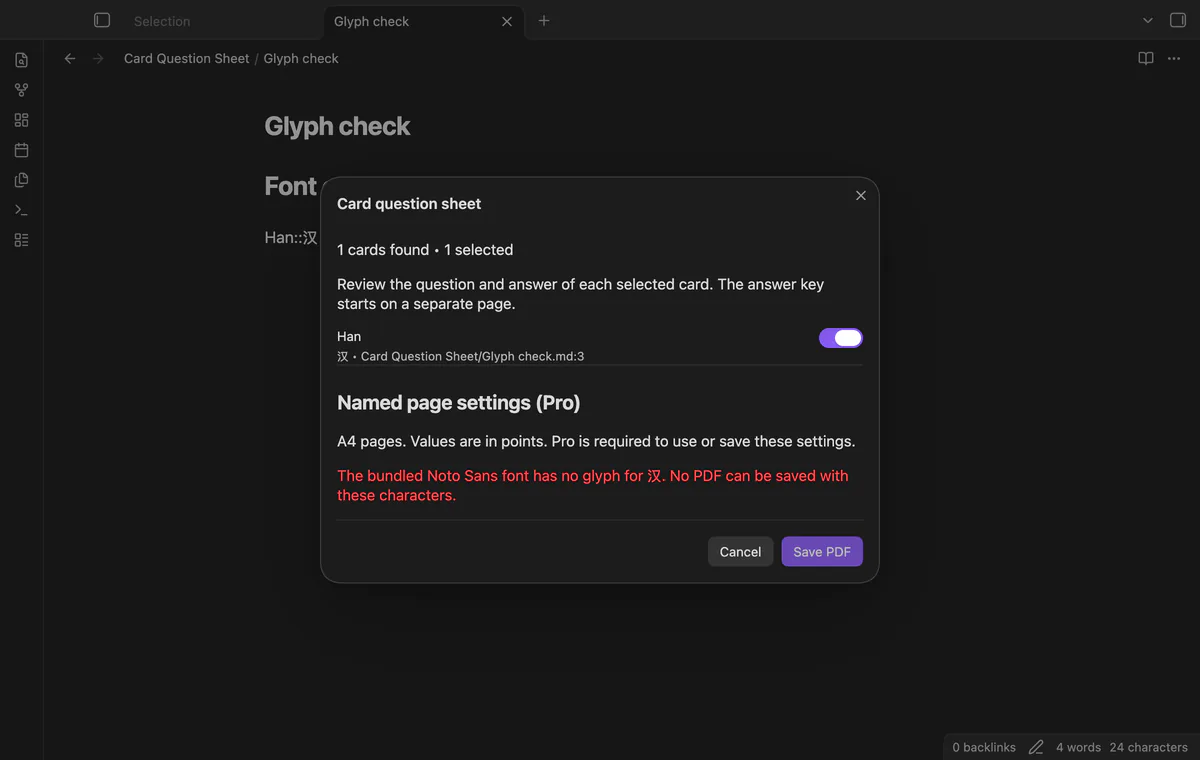
The plugin bundles Noto Sans Regular and creates selectable PDF text. Missing glyphs block export instead of becoming replacement boxes. Right-to-left layout is unsupported.
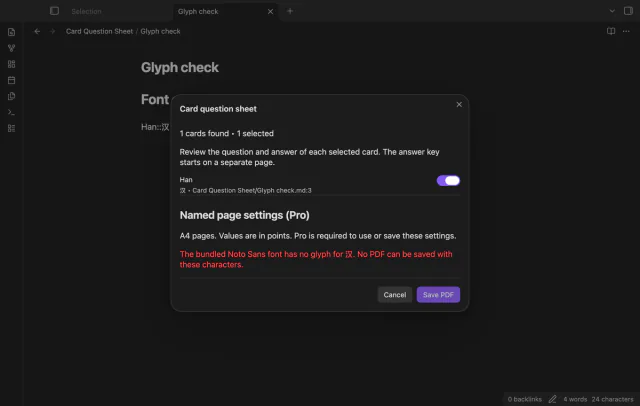
Current-note export is free; named page settings and folder export need Pro.
Pro costs $5 a month or $15 one time through GitHub Sponsors. One sponsorship turns on Pro in every plugin that has it.
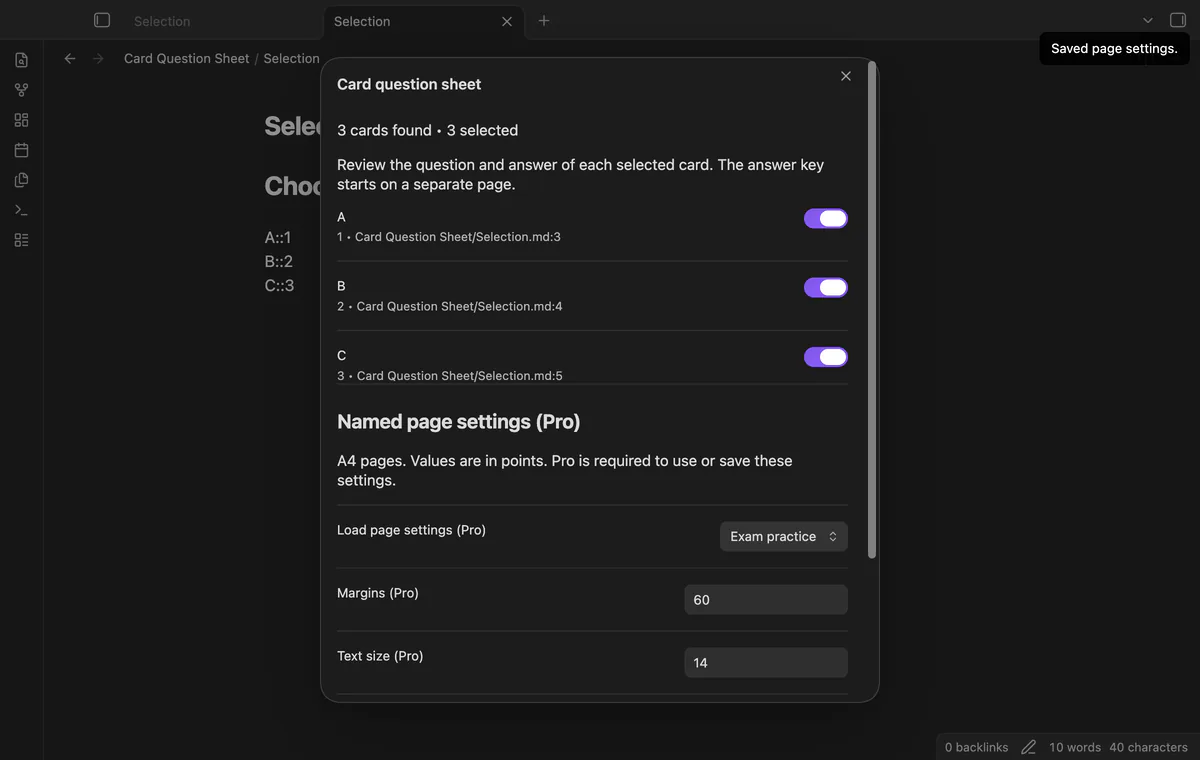
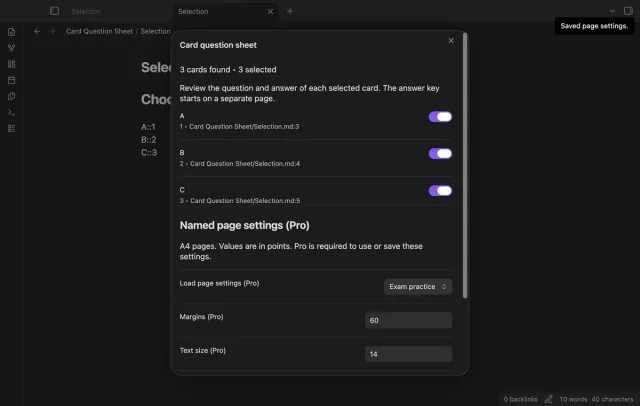
Save and load named margins, text size and answer space. Values use points, and saving an existing name replaces that preset. Free export uses the default page settings.
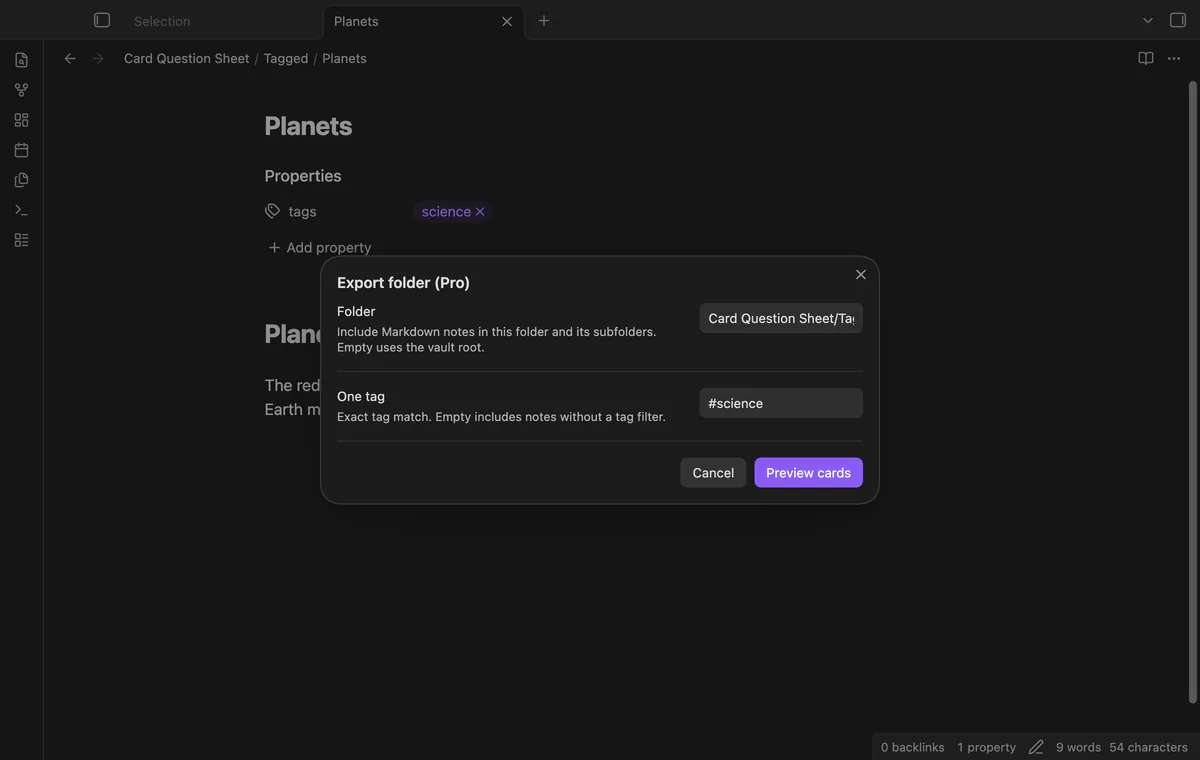
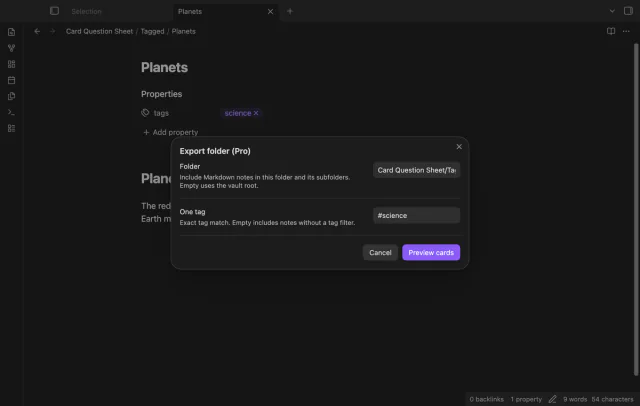
Collect Markdown card notes from a folder and its subfolders. Use one exact cached tag match or leave the filter empty. Notes are read in path order.
needs
steps
Open a Markdown note with single-line text study cards.
Run Export current note as a question sheet.
Check the questions and answers, then clear unwanted cards.
Select Save PDF and inspect the saved file before printing or sharing it.
If the app can't find a new plugin yet, try again later. Obsidian says a plugin that passes the review shows in the app within 24 hours.
Need a change for your team? I build custom Obsidian plugins and features.
No. Unsupported card forms block export, so correct them and open another preview.
No. Markdown punctuation prints literally, and links aren't resolved to target text.
The preview holds the text it first read. Reopen it after changing your source note.
Before you sign in, the plugin makes no network requests. Sign-in sends its client ID, read:user scope and polling requests to github.com; authenticated checks send your token to api.github.com for sponsorship status. Successful checks last seven days, failures can retry after six hours, and Refresh checks sooner without sending note content, filenames or vault data.
Tell me what is broken in Card Question Sheet, or what it should do next.
Card Question Sheet 1.1.0, MIT license
MIT · no telemetry · core features free
Edit AsciiDoc source and see its preview side by side.
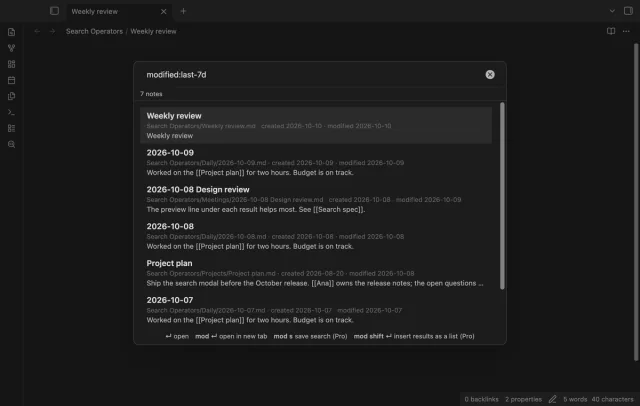
Find notes by date and links, with a preview for each result.