
AsciiDoc Files
Edit AsciiDoc source and see its preview side by side.
Import unencrypted CherryTree XML, links and PNGs.
MIT · no telemetry · core features free
Physical Android and iOS devices were not tested. Automated Pro checks use a local sponsorship reply.
Directory facts fetched from community.obsidian.md/users/theluckystrike.
You want to move CherryTree XML into linked notes in your vault.
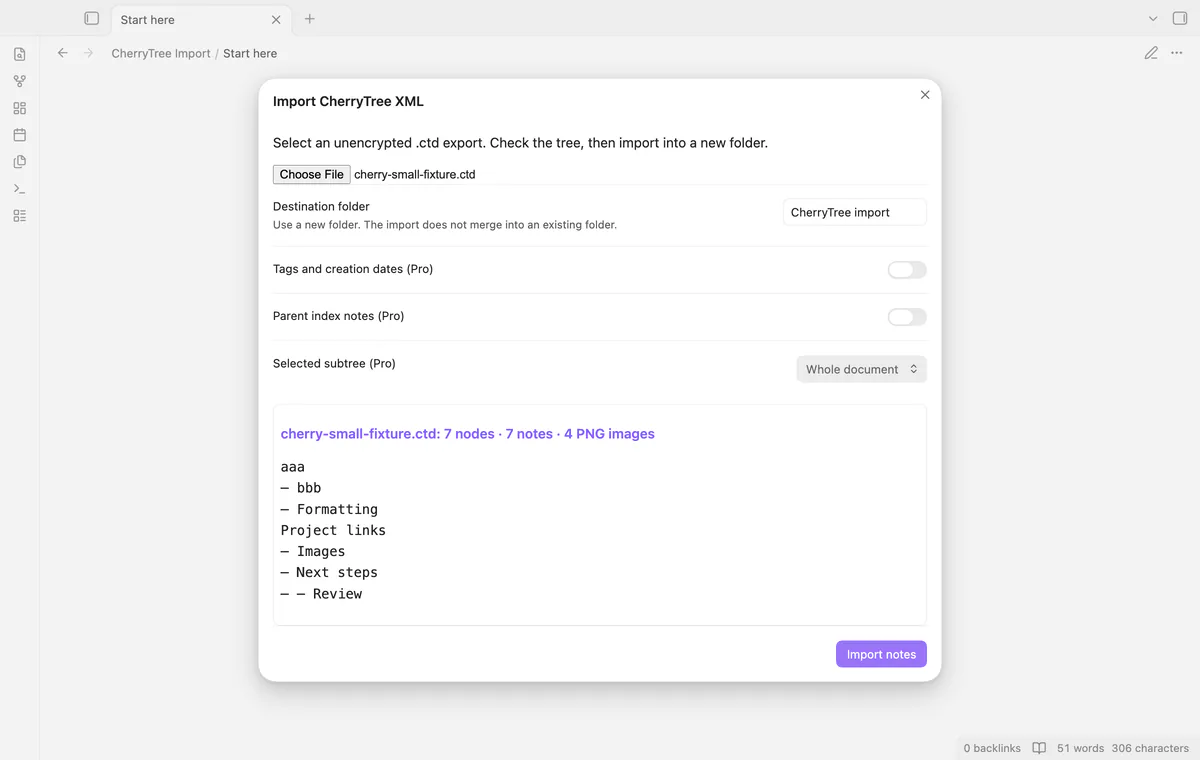
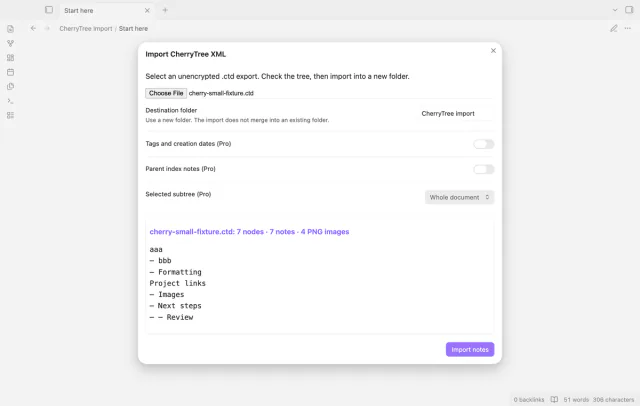
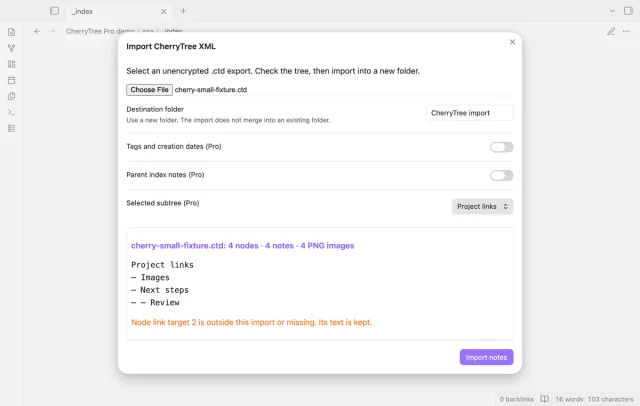
Select your local .ctd file and preview its node tree before writing notes. CherryTree Import creates nested folders with supported formatting and PNG images. Keep your original document while you check the result.
 Play demo
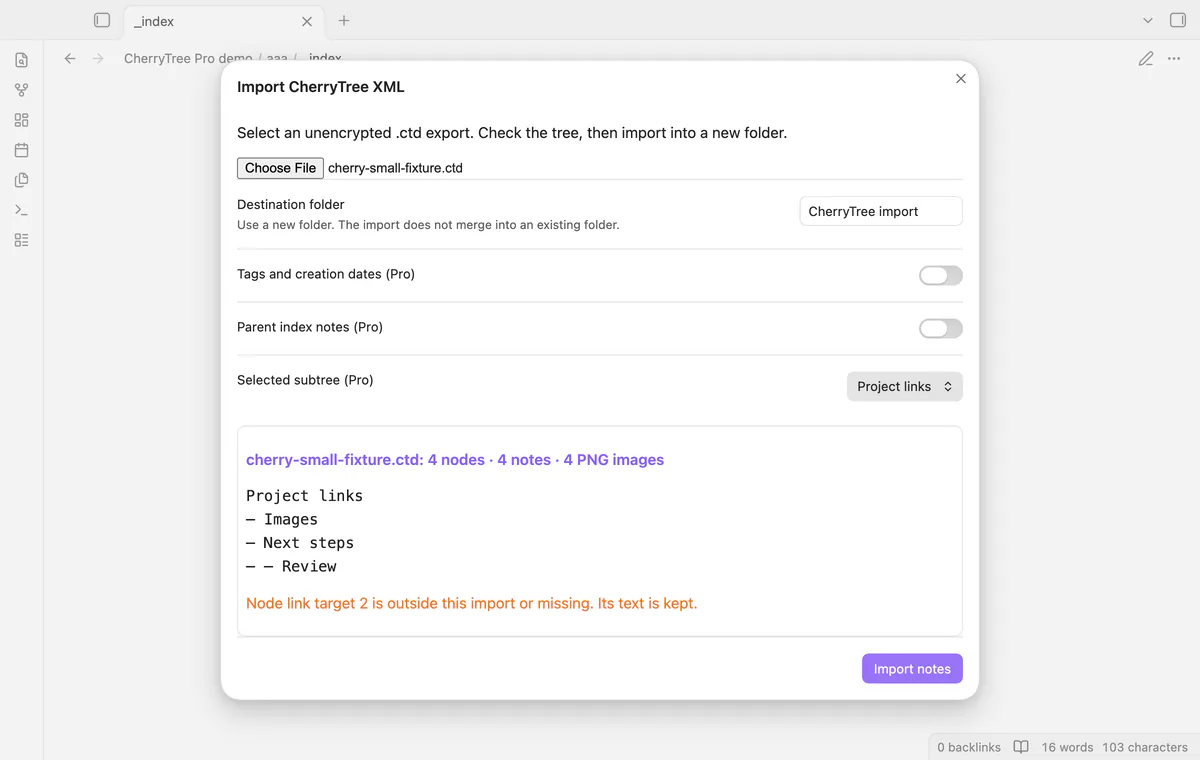

Check node names, note counts, PNG counts and warnings before selecting Import notes. Selecting the file prepares the preview without writing notes.
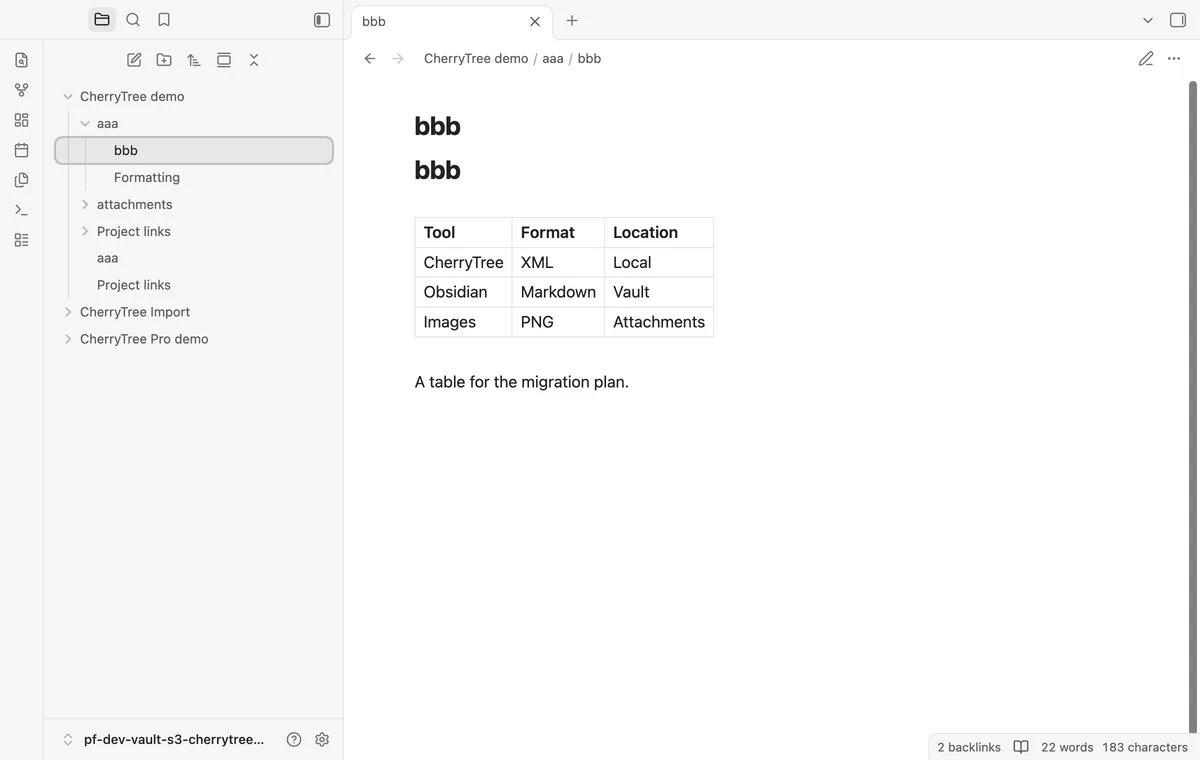
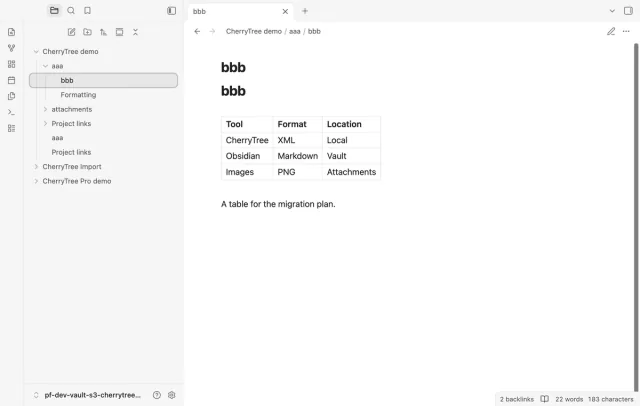
Each source node becomes a note, and a parent supplies a folder for its children. Duplicate sibling names receive numbered suffixes.
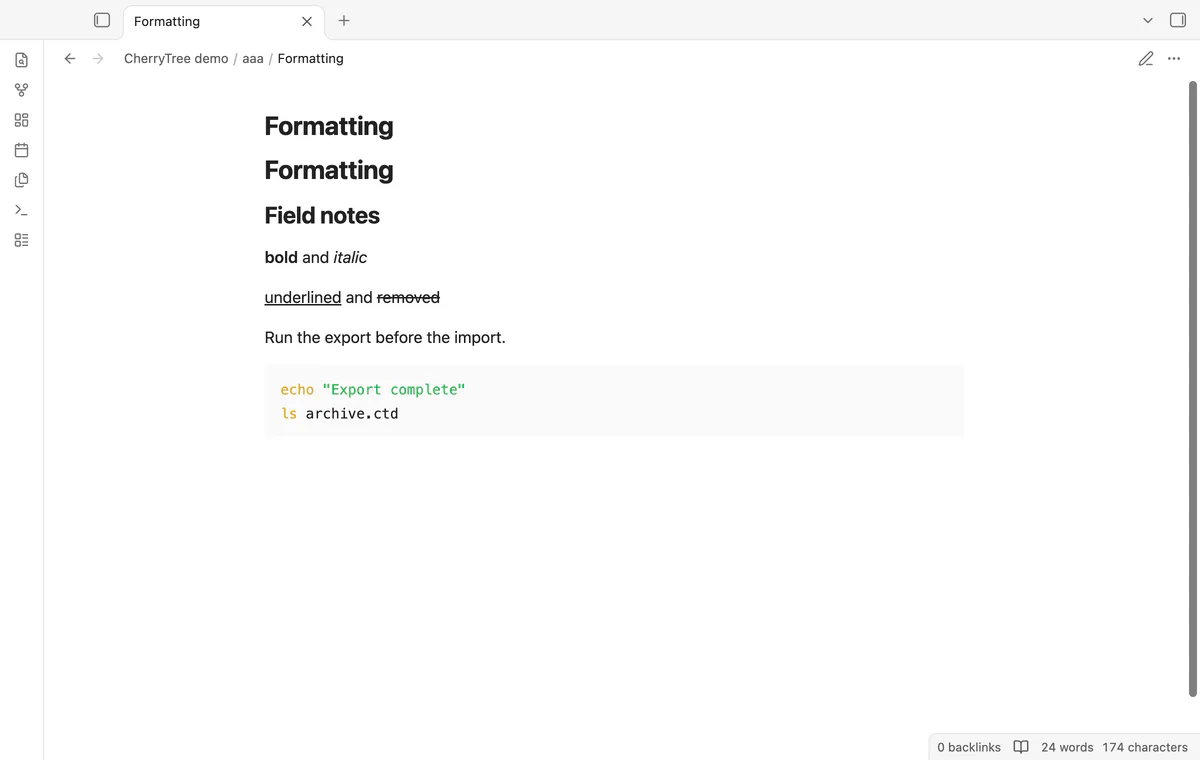
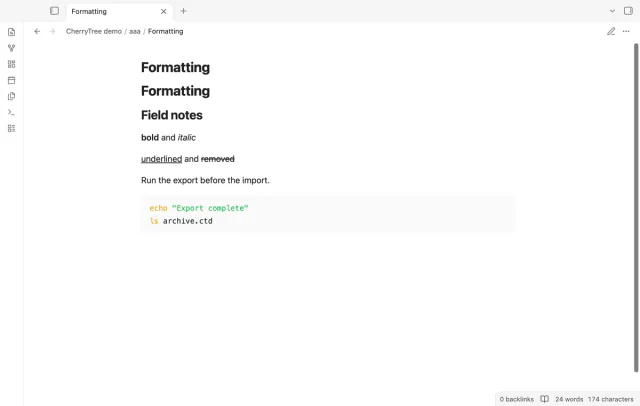
Supported emphasis becomes Markdown, and underline uses HTML. Code boxes become fenced blocks, while the last table row becomes the header.
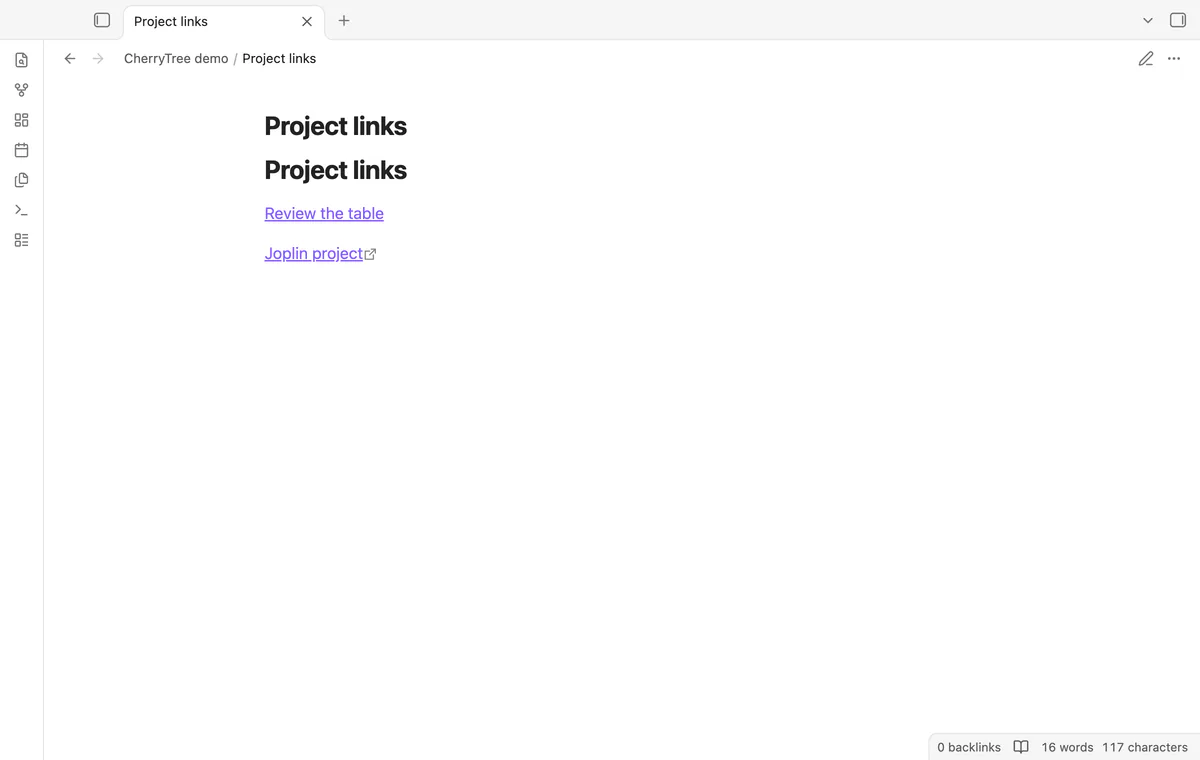
Node links point to the imported paths. Web links use Markdown, and decoded local paths become file links without reading their targets.
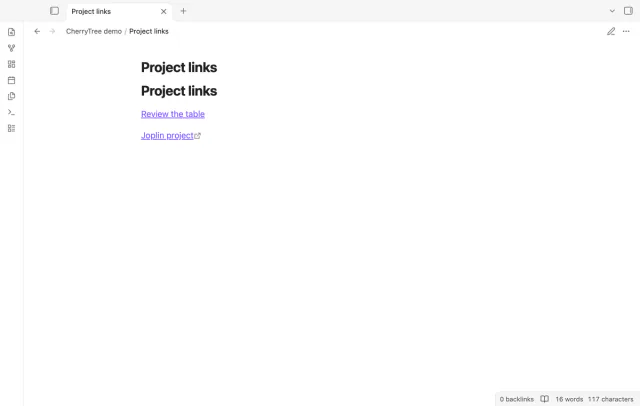
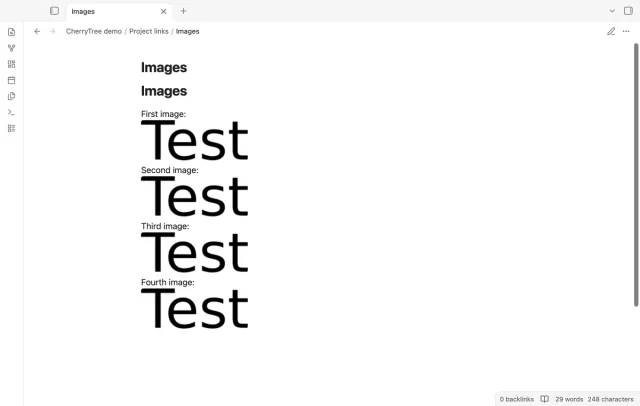
Valid PNG objects become local attachments embedded in the note. LaTeX source becomes a code block, and other attachment types produce warnings.
Pro costs $5 a month or $15 one time through GitHub Sponsors. One sponsorship turns on Pro in every plugin that has it.
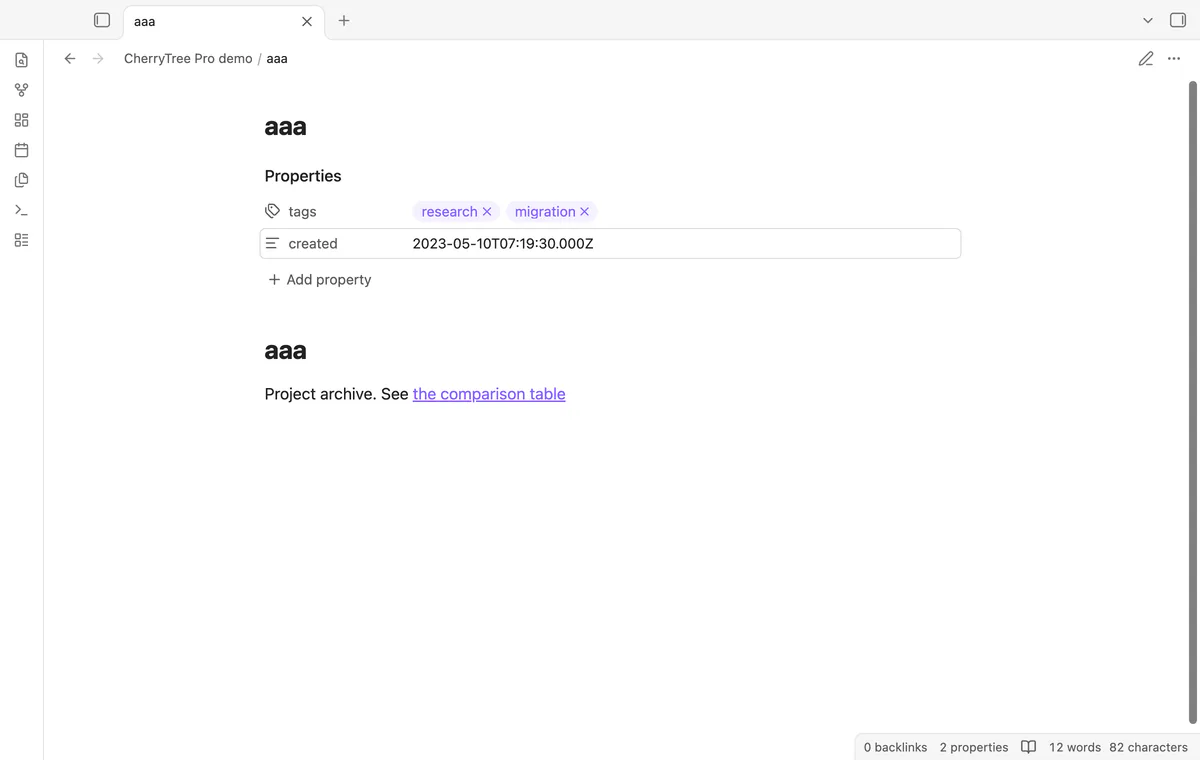
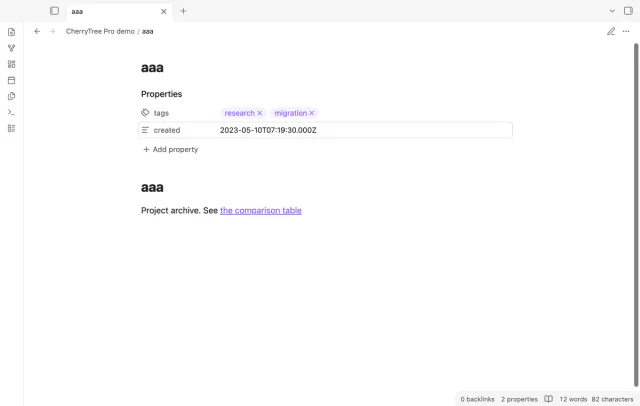
Pro can add source tags and accepted creation timestamps as properties. Creation dates use UTC, and nodes without these values get no empty property block.
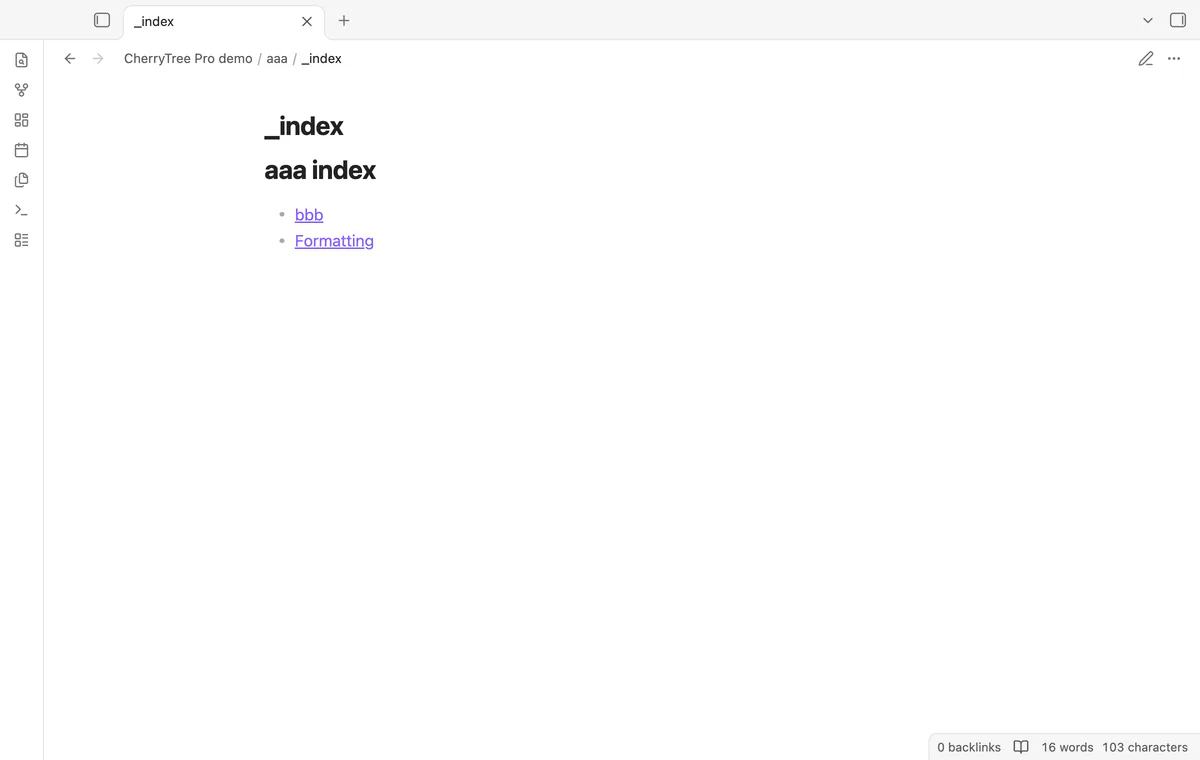
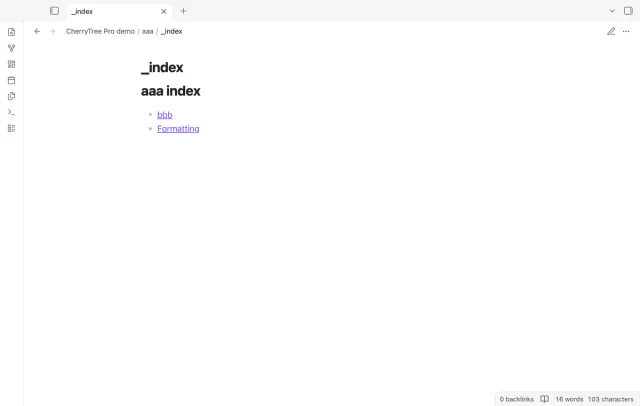
Pro adds an index inside each imported parent folder. Its links point to immediate child notes, while the parent keeps its own note.
Pro imports your chosen node and its descendants. Their paths retain source ancestors even when those ancestor notes are excluded.
needs
steps
Export your CherryTree document as unencrypted XML and keep the source copy.
Run Import CherryTree XML from the command palette.
Select the .ctd file and enter a new destination folder.
Check the tree and warnings, then select Import notes.
Open the imported notes and inspect their links and images.
If the app can't find a new plugin yet, try again later. Obsidian says a plugin that passes the review shows in the app within 24 hours.
Need a change for your team? I build custom Obsidian plugins and features.
Export your .ctb document to unencrypted .ctd first. The importer accepts XML, not SQLite or encrypted documents.
Use a new destination folder. An import refuses an existing destination and doesn't merge into edited notes.
Colors, fonts and alignment are not reproduced. Anchors are not kept, so a supported anchor link opens its containing note.
Files already created can remain in the destination. Inspect that partial folder before retrying with a new name.
After you select Sign in with GitHub, the plugin sends its client ID, read:user scope and device-flow requests to github.com. Due checks and Refresh send your token to api.github.com to read your sponsorship tier and total payment. No note text, filenames or other vault data goes to either host.
Tell me what is broken in CherryTree Import, or what it should do next.
CherryTree Import 1.1.1, MIT license
MIT · no telemetry · core features free
Edit AsciiDoc source and see its preview side by side.

See headings from embedded notes in one outline.