How to import OPML outlines into Obsidian
Convert each outline root into a Markdown note, with its children as nested lists.
Convert an unencrypted CherryTree XML export into Markdown notes, then check links and images against the source. As of October 2026, Obsidian documents Markdown import but lists no dedicated CherryTree import route. CherryTree Import previews a supported XML conversion before writing into a new folder.
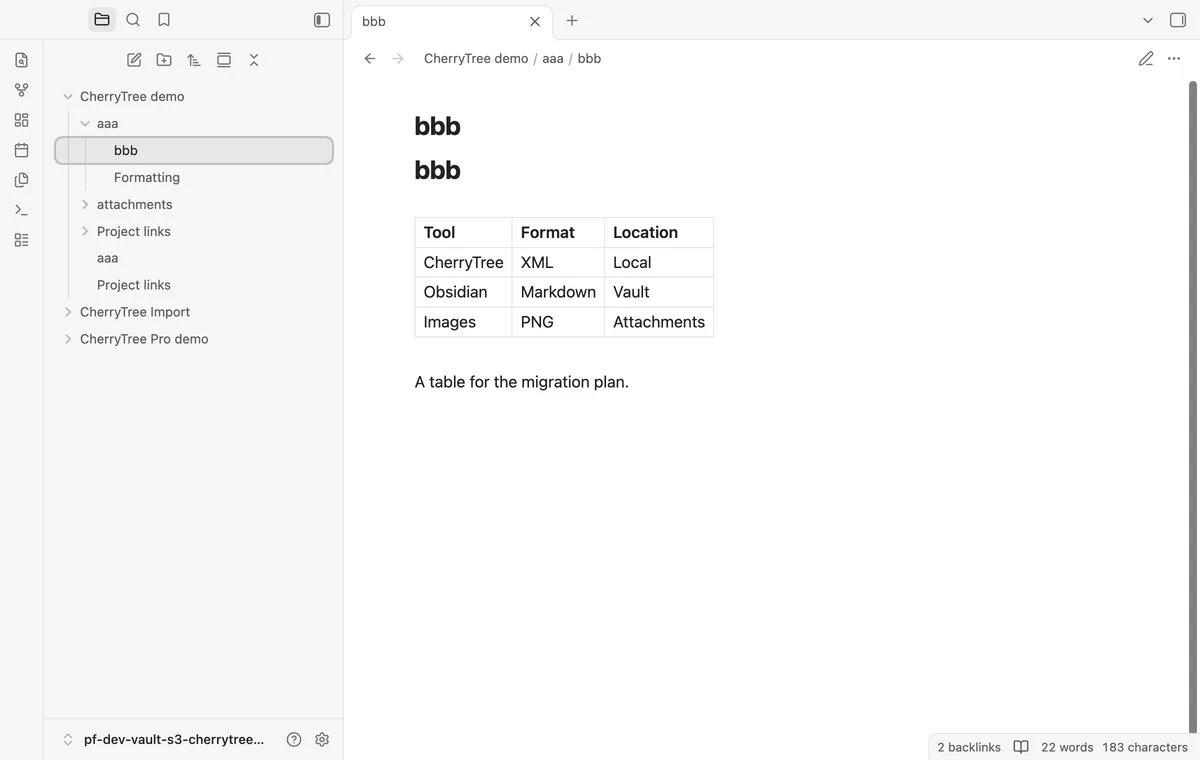
CherryTree nodes can combine formatted text with tables and embedded objects. The importer preserves supported content rather than recreating the source interface.
For a small selection, create notes and copy text from the source. Obsidian supports headings and fenced code, so you can rebuild those parts manually.
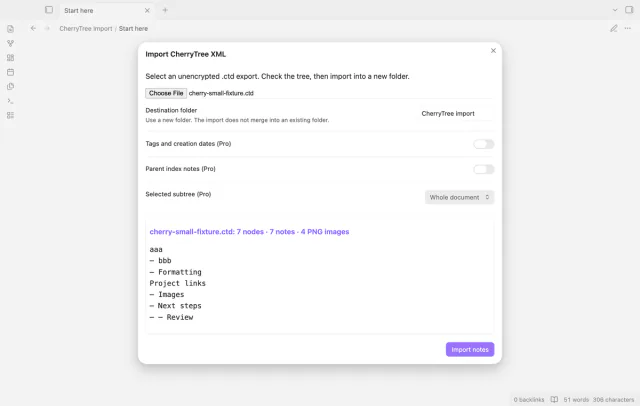
Select an unencrypted .ctd export and review the node tree. The plugin plans nested notes and local PNG files before you start the import.
MIT · no telemetry · core features free
Export your CherryTree document as unencrypted XML and keep the source copy.
Run Import CherryTree XML from the command palette.
Select the .ctd file and enter a new destination folder.
Check the tree and warnings, then select Import notes.
Open the imported notes and inspect their links and images.
Keep it while reviewing the Markdown result. Compare the source tables and images with a few imported notes.
Pro subtree selection keeps the planned source paths. Excluded ancestor nodes don't receive notes, but their folder names remain.
 You can now import CherryTree into Obsidian.
You're officially a regular.
Obsidian rewards people who share. NoteMods is just me and a lot of coffee. If this guide saved you a fight with the syntax, buy me a cup.
That's visit . Regulars are the reason I keep NoteMods running. If it's part of your routine now, a coffee says thanks better than anything.
Import unencrypted CherryTree XML, links and PNGs.