
AsciiDoc Files
Edit AsciiDoc source and see its preview side by side.
Import Daylio entries with moods and photos.
MIT · no telemetry · core features free
The directory takes these platforms from the plugin manifest. The automated tests run in the desktop app only.
Directory facts fetched from community.obsidian.md/users/theluckystrike.
You want journal entries from a local Android Daylio backup as notes with moods, activities and photos.
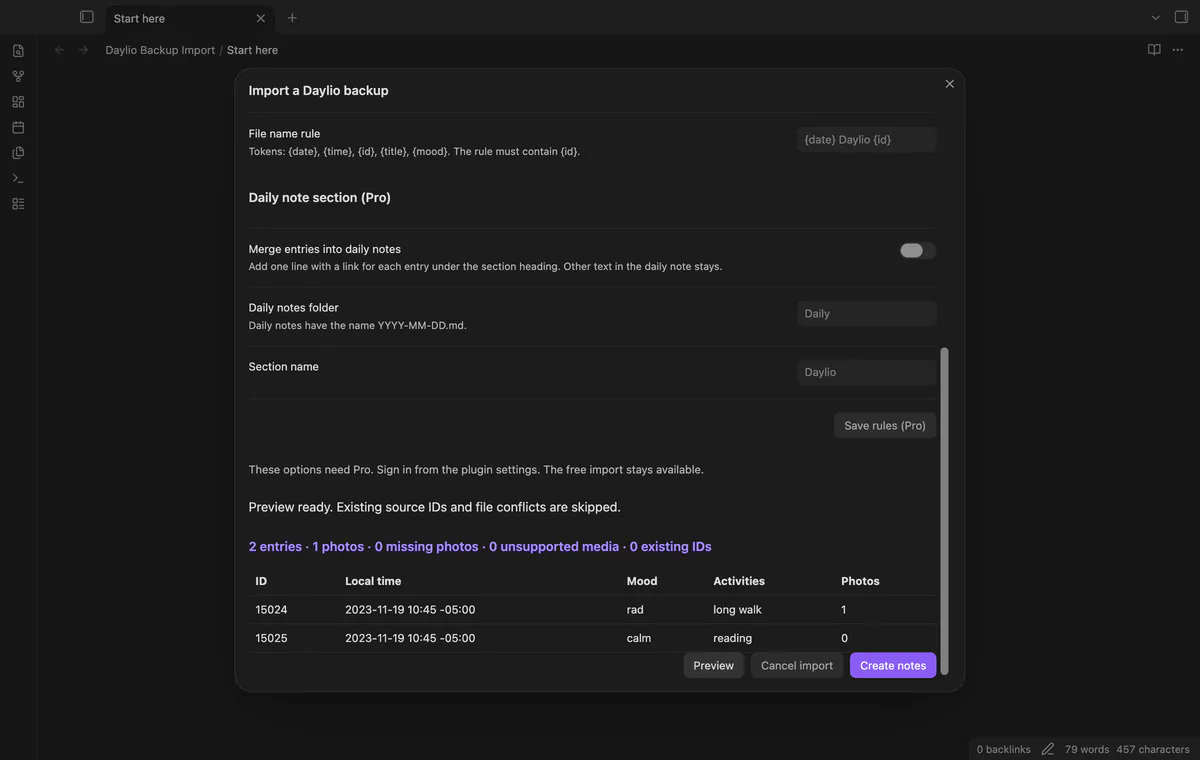
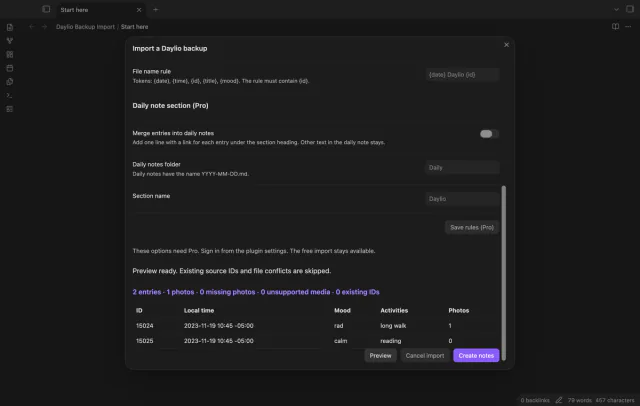

Select a local Android Daylio backup using schema version 15. Preview its entries and media reports before creating notes keyed by source ID.
 Play demo
Review entries, photos, missing photos, unsupported media and existing source IDs. The preview table shows the first eight entries.
Each entry gets a note named with its date and source ID. Properties retain its local time, offset, mood and activities.
Referenced photos are copied into the import folder’s attachments directory and embedded in notes. Missing photos and unsupported media appear in reports.
Pro costs $5 a month or $15 one time through GitHub Sponsors. One sponsorship turns on Pro in every plugin that has it.
Add linked entry lines under a named section in dated daily notes. Source block IDs prevent duplicate lines on repeat imports.
Filter by inclusive local dates and set a file name rule containing the source ID token. Save these rules and daily-note options for later imports.
needs
steps
Make a local Android Daylio backup and copy it to your Obsidian device.
Run Import a Daylio backup and select the file.
Check the folder, entry counts and media reports.
After changing a folder or Pro option, select Preview again.
Select Create notes, then inspect an imported note and its photo.
If the app can't find a new plugin yet, try again later. Obsidian says a plugin that passes the review shows in the app within 24 hours.
Need a change for your team? I build custom Obsidian plugins and features.
The importer reads the Android layout with schema version 15. An iOS backup was not tested.
The importer skips IDs found in the target folder’s daylio_id properties. It doesn't change those existing entry notes.
It copies referenced photos and reports missing photos. Audio and other asset types are reported as unsupported rather than copied.
Tests used synthetic version 15 backups. Real backups, recent Daylio versions and physical mobile devices were not tested.
Before you select Sign in with GitHub, the plugin makes no network requests. Sign-in sends its client ID, the read:user scope and device-flow data to github.com, then sends an authenticated sponsorship query to api.github.com. Checks reuse success for 7 days, retry failures after 6 hours or run on Refresh; they send no vault data.
Tell me what is broken in Daylio Backup Import, or what it should do next.
Daylio Backup Import 1.1.0, MIT license
MIT · no telemetry · core features free
Edit AsciiDoc source and see its preview side by side.
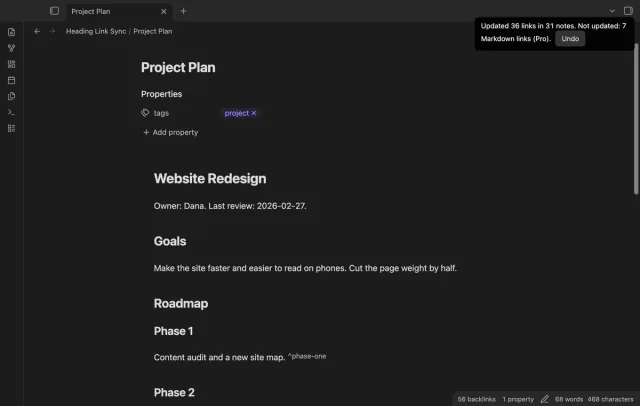
Update heading links and embeds when you edit a heading.