
AsciiDoc Files
Edit AsciiDoc source and see its preview side by side.
Preview and import local Note Station NSX backups.
MIT · no telemetry · core features free
The directory takes these platforms from the plugin manifest. The automated tests run in the desktop app only.
Directory facts fetched from community.obsidian.md/users/theluckystrike.
You want to move a Synology Note Station backup into your vault and check its missing assets and links.
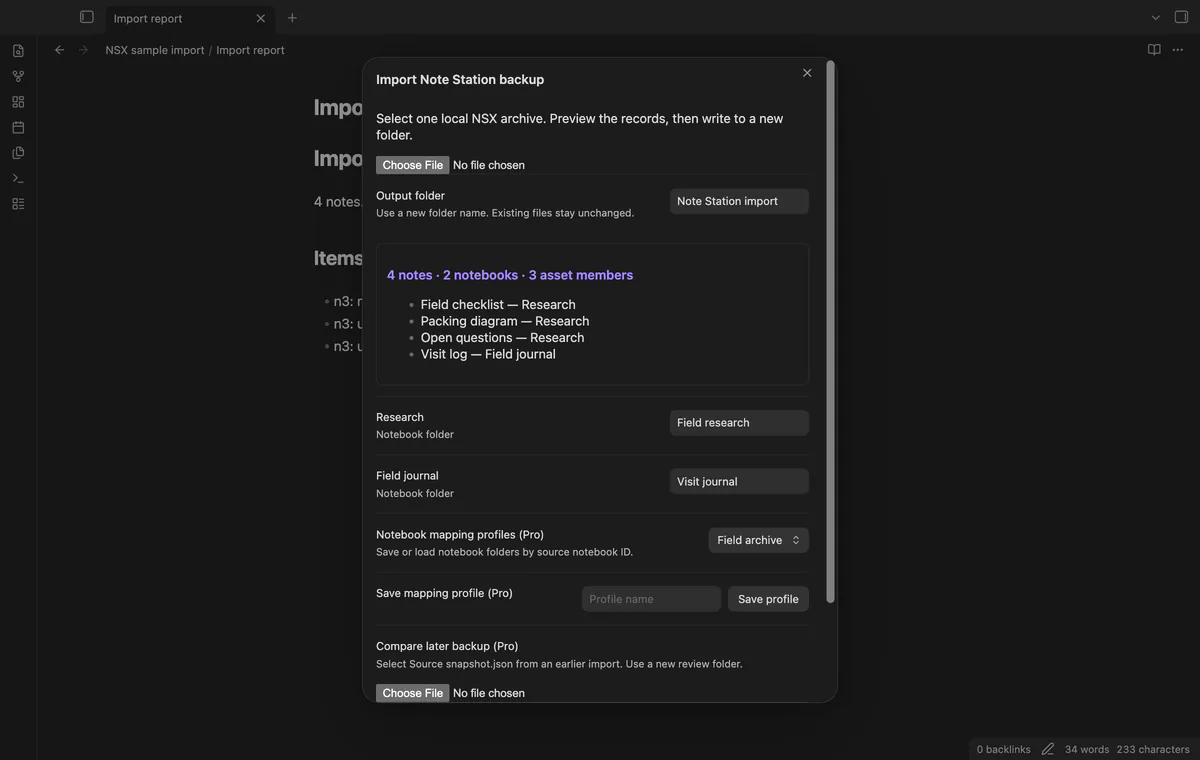
Select a local NSX backup and check its note, notebook and asset counts. Choose a new output folder, then inspect the imported notes and report. Keep the original backup until you finish checking.
 Play demo
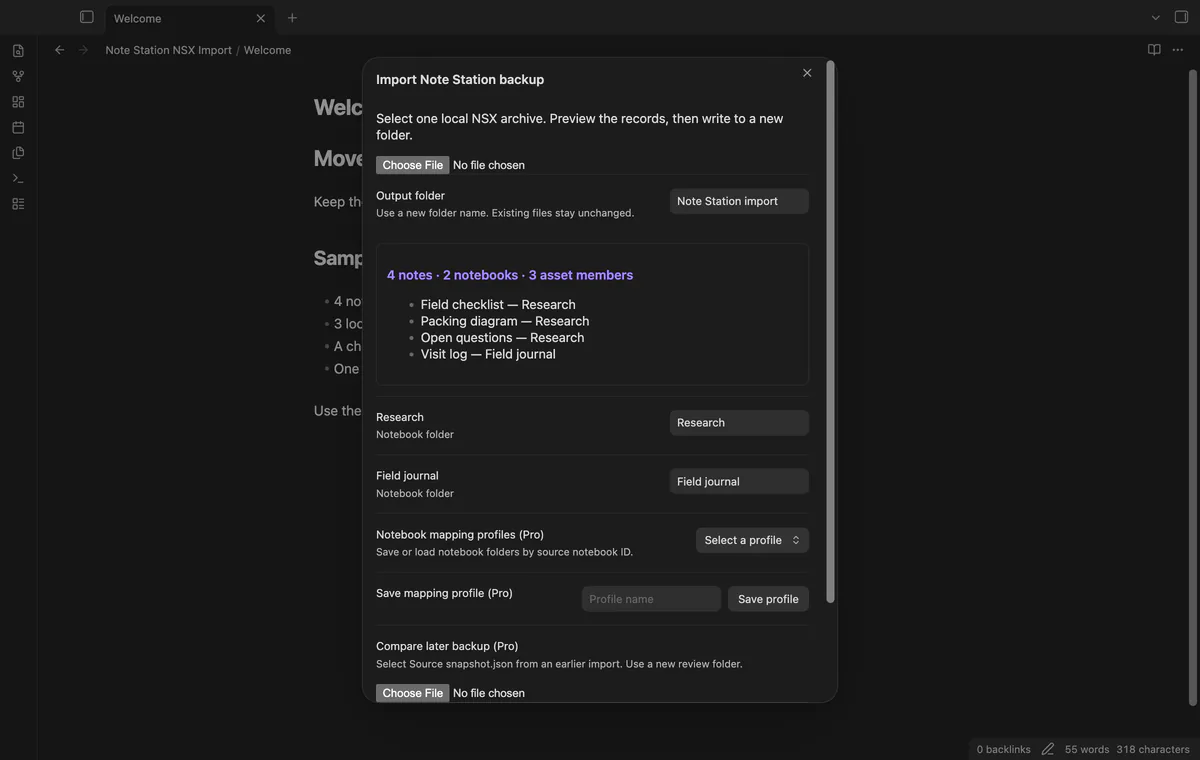

Select one NSX archive through the file picker. The preview shows note, notebook and asset counts with up to six note titles. Closing it before creation leaves your vault unchanged.
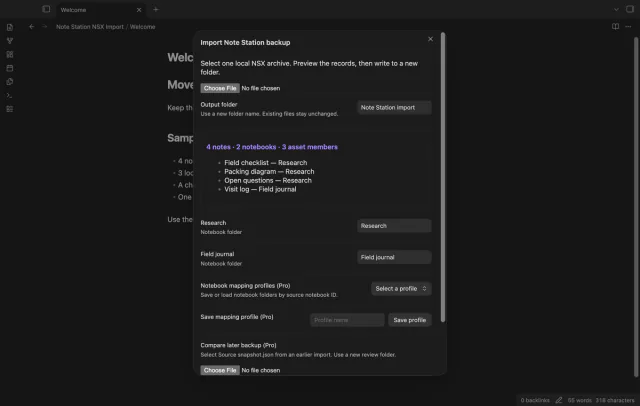
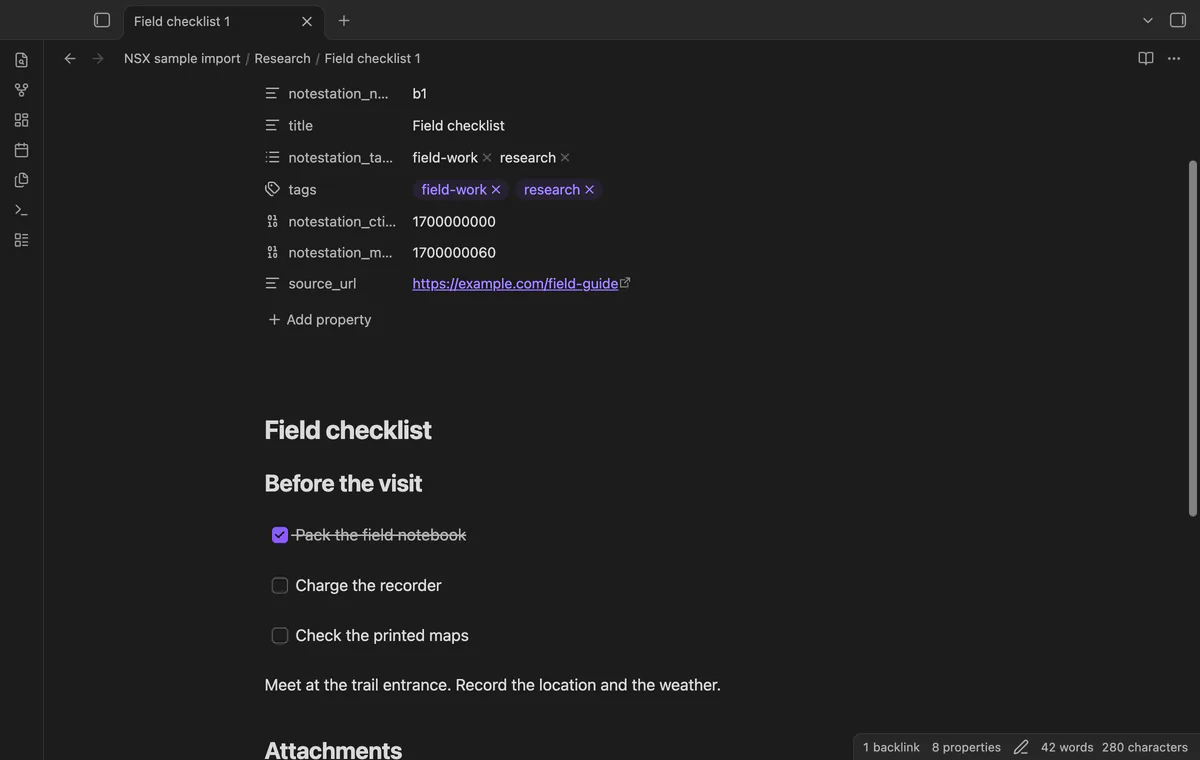
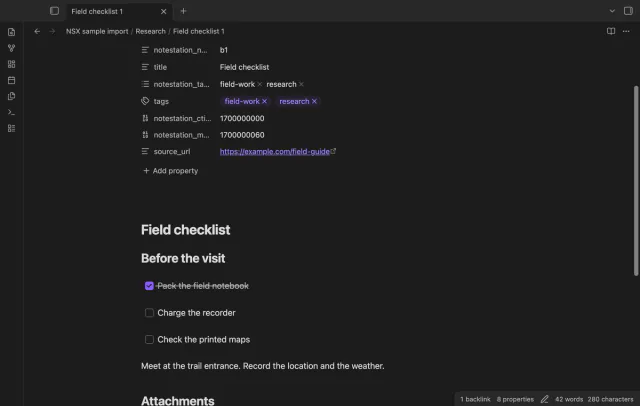
Notebook titles become folders, and numbered filenames separate notes with matching titles. Properties keep source IDs, dates, tags and URLs. Simple checkboxes become Markdown tasks; complex lists and tables need review.
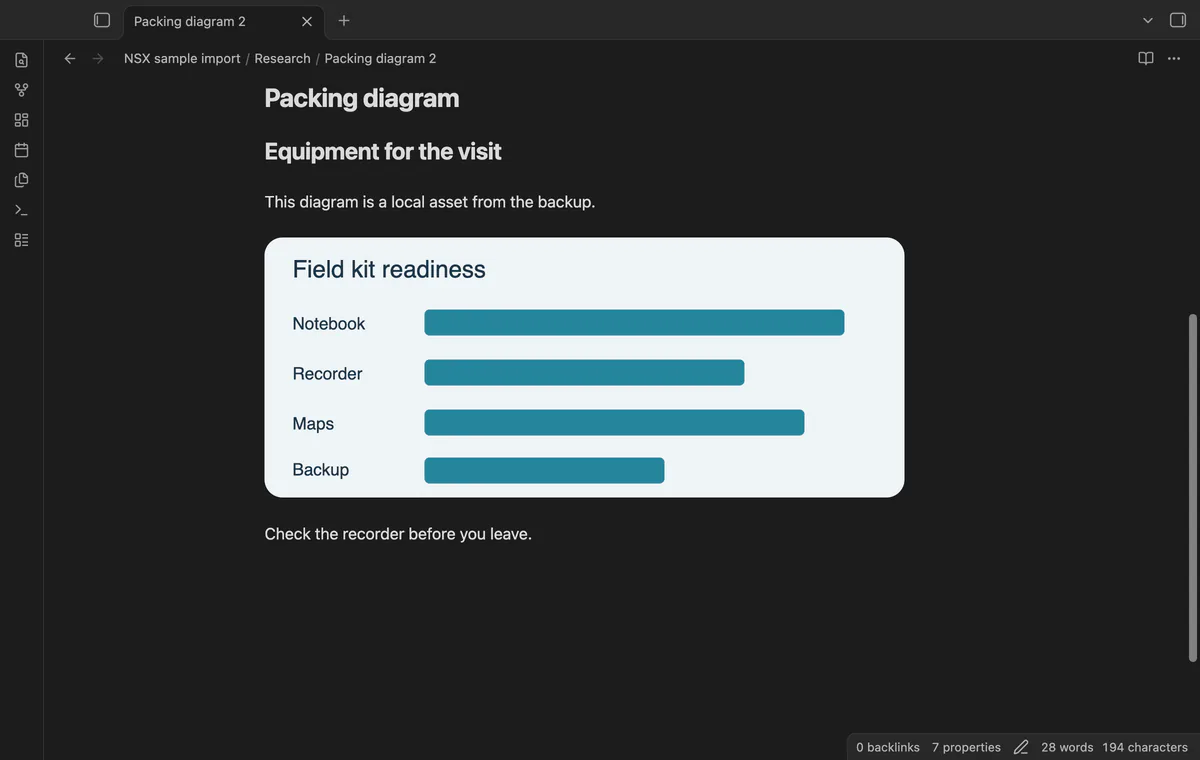
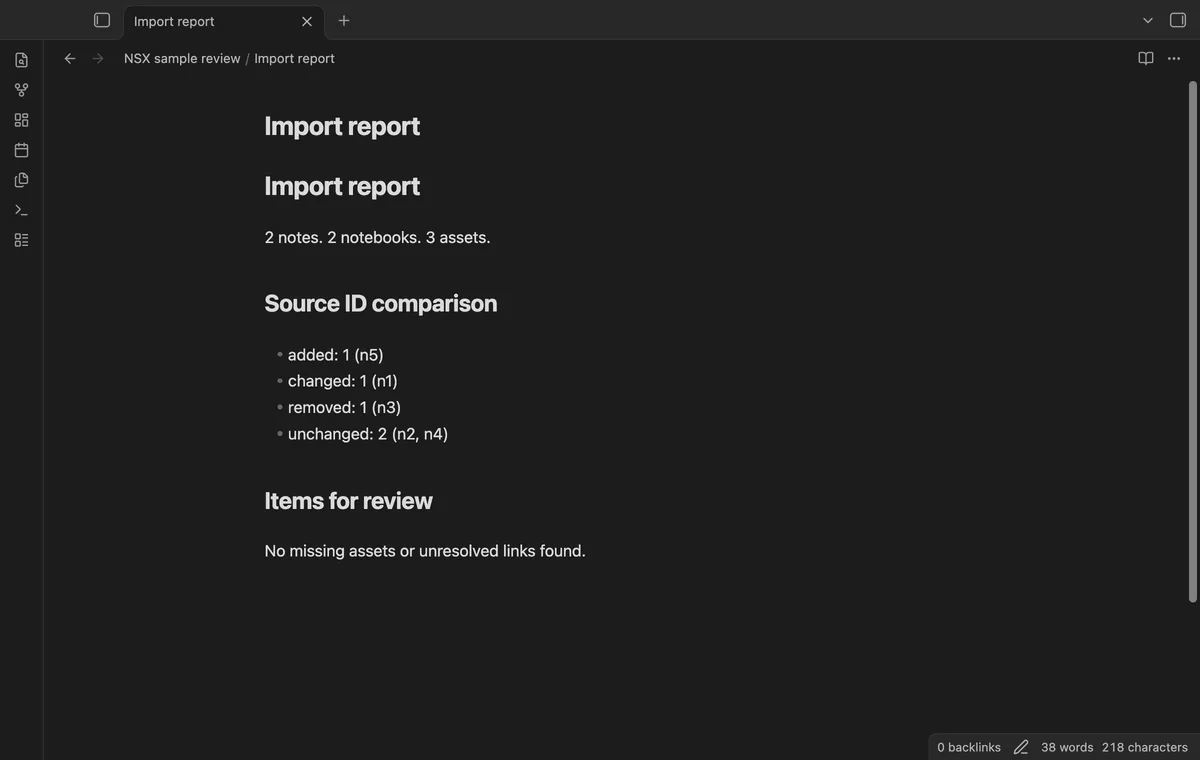
Exported attachment hashes map references to local asset members. Missing members keep a source link and appear in the report. External images become links without a download.
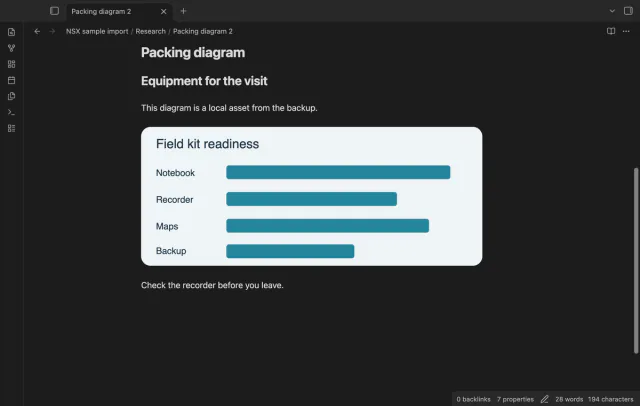
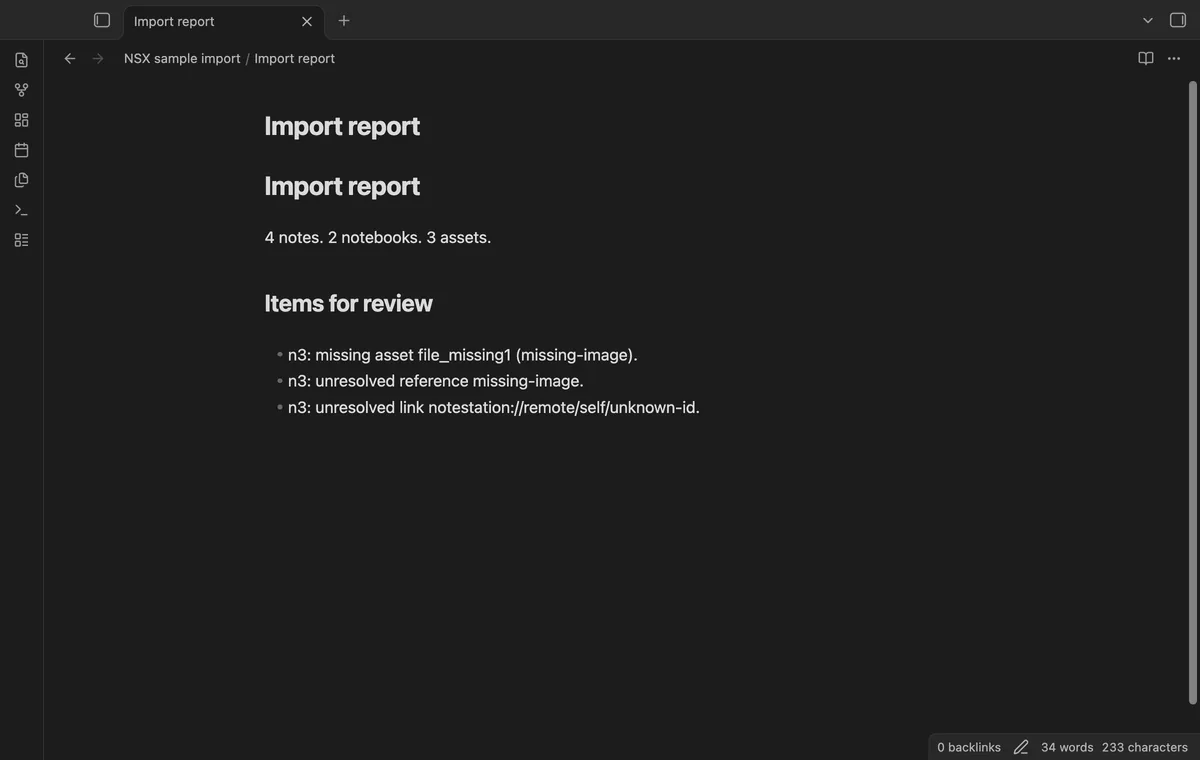
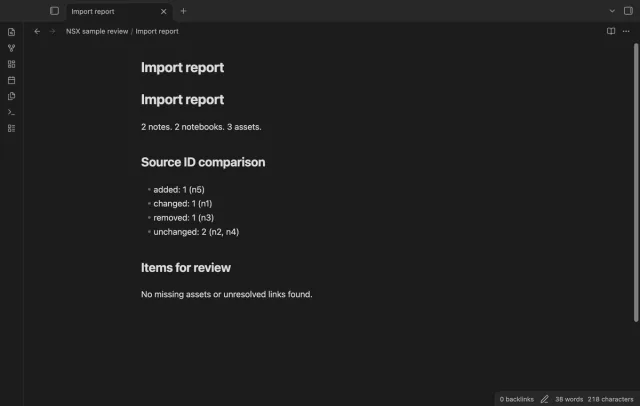
Create a new root folder with notes, assets, a report and Source snapshot.json. Internal links convert only when their final ID matches an imported source note. Unresolved references stay in the report.
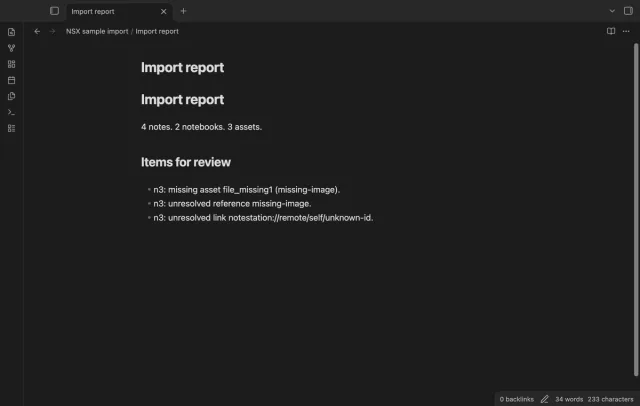
The core import is free; saved notebook mappings and later backup comparison need Pro.
Pro costs $5 a month or $15 one time through GitHub Sponsors. One sponsorship turns on Pro in every plugin that has it.
Save notebook folder choices by source notebook ID. Load a profile for a later backup that uses those IDs. You can edit its folder choices before importing.
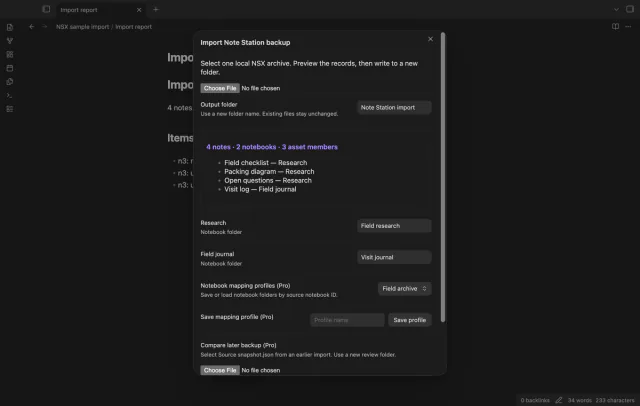
Select an earlier source snapshot after opening a later backup. Added and changed notes go into a new review folder, and removed IDs appear in its report. Comparison excludes your vault edits and asset byte hashes.
needs
steps
Export an NSX backup from Note Station and keep a copy.
Run Import a local NSX archive from the command palette.
Select the backup and check the preview counts.
Enter a new root folder name and review notebook folder choices.
Select Create new files, then inspect the report, notes and assets.
If the app can't find a new plugin yet, try again later. Obsidian says a plugin that passes the review shows in the app within 24 hours.
Need a change for your team? I build custom Obsidian plugins and features.
No. The report keeps its source reference so you can check the original note or make another export.
No. Encrypted source text goes into a code block and appears in the report.
No. Enter one new root folder name without a slash or parent path.
Before you sign in, the plugin makes no network requests. Sign-in sends its client ID, read:user scope and polling requests to github.com; authenticated checks send your token to api.github.com for sponsorship status. Successful checks last seven days, failures can retry after six hours, and Refresh checks sooner without sending note content, filenames or vault data.
Tell me what is broken in Note Station NSX Import, or what it should do next.
Note Station NSX Import 1.1.0, MIT license
MIT · no telemetry · core features free
Edit AsciiDoc source and see its preview side by side.
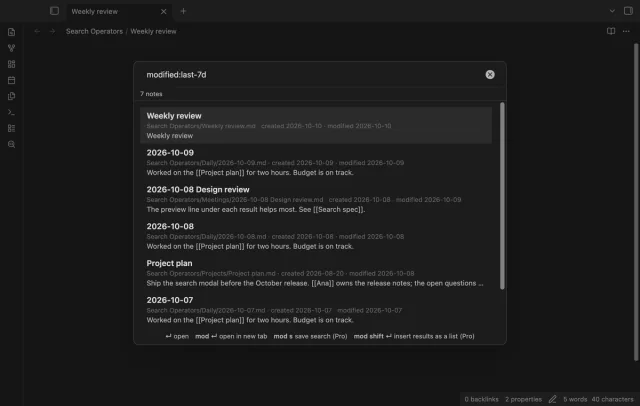
Find notes by date and links, with a preview for each result.