PDF Cover Cards
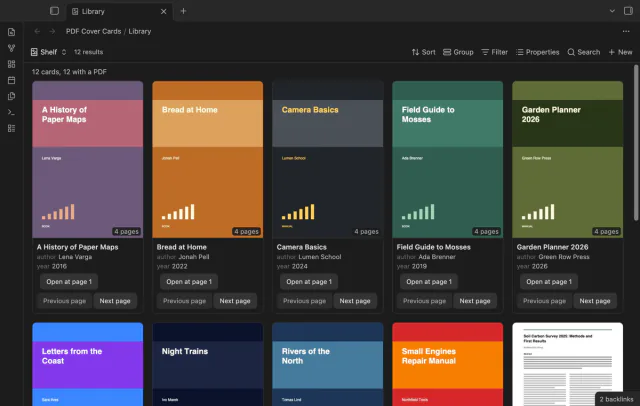
Show the first PDF page as a cover in your base.
Preview and join adjacent PDF quote callouts.
MIT · no telemetry · core features free
Phone and tablet devices, Linux and Windows app runs, and PDF++ format variants were not tested.
Directory facts fetched from community.obsidian.md/users/theluckystrike.
You save PDF quotes as callouts and want to combine adjacent passages without losing their page references.
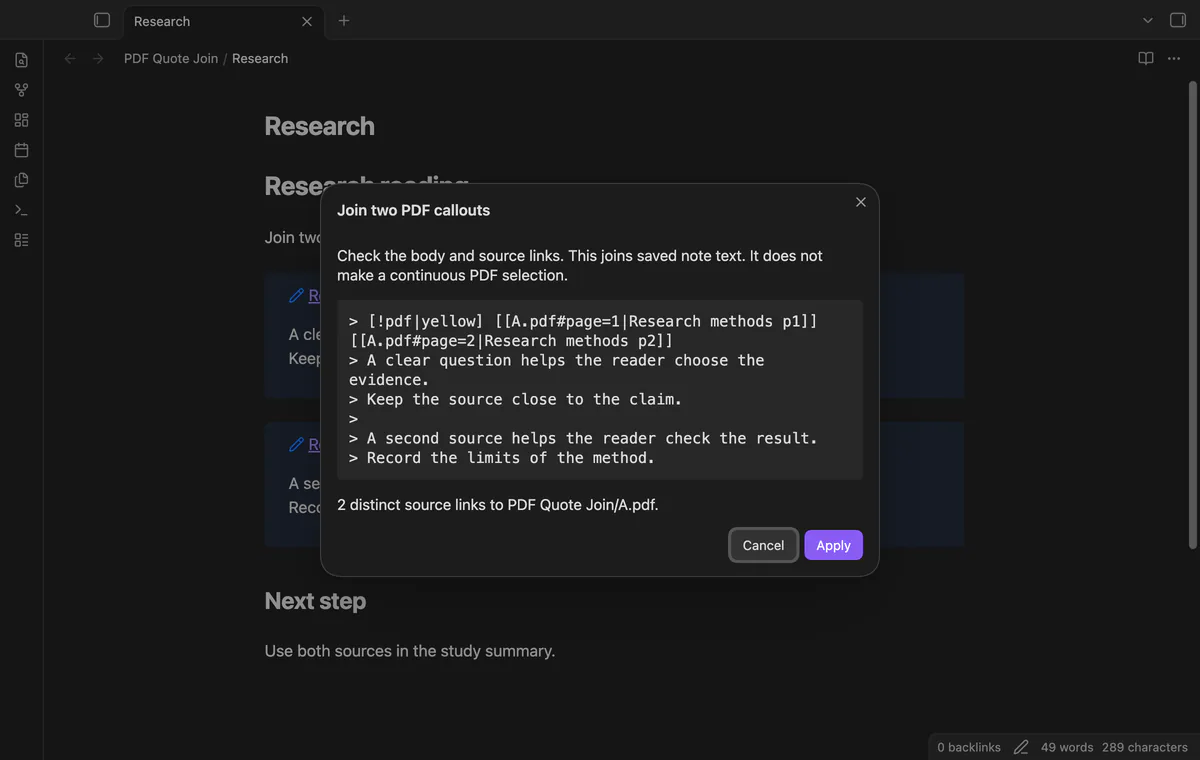
Select two complete adjacent callouts in your note and preview their joined text. PDF Quote Join keeps their bodies in note order and retains distinct source wiki links.
It edits saved Markdown and leaves the PDF unchanged. The result doesn't create a continuous selection across PDF pages.
 Play demo
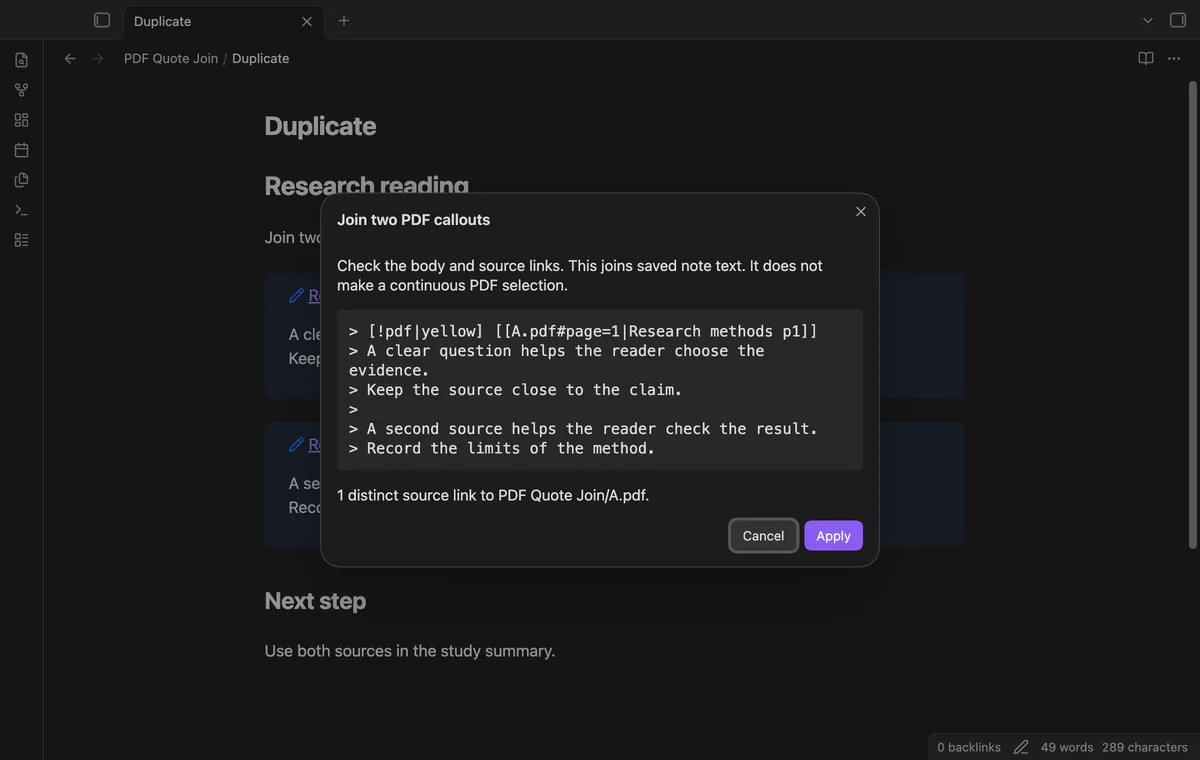
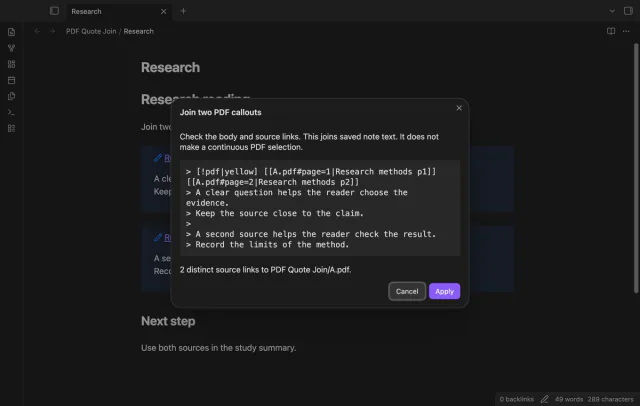
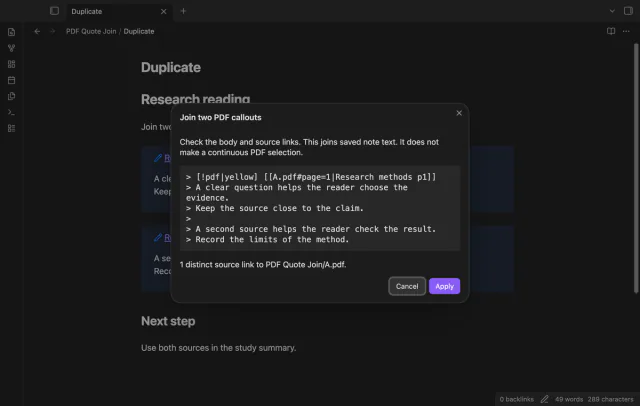
Select two complete callouts and run Join two selected PDF callouts. The preview shows the joined Markdown, distinct source link count and resolved PDF path. Blank lines may separate the callouts, but intervening prose causes rejection.
Exact duplicate header links appear once; links with different aliases stay distinct. Page fragments remain in the source text. The bodies keep their note order rather than sorting by page number.
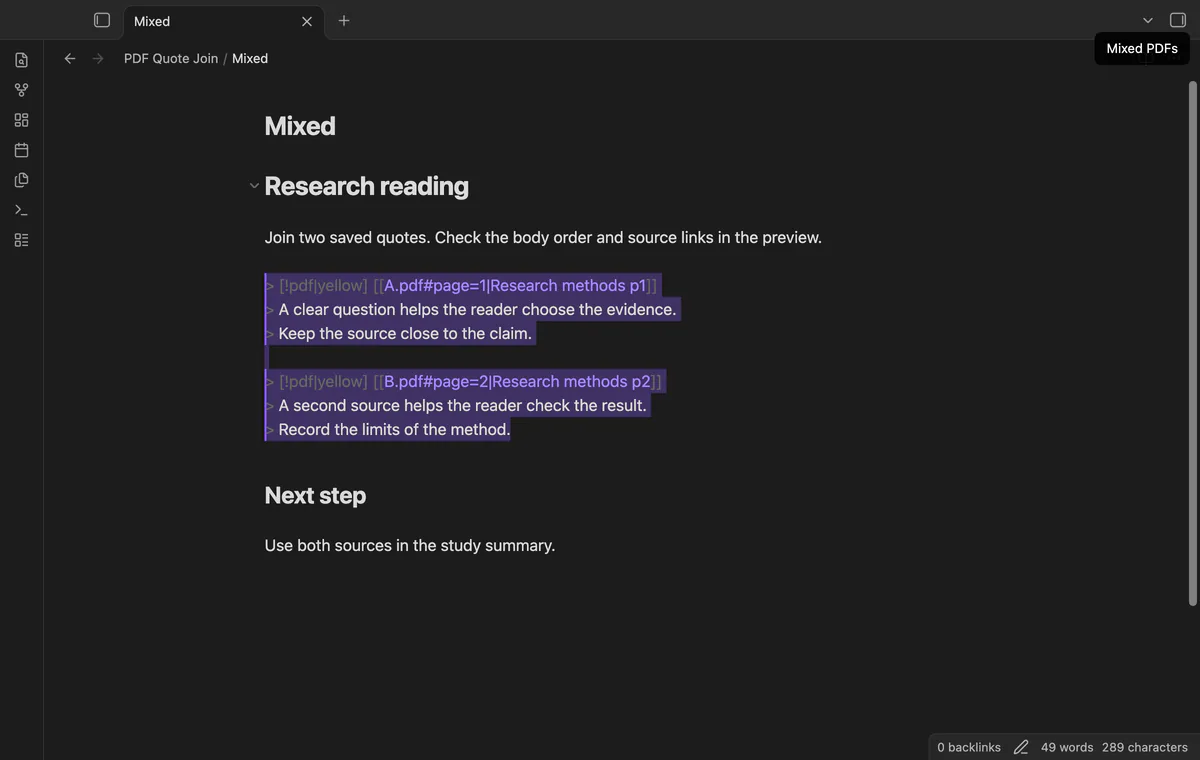
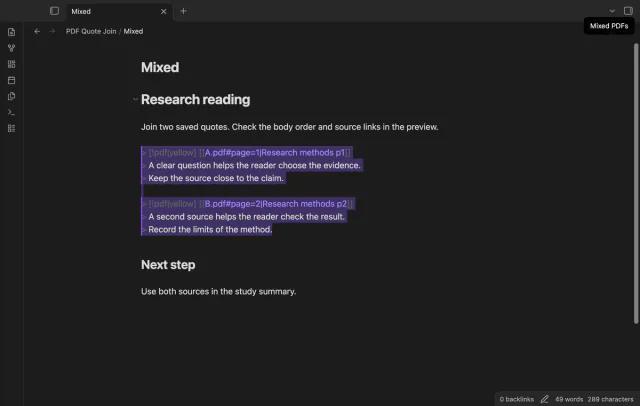
Header links must resolve to one PDF in your vault. Different PDFs, mismatched callout types or colors, and unsupported structures cause rejection. Nested quotes, fence markers and a third callout are unsupported.
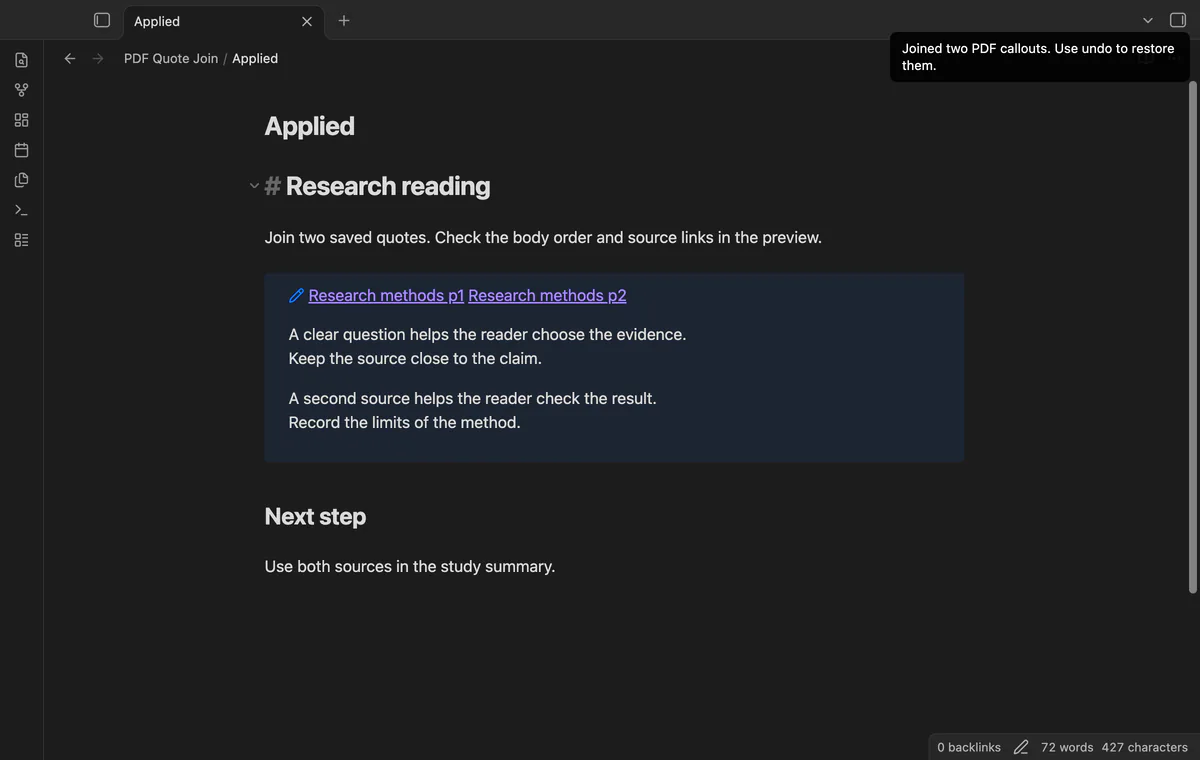
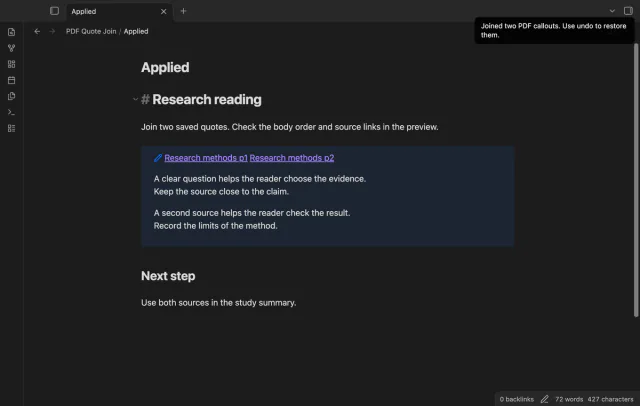
Apply replaces the captured range through one editor transaction, and one Undo restores the original pair. A changed note or editor invalidates the preview. The plugin resolves the PDF links again before applying.
Selection, preview and Apply are free; pair discovery and named formats need Pro.
Pro costs $5 a month or $15 one time through GitHub Sponsors. One sponsorship turns on Pro in every plugin that has it.
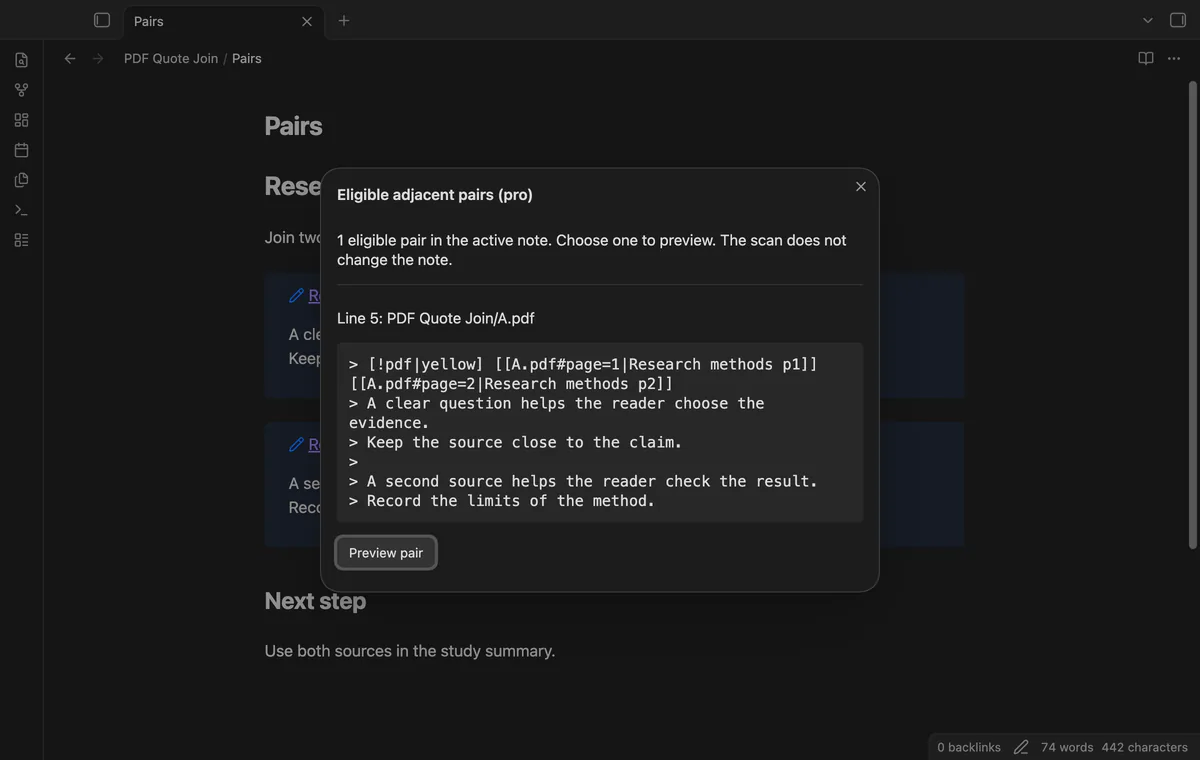
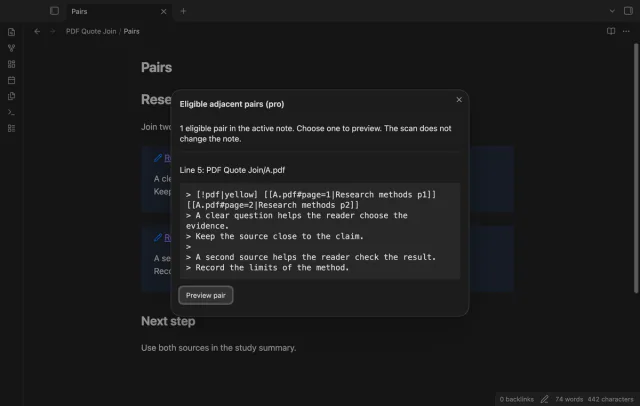
Scan the active note for eligible adjacent pairs with their starting lines and joined text. Choose one pair to preview. The scan doesn't edit the note or perform a batch join.
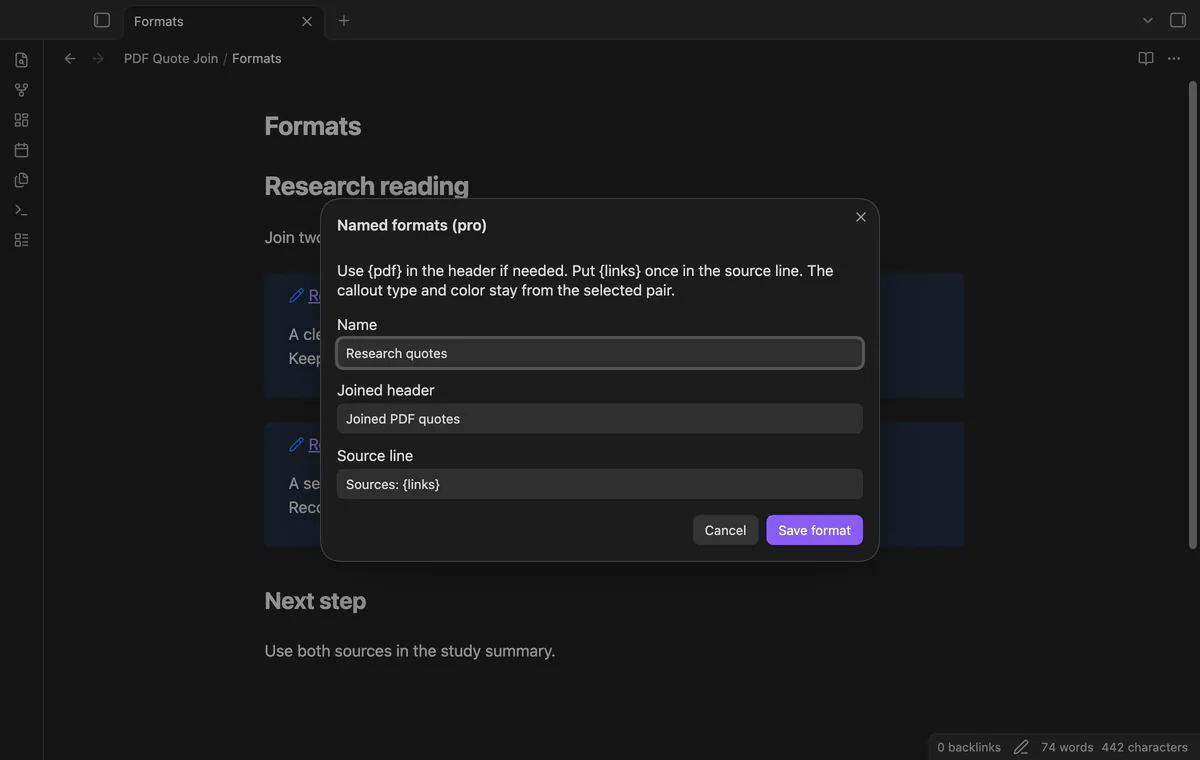
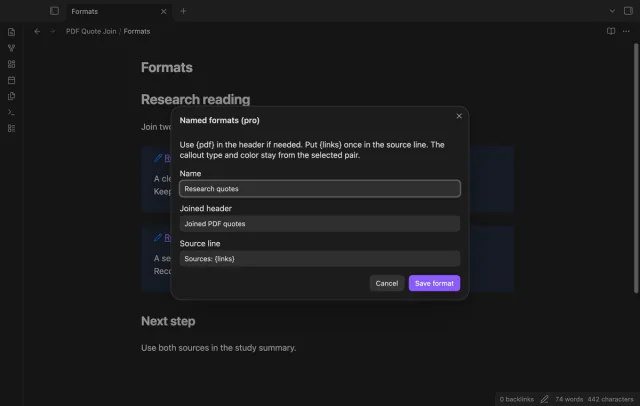
Save up to 20 named formats for the joined header and source line. Use {pdf} in the header and {links} once in the source line. Choose a format in the preview while keeping the original callout type and color.
needs
steps
Open the note in an editing mode.
Select two complete adjacent callout headers and their bodies as one range.
Run Join two selected PDF callouts from the command palette.
Inspect the preview, then select Apply; use Undo once to restore the original pair.
If the app can't find a new plugin yet, try again later. Obsidian says a plugin that passes the review shows in the app within 24 hours.
Need a change for your team? I build custom Obsidian plugins and features.
It joins saved Markdown callouts in a note. It doesn't change PDF files or create a continuous selection in the PDF viewer.
Only the documented simple format is supported. Matching color markers are accepted. Extra header titles, collapse markers, Markdown source links and wider PDF++ formats are unsupported.
A changed note, file or editor makes the preview stale. A deleted PDF can also prevent the edit. Close the preview and select the current text again.
Before you select Sign in with GitHub, the plugin makes no network requests. Sign-in sends a client ID, read:user scope and device-flow codes to github.com; authenticated requests to api.github.com check sponsorship. Checks reuse success for seven days, retry failures after six hours, or run on Refresh; they send no vault data.
Tell me what is broken in PDF Quote Join, or what it should do next.
PDF Quote Join 1.1.0, MIT license
MIT · no telemetry · core features free
Show the first PDF page as a cover in your base.

See headings from embedded notes in one outline.