How to import a TBX glossary into Obsidian
As of October 2026, you can keep a bilingual glossary in an Obsidian Markdown table and enter the terms yourself.
As of October 2026, Obsidian callouts hold editable Markdown, so you can combine saved quote text by hand. PDF Quote Join previews a supported adjacent pair from one local PDF before replacing the note text.
A joined passage still needs its page references. PDF Quote Join keeps distinct header wiki links and follows the quote order in your note.
Obsidian callouts start with a type marker on the first blockquote line and support wiki links in their content. In your note, keep one header and move the second quote body underneath the first.
Keep both source links with the combined passage, then check the result against your originals. The documented callout syntax supports this manual editing workflow.
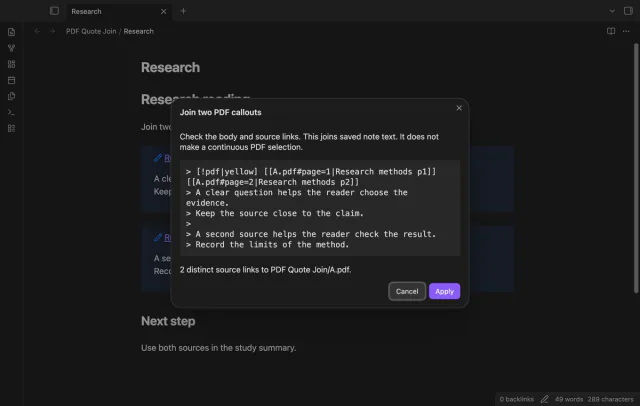
Select two complete adjacent callouts whose header wiki page links resolve to one PDF in your vault. Run the join command, check the preview, and select Apply.
The default format keeps distinct header links, with the first body before the second. Pro finds eligible pairs in the active note and stores named output formats.
MIT · no telemetry · core features free
Open your note in an editing mode and check that both header links resolve to the same local PDF.
Select the first callout header through the end of the second body as one range.
Run Join two selected PDF callouts.
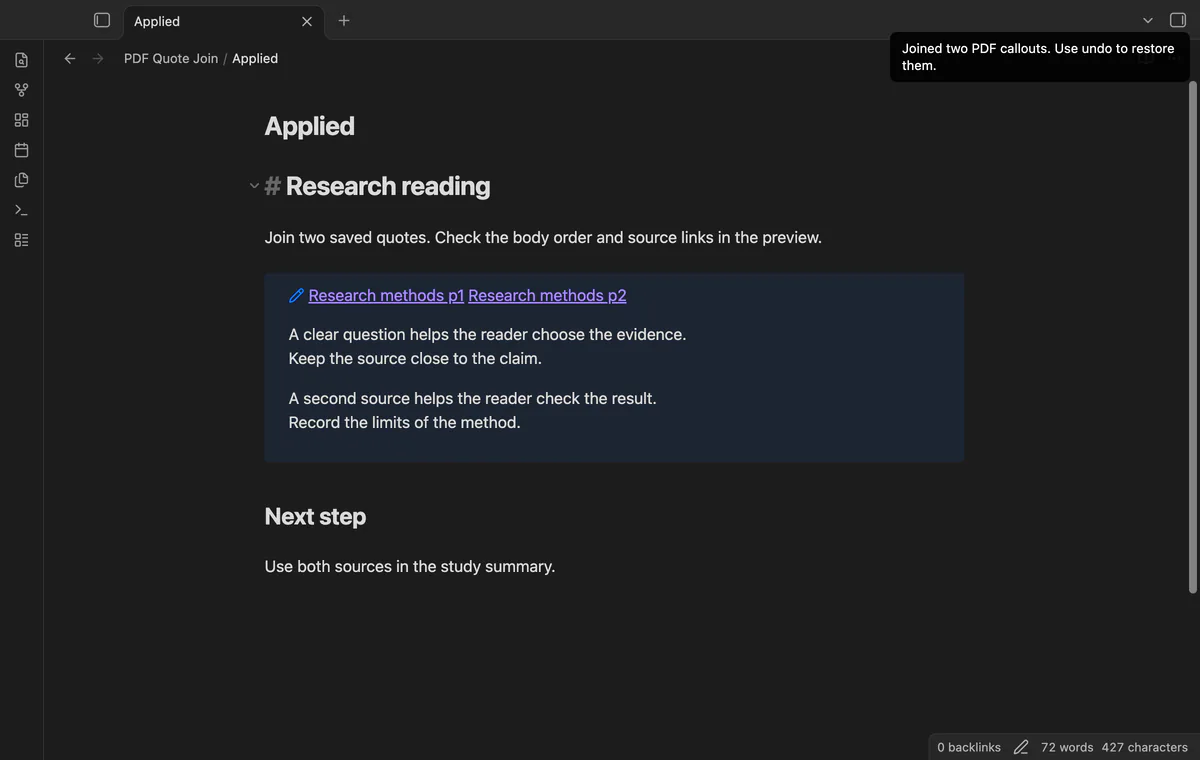
Inspect the joined Markdown and source links in the preview.
Select Apply, or Cancel to leave the note as it is.
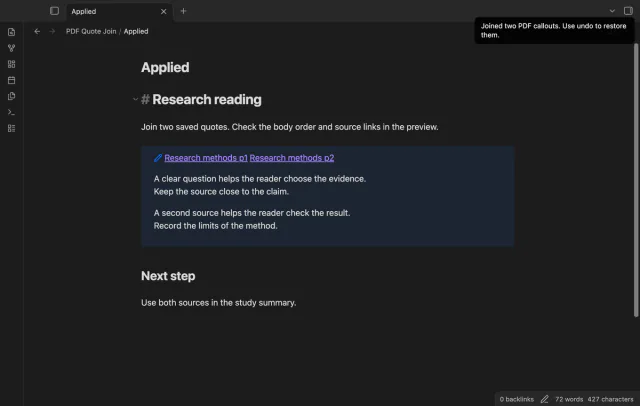
Use Undo once if you need to restore the original pair.
It follows the order of the two callouts in your note. A quote from page 2 placed first stays before a quote from page 1.
Yes. Links with different aliases remain distinct source strings. Only exact duplicate header links are reduced to one.
 You can now join saved PDF quote callouts.
You're officially a regular.
Obsidian rewards people who share. NoteMods is just me and a lot of coffee. If this guide saved you a fight with the syntax, buy me a cup.
That's visit . Regulars are the reason I keep NoteMods running. If it's part of your routine now, a coffee says thanks better than anything.
Preview and join adjacent PDF quote callouts.