
AsciiDoc Files
Edit AsciiDoc source and see its preview side by side.
Read a Markwhen timeline and edit its source.
MIT · no telemetry · core features free
The README reports desktop app tests. Physical phones and tablets were not tested.
Directory facts fetched from community.obsidian.md/users/theluckystrike.
You want to read Markwhen plans as vertical timelines in your vault.
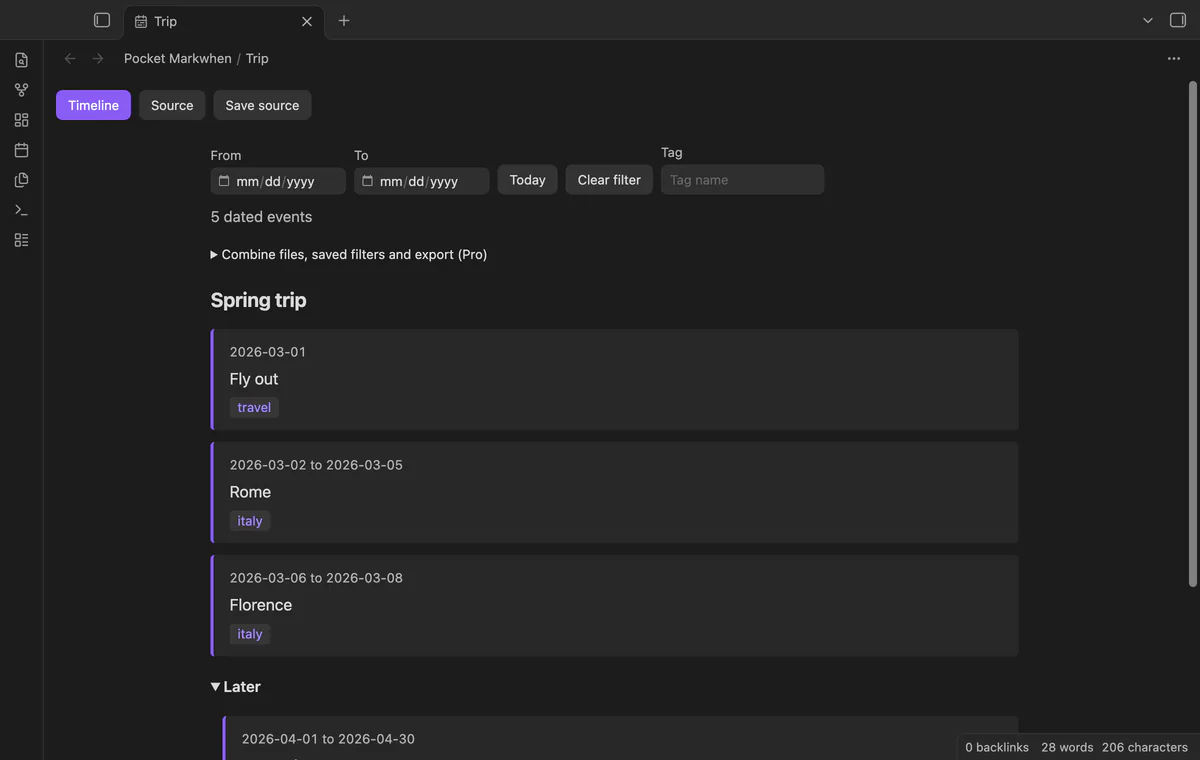
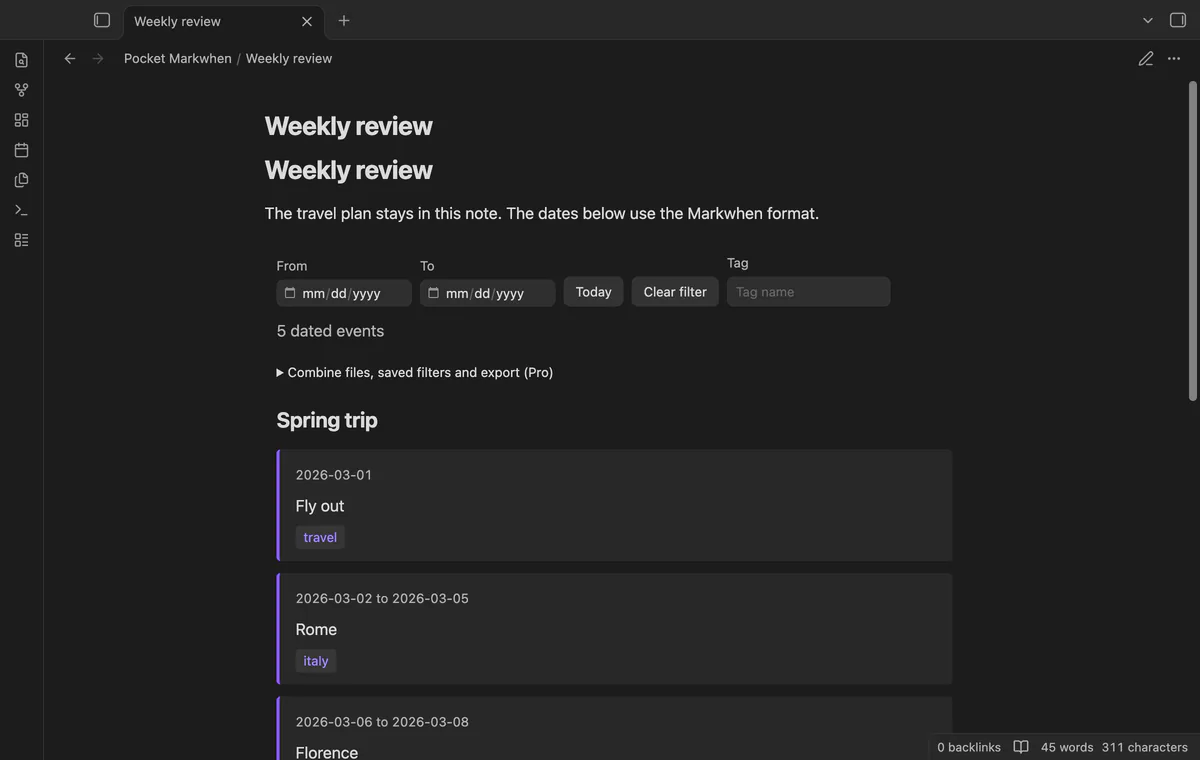
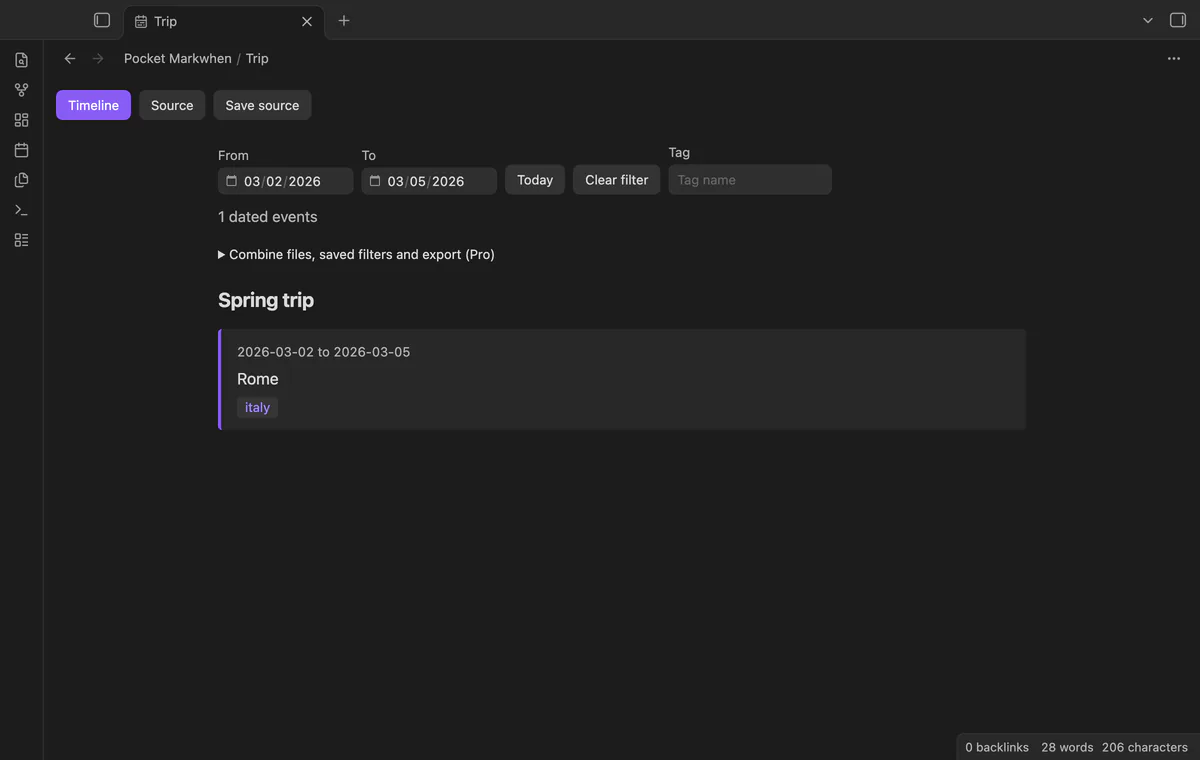
Open your .mw plan to read event dates and heading groups in a vertical list. Pocket Markwhen also renders mw blocks in Markdown notes. Source edits save Markwhen text rather than converting your plan into a database.
 Play demo
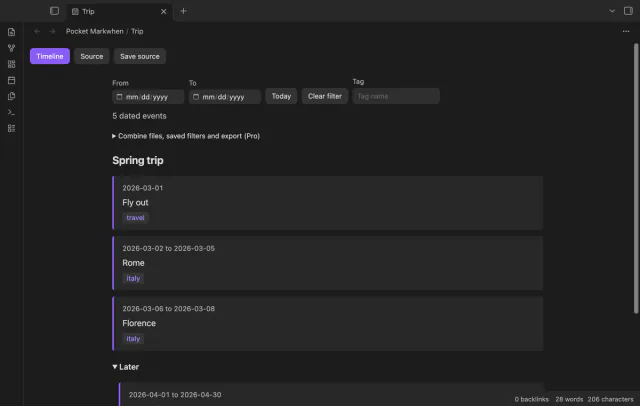

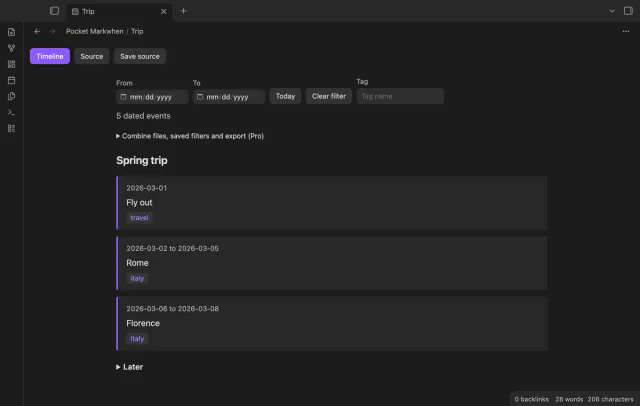
Read dates, inclusive whole-day ranges and tag chips beside event text. Month and year events show their first and last day.
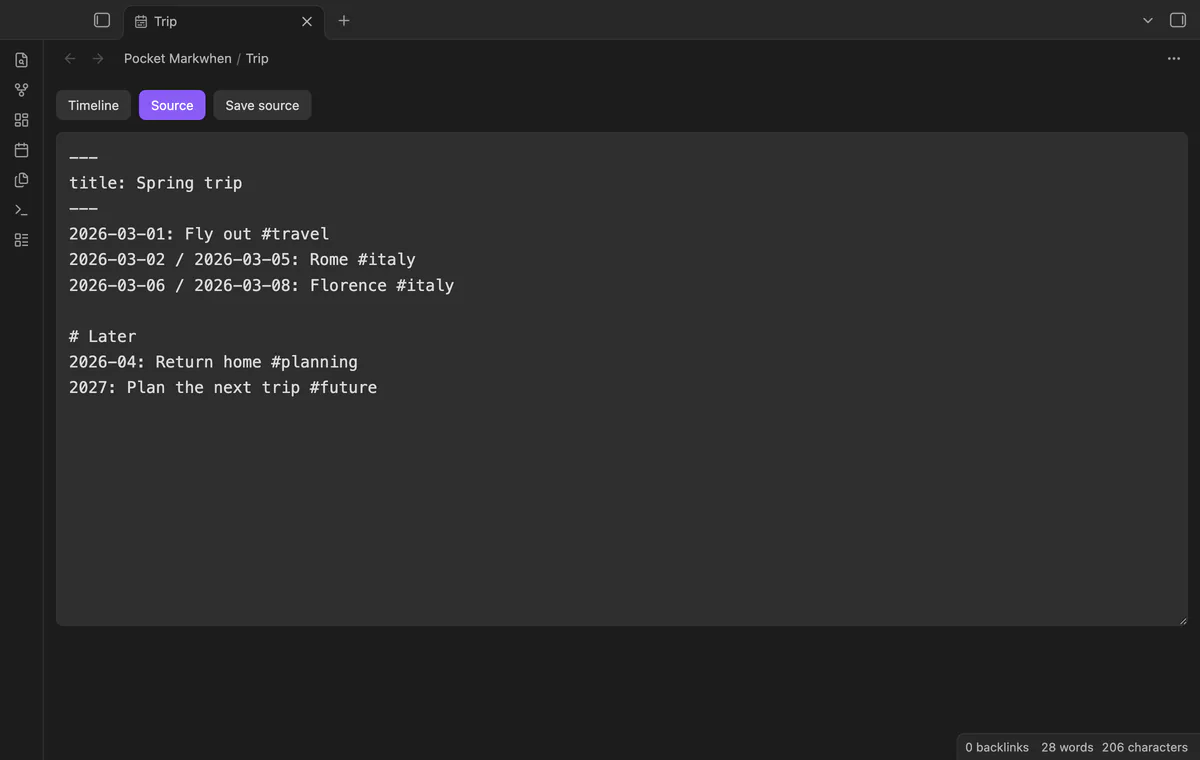
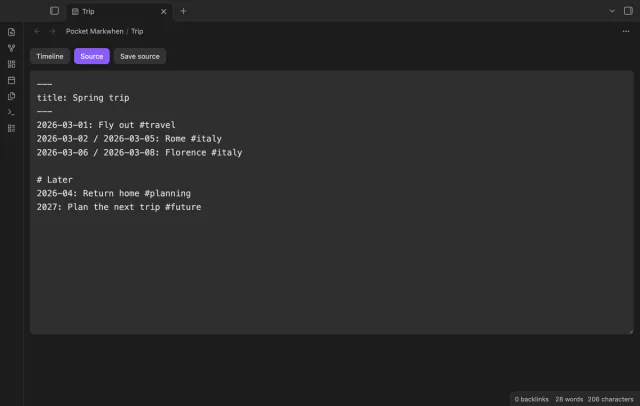
Select Source to edit the original text, then Timeline to read it. Edits request a file save, and Save source writes pending changes.
An mw code block renders in Reading mode with the same timeline component. Edit its text in the note editor.
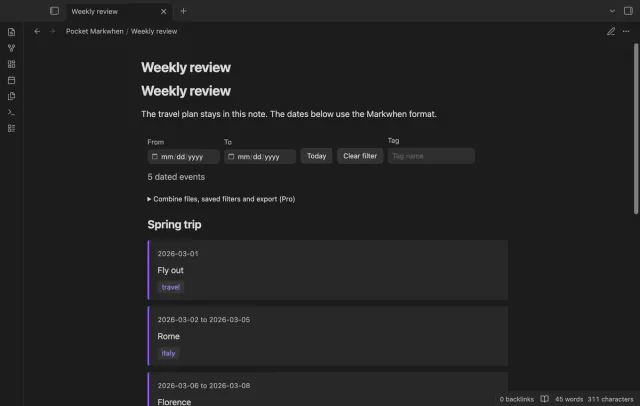
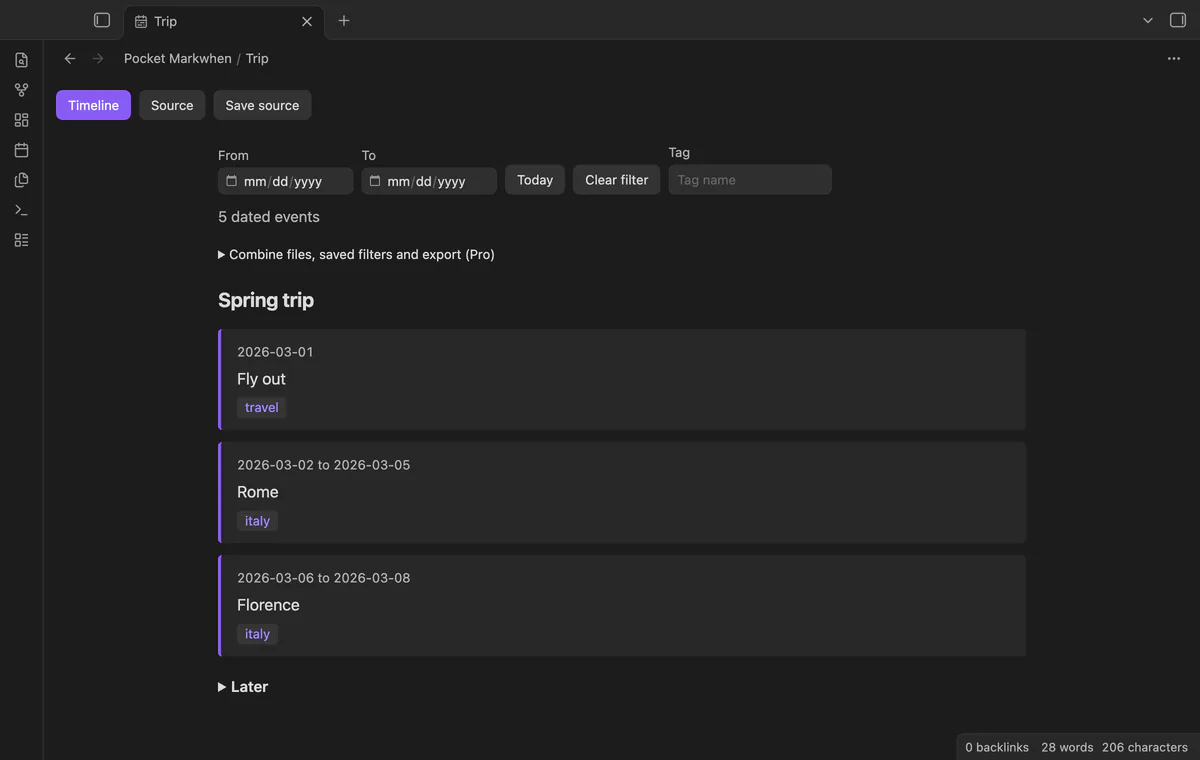
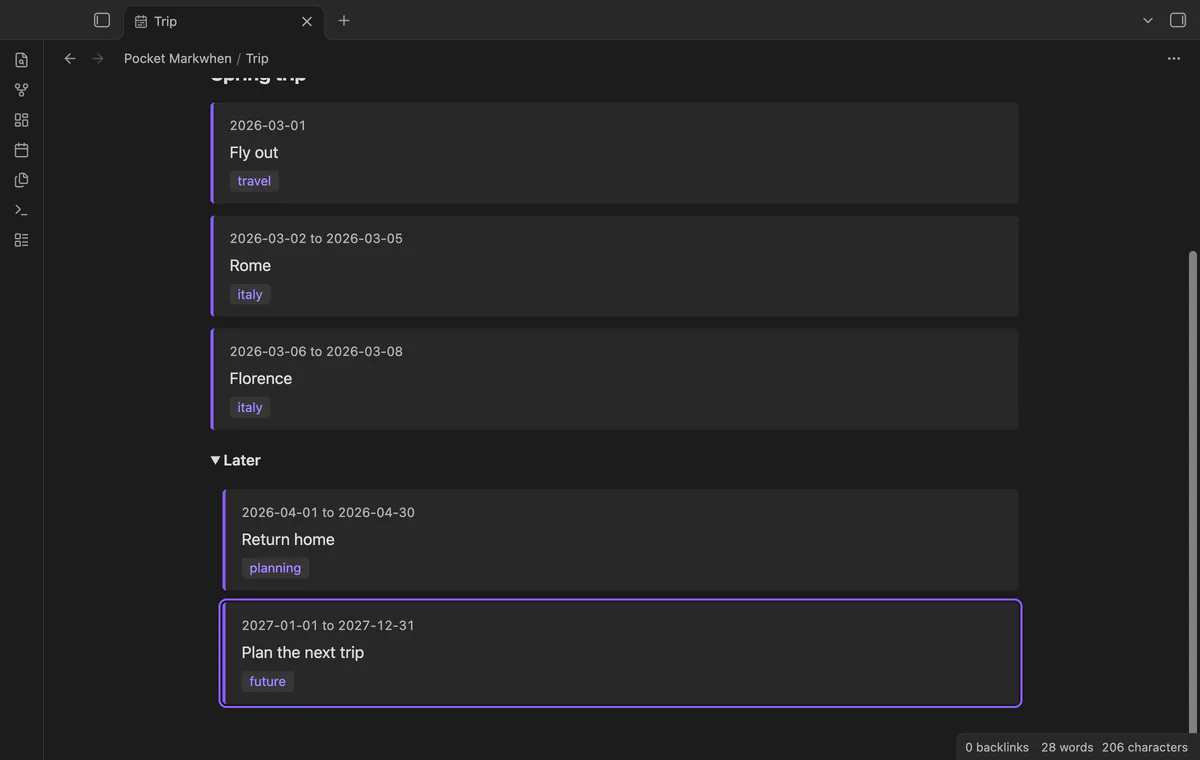
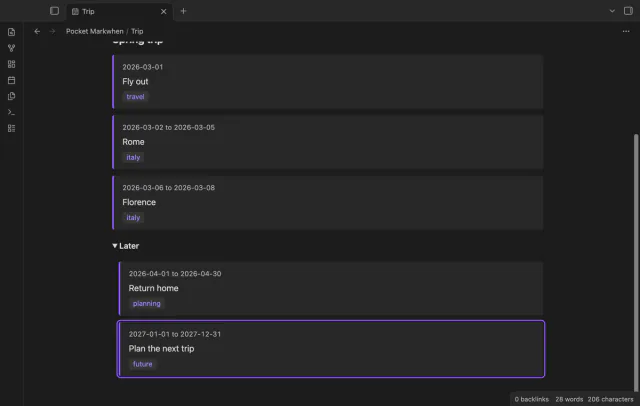
Select a heading group to collapse or expand its events. Nested headings retain nested groups, and the list follows source order.
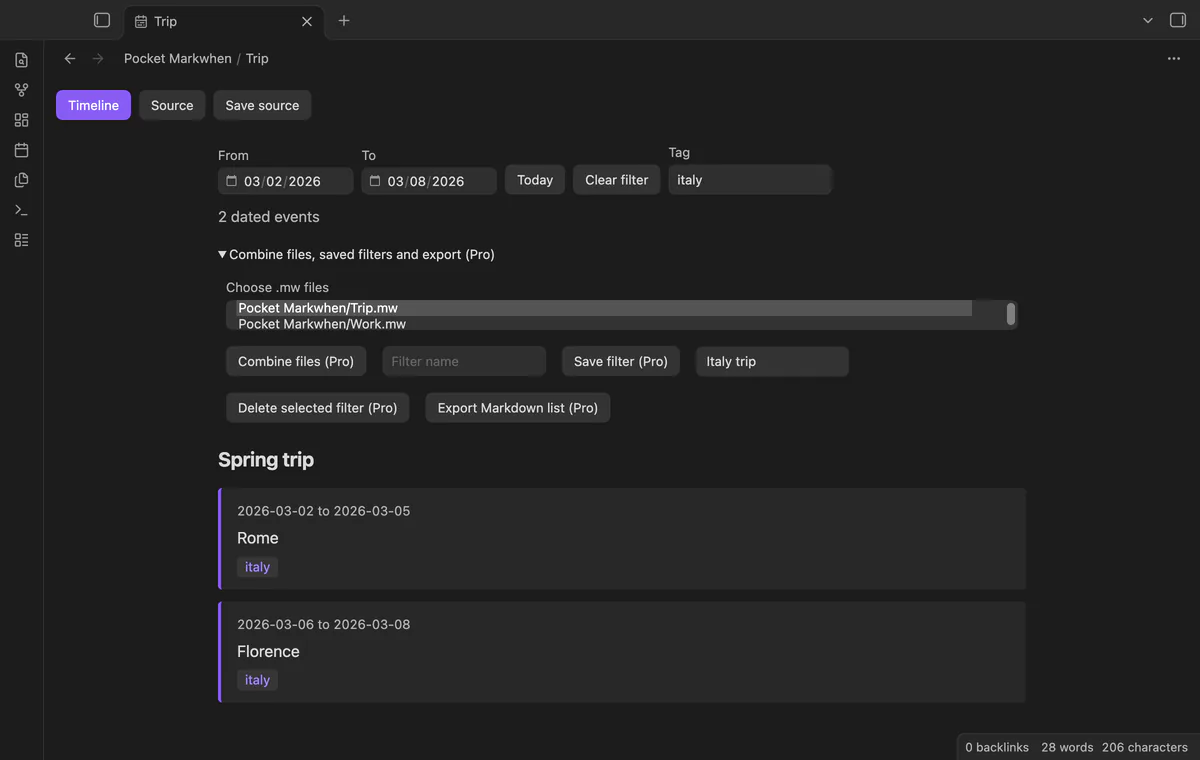
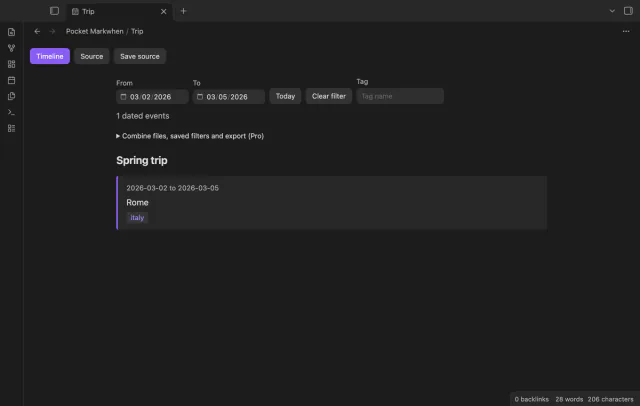
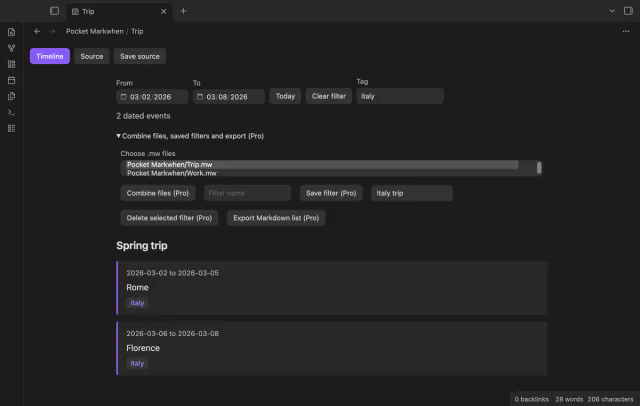
From and To retain events that overlap your chosen dates. The Tag field matches one tag without case sensitivity.
Today selects the earliest event starting on or after the local day within your current filter. It opens its groups and focuses the row.
Pro costs $5 a month or $15 one time through GitHub Sponsors. One sponsorship turns on Pro in every plugin that has it.
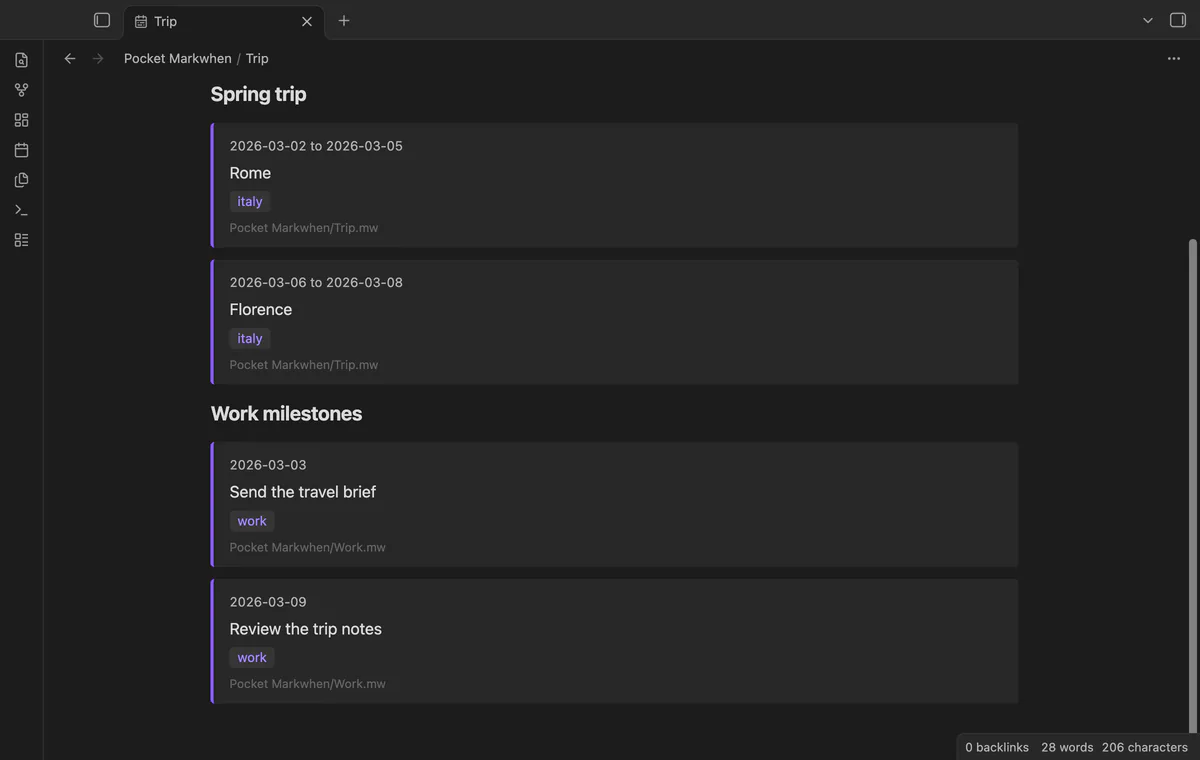
Pro reads selected .mw files into the same view and labels rows with source paths. It doesn't merge source text on disk.
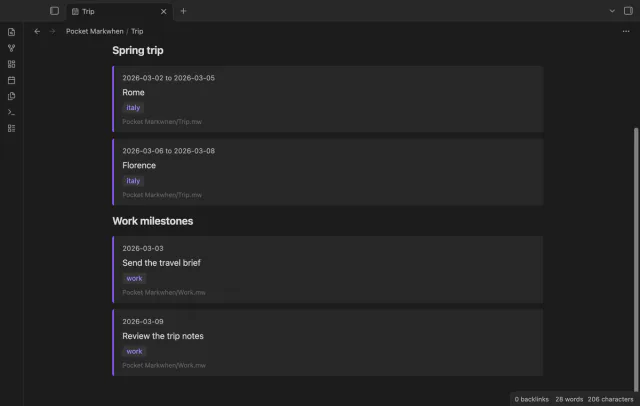
Pro saves date and tag filters under names in vault plugin data. Reusing a name replaces its previous filter.
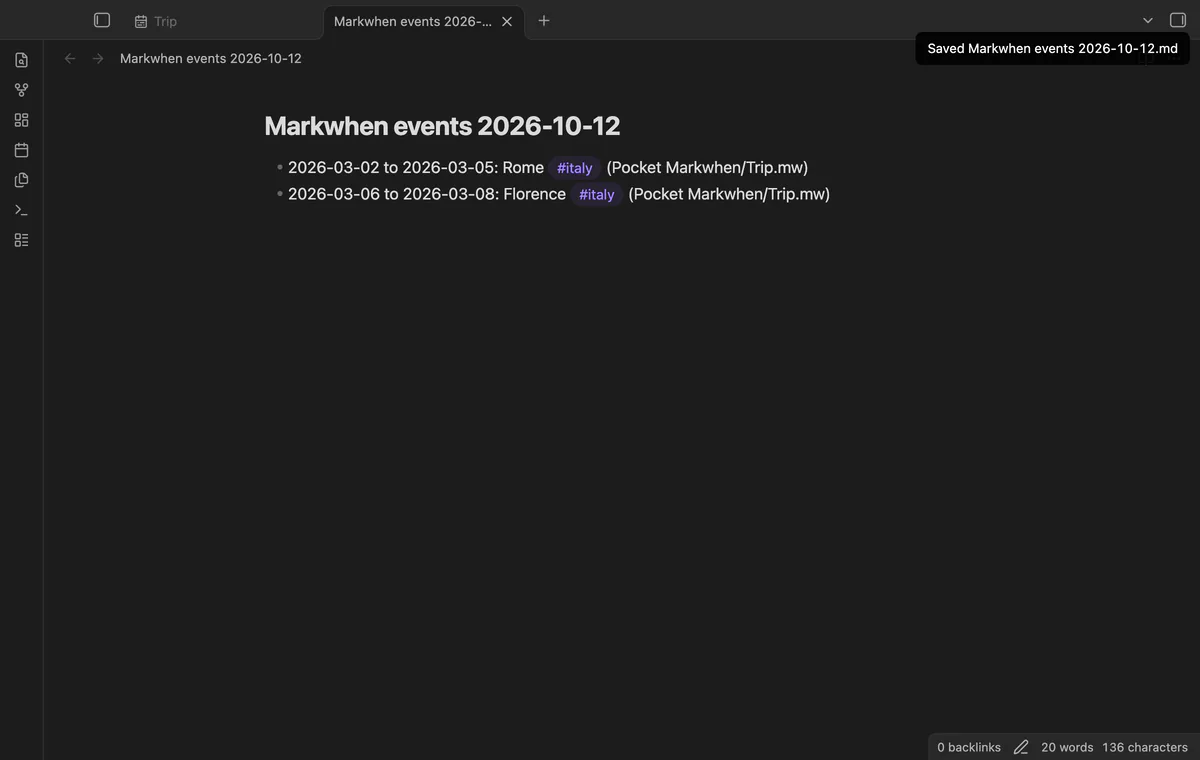
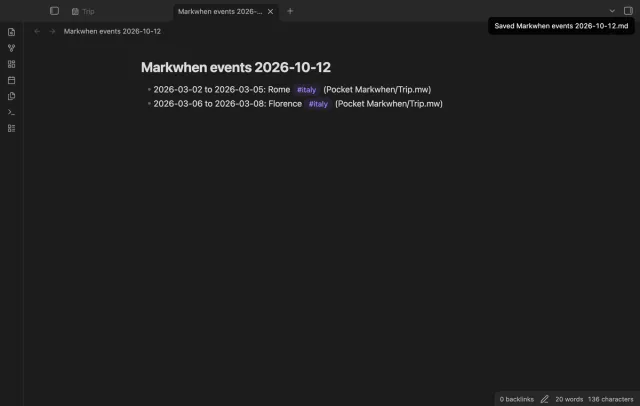
Pro writes visible events to a new Markdown note in the vault root. The output includes date labels, event text, tags and source paths.
needs
steps
Save a short dated plan as a .mw file in your vault.
Open the file from the file list.
Use Source to edit the plan and Timeline to read it.
Set date or tag filters, or select Today.
If the app can't find a new plugin yet, try again later. Obsidian says a plugin that passes the review shows in the app within 24 hours.
Need a change for your team? I build custom Obsidian plugins and features.
Opening a file without editing doesn't write it again. Filters affect the view, while Markdown export creates a separate note.
Pocket Markwhen shows a notice if another view registered .mw. Open that file and run Open current file as Markwhen timeline.
The timeline displays first-line event text as plain text. Links, images, tasks and supplemental descriptions are not rendered as interactive Markdown.
Switching from Source to Timeline creates a fresh panel. Pro named filters let you restore saved values.
After you select Sign in with GitHub, the plugin sends its client ID, read:user scope and device-flow requests to github.com. Due checks and Refresh send your token to api.github.com to read your sponsorship tier and total payment. No note text, filenames or other vault data goes to either host.
Tell me what is broken in Pocket Markwhen, or what it should do next.
Pocket Markwhen 1.1.1, MIT license
MIT · no telemetry · core features free
Edit AsciiDoc source and see its preview side by side.

See headings from embedded notes in one outline.