
AsciiDoc Files
Edit AsciiDoc source and see its preview side by side.
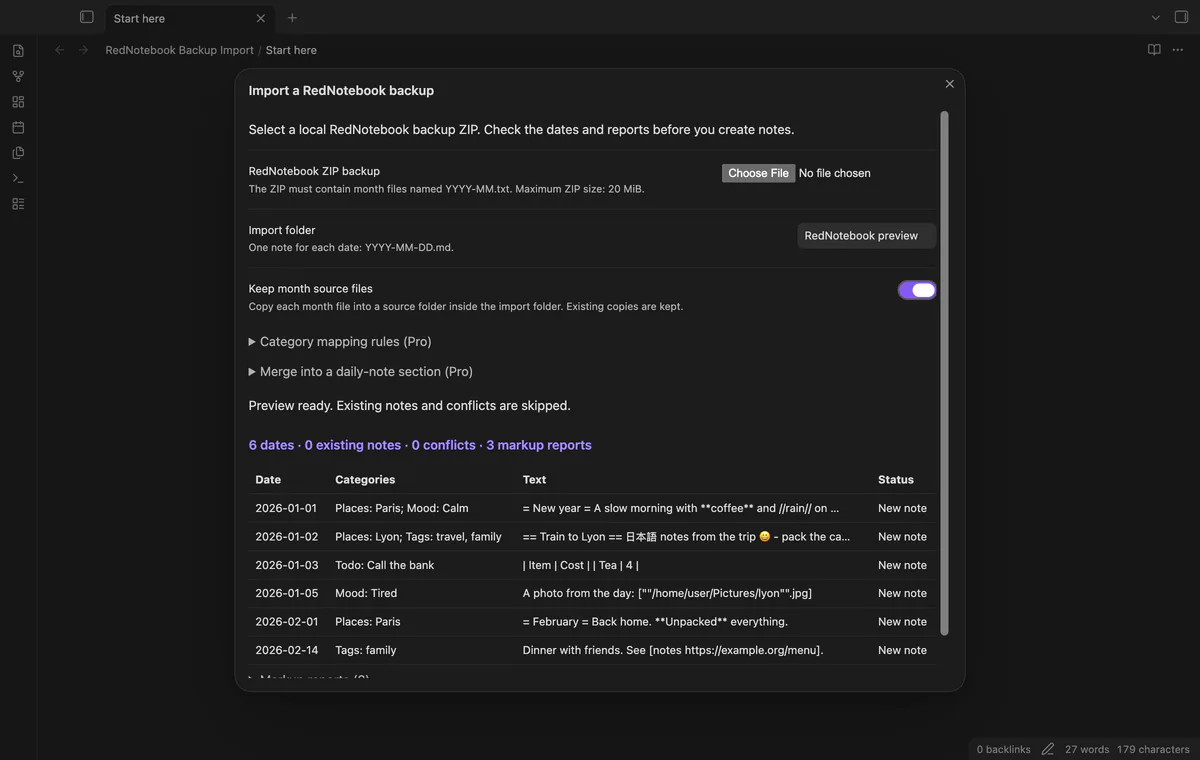
Preview a local backup ZIP and import dated notes with categories.
MIT · no telemetry · core features free
The directory takes these platforms from the plugin manifest. The automated tests run in the desktop app only.
Directory facts fetched from community.obsidian.md/users/theluckystrike.
You want to move a RedNotebook journal into dated notes while keeping its category entries.
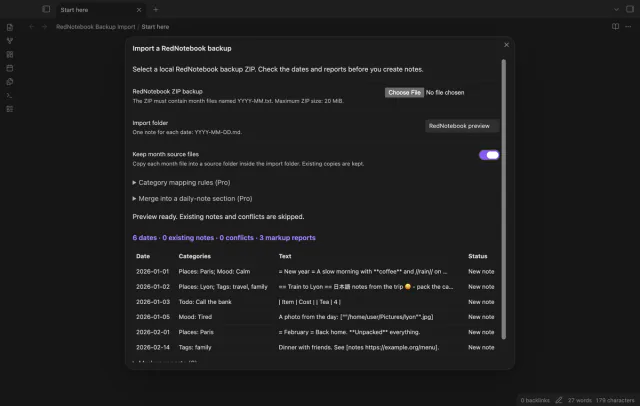

Select a local RedNotebook backup ZIP and check its dates, conflicts and markup reports. Create a note for each day with text or categories.
 Play demo
Preview date counts, existing notes, conflicts and markup reports. Invalid month data or unsafe archive paths stop the import before note creation.
Days with text or categories become dated Markdown files. Notes keep source properties and category names and values in a body list.
Convert basic headings, bold, italic and links while reporting unsupported markup. Existing note paths are skipped, and optional source copies retain the month YAML.
Pro costs $5 a month or $15 one time through GitHub Sponsors. One sponsorship turns on Pro in every plugin that has it.
Save category-to-property rules for later imports. Values become property lists, while the category list remains in the body.
Select existing dates and append converted day text under a named section. A note with that section heading is skipped.
needs
steps
Make a RedNotebook backup ZIP and keep a copy.
Run Import a RedNotebook backup.
Select the ZIP and check the folder, counts and markup reports.
After changing the folder, select Preview again.
Select Create notes and read the result counts.
If the app can't find a new plugin yet, try again later. Obsidian says a plugin that passes the review shows in the app within 24 hours.
Need a change for your team? I build custom Obsidian plugins and features.
It reads month files only and doesn't copy images. Image paths remain as text with a report and a note callout.
The ZIP limit is 20 MiB with 100 MiB of declared expanded data. The archive can contain up to 5000 members.
Cancellation stops after the current batch of 10 notes. Created files remain, and the next preview marks existing notes to skip.
Before you select Sign in with GitHub, the plugin makes no network requests. Sign-in sends its client ID, the read:user scope and device-flow data to github.com, then sends an authenticated sponsorship query to api.github.com. Checks reuse success for 7 days, retry failures after 6 hours or run on Refresh; they send no vault data.
Tell me what is broken in RedNotebook Backup Import, or what it should do next.
RedNotebook Backup Import 1.1.0, MIT license
MIT · no telemetry · core features free
Edit AsciiDoc source and see its preview side by side.
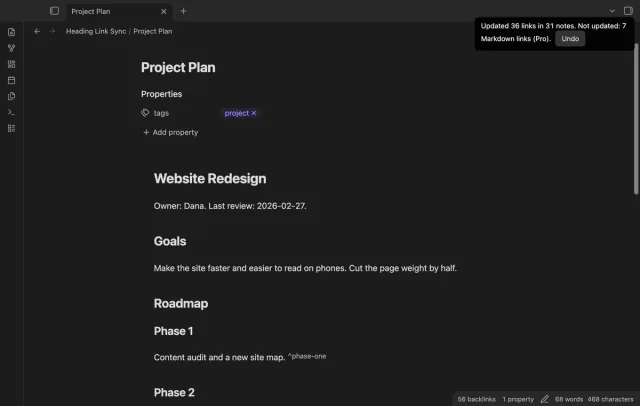
Update heading links and embeds when you edit a heading.