Heading Link Sync
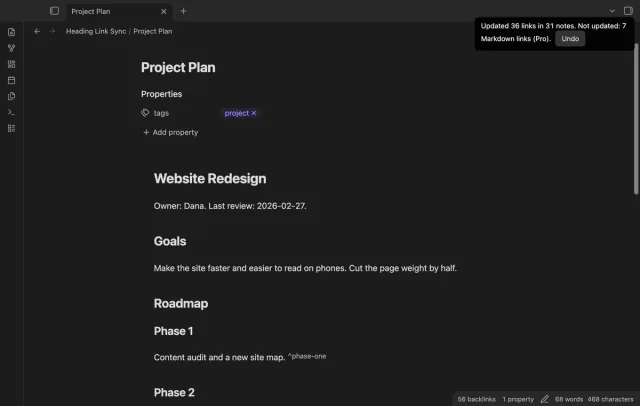
Update heading links and embeds when you edit a heading.
Save a prose baseline and a marked review of edits.
MIT · no telemetry · core features free
The directory takes these platforms from the plugin manifest. The automated tests run in the desktop app only.
Directory facts fetched from community.obsidian.md/users/theluckystrike.
You revise plain prose and want a separate review showing changes since a saved writing baseline.
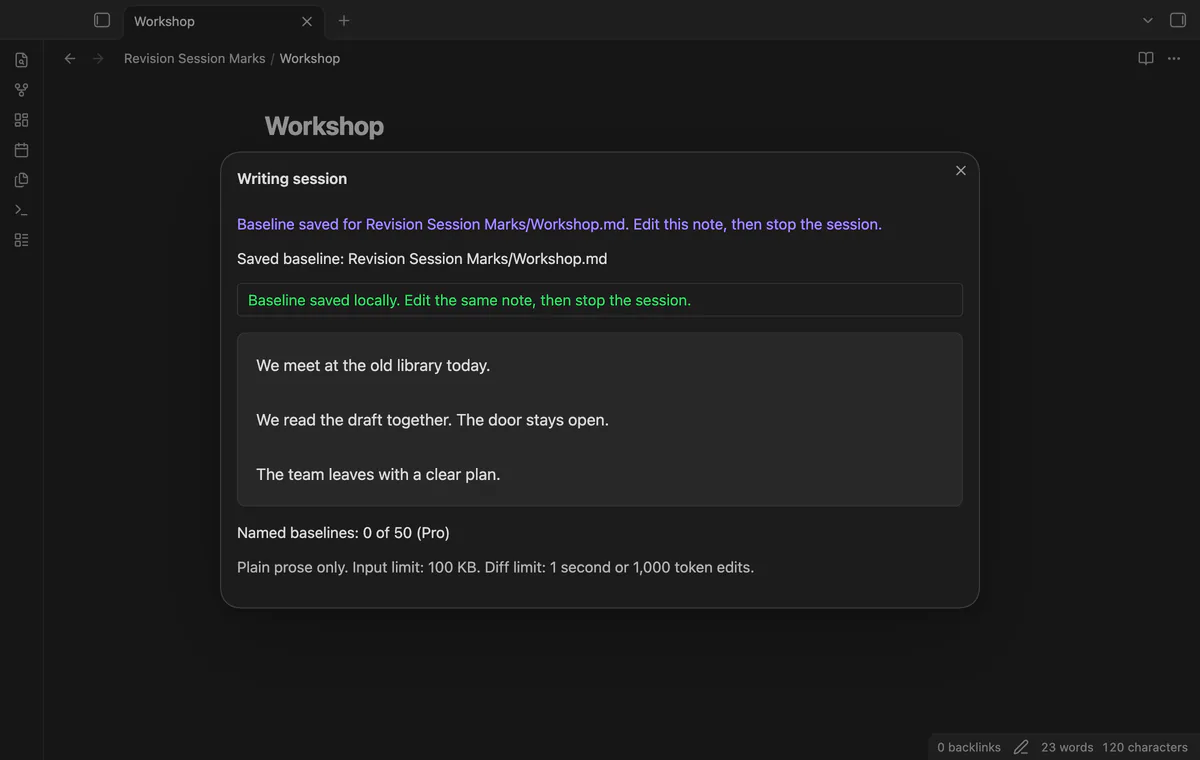

Save your draft before a writing session, then edit the same note. Revision Session Marks compares the texts and writes a separate CriticMarkup review.
 Play demo
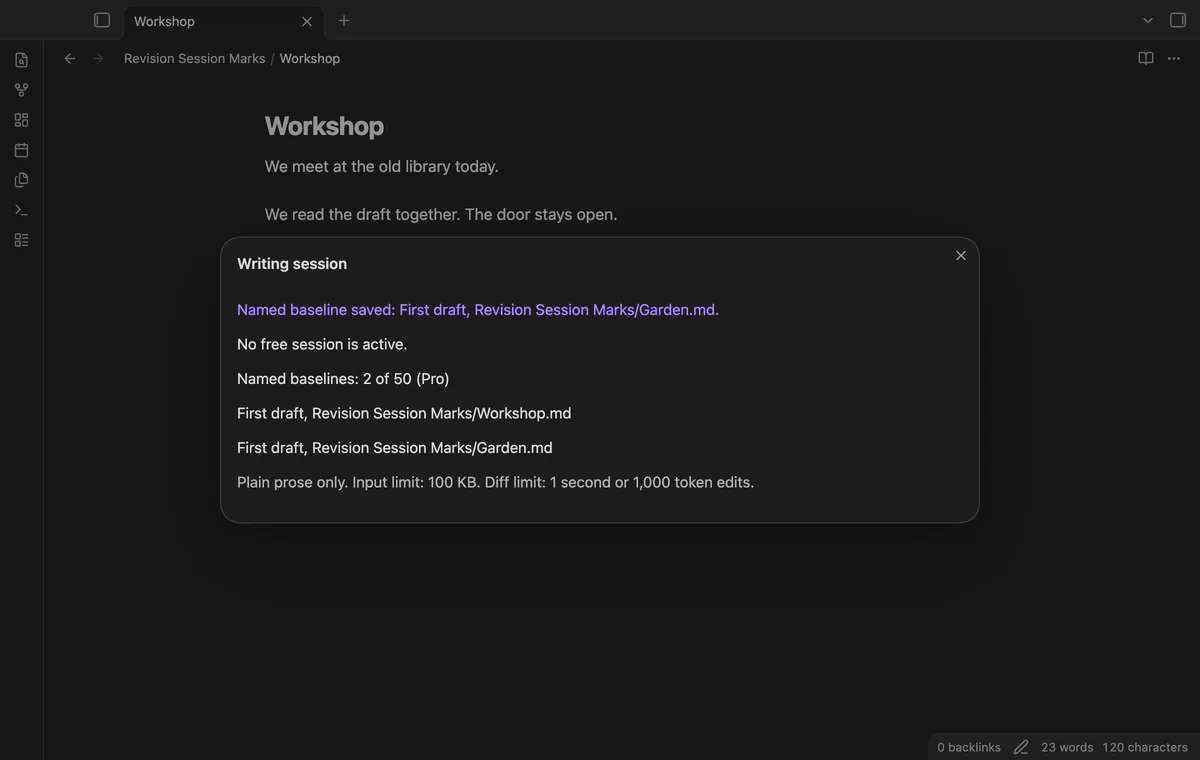
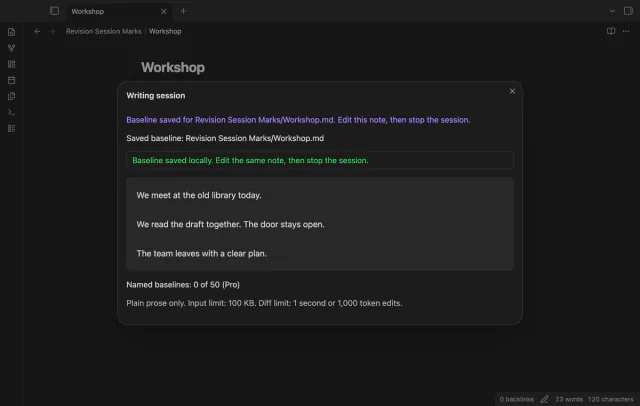
Save the active editor text and file path as a baseline. It remains in plugin data after a restart.
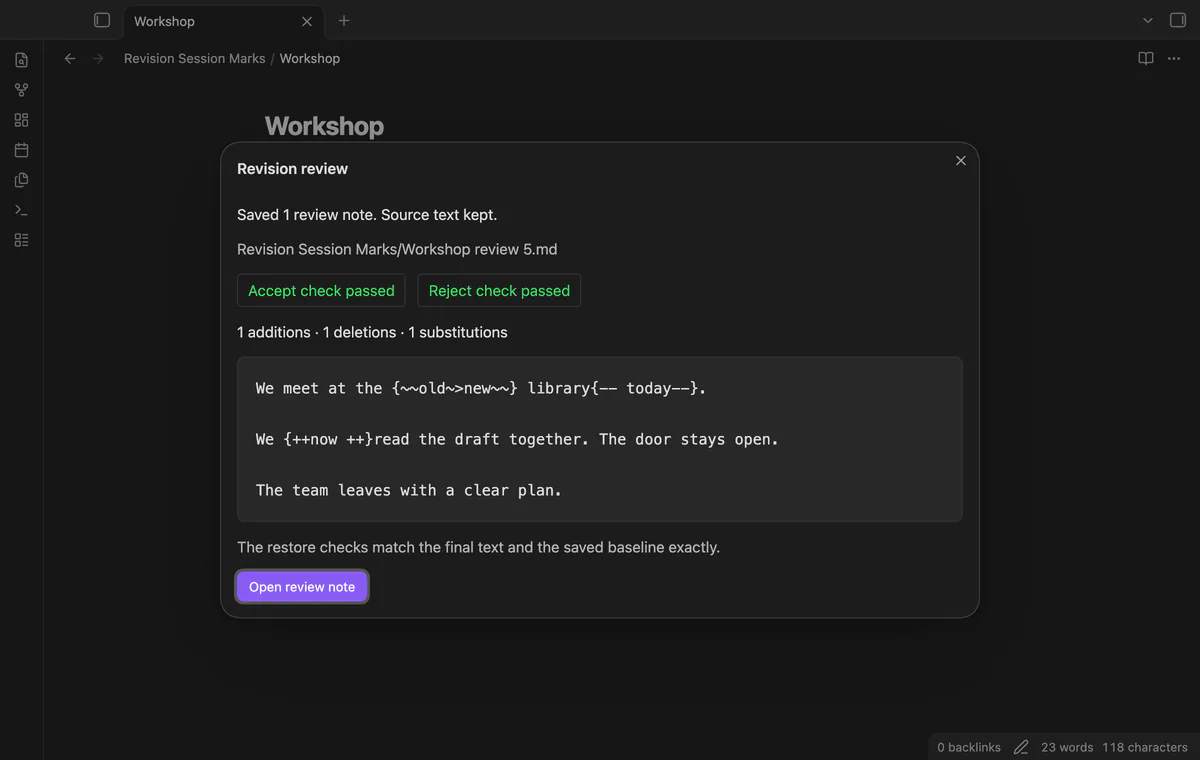
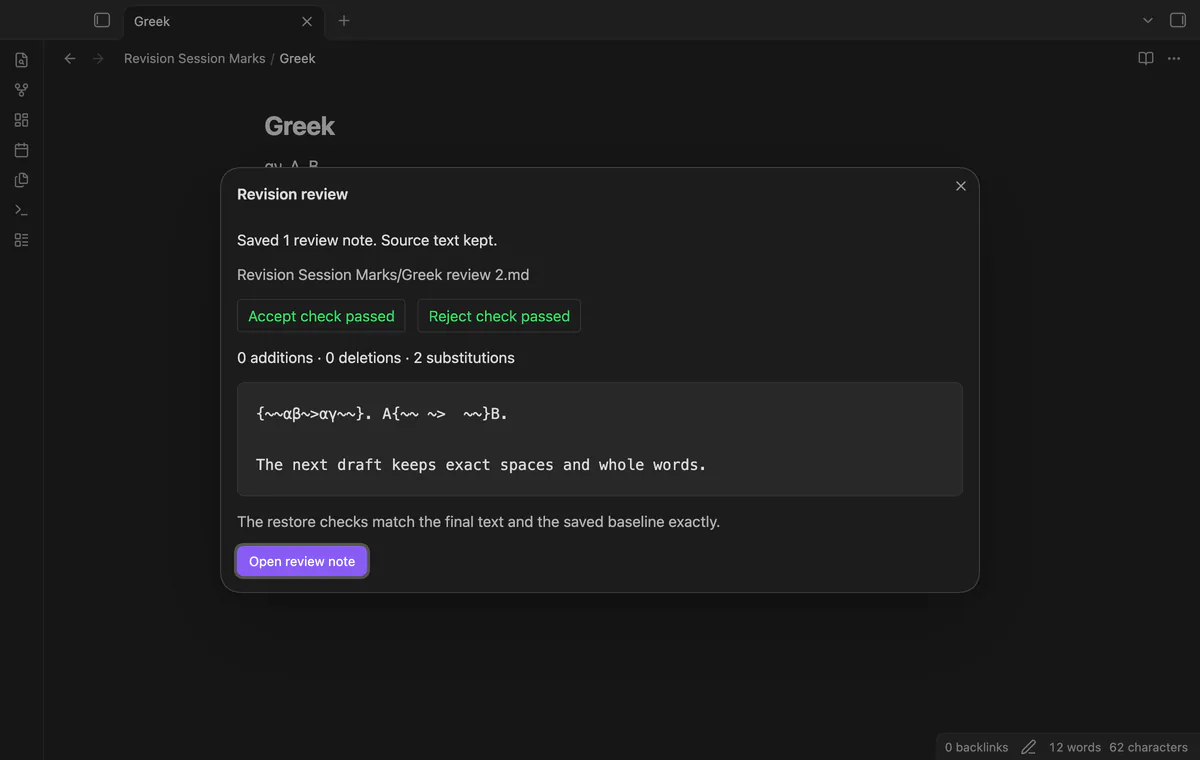
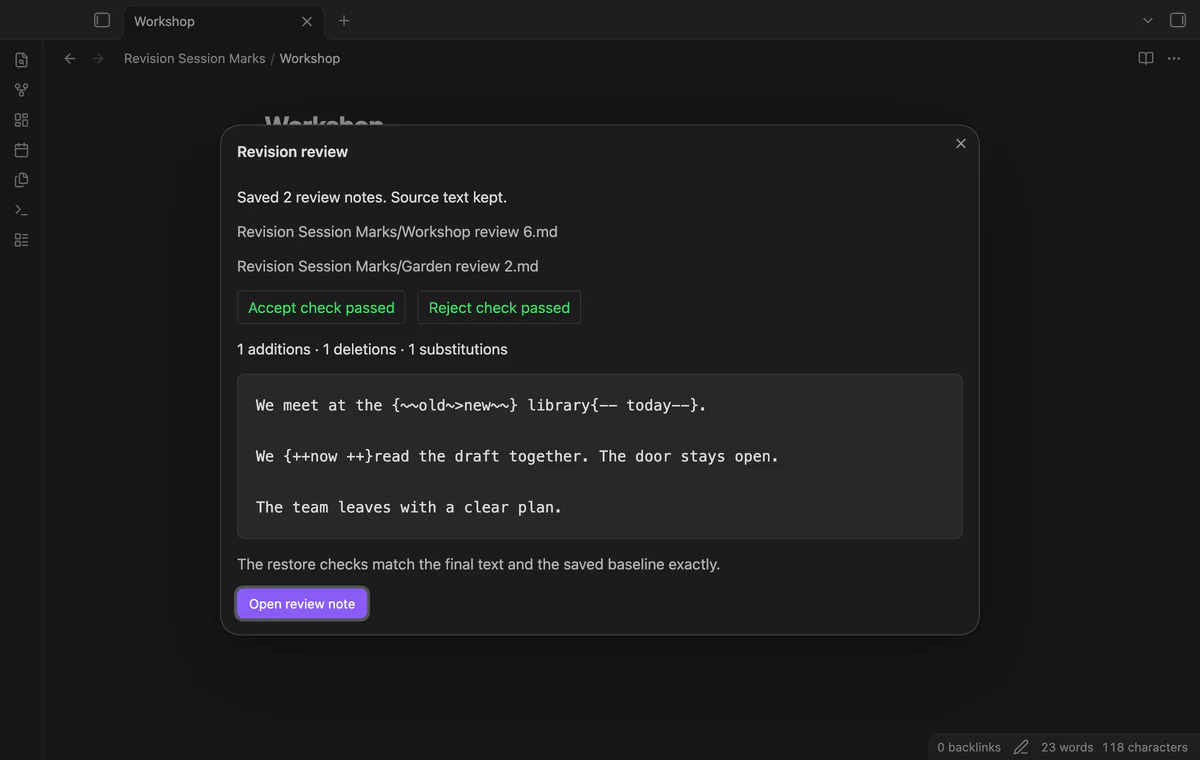
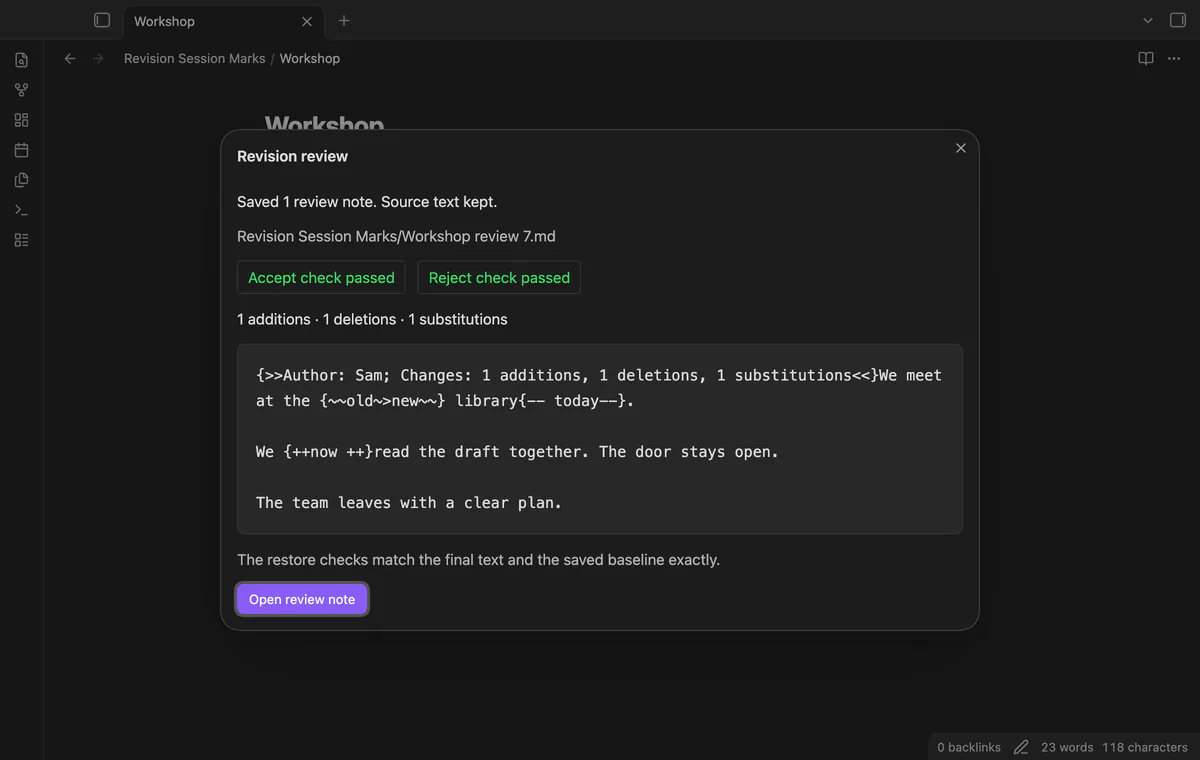
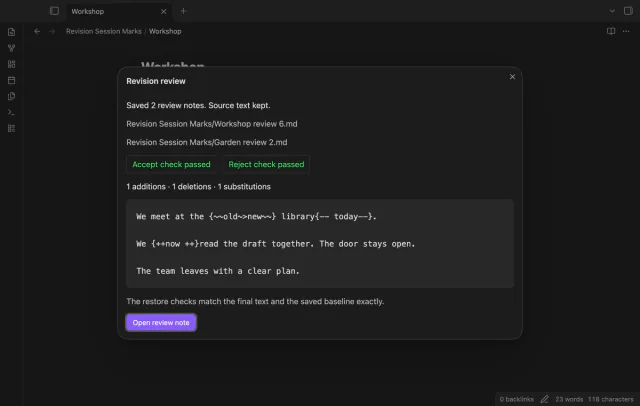
Compare your current text against the saved baseline. A new review note shows additions, deletions and substitutions without rewriting the source.
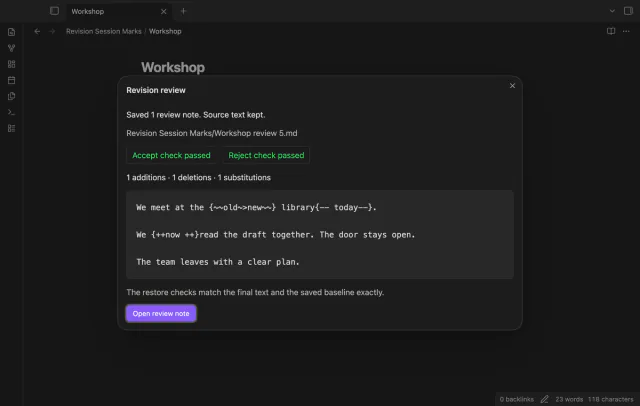
The plugin checks both interpretations of the generated marks. Accept must reproduce the final text, and reject must reproduce the baseline.
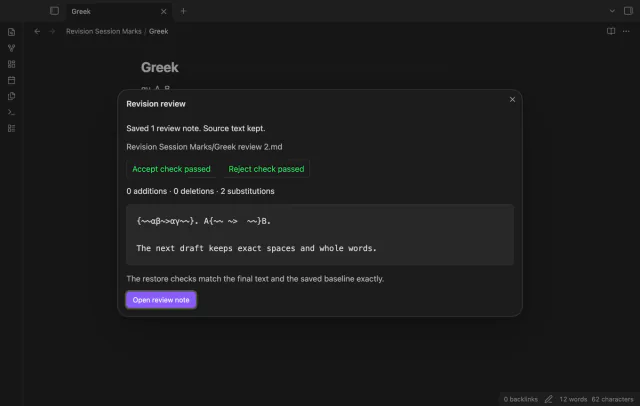
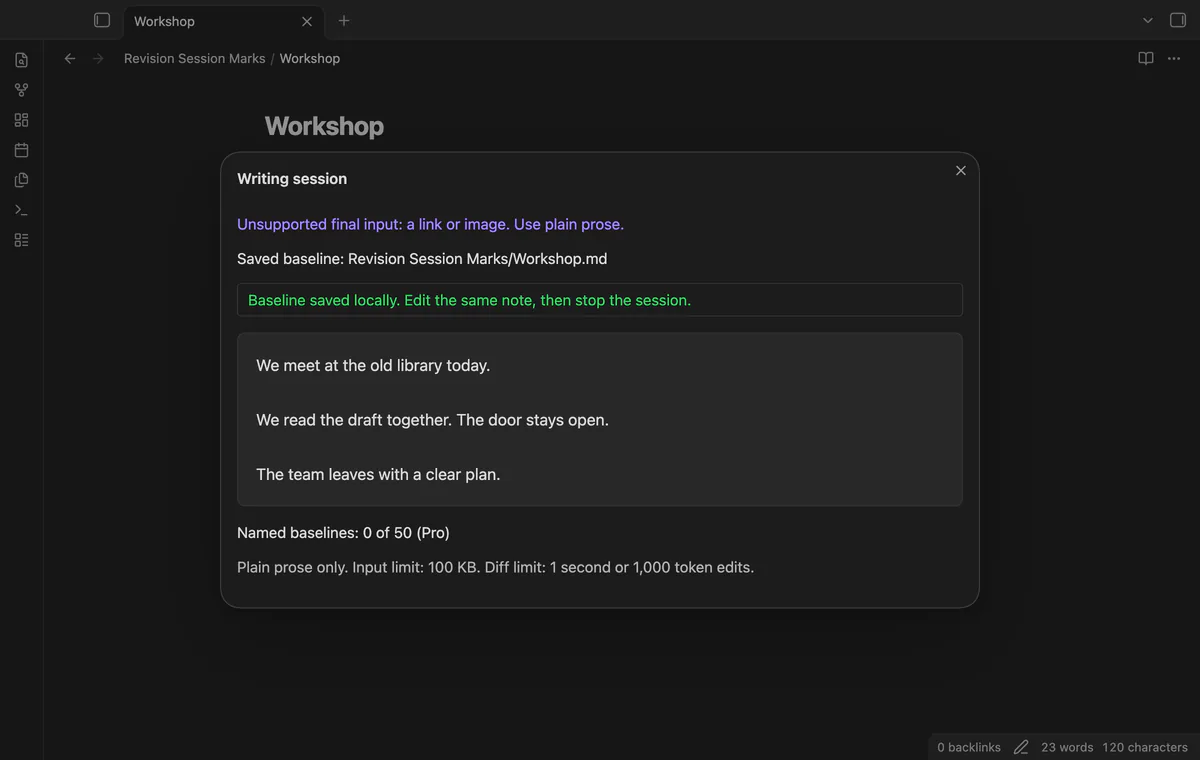
Unsupported prose or a comparison limit stops output and keeps the baseline. Equal texts also keep the baseline.
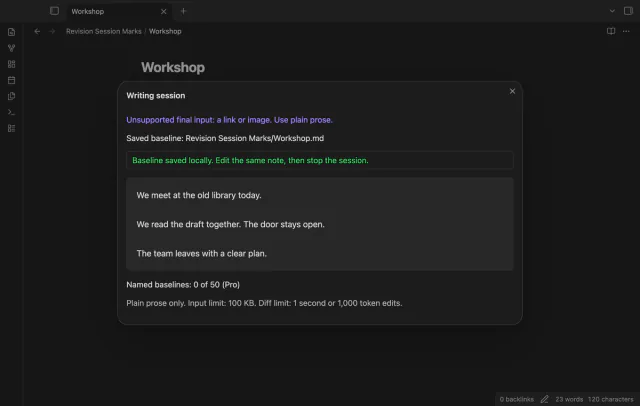
The free version keeps one active writing baseline; named baselines and folder reviews need Pro.
Pro costs $5 a month or $15 one time through GitHub Sponsors. One sponsorship turns on Pro in every plugin that has it.
Keep up to 50 named baselines for several notes. Named reviews retain the saved baselines for later comparisons.
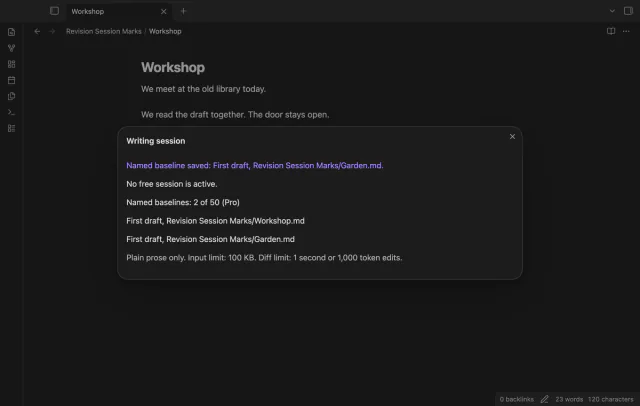
Create separate reviews for matching named baselines in the active note’s direct folder. The command skips subfolders.
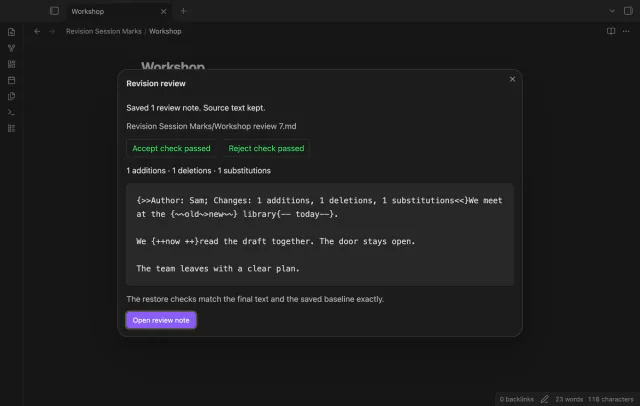
Add an author label and a summary of mark counts. The label identifies this comparison rather than individual keystrokes.
needs
steps
Open a plain prose draft in an editor.
Run Start a writing session to save its baseline.
Edit the same note.
Run Stop session and create a review note, then inspect the dialog and open the new review.
If the app can't find a new plugin yet, try again later. Obsidian says a plugin that passes the review shows in the app within 24 hours.
How to turn session edits into a CriticMarkup review note in Obsidian
Need a change for your team? I build custom Obsidian plugins and features.
A review is a new Markdown file. The source note keeps its current text.
A rename invalidates the saved baseline. Discard the invalid free session before starting another.
One free baseline can be active at a time. Stop or discard it before starting another.
The Pro summary counts addition, deletion and substitution marks. It does not count changed words.
Before sign-in, requests stay off; sign-in sends the client ID and read:user scope to github.com and polls for a token. After sign-in, api.github.com receives authenticated sponsorship queries for tier and total payments; no note content, file names or vault data leaves. Successful checks last seven days, failures retry after six hours, and Refresh requests an earlier check.
Tell me what is broken in Revision Session Marks, or what it should do next.
Revision Session Marks 1.1.0, MIT license
MIT · no telemetry · core features free
Update heading links and embeds when you edit a heading.

Edit AsciiDoc source and see its preview side by side.