
AsciiDoc Files
Edit AsciiDoc source and see its preview side by side.
Turn scene notes from one folder into a new Fountain outline.
MIT · no telemetry · core features free
The directory takes these platforms from the plugin manifest. The automated tests run in the desktop app only.
Directory facts fetched from community.obsidian.md/users/theluckystrike.
You plan scenes in separate notes and need an ordered Fountain outline.
Keep one note per scene in a folder, then select and order the notes for export. The plugin previews headings and synopses before creating a new Fountain file.
 Play demo
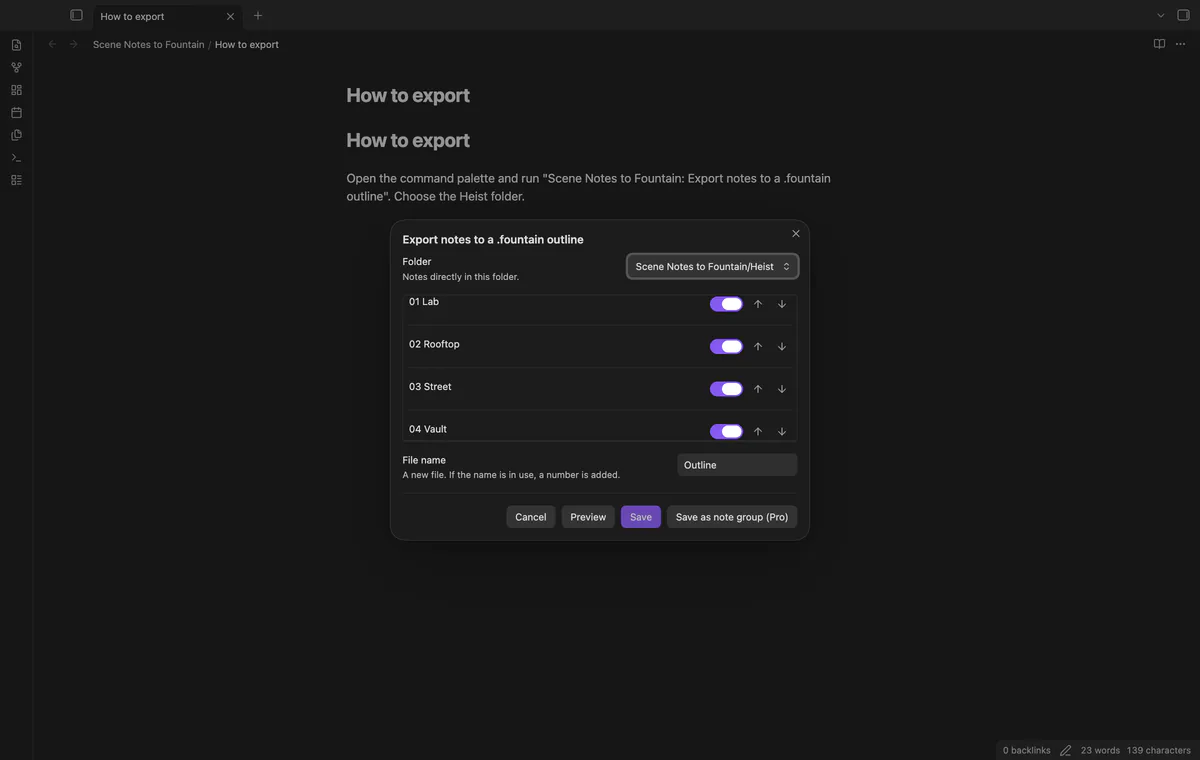

Choose a folder and switch individual Markdown notes on or off. The list includes notes directly in that folder, sorted naturally by file name.
Use the buttons to set the scene order without changing your notes. Changing the selection or order disables Save until you preview again.
Text properties slugline and synopsis supply the outline. Missing values fall back to the file name and first plain paragraph.
The plugin rejects unsupported property types and text that Fountain would hide or reinterpret. Save reads the notes again and rejects a stale preview.
Pro costs $5 a month or $15 one time through GitHub Sponsors. One sponsorship turns on Pro in every plugin that has it.
Save property names, output settings and selected note groups with their order. Export saved groups creates a separate new Fountain file for each group.
needs
steps
Put one note per scene in a folder, with text properties slugline and synopsis if needed.
Open a scene note and run Export notes to a .fountain outline.
Check the folder and switch unwanted notes off.
Set the order with Move up and Move down, then select Preview.
Correct reported errors, preview again and select Save.
If the app can't find a new plugin yet, try again later. Obsidian says a plugin that passes the review shows in the app within 24 hours.
Need a change for your team? I build custom Obsidian plugins and features.
It reads your notes and creates a new file. If the requested output path exists, it adds a number to the file name.
The window lists notes directly in the chosen folder. Notes in subfolders are outside this version’s export list.
Fountain treats those brackets as hidden note syntax. Remove the brackets or supply suitable text in the synopsis property.
Before you select Sign in with GitHub, the plugin makes no network requests. Sign-in sends its client ID, the read:user scope and device-flow data to github.com, then sends an authenticated sponsorship query to api.github.com. Checks reuse success for 7 days, retry failures after 6 hours or run on Refresh; they send no vault data.
Tell me what is broken in Scene Notes to Fountain, or what it should do next.
Scene Notes to Fountain 1.1.0, MIT license
MIT · no telemetry · core features free
Edit AsciiDoc source and see its preview side by side.
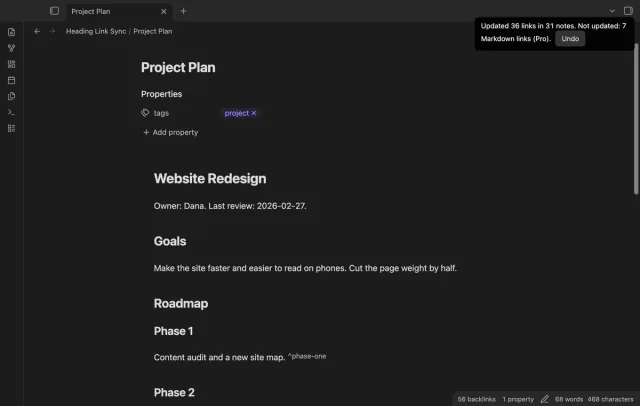
Update heading links and embeds when you edit a heading.