How to find Fountain references to your notes
As of October 2026, Fountain Reference Panel can list saved script references written as [[>target]].
As of October 2026, you can write a Fountain outline by hand using forced scene headings and synopsis lines. Scene Notes to Fountain builds that text from selected notes.
The exporter reads text properties or falls back to titles and plain paragraphs. Its checks stop text that Fountain would treat as hidden material.
Start a forced scene heading with a period. Put a synopsis on its own line beginning with an equals sign, then arrange scenes in your chosen order.
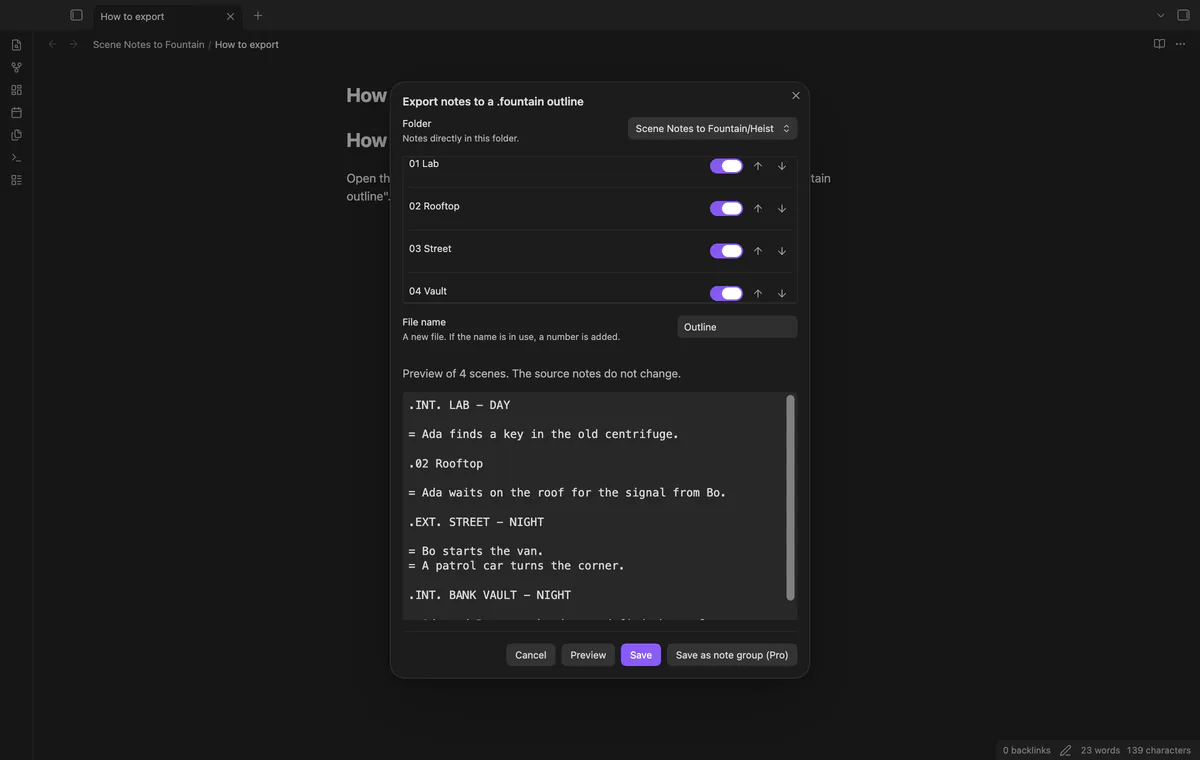
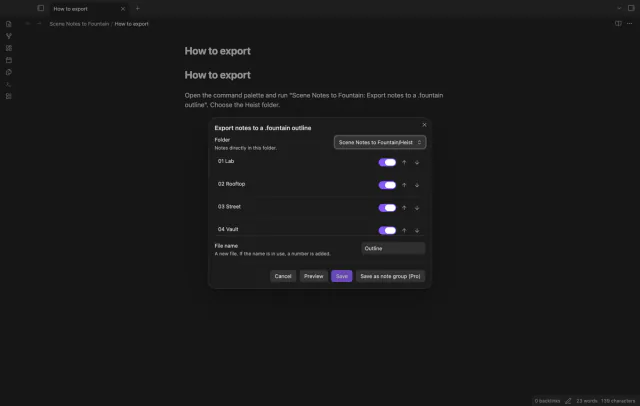
Keep one note per scene in a folder, then select and order the notes for export. The plugin previews headings and synopses before creating a new Fountain file.
MIT · no telemetry · core features free
Put one note per scene in a folder, with text properties slugline and synopsis if needed.
Open a scene note and run Export notes to a .fountain outline.
Check the folder and switch unwanted notes off.
Set the order with Move up and Move down, then select Preview.
Correct reported errors, preview again and select Save.
A missing slugline falls back to the file name. A missing synopsis uses the first plain paragraph, or leaves the scene without a synopsis.
The plugin drops the old preview when selected notes change. Save also reads the notes again before creating a file.
 That's every step, start to finish.
You're officially a regular.
Obsidian rewards people who share. NoteMods is just me and a lot of coffee. If this guide saved you a fight with the syntax, buy me a cup.
That's visit . Regulars are the reason I keep NoteMods running. If it's part of your routine now, a coffee says thanks better than anything.
Turn scene notes from one folder into a new Fountain outline.