How to export scene notes to a Fountain outline
As of October 2026, you can write a Fountain outline by hand using forced scene headings and synopsis lines.
As of October 2026, Fountain Reference Panel can list saved script references written as [[>target]]. Its list sits in a separate panel and does not populate native backlinks.
Use explicit references to connect scripts with character or location notes. Refresh reads saved text, so unsaved editor changes do not appear.
Open the script in a text editor and inspect its references. Fountain uses double brackets for notes and boneyard markers for omitted material.
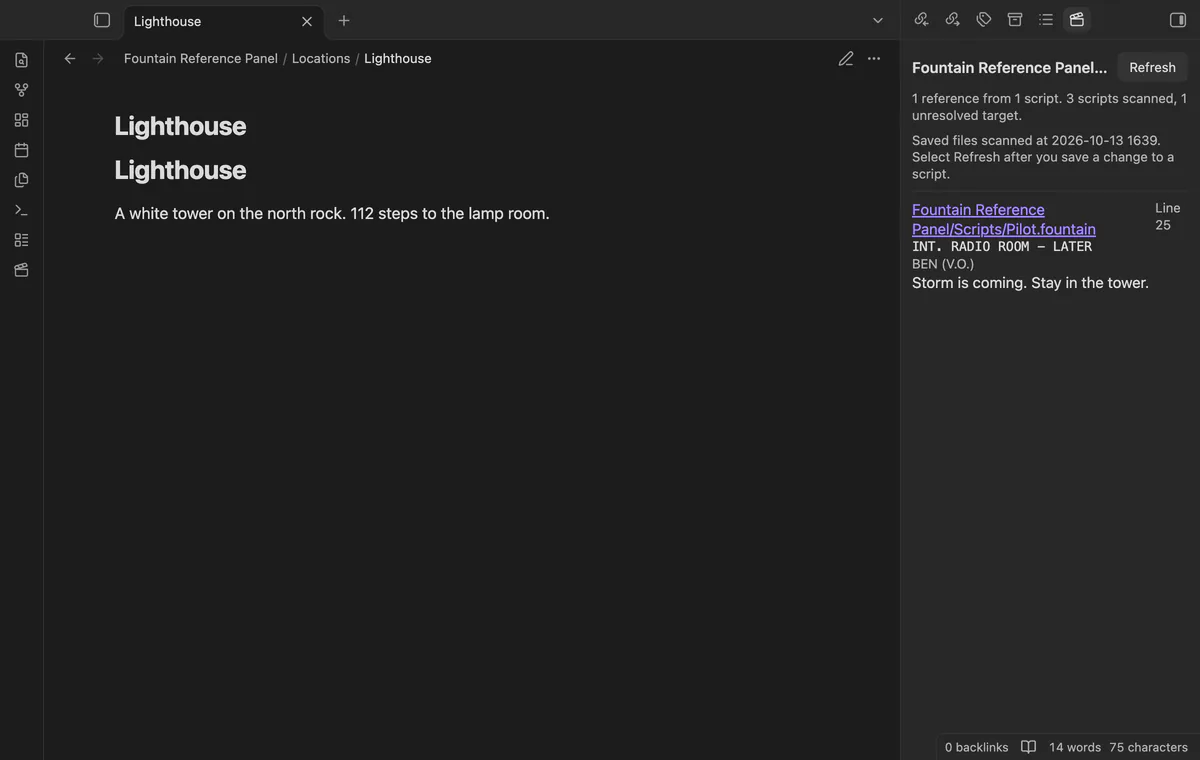
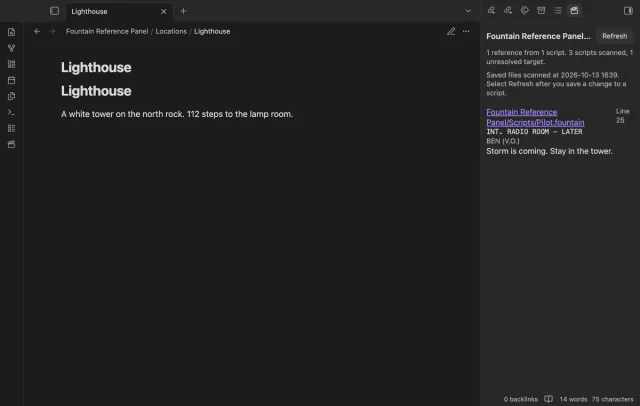
Write references such as [[>Ada]] in a saved Fountain script. Open Ada’s note to see matching references with their scene headings and nearby text.
MIT · no telemetry · core features free
Open a character, location or prop note.
Run Open the reference panel or select the clapperboard ribbon icon.
Open another note to see its references from the same scan.
Save script changes and select Refresh.
Save the script before scanning again. The panel uses saved files rather than unsaved editor text.
The panel asks Obsidian to resolve the target relative to the script. It assigns the reference to the single file that lookup returns.
 That's every step, start to finish.
You're officially a regular.
Obsidian rewards people who share. NoteMods is just me and a lot of coffee. If this guide saved you a fight with the syntax, buy me a cup.
That's visit . Regulars are the reason I keep NoteMods running. If it's part of your routine now, a coffee says thanks better than anything.
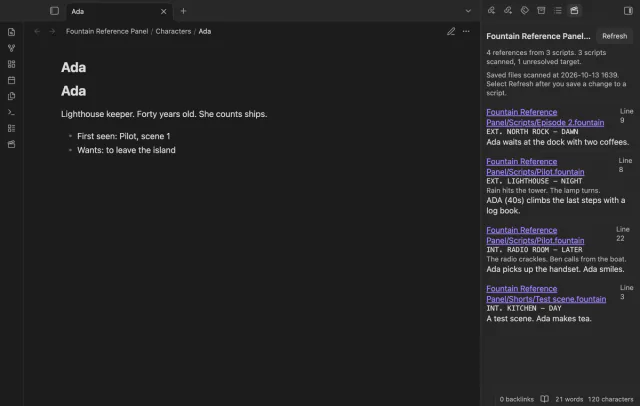
See saved script references beside character or location notes.