Search Operators
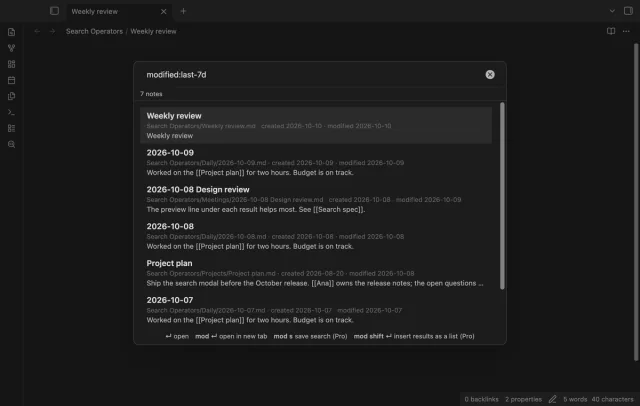
Find notes by date and links, with a preview for each result.
Make Markdown cards from subtitles with source paths and times.
MIT · no telemetry · core features free
Phone and tablet use, live GitHub sign-in and paid sponsorship were not tested in this build.
Directory facts fetched from community.obsidian.md/users/theluckystrike.
You study sentences from local subtitles and want editable cards that keep a route back to the source cue.
Subtitle Sentence Miner reads SRT and VTT files already in your vault. Select cues and set an exact hidden span or a question and answer. Preview the Markdown before creating a new note.
 Play demo

Choose an SRT or VTT path to read valid cues with their text and times. Multiple text lines keep their order. Parser warnings identify skipped blocks.
Filter cue text without matching letter case, then select individual cues or the shown set. Hidden cues keep their selection. Clear the filter to review them before export.
Select a word or phrase by its position in the cue text. Repeated words can be marked separately. Empty selections are refused, and reserved cloze markers need a question and answer instead.
Fill the separate question and answer fields to select a cue and keep its answer for this session. The original sentence remains in the card. Use this format for translations or meanings.
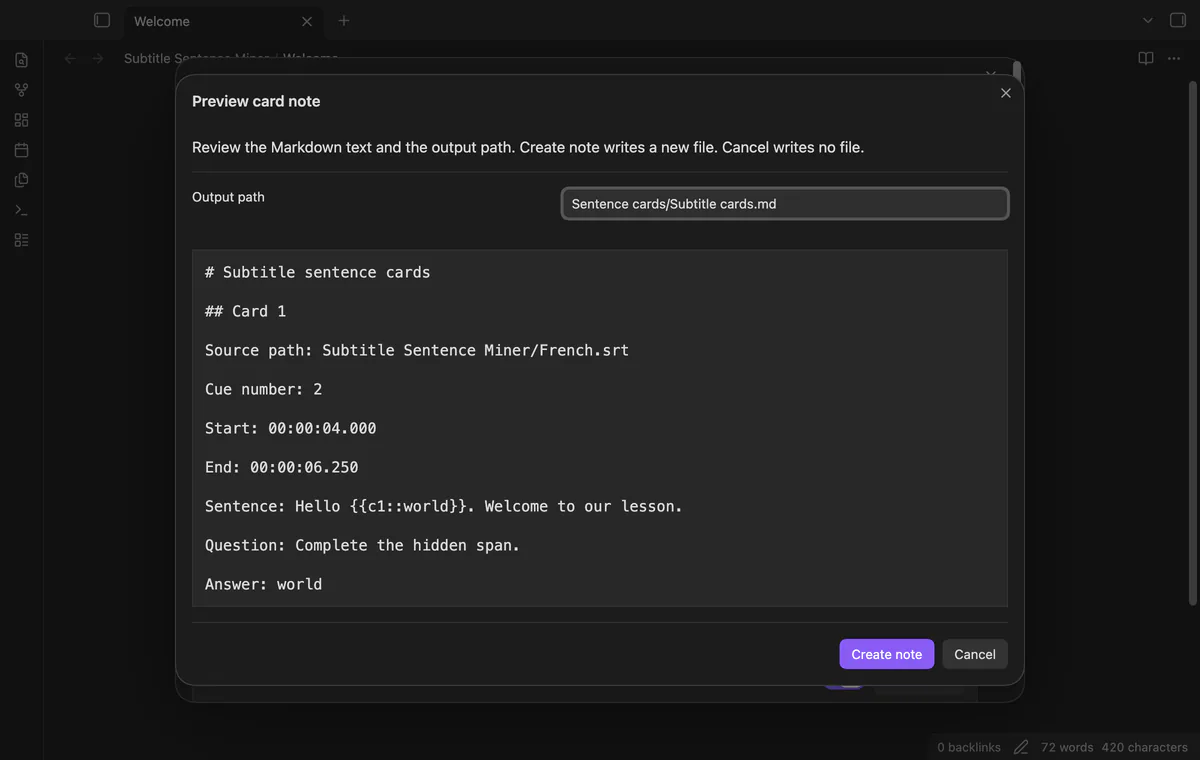
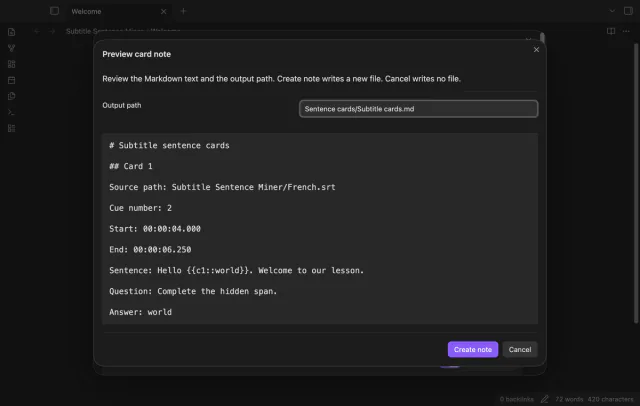
Review Markdown, source paths, cue numbers and both timestamps before creating a note. Missing parent folders are created, and existing paths get numbered alternatives. Cancel closes the preview without writing a file.
One-source card creation is free; saved templates and combined subtitle sources need Pro.
Pro costs $5 a month or $15 one time through GitHub Sponsors. One sponsorship turns on Pro in every plugin that has it.
Save up to 30 named Markdown templates, each up to 10,000 characters. Use the required sentence field and optional question and answer fields. Source metadata stays outside the template body.
Add another local subtitle file and choose cues from the combined list. Each card keeps its own source path. A combined preview cannot create its output after Pro turns off.
needs
steps
Put a UTF-8 SRT or VTT file in your vault, with blank lines between cues.
Run Select a subtitle file and choose the source path.
Filter the list, set answers and select the cues to keep.
Open Preview card note and check its text, paths and timestamps.
Select Create note and read the created path in the notice.
If the app can't find a new plugin yet, try again later. Obsidian says a plugin that passes the review shows in the app within 24 hours.
Need a change for your team? I build custom Obsidian plugins and features.
No study tool connection is included. Cloze syntax stays plain text in Markdown, and a separate importer needs its own compatibility check.
The plugin has no media player or audio cutter. It keeps the source path and cue times so you can find the sentence in your own media workflow.
Closing the list clears selections and answers. Saved templates and the default output path remain in plugin settings.
The parser skips invalid cues and VTT STYLE, REGION and NOTE blocks with warnings. It removes cue tags and styles rather than rendering them.
After you choose Sign in with GitHub, github.com receives the public client ID, profile scope and device-flow polling requests. After sign-in, api.github.com receives an authenticated query for your sponsorship tier and total payment; neither host receives vault data. Successful checks last seven days; network failures can retry after six hours, and Refresh requests an earlier check.
Tell me what is broken in Subtitle Sentence Miner, or what it should do next.
Subtitle Sentence Miner 1.1.0, MIT license
MIT · no telemetry · core features free
Find notes by date and links, with a preview for each result.
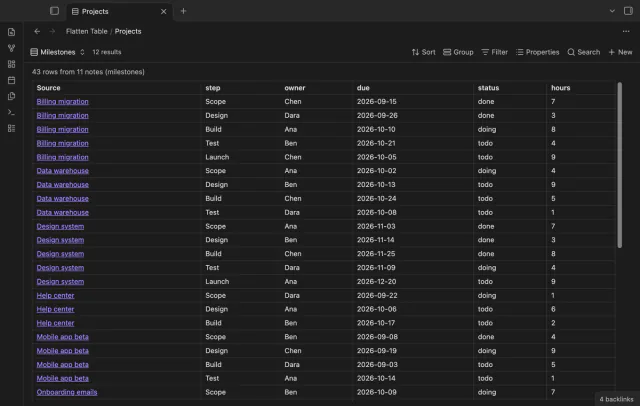
Show each item of a Bases list property as a separate row.