
AsciiDoc Files
Edit AsciiDoc source and see its preview side by side.
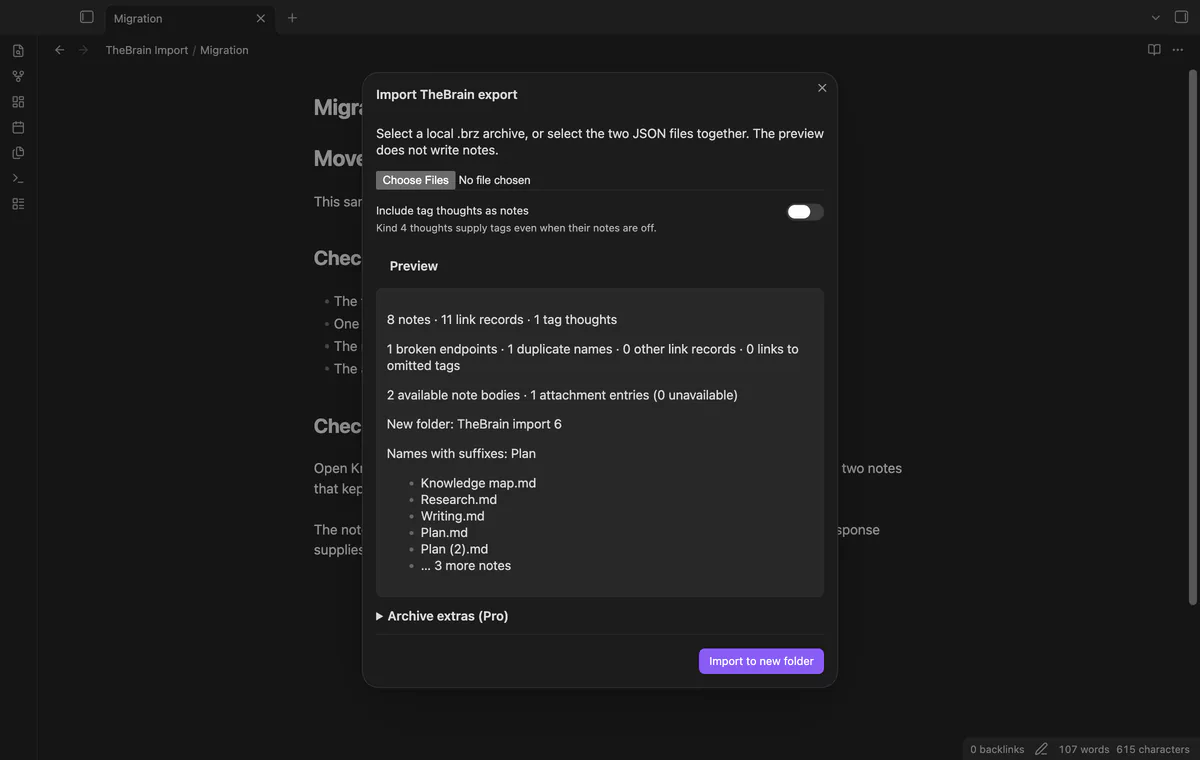
Preview a local TheBrain export and import notes with links.
MIT · no telemetry · core features free
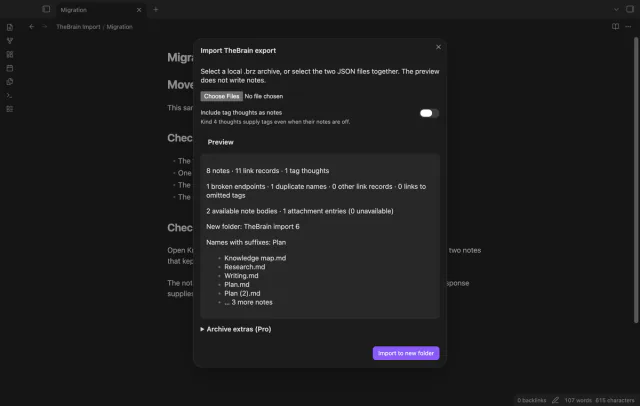
The README reports desktop app tests. Physical phones and tablets were not tested.
Directory facts fetched from community.obsidian.md/users/theluckystrike.
You want to move TheBrain thoughts into linked notes in your vault.
Select a local archive or the two JSON files that describe your thoughts and links. TheBrain Import previews name conflicts and broken endpoints before creating a new folder. The free import needs no account.
 Play demo
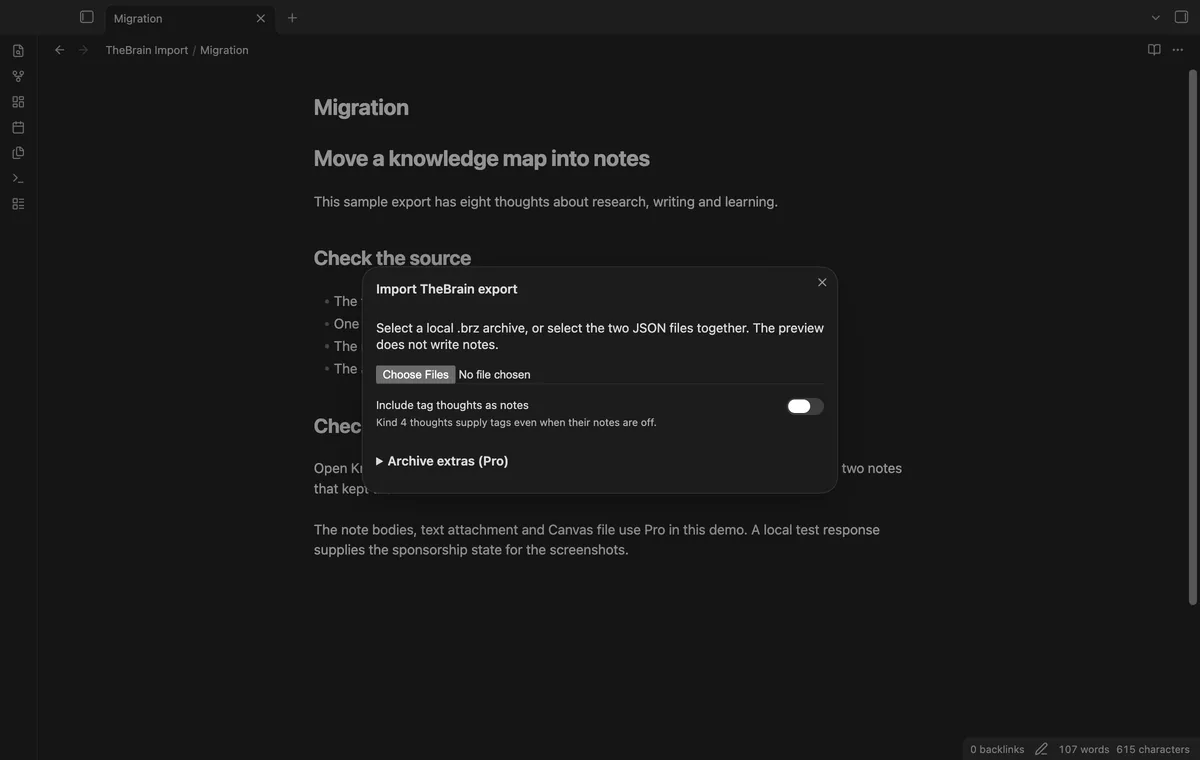
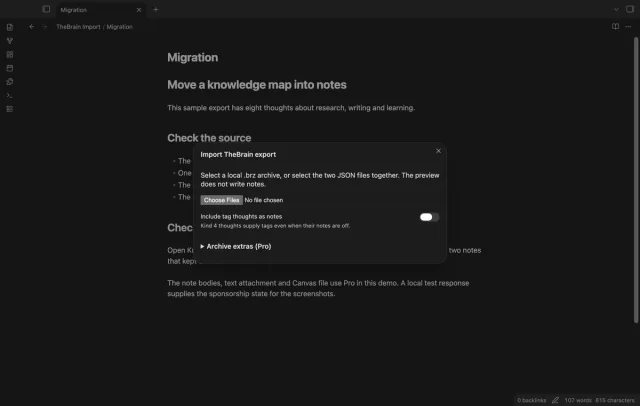
Choose a .brz ZIP archive or select thoughts.json and links.json together. JSON accepts arrays or one object per line.
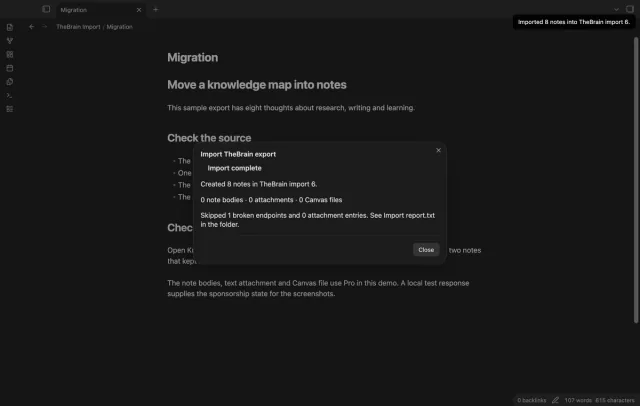
Review counts, duplicate names, broken endpoints and the new folder path. Missing thought IDs cause the affected link to be skipped.
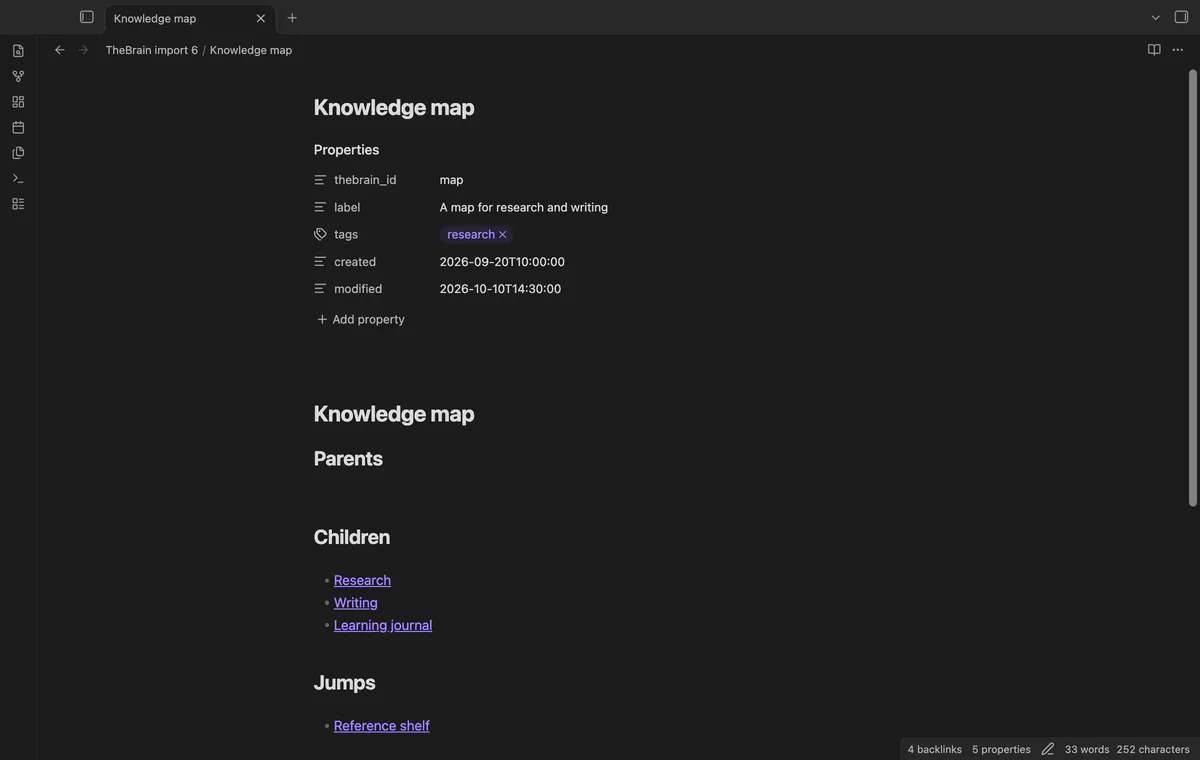
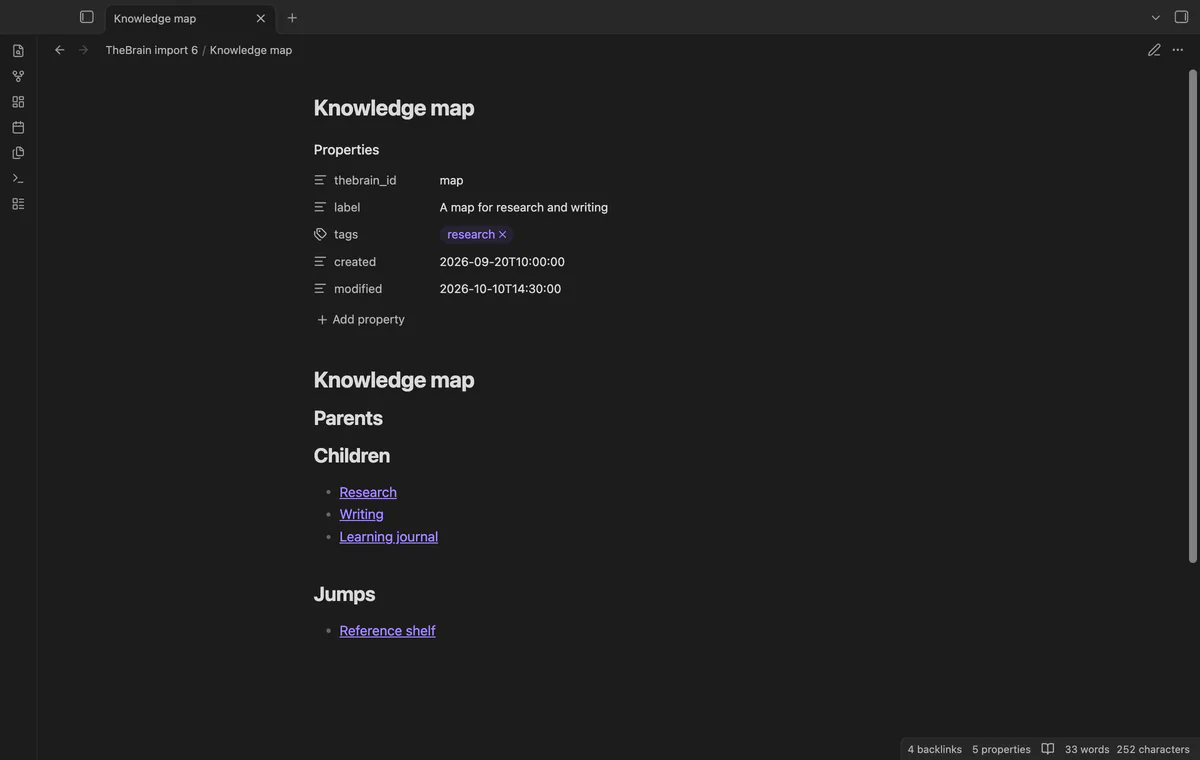
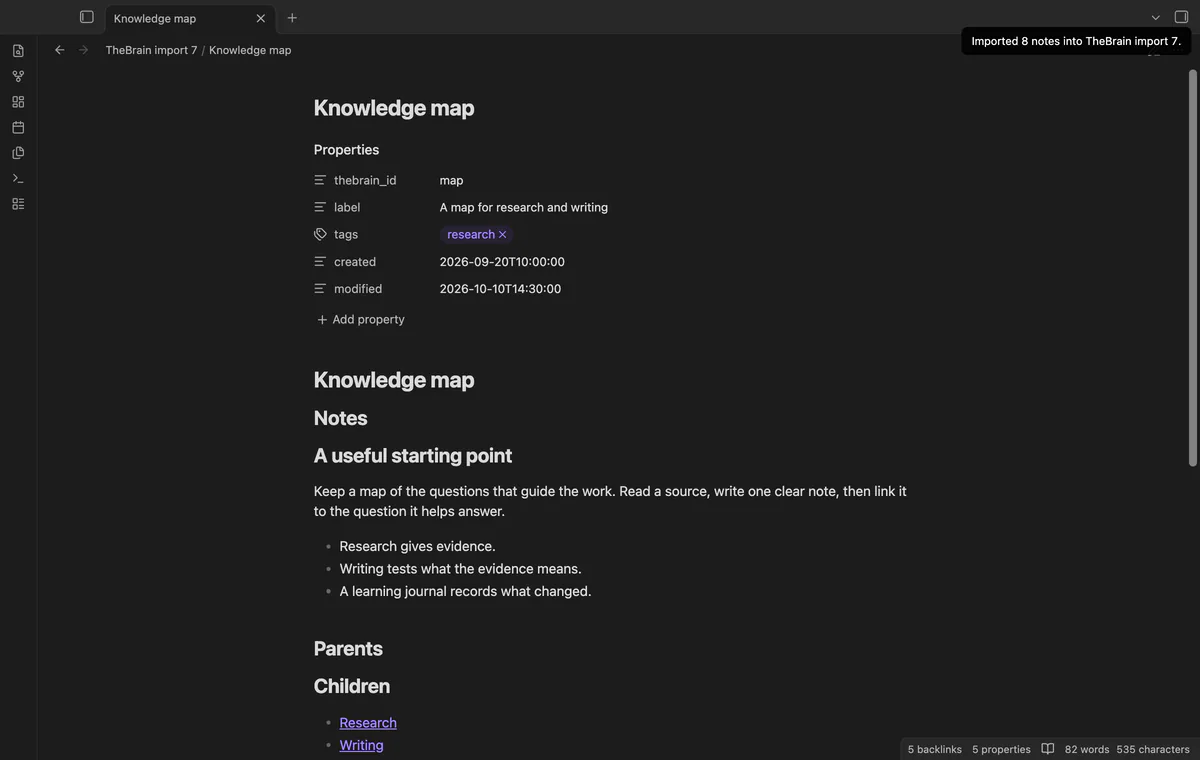
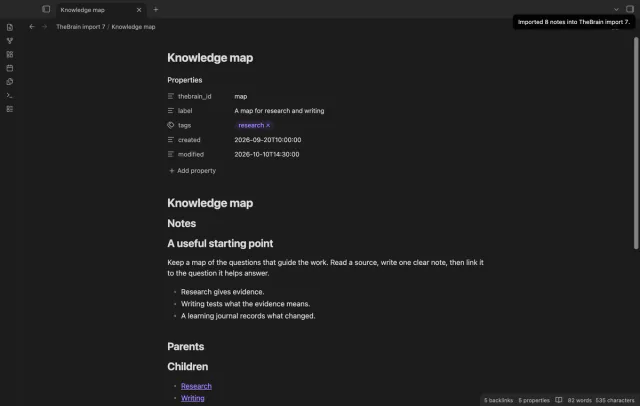
Notes retain source IDs, labels, tags and date text in frontmatter. Kind 4 thoughts supply tag names, with optional notes of their own.
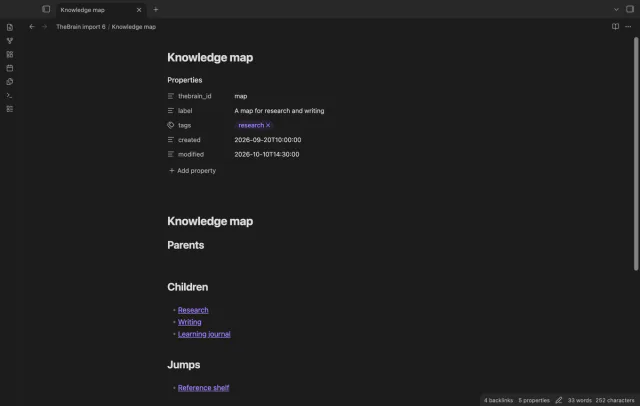
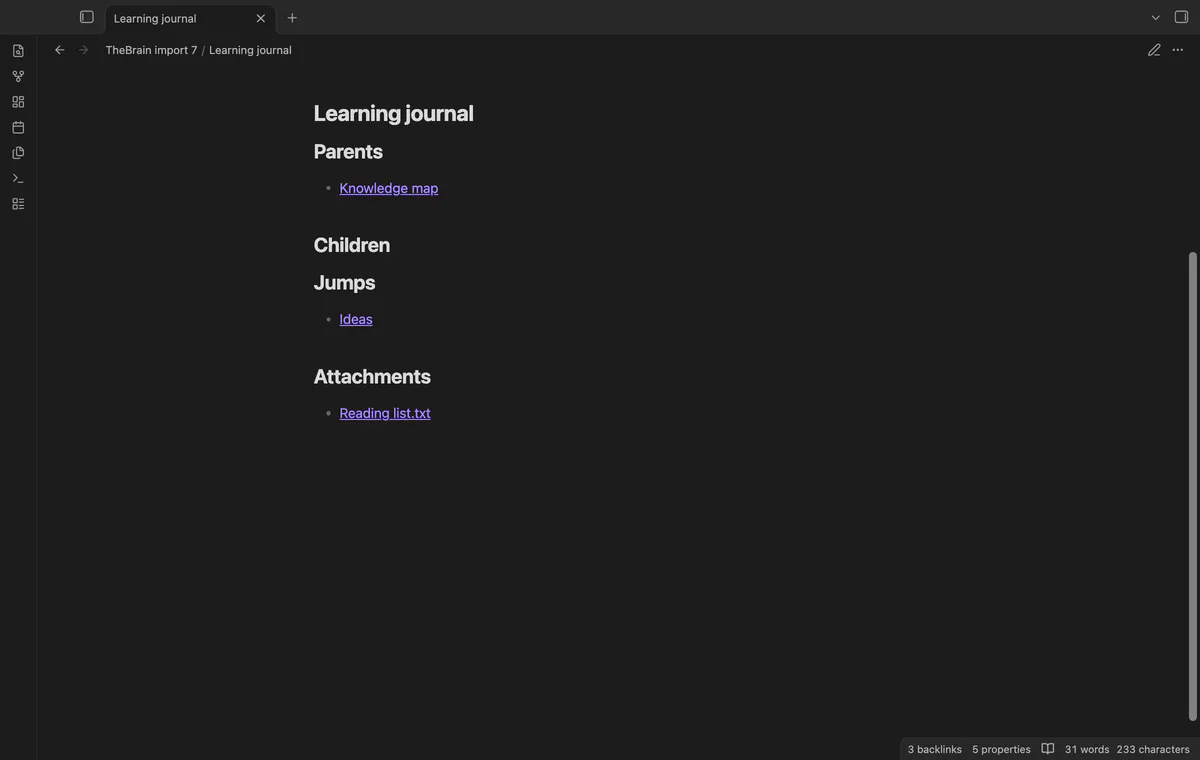
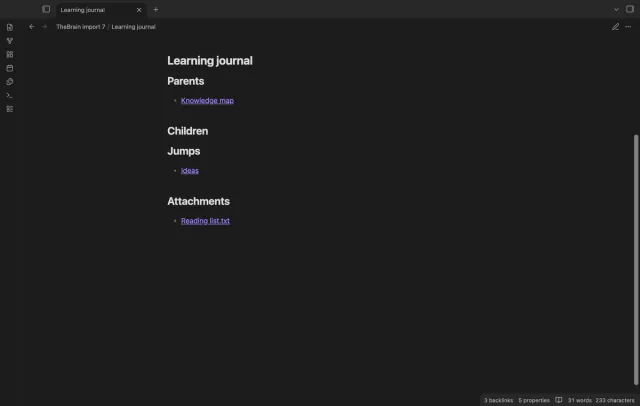
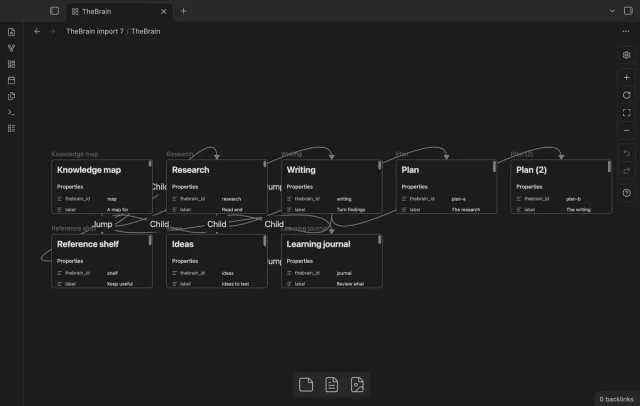
Relation 1 creates parent and child links under fixed headings. Relation 3 creates jumps in both notes, using the final output paths.
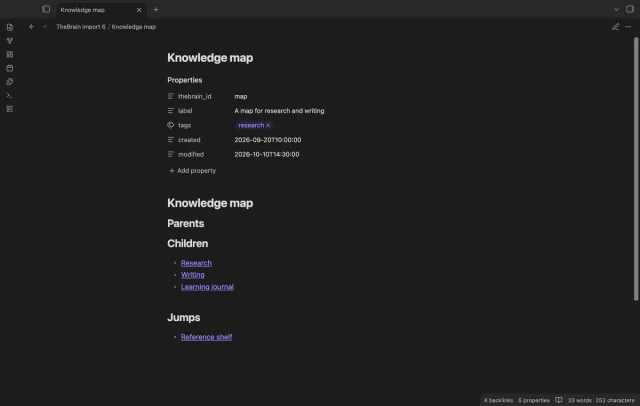
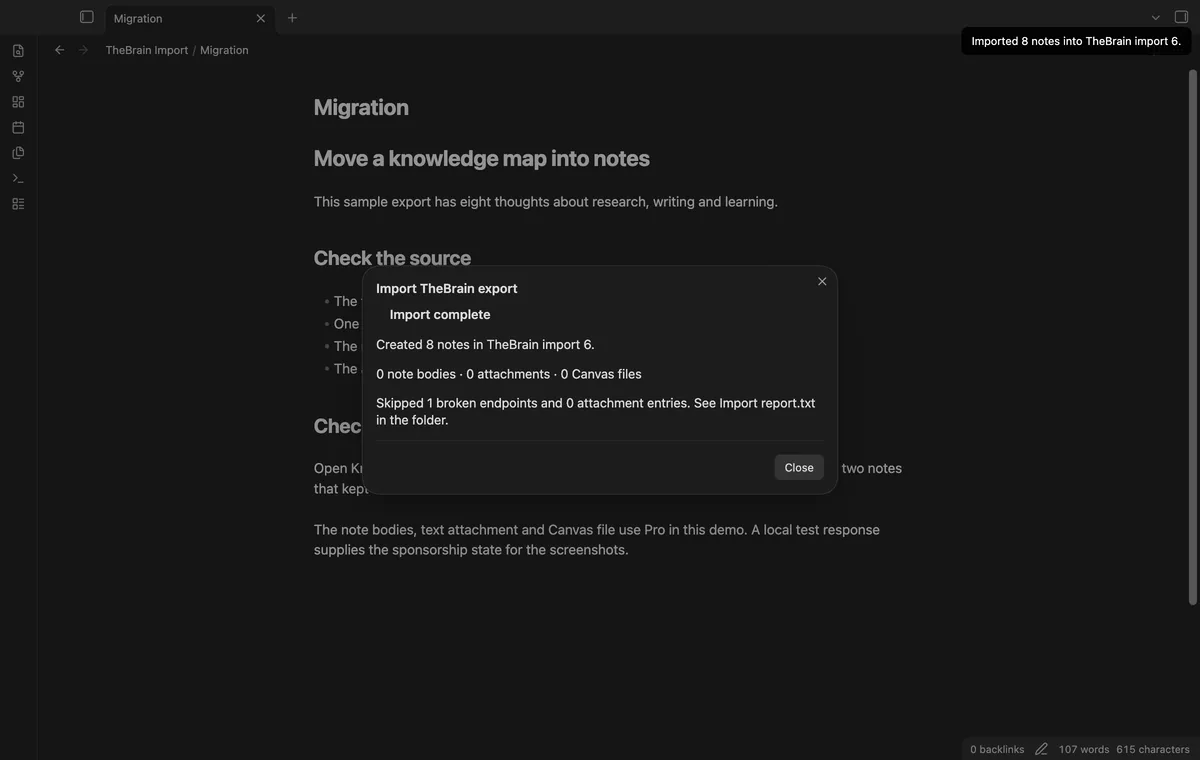
Each run creates a new numbered folder when the default path exists. A completed import writes its counts to Import report.txt.
Pro costs $5 a month or $15 one time through GitHub Sponsors. One sponsorship turns on Pro in every plugin that has it.
Pro copies available archive Markdown from the thought Notes folder. Relative image and attachment paths in that body are not rewritten.
Pro copies matching local archive attachments into the new Attachments folder and links them from thought notes. Missing or remote attachments are skipped.
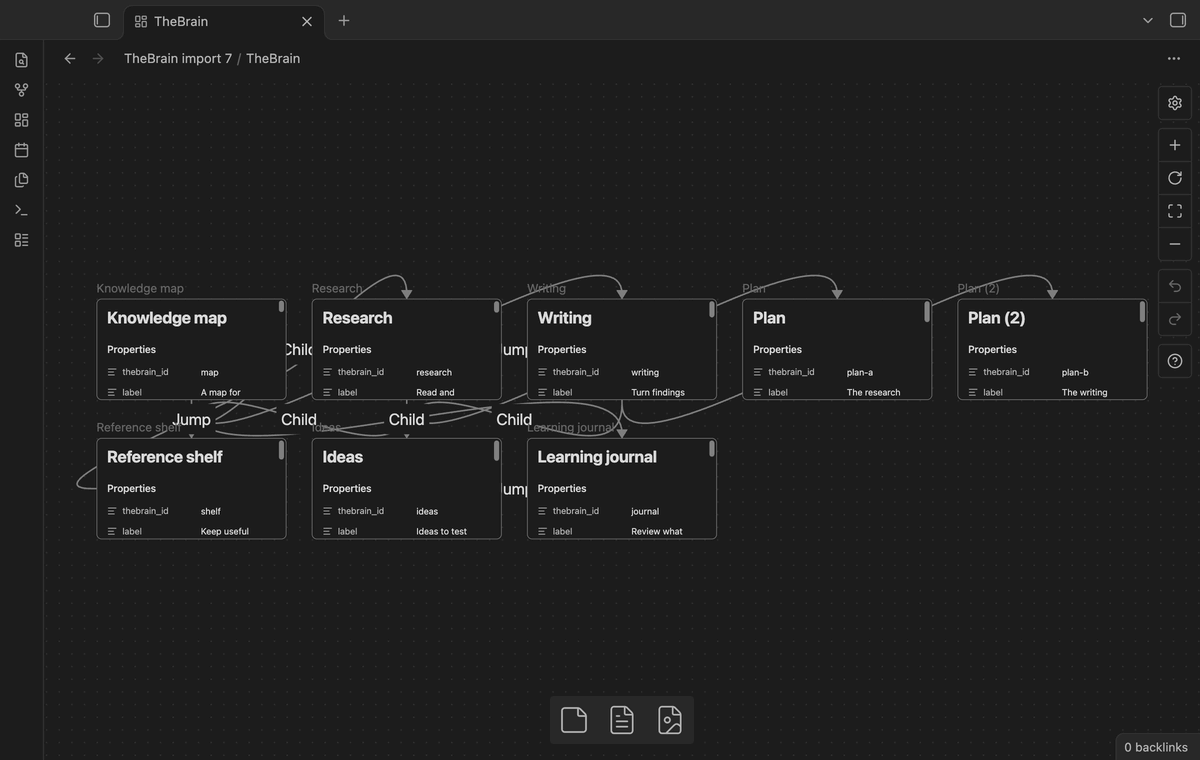
Pro creates a Canvas with note nodes and child or jump edges. Its five-column grid follows source order rather than TheBrain positions.
needs
steps
Keep a copy of your TheBrain export.
Run Import thoughts and links from the command palette.
Select a .brz archive, or select the two JSON files together.
Check names and counts, then choose whether tag thoughts should get notes.
Select Import to new folder and read the completed report.
If the app can't find a new plugin yet, try again later. Obsidian says a plugin that passes the review shows in the app within 24 hours.
Need a change for your team? I build custom Obsidian plugins and features.
Another run creates another folder. The importer doesn't merge your later vault edits.
Attachment copying and note bodies need Pro. They also need matching files inside the supported archive layout.
The Canvas uses a five-column grid in source order. It doesn't reproduce TheBrain positions.
The importer handles relation codes 1 and 3. Other codes are counted and skipped.
After you select Sign in with GitHub, the plugin sends its client ID, read:user scope and device-flow requests to github.com. Due checks and Refresh send your token to api.github.com to read your sponsorship tier and total payment. No note text, filenames or other vault data goes to either host.
Tell me what is broken in TheBrain Import, or what it should do next.
TheBrain Import 1.1.1, MIT license
MIT · no telemetry · core features free
Edit AsciiDoc source and see its preview side by side.

See headings from embedded notes in one outline.
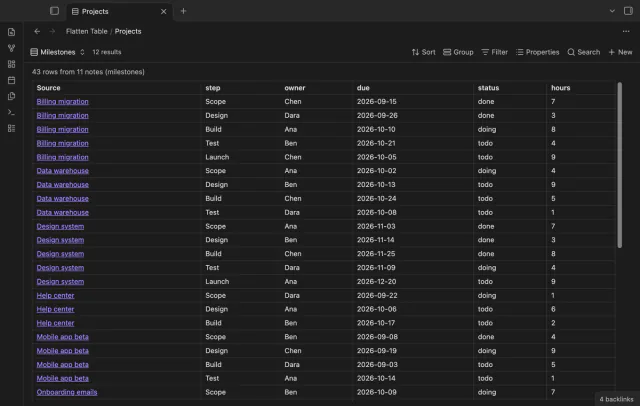
Show each item of a Bases list property as a separate row.