
AsciiDoc Files
Edit AsciiDoc source and see its preview side by side.
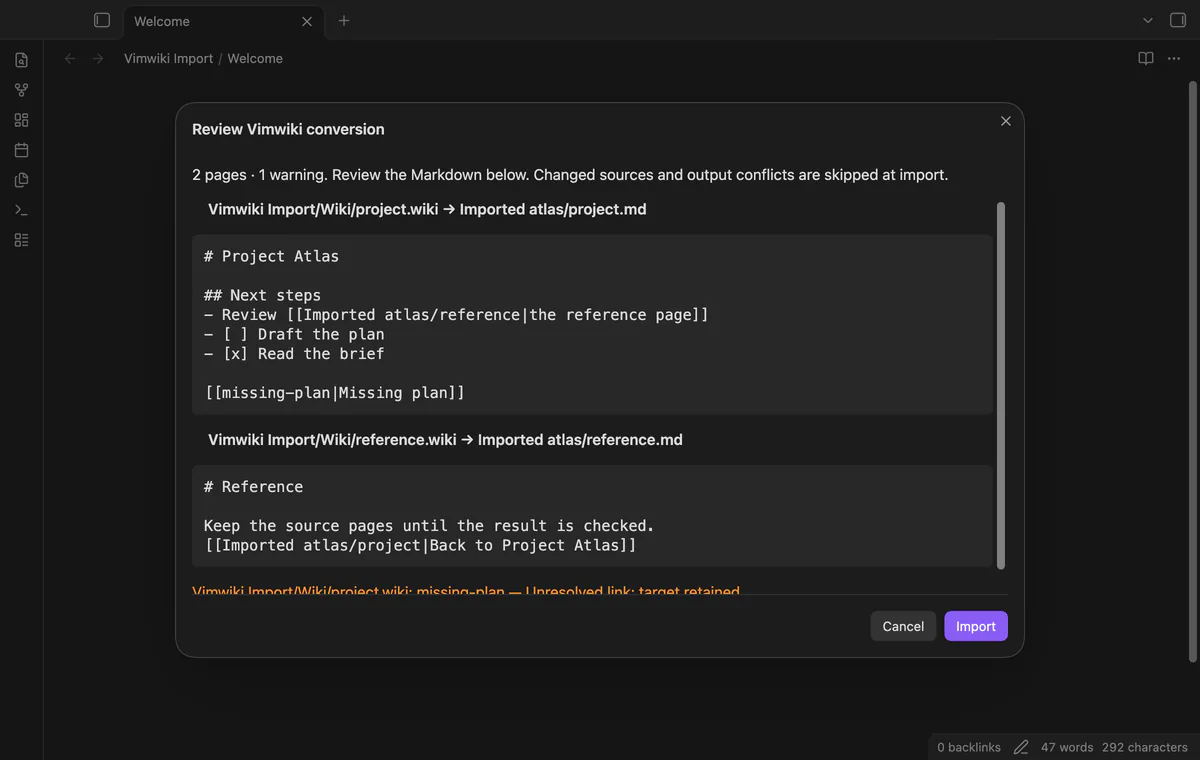
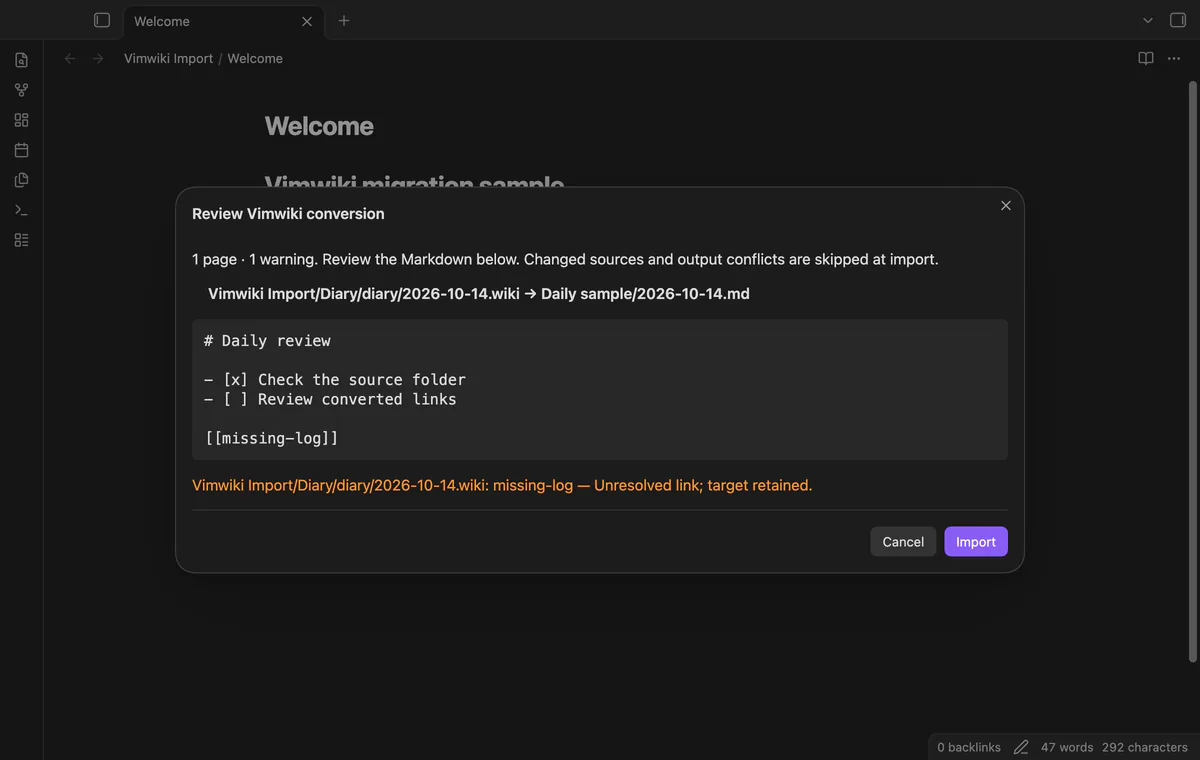
Preview Vimwiki conversion before you create Markdown notes.
MIT · no telemetry · core features free
The README reports desktop tests on macOS with small fixtures and simulated sponsorship answers. Phones, tablets, live payments and a large real migration weren't tested.
Directory facts fetched from community.obsidian.md/users/theluckystrike.
You have default Vimwiki pages and want to review their conversion before creating Markdown notes in your vault.
Vimwiki Import reads default .wiki pages you've placed in your vault and previews their Markdown conversion. Choose a new destination folder, check the converted text, then import. Your source pages stay in place.
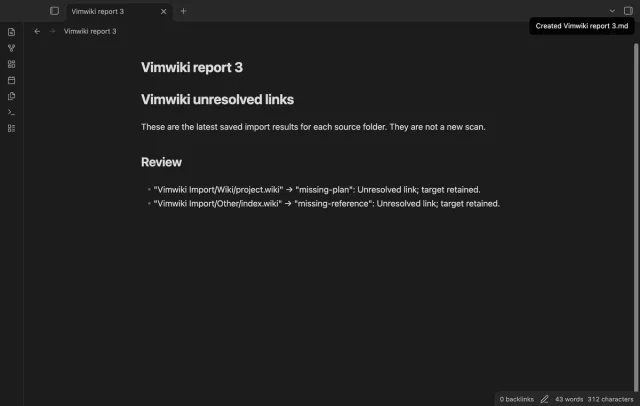
The free version converts headings, basic lists, simple tasks, code blocks and mapped local links. Pro adds ISO diary mapping and a combined unresolved-link report from saved imports. Markdown and media modes aren't supported.
 Play demo
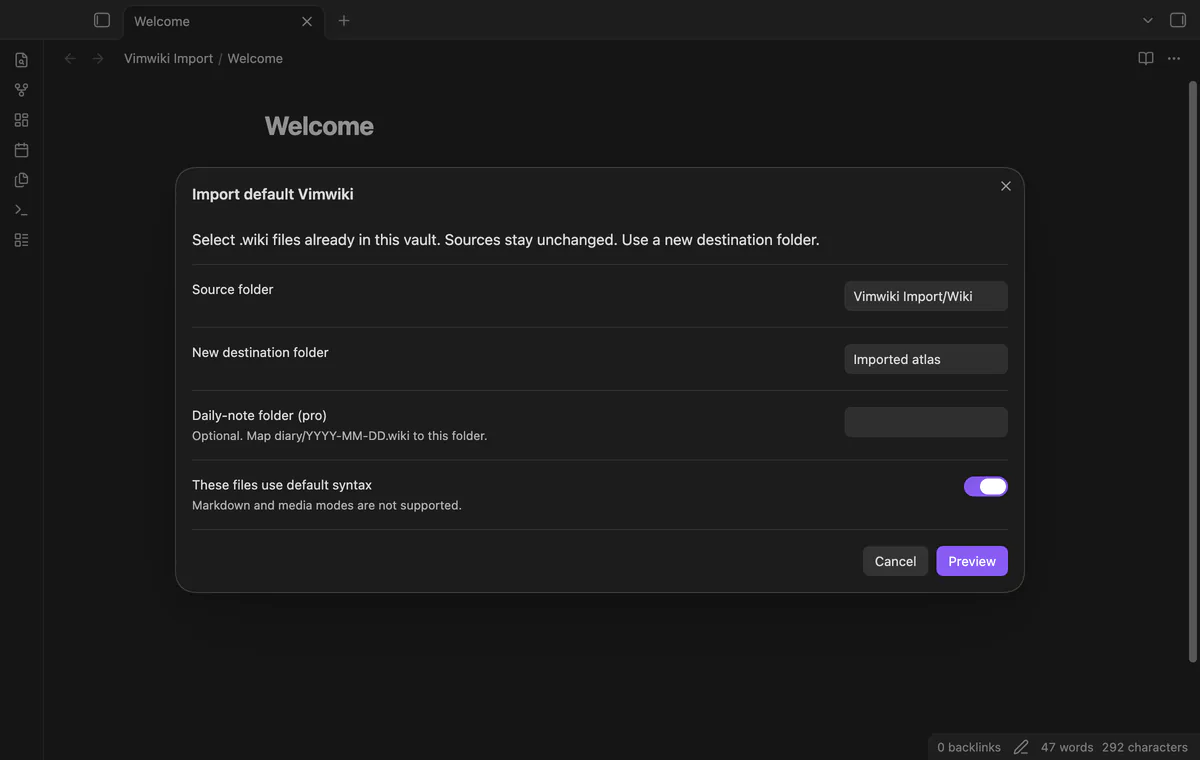

Enter a source folder and a new destination, then select These files use default syntax. The plugin reads nested .wiki pages and keeps relative folder paths. Copy external pages into the vault first; source and destination folders can't overlap.
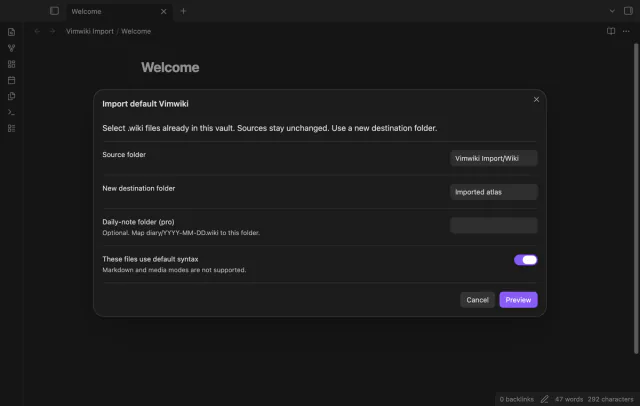
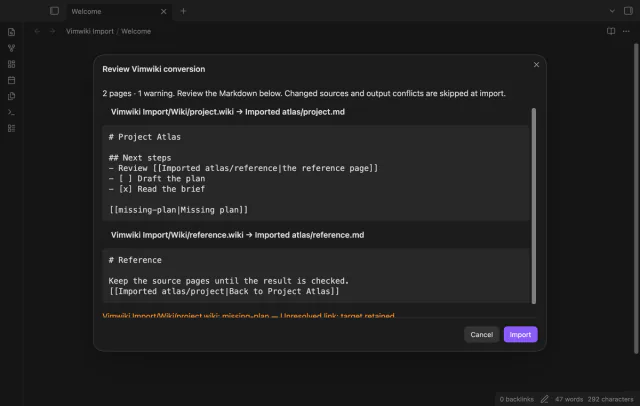
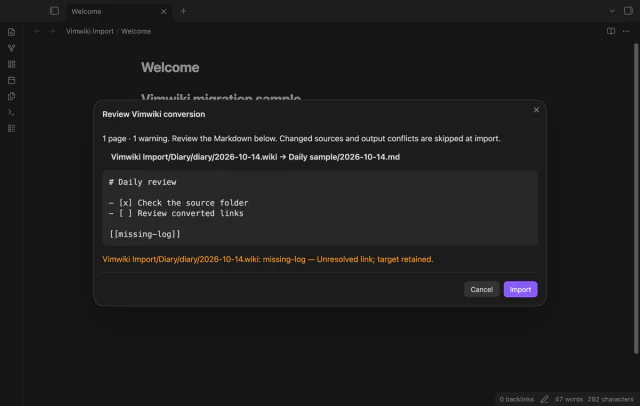
Preview output paths and Markdown text before importing. Spaced headings become Markdown headings, and local links use the selected source map with their labels. Missing targets keep their original text and produce warnings.
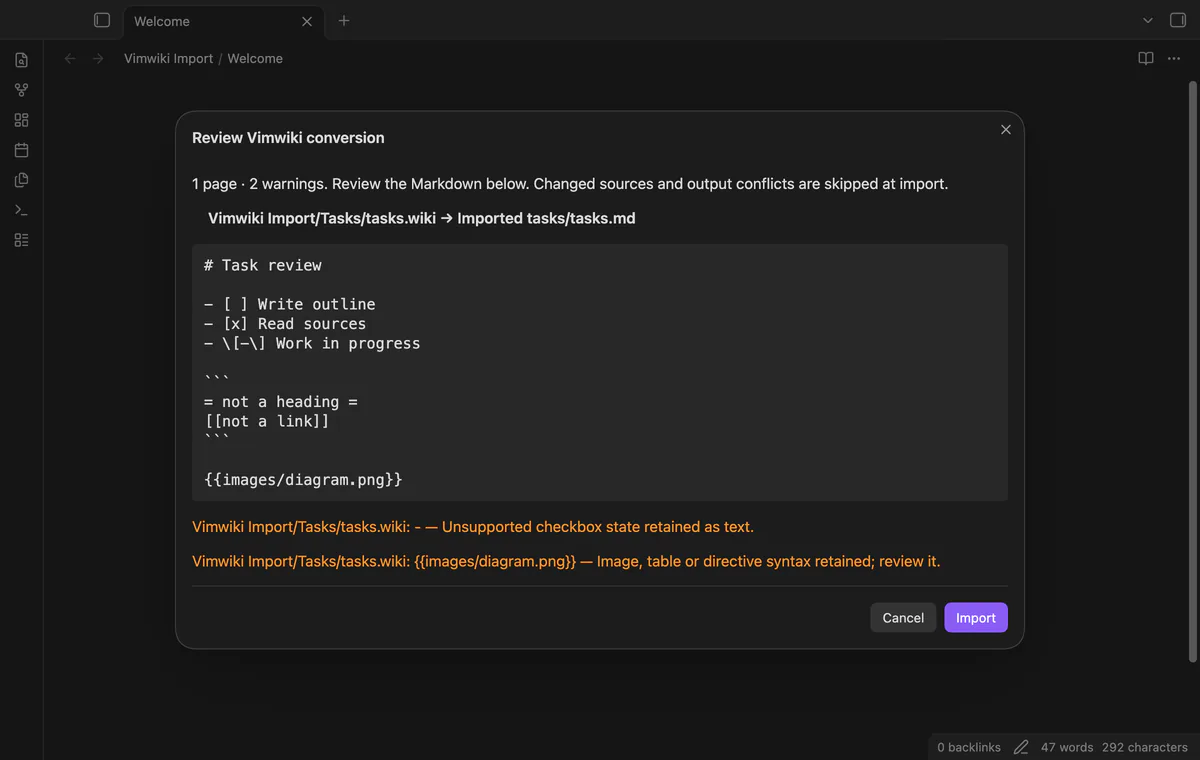
Basic bullet and numbered lists become Markdown lists, with indentation retained. Unchecked and completed boxes become tasks; other states remain escaped text with warnings. Delimited code becomes a fenced block with its body unchanged, and an unclosed block gets a closing fence and warning.
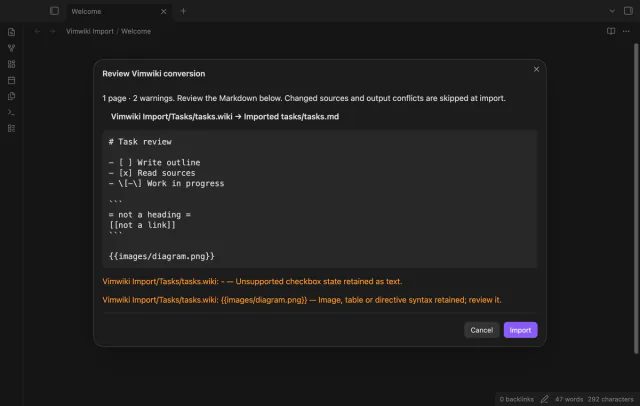
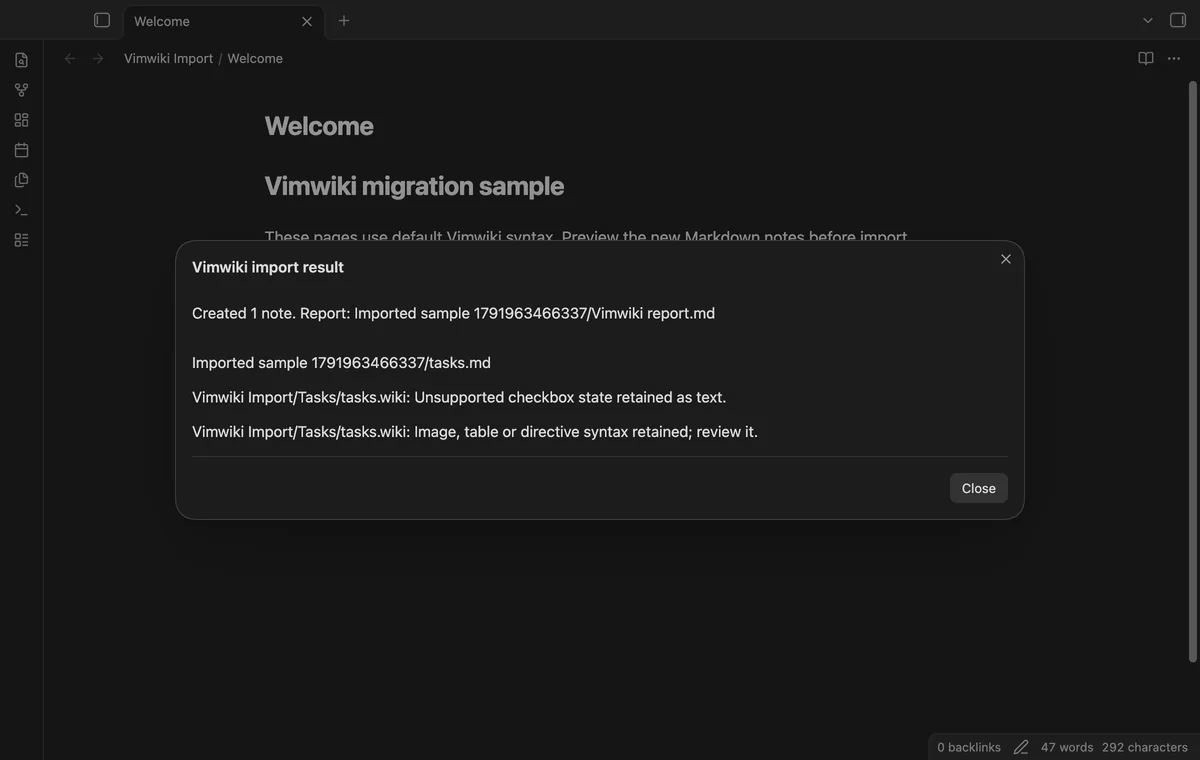
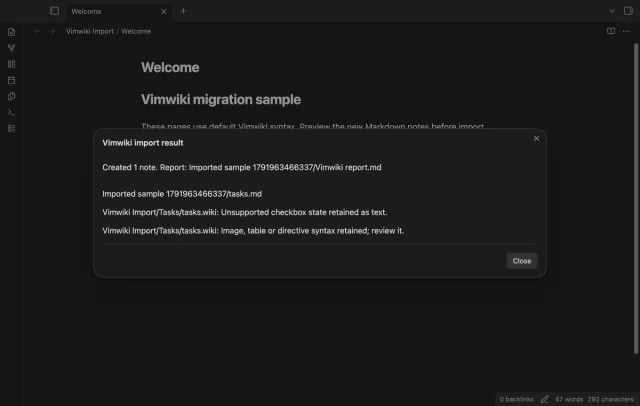
Import creates new notes and skips missing or changed sources and occupied output paths. A Markdown report lists created paths and review items. Cancel closes the preview without importing, but closing the dialog after Import doesn't cancel writes that started.
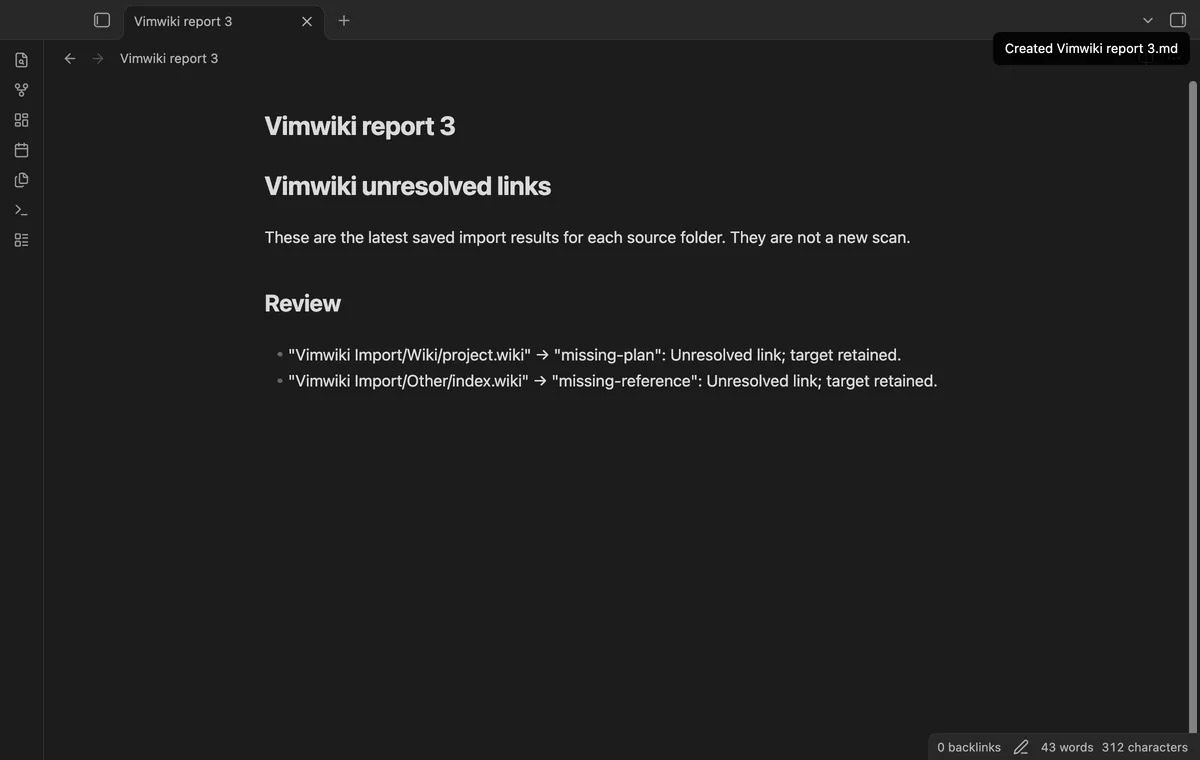
ISO diary mapping and combined unresolved-link reports need Pro; the core import and its report are free.
Pro costs $5 a month or $15 one time through GitHub Sponsors. One sponsorship turns on Pro in every plugin that has it.
Map valid YYYY-MM-DD.wiki names below the source diary/ folder into your chosen daily-note folder. Local links use the mapped paths too. Existing daily notes and duplicate mapped outputs are skipped; invalid dates keep their normal destination-relative paths.
Create one report in the vault root from the latest saved import result for each source folder. This report uses saved warnings and doesn't scan imported notes again. Reimporting a source folder replaces its saved result.
needs
steps
Back up your vault and place your source pages in a vault folder.
Run Vimwiki Import's Preview import command from the command palette.
Enter separate source and destination paths, then select These files use default syntax.
Select Preview and inspect output paths, converted text and warnings.
Select Import, then open the report in the destination folder.
If the app can't find a new plugin yet, try again later. Obsidian says a plugin that passes the review shows in the app within 24 hours.
Need a change for your team? I build custom Obsidian plugins and features.
The plugin has no runtime dependency on Vim. It reads default .wiki pages already inside your vault, so copy external pages there first.
Preview requires a new destination folder. Import skips a page when its planned output path already contains a file or folder. Existing daily notes are skipped too.
Attachments aren't copied, and image syntax keeps its original path with a warning. Tables, anchors, directives and rich text can need manual edits. Markdown and media modes are outside this converter's scope.
Sponsor theluckystrike through GitHub Sponsors for $5 a month or $15 once, then sign in through the plugin settings. A total payment of $15 meets the Pro payment requirement; sign-in and sponsorship checks still apply. Enter a daily-note folder in the import dialog to map valid ISO diary filenames.
After you select Sign in with GitHub, github.com receives the public client ID, read:user scope and device-flow polling requests. After sign-in, api.github.com receives an authenticated sponsorship query for your tier and total payment; cached checks can refresh automatically or through Refresh. The plugin sends no note content, file names or vault data, and makes no network requests before sign-in.
Tell me what is broken in Vimwiki Import, or what it should do next.
Vimwiki Import 1.1.0, MIT license
MIT · no telemetry · core features free
Edit AsciiDoc source and see its preview side by side.
Update heading links and embeds when you edit a heading.