How to import a RedNotebook journal into Obsidian
As of October 2026, you can keep journal text in Markdown paragraphs and dated note files.
As of October 2026, Obsidian's import guide lists Markdown imports but doesn't list Vimwiki conversion. Convert default pages by hand, or use Vimwiki Import to preview Markdown notes and mapped local links before writing.
Keep your source pages until you've checked the converted notes. Vimwiki Import leaves those pages unchanged and reports syntax that needs review.
For a few pages, copy their text into Markdown notes and replace source headings, tasks and code delimiters with Markdown syntax. Obsidian supports internal wikilinks, fenced code and unchecked or completed task lists. Check link targets against the note paths you choose.
Place default .wiki pages in a vault folder and preview their conversion into a new destination. The free importer maps local links between selected pages and writes a report. Pro can map ISO diary names into a daily-note folder and combine saved unresolved-link warnings.
MIT · no telemetry · core features free
Back up your vault and place your source pages inside it.
Run Vimwiki Import's Preview import command.
Enter separate source and new destination paths, then select These files use default syntax.
Select Preview and compare the converted text, mapped paths and warnings with your sources.
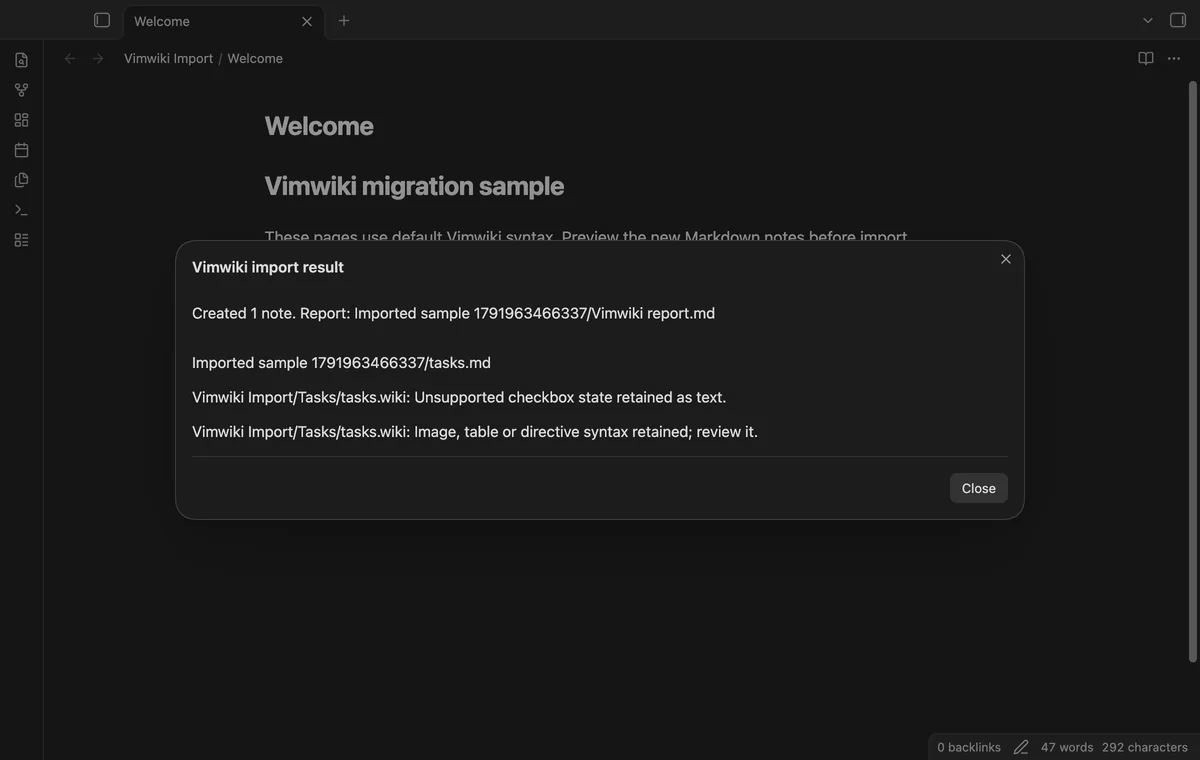
Select Import and open the destination report.
Compare a few converted notes with their sources before removing or moving source pages yourself.
The converter maps local targets only through the selected source pages. A missing target stays unchanged with a warning. Links to pages skipped during import can also need review.
Select Cancel to close the preview without importing. Once you've selected Import, closing the dialog doesn't cancel writes that started.
The Pro report reads saved import results rather than scanning your imported notes. Later edits aren't checked, and another import of the same source folder replaces its saved result.
 You can now import Vimwiki pages into Obsidian.
You're officially a regular.
Obsidian rewards people who share. NoteMods is just me and a lot of coffee. If this guide saved you a fight with the syntax, buy me a cup.
That's visit . Regulars are the reason I keep NoteMods running. If it's part of your routine now, a coffee says thanks better than anything.
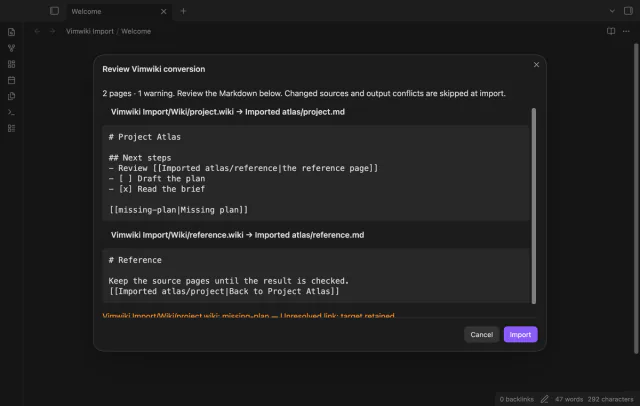
Preview Vimwiki conversion before you create Markdown notes.