
AsciiDoc Files
Edit AsciiDoc source and see its preview side by side.
Import WordPress XML posts and approved comments.
MIT · no telemetry · core features free
The directory takes these platforms from the plugin manifest. The automated tests run in the desktop app only.
Directory facts fetched from community.obsidian.md/users/theluckystrike.
You want a local blog archive with posts, pages and approved comments beside your other notes.
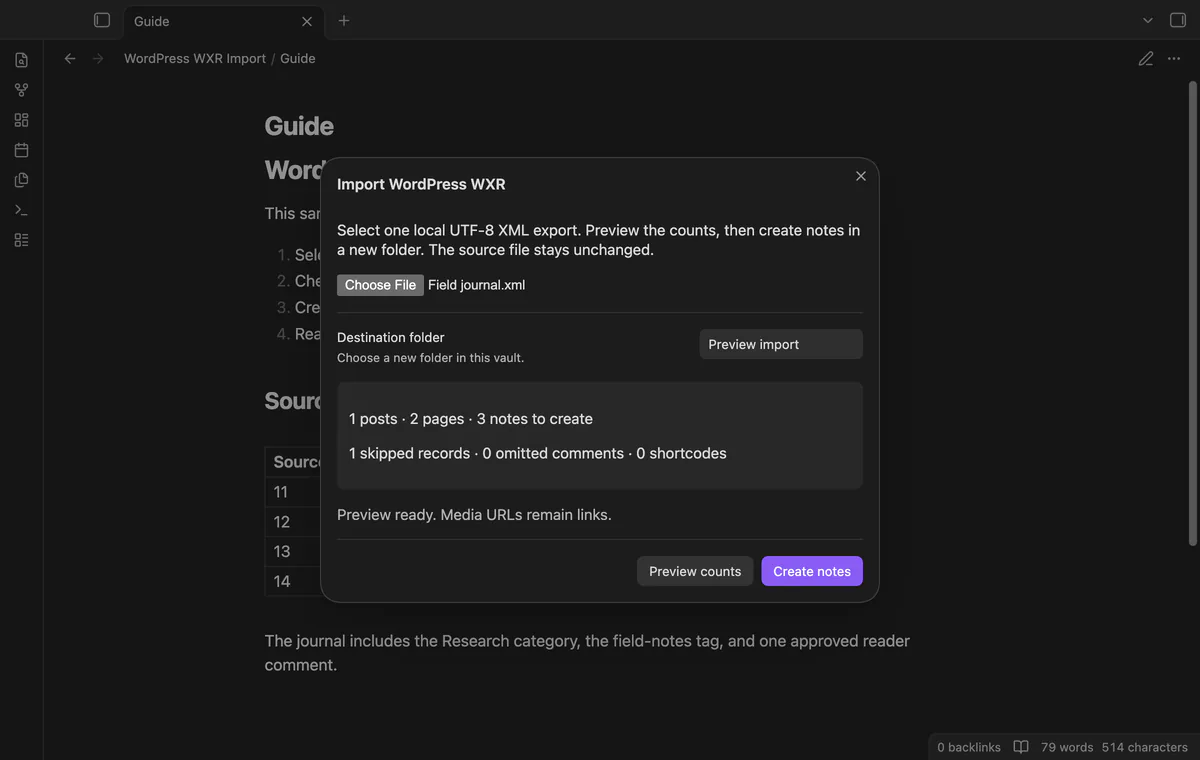
Select a local WordPress XML export and check the post and page counts. Create notes in a new vault folder, then open its index and report. The importer doesn't download media.
 Play demo
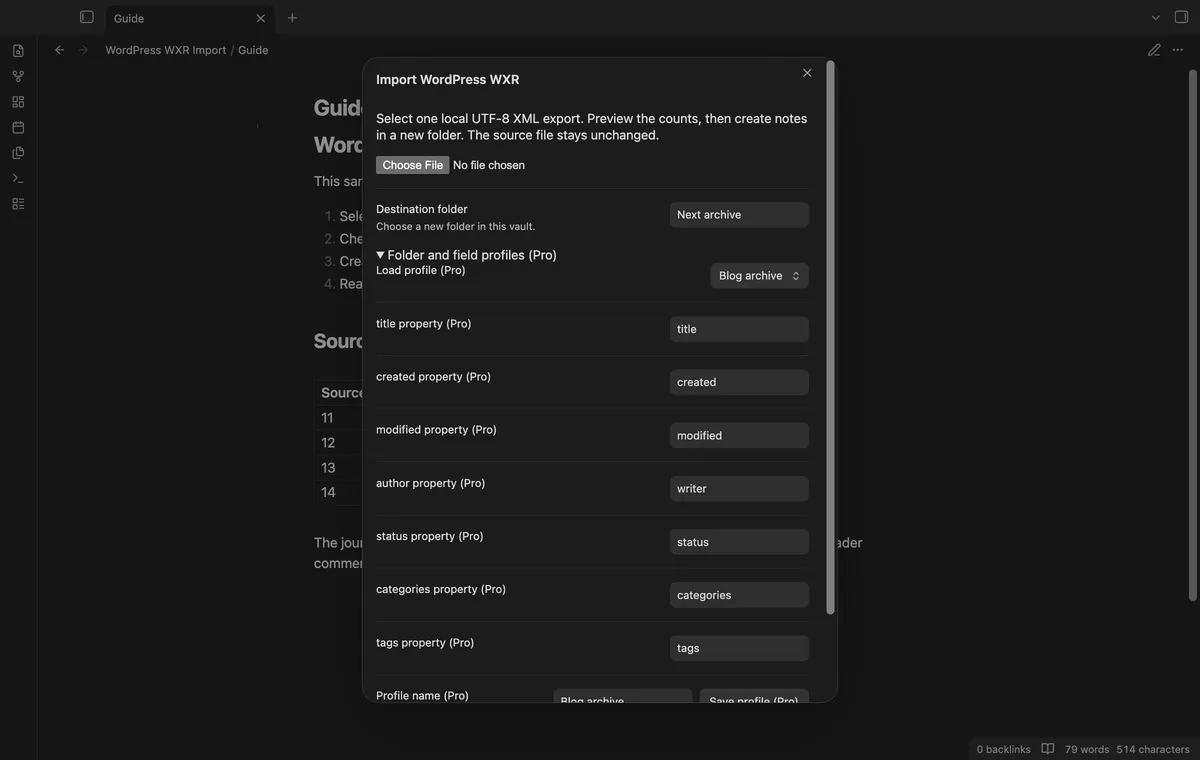
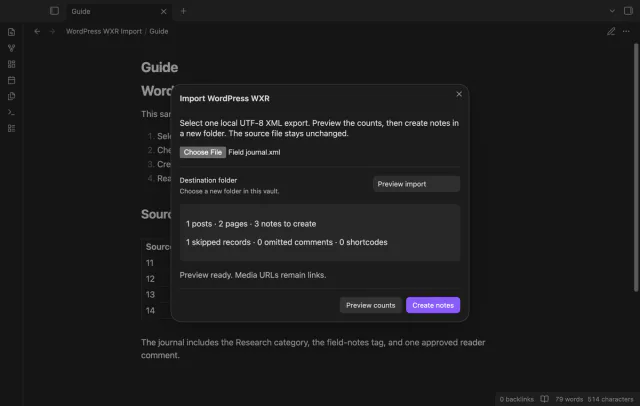

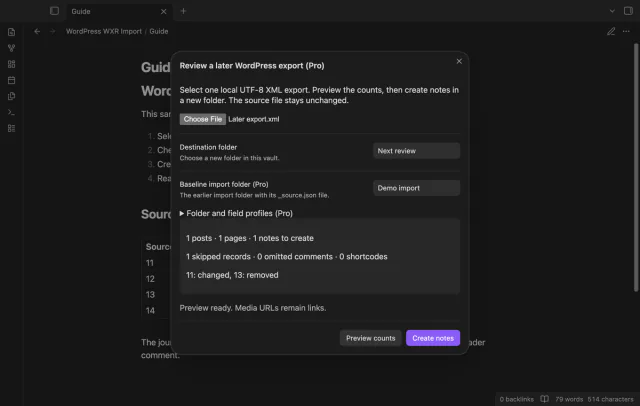
Choose one UTF-8 WXR XML file and review post, page and skipped record counts. The preview also counts omitted comments and shortcodes. Previewing writes no notes.
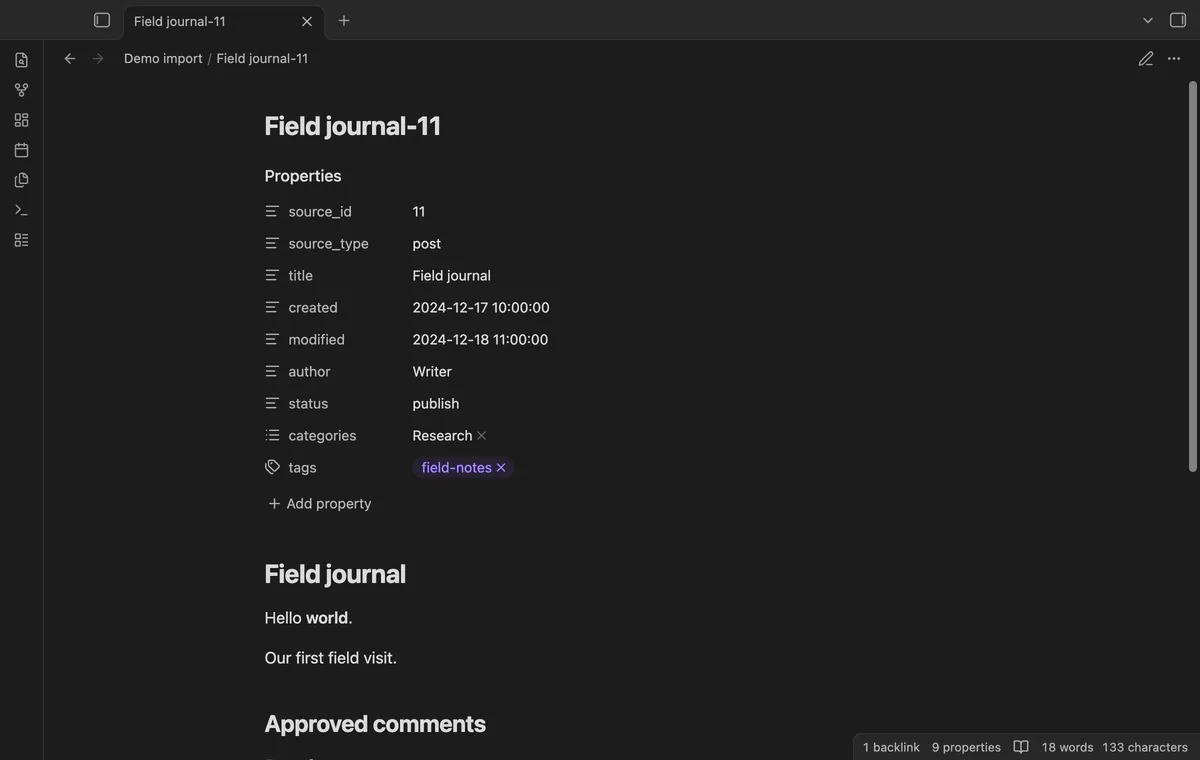
Posts and pages become separate notes with source IDs in their filenames. Properties keep dates, author, status, categories and tags. Valid dates also set note file timestamps.
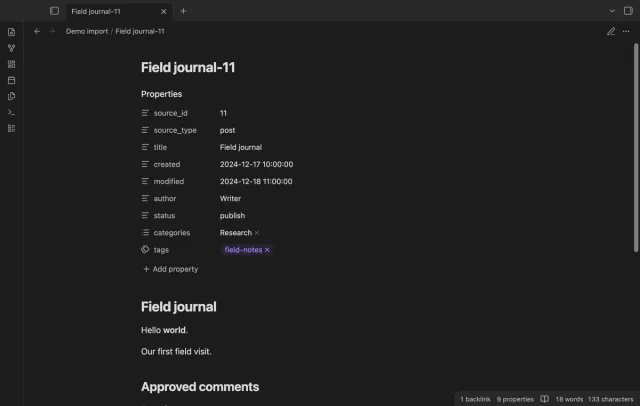
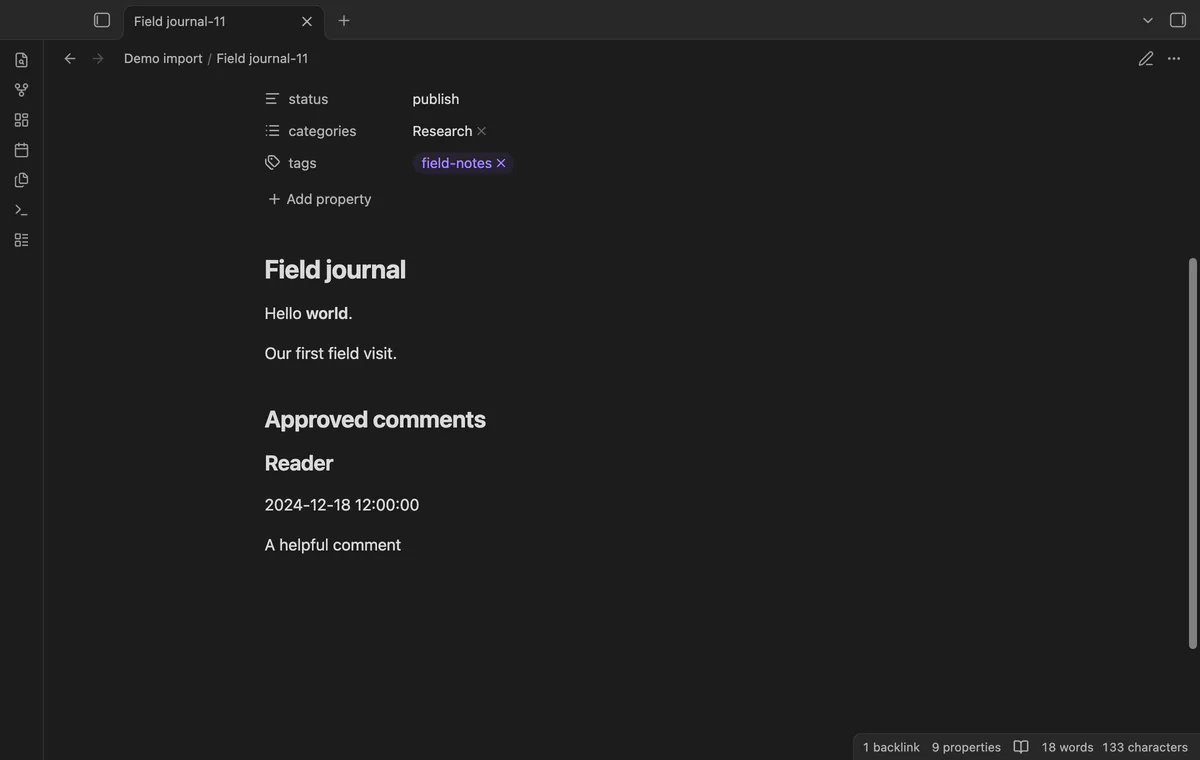
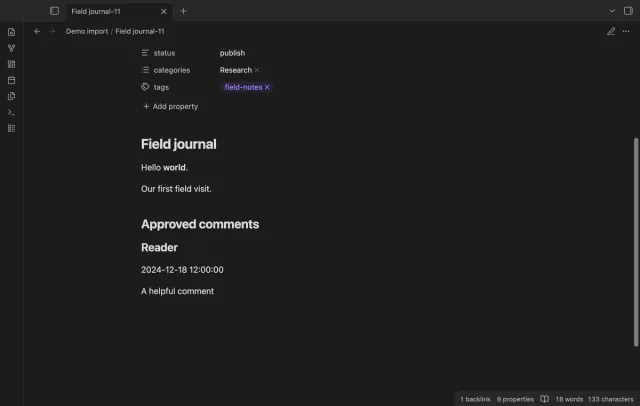
The importer converts body HTML to Markdown and places approved comments after it. Other comment states are omitted and counted. Media become links, while shortcodes stay as text.
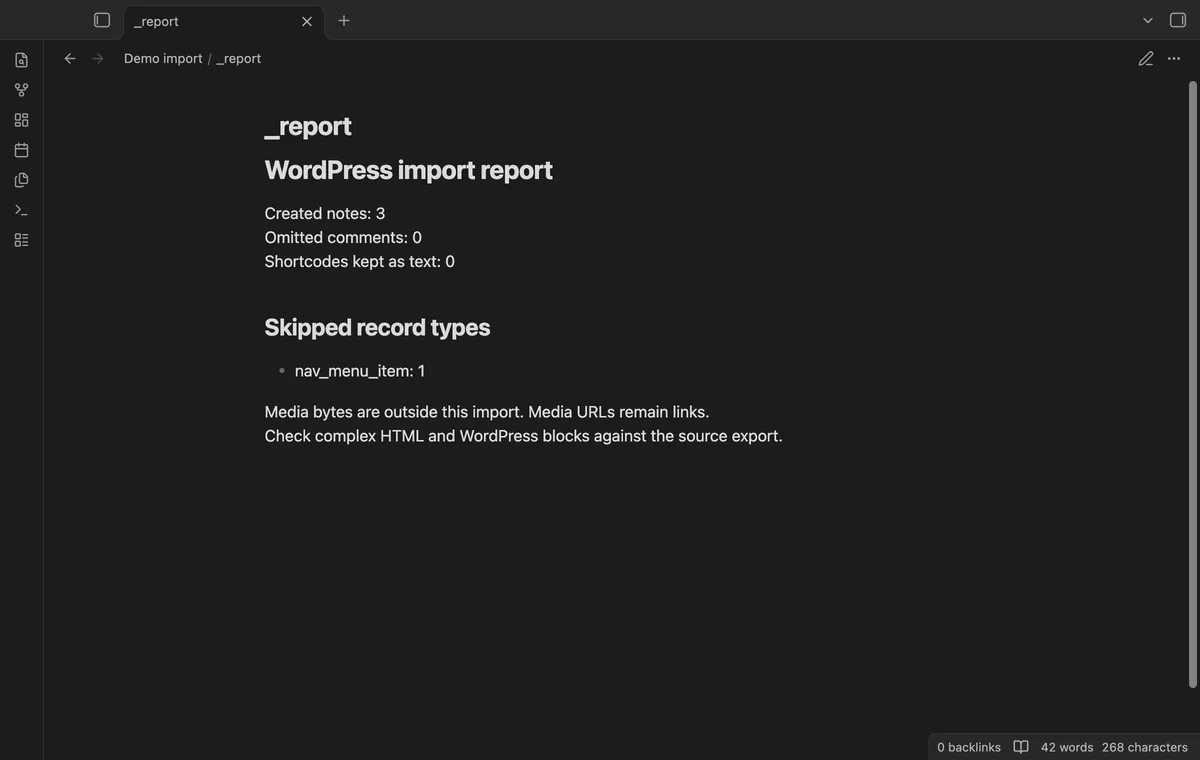
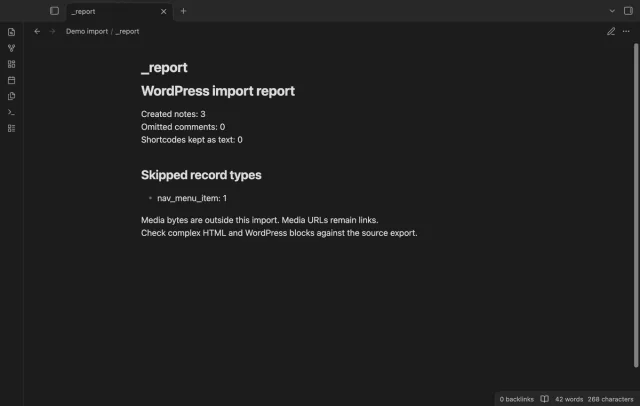
Open _index.md for note links and _report.md for skipped record types. Attachments and navigation items don't become notes. An existing destination folder stops the import.
The core import is free; field mapping profiles and later export comparison need Pro.
Pro costs $5 a month or $15 one time through GitHub Sponsors. One sponsorship turns on Pro in every plugin that has it.
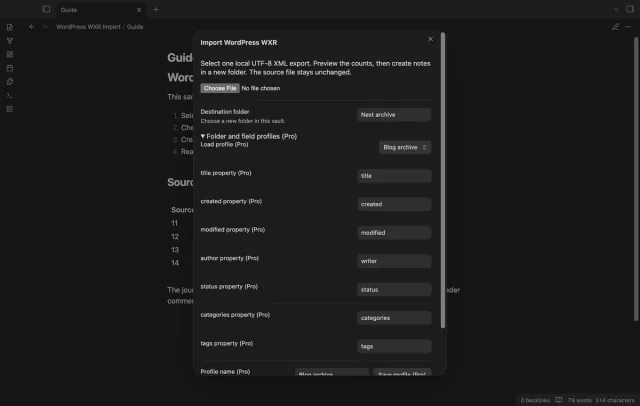
Save a destination folder and custom property names as a named profile. Source ID and record type keep fixed names. Choose a new destination when the profile's folder already exists.
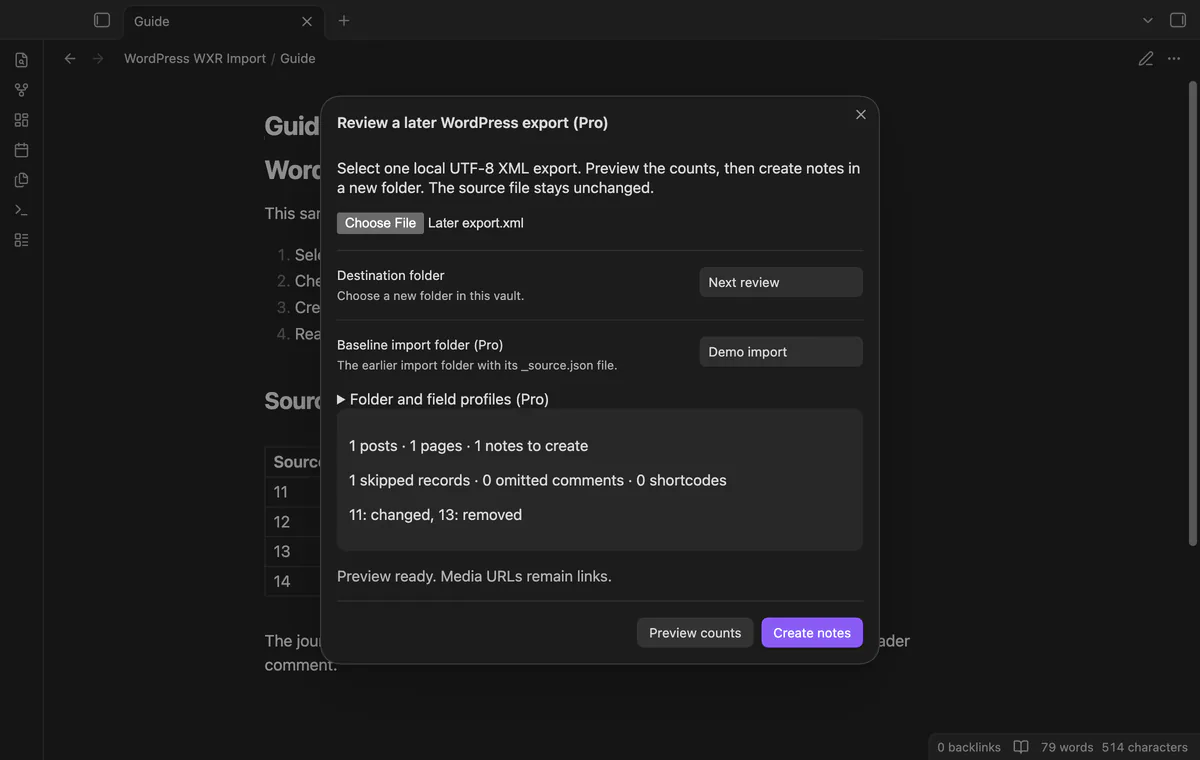
Compare a later XML export with _source.json from an earlier import. Added and changed records become notes in a new review folder; removed IDs appear in its report. Earlier notes stay intact.
needs
steps
Export content from WordPress as WXR XML and keep the original file.
Run Import a local WordPress XML export.
Select the file and enter a new destination folder.
Check the counts and select Preview counts again after changing the folder or mapping.
Select Create notes, then inspect the index and report.
If the app can't find a new plugin yet, try again later. Obsidian says a plugin that passes the review shows in the app within 24 hours.
Need a change for your team? I build custom Obsidian plugins and features.
No. Media URLs become links, and opening one can contact its host through your browser.
No. It compares exported source records with the saved source snapshot.
No. Use a new destination folder; a failed disk write can leave partial output there.
Before you sign in, the plugin makes no network requests. Sign-in sends its client ID, read:user scope and polling requests to github.com; authenticated checks send your token to api.github.com for sponsorship status. Successful checks last seven days, failures can retry after six hours, and Refresh checks sooner without sending note content, filenames or vault data.
Tell me what is broken in WordPress WXR Import, or what it should do next.
WordPress WXR Import 1.1.0, MIT license
MIT · no telemetry · core features free
Edit AsciiDoc source and see its preview side by side.
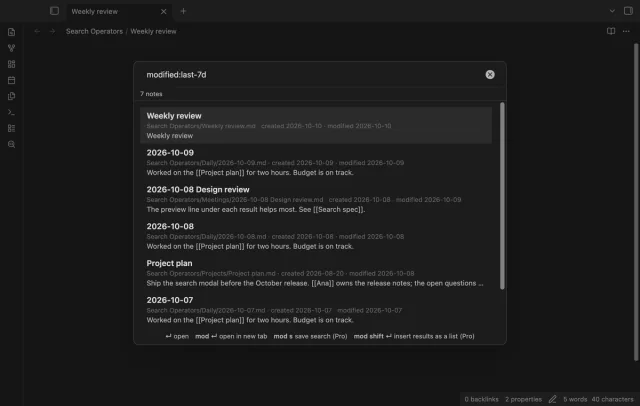
Find notes by date and links, with a preview for each result.