
AsciiDoc Files
Edit AsciiDoc source and see its preview side by side.
Check and preview selected configuration data before conversion.
MIT · no telemetry · core features free
The directory takes these platforms from the plugin manifest. The automated tests run in the desktop app only.
Directory facts fetched from community.obsidian.md/users/theluckystrike.
You keep configuration examples in your notes and need the same supported values in another data format.
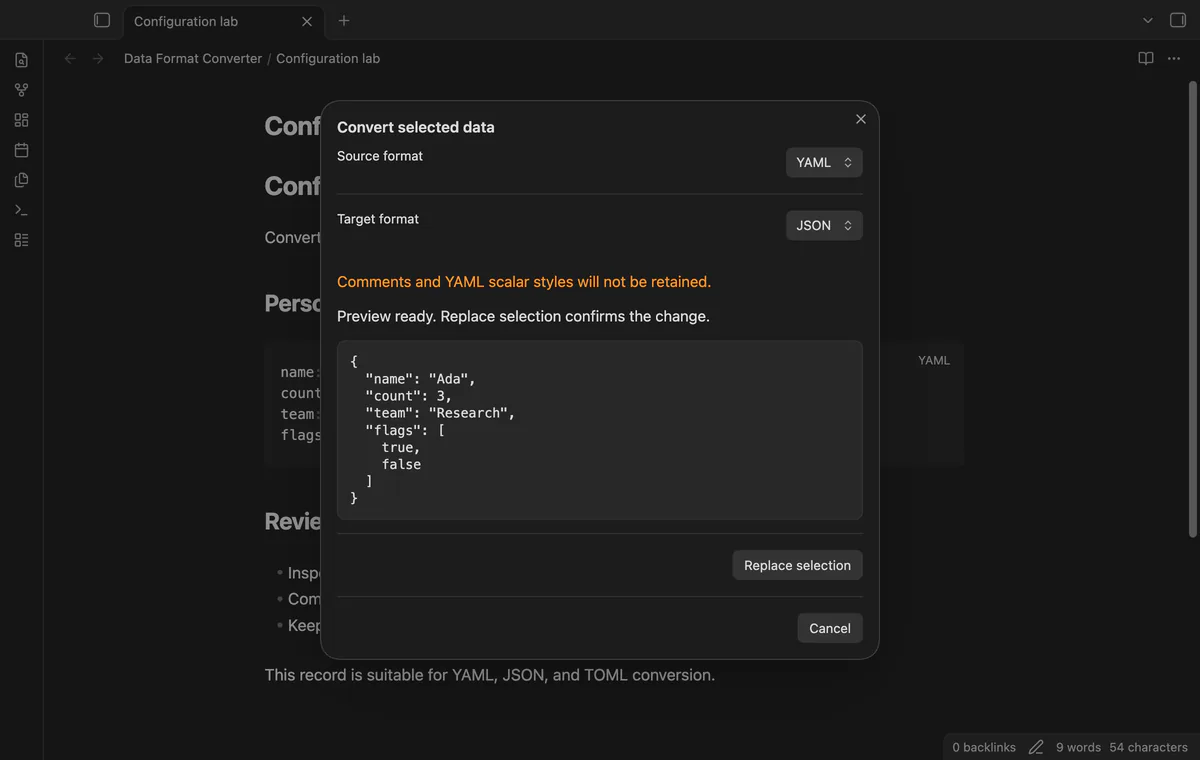
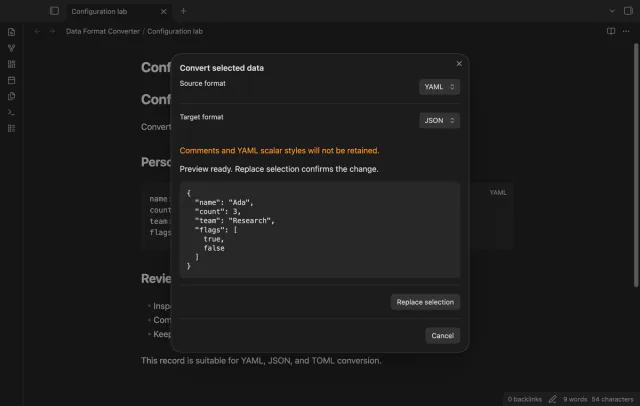

Select the data inside a code block and choose its source and target formats. Read the preview before replacing your selection. Comments and source formatting won't survive conversion.
 Play demo
Choose YAML, JSON or TOML in the source and target dropdowns. JSON output uses two spaces for indentation. Opening a preview doesn't edit your note.
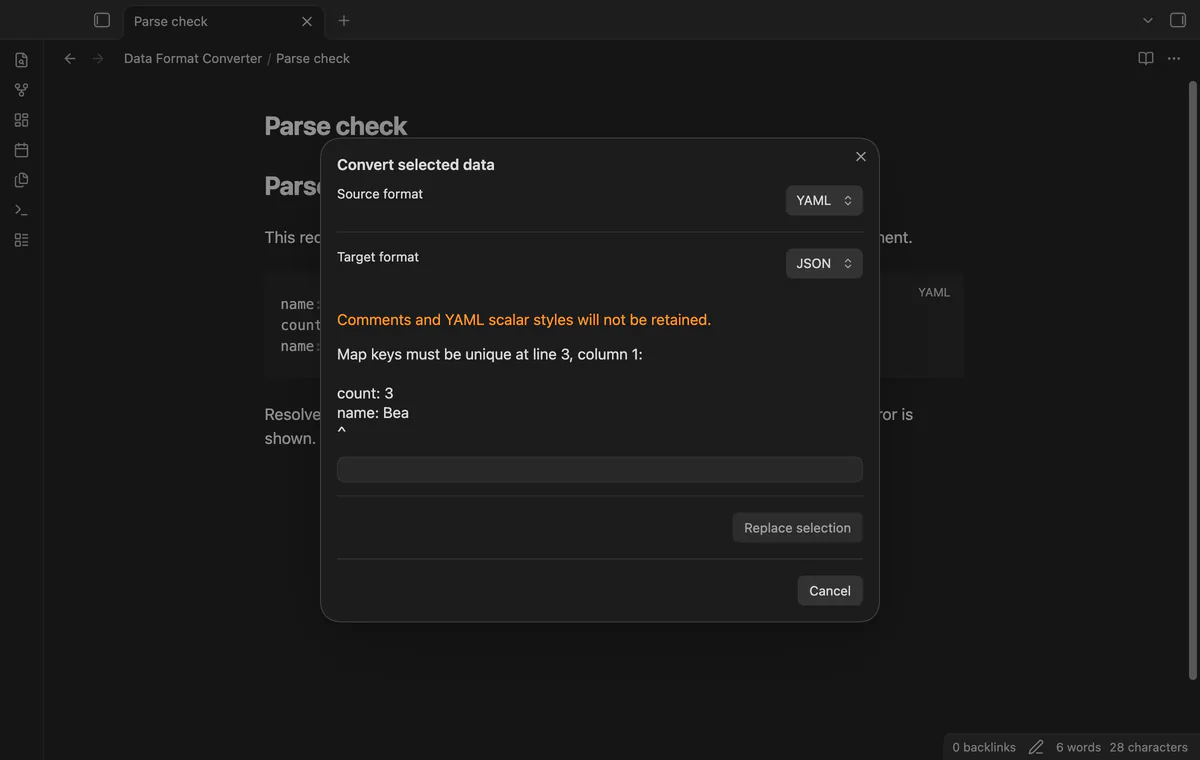
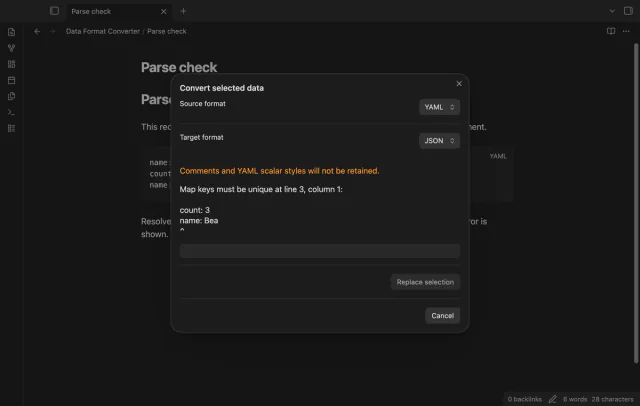
Invalid data shows a parser error and disables replacement. YAML duplicate keys are rejected. Error locations depend on what the parser supplies.
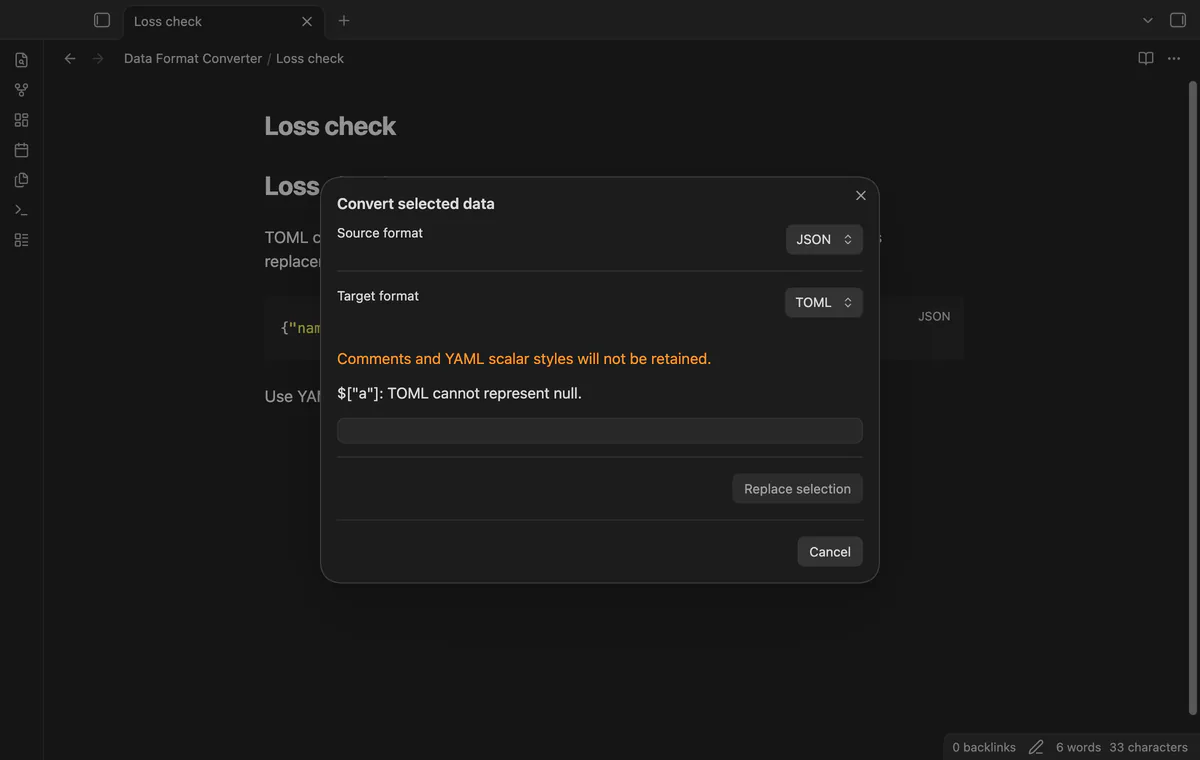
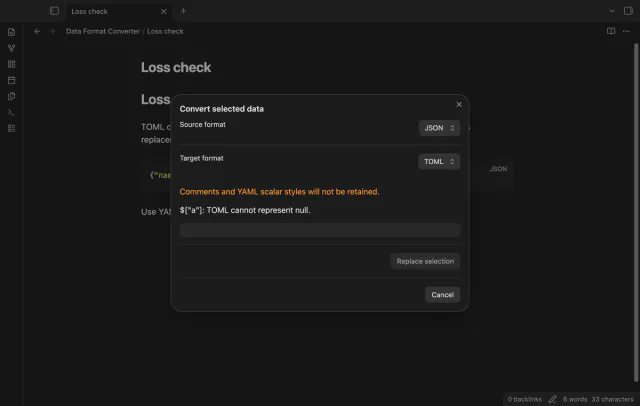
TOML conversion rejects null values and requires an object at the root. Unsupported dates, cycles, tags and unsafe numbers also stop conversion. The plugin parses its output again to check for changed values.
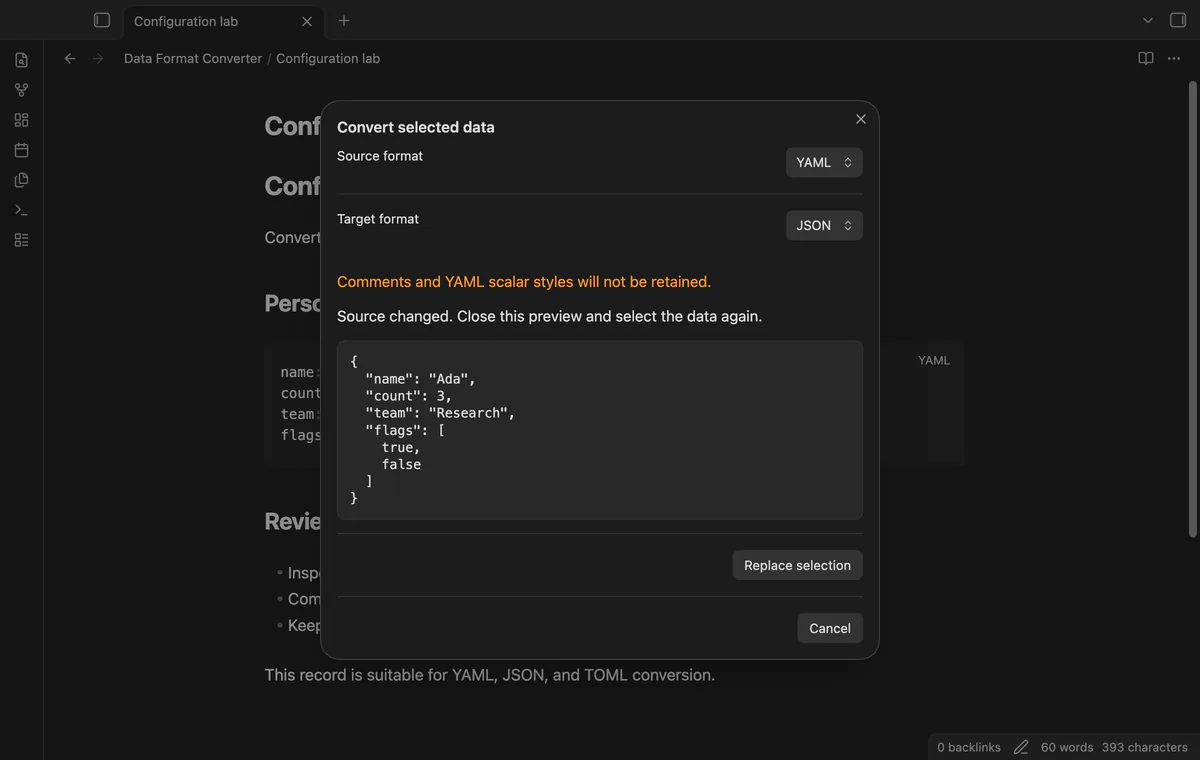
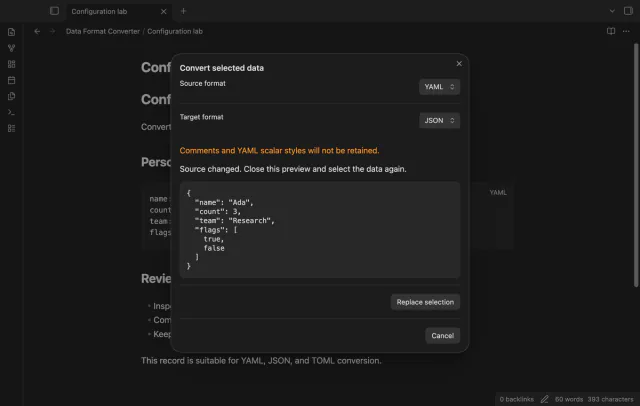
Replace selection confirms the edit. A change anywhere in the note after preview blocks replacement, so reopen the preview after editing. Cancel keeps the source.
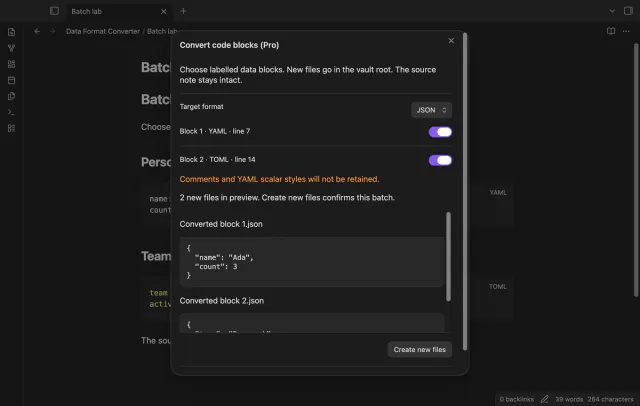
Selection conversion is free; local schema validation and code block conversion into new files need Pro.
Pro costs $5 a month or $15 one time through GitHub Sponsors. One sponsorship turns on Pro in every plugin that has it.
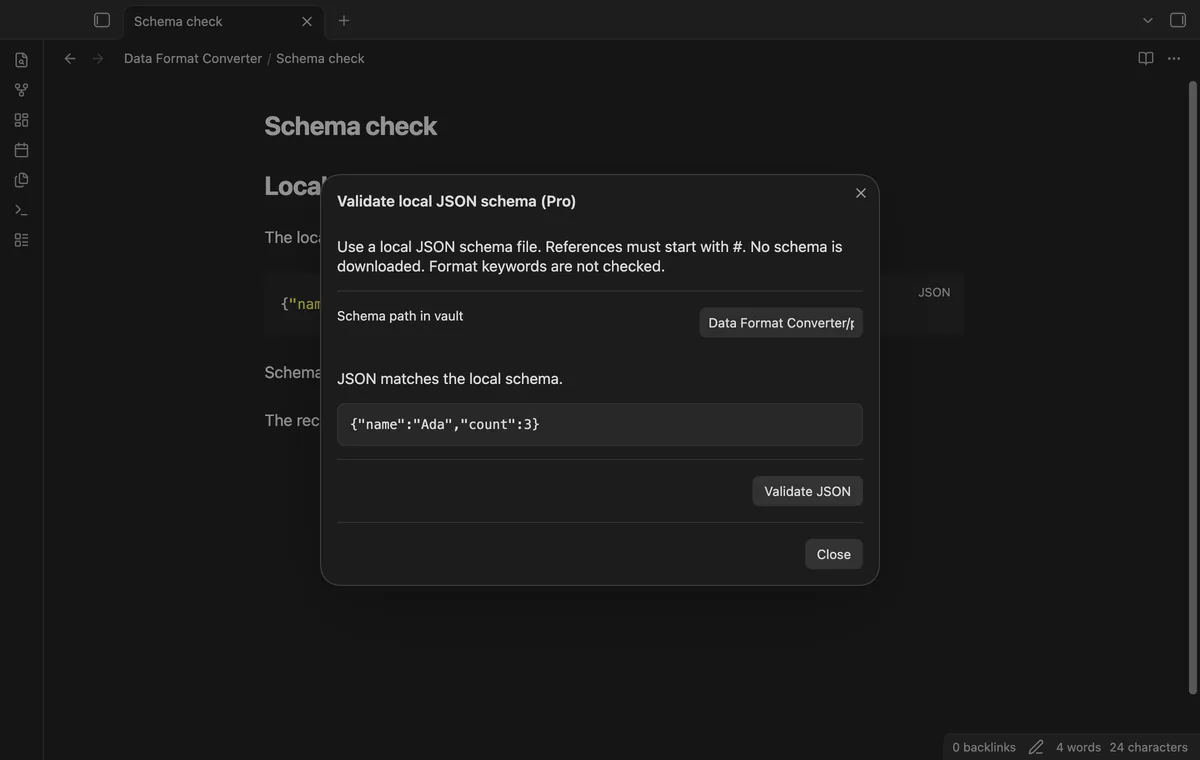
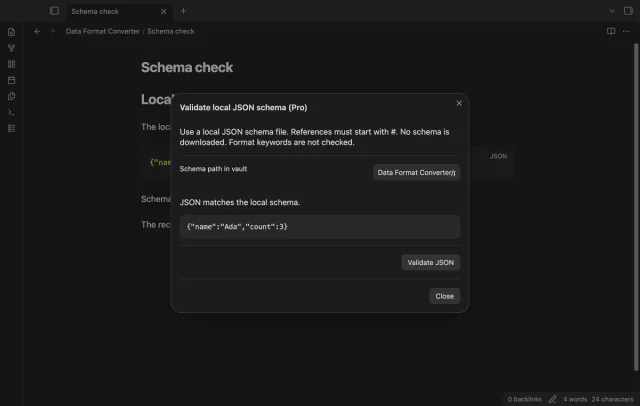
Check selected JSON against a schema file in your vault without editing the selection. Draft-07 validation accepts local fragment references. It skips format keywords and blocks remote or cross-file references.
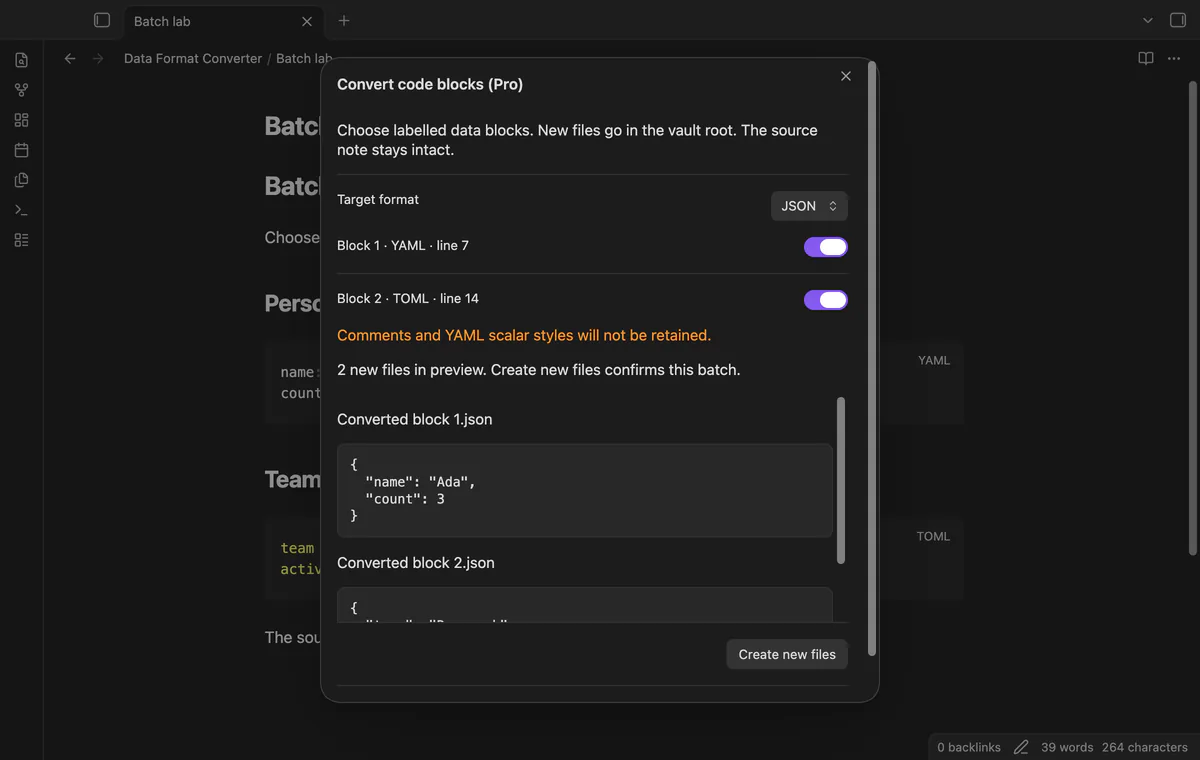
Choose labelled, unindented YAML, YML, JSON or TOML blocks and preview new output files. Existing output paths block creation. Your source note stays intact.
needs
steps
Open a note and select the data without the code block fences.
Run Convert selected data from the command palette.
Choose the source and target formats.
Read the preview and warning, then select Replace selection or Cancel.
If the app can't find a new plugin yet, try again later. Obsidian says a plugin that passes the review shows in the app within 24 hours.
1.0 becomes 1.Need a change for your team? I build custom Obsidian plugins and features.
Comments and YAML scalar styles won't stay. Quotation marks, key order and spacing can change too.
TOML cannot represent null, and its output requires an object at the root. Use JSON or YAML for a root array or scalar.
Yes. Any editor change in the same note blocks replacement until you open a new preview.
Before you sign in, the plugin makes no network requests. Sign-in sends its client ID, read:user scope and polling requests to github.com; authenticated checks send your token to api.github.com for sponsorship status. Successful checks last seven days, failures can retry after six hours, and Refresh checks sooner without sending note content, filenames or vault data.
Tell me what is broken in Data Format Converter, or what it should do next.
Data Format Converter 1.1.0, MIT license
MIT · no telemetry · core features free
Edit AsciiDoc source and see its preview side by side.
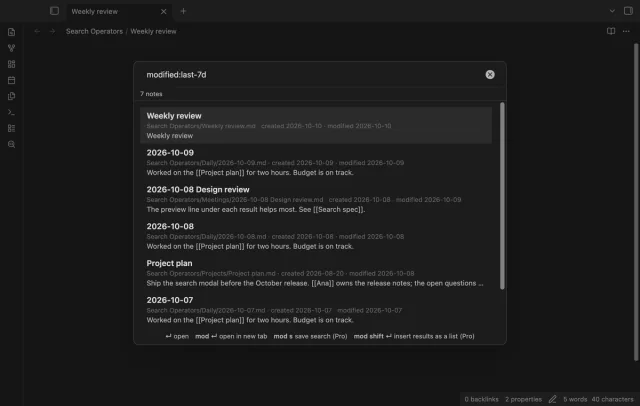
Find notes by date and links, with a preview for each result.