How to export code blocks as files in your Obsidian vault
As of October 2026, Obsidian supports code blocks enclosed by backticks or tildes.
As of October 2026, Source mode lets you inspect the Markdown stored in an Obsidian note. Keep that note, or use Annotator JSON Export to archive supported annotation blocks as JSON.
Saved annotation notes can hold JSON fields alongside newer marked comments and tags. An archive needs to reconcile those values without inventing missing data.
Use Source mode to inspect the annotation note, including its code blocks and marked sections. Keep the Markdown source when its surrounding text matters.
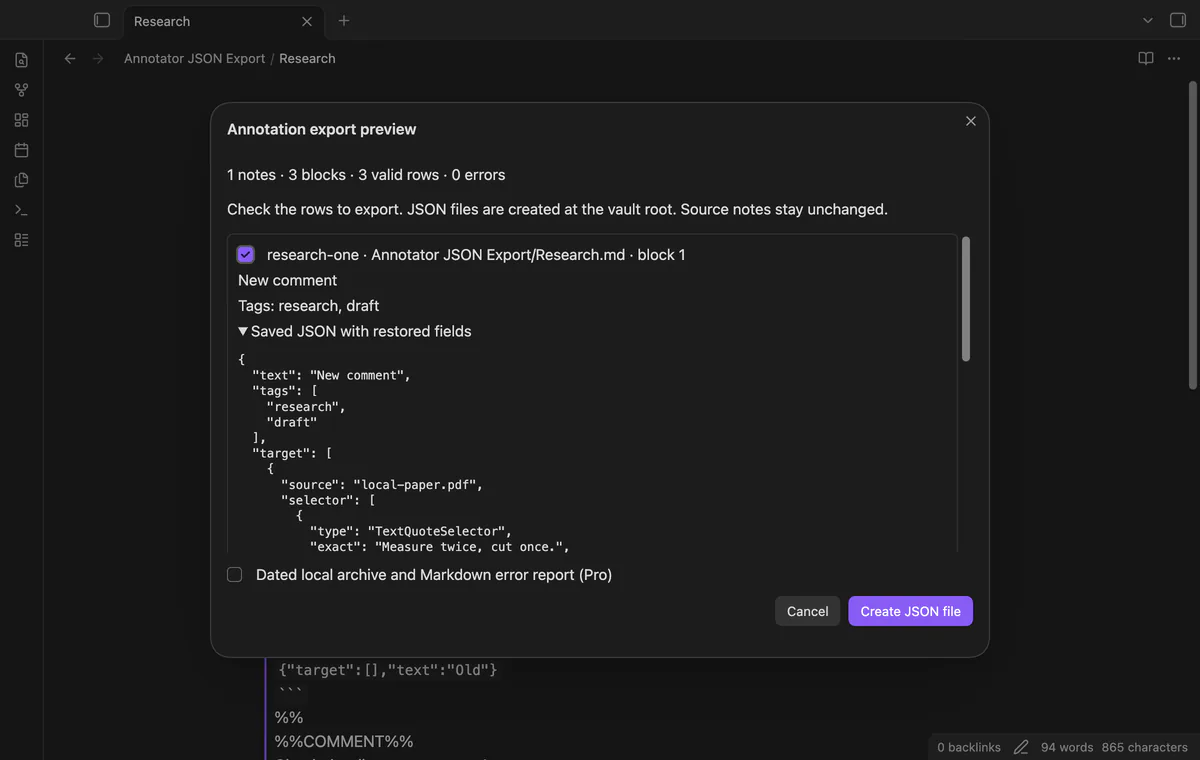
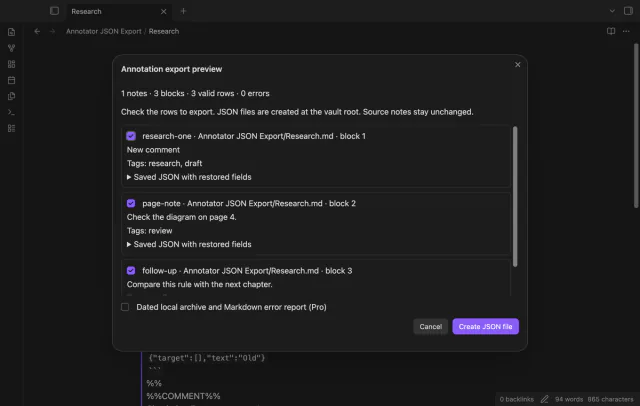
Run the active note preview, inspect restored IDs, comments and tags, then export checked valid rows. Existing JSON fields remain unless a supported marked section replaces them.
MIT · no telemetry · core features free
Save your annotation note and open it in Obsidian.
Run Preview annotation export from the active note from the command palette.
Inspect the counts, current comments, tags and expanded JSON.
Clear unwanted rows and acknowledge reported errors after reviewing them.
Select Create JSON file and check the new file name and row count.
Keep it if you need surrounding Markdown or a source backup. The archive contains annotation objects rather than the whole note.
An empty marked comment clears the exported text value. A missing marked comment leaves the saved JSON text in place.
 That's every step, start to finish.
You're officially a regular.
Obsidian rewards people who share. NoteMods is just me and a lot of coffee. If this guide saved you a fight with the syntax, buy me a cup.
That's visit . Regulars are the reason I keep NoteMods running. If it's part of your routine now, a coffee says thanks better than anything.
Keep saved quotes, comments and tags in a local JSON archive.