How to search notes by date in Obsidian
Core search has no operator for the created or modified date, as of October 2026.
As of October 2026, an Obsidian date property stores a date, and the Properties help page names no notice for it. A Bases view can list the notes by date. A plugin can turn those rows into in-app notices.
Date Property Alerts has Pro, and $15 one time turns it on in all 129 plugins.
Forum topics such as "Reminders / notifications in Obsidian" and "To-dos with reminders" ask for a notice when something comes due. Contract renewals and project reviews often live in normal notes with a date property, not in task lines.
Give each note a Date or Date and time property, then create a base that filters for the notes you track. Sort the table view by that property to see the next dates at the top.
Open the base when you plan your day. It shows the dates, but it does not tell you when one arrives.
The Reminder community plugin sets reminders on Markdown task lines. Use it when your due items are checkboxes inside notes.
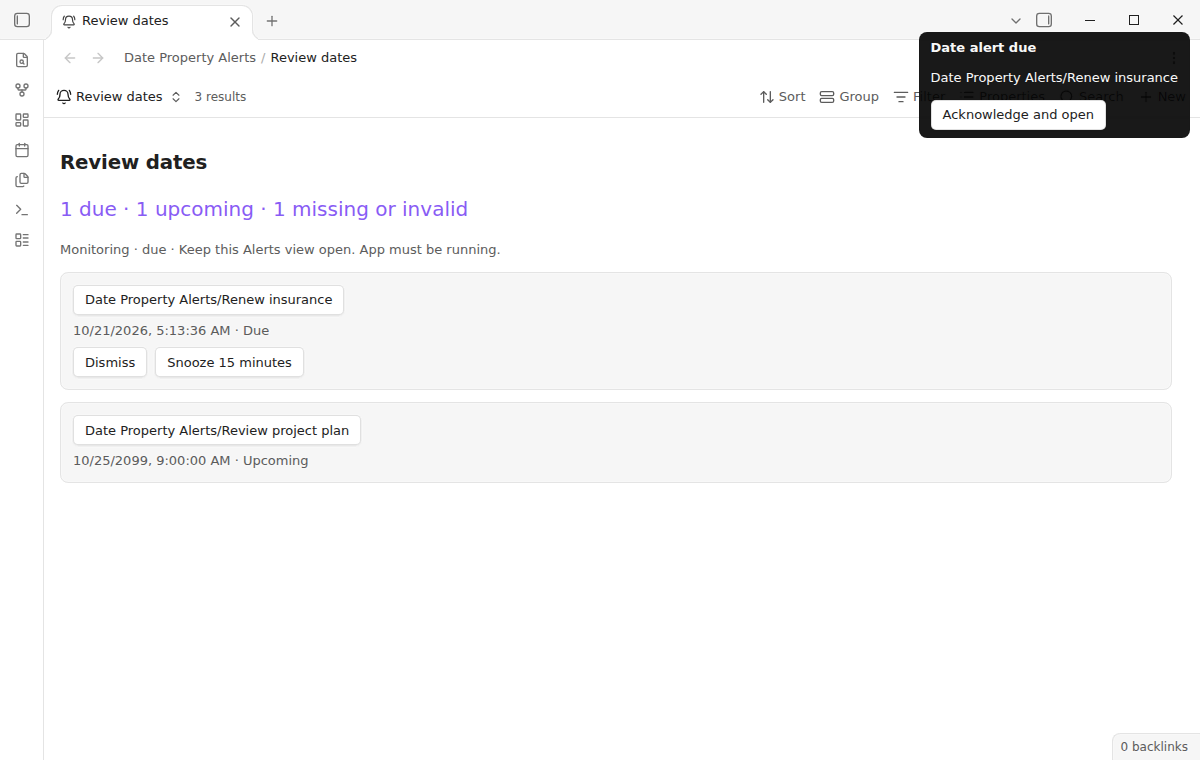
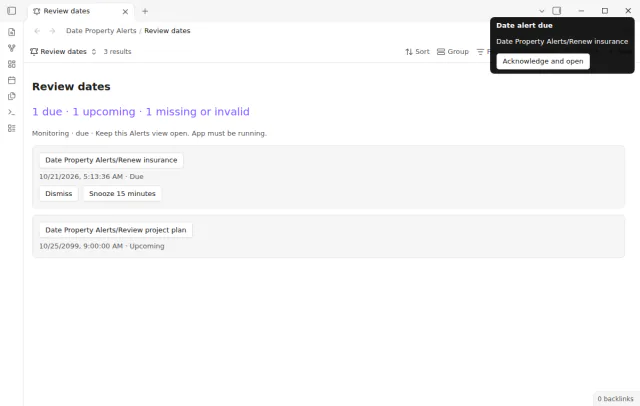
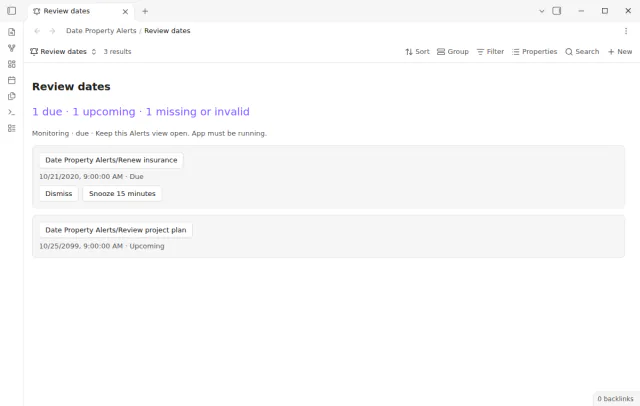
Date Property Alerts adds an Alerts view to Bases. The view reads the rows that the base filter returns and shows due dates first, then upcoming dates. Each newly due note gets a notice that stays until you click it.
A click on the notice opens the note. Dismiss hides a row, and Snooze 15 minutes asks for one more notice later. The plugin never edits your notes.
MIT · no telemetry · core features free
Open Settings, then Community plugins, and install and enable Date Property Alerts. Turn on the core Bases plugin too. It needs Obsidian 1.13.4 or later.
Add a property named due to a note and set its type to Date or Date and time.
Create a base, add an Alerts view from the view selector, and filter for the notes you want to watch.
In the view options, check that Date property is due. Change Date-only hour if 09:00 does not suit you.
Keep the Alerts view or an embed of it open. Click a notice to open its note.
Not with Date Property Alerts. It sends in-app notices only, and a closed or suspended app cannot deliver them. Use a dedicated alarm tool when a missed alert would matter.
ISO dates such as 2026-10-25 and ISO date and time values work. A date with no time becomes due at the hour that you set in the view. Empty fields, lists, numbers and text such as next Friday do not count.
Each device keeps its own delivery history, even when the notes sync. A notice that you clicked on a laptop can still appear on a phone with an open Alerts view. On one device, two open views send one notice for the same note and date.
 That's every step, start to finish.
This guide uses Date Property Alerts. Pro adds "Longer and custom snooze durations". One payment of $15 turns on Pro in 129 plugins.
This guide uses Date Property Alerts. Pro adds "Longer and custom snooze durations". One payment of $15 turns on Pro in 129 plugins.
Get an in-app notice when a date property of a note in a filtered Base comes due.