How to rename a heading in Obsidian without breaking links
Right-click the heading and choose Rename this heading.
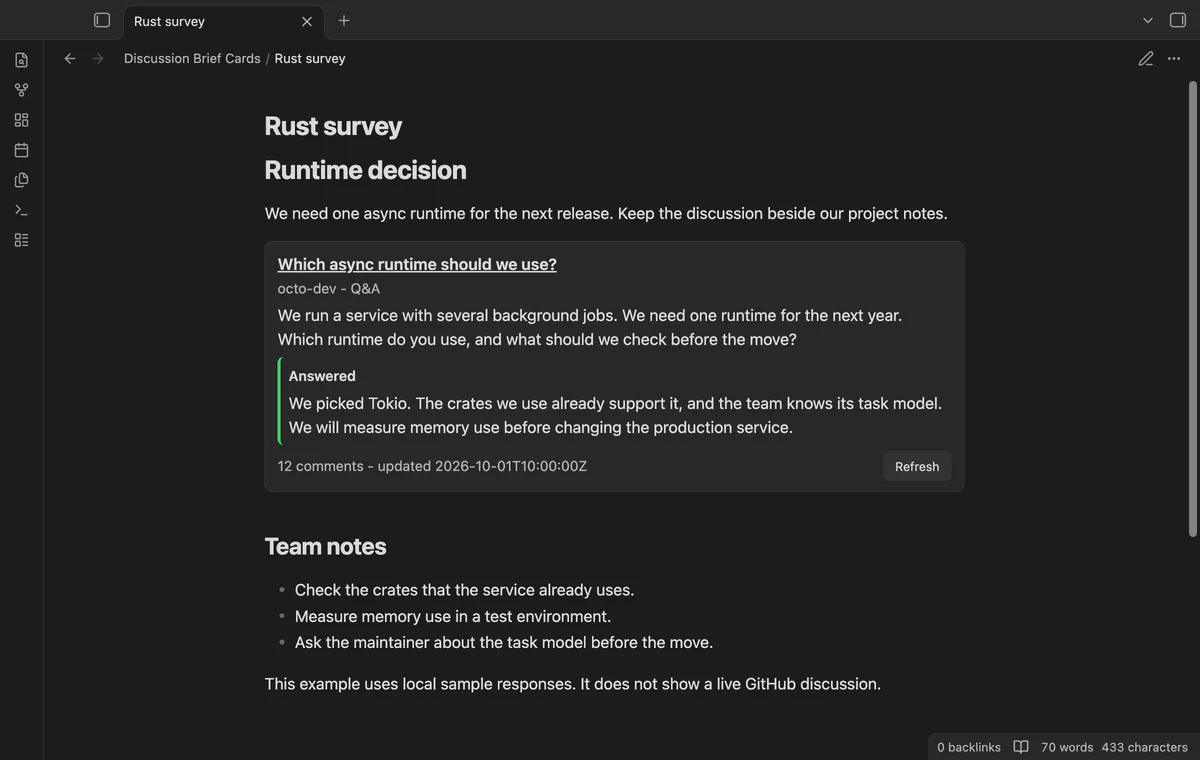
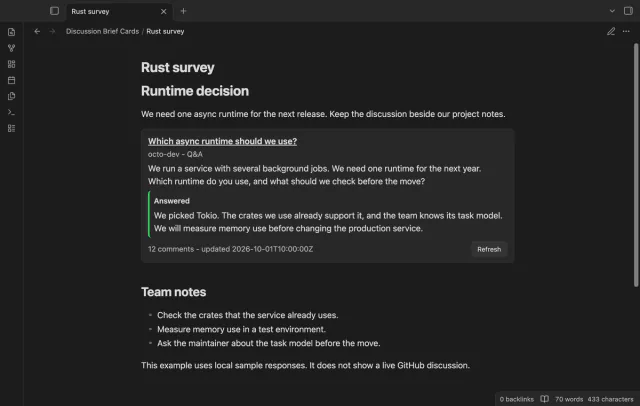
As of October 2026, you can put a normal Markdown link to a GitHub discussion in your Obsidian note. To read its text and answer state beside your notes, use an excerpt or Discussion Brief Cards.
The product brief focuses on reading a discussion while keeping your own decisions nearby. GitHub can highlight an accepted answer in discussion categories that support answers.
Write a Markdown link with a short label and the discussion URL. Open the source when you need to read its current content.
Copy the passage you need into your note and keep its source URL and the date you copied it. Use a Markdown quote for the excerpt.
Add a discussion read token, place the URL in a discussion block and open Reading view. Refresh when you need a new response.
MIT · no telemetry · core features free
Open the plugin settings and select or add a secret for Discussion read token.
Use a GitHub token with permission to read your source discussion.
Write a discussion code block with one GitHub discussion URL inside.
Open Reading view and select Refresh when you need a new response.
The card reads answer state and text. Use GitHub to mark an answer when your role and the discussion category permit it.
Date a manual excerpt yourself. A cached card displays Cached and its fetch time.
Use a GitHub token with access to the source discussion. The separate Sponsors sign-in token does not supply card reads.
 That's every step, start to finish.
You're officially a regular.
Obsidian rewards people who share. NoteMods is just me and a lot of coffee. If this guide saved you a fight with the syntax, buy me a cup.
That's visit . Regulars are the reason I keep NoteMods running. If it's part of your routine now, a coffee says thanks better than anything.
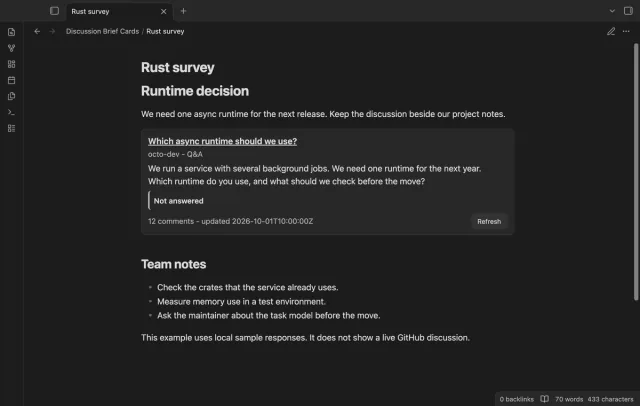
Read GitHub discussions beside project notes.