Heading Link Sync
Update heading links and embeds when you edit a heading.
Read GitHub discussions beside project notes.
MIT · no telemetry · core features free
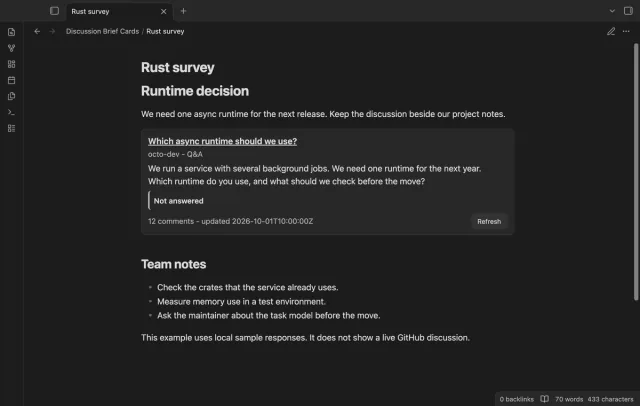
The screenshots and desktop tests use local discussion responses. Live authenticated reads, private repositories, mobile devices and live Sponsors sign-in were not tested.
Directory facts fetched from community.obsidian.md/users/theluckystrike.
You follow GitHub discussions and keep your project decisions in Obsidian.
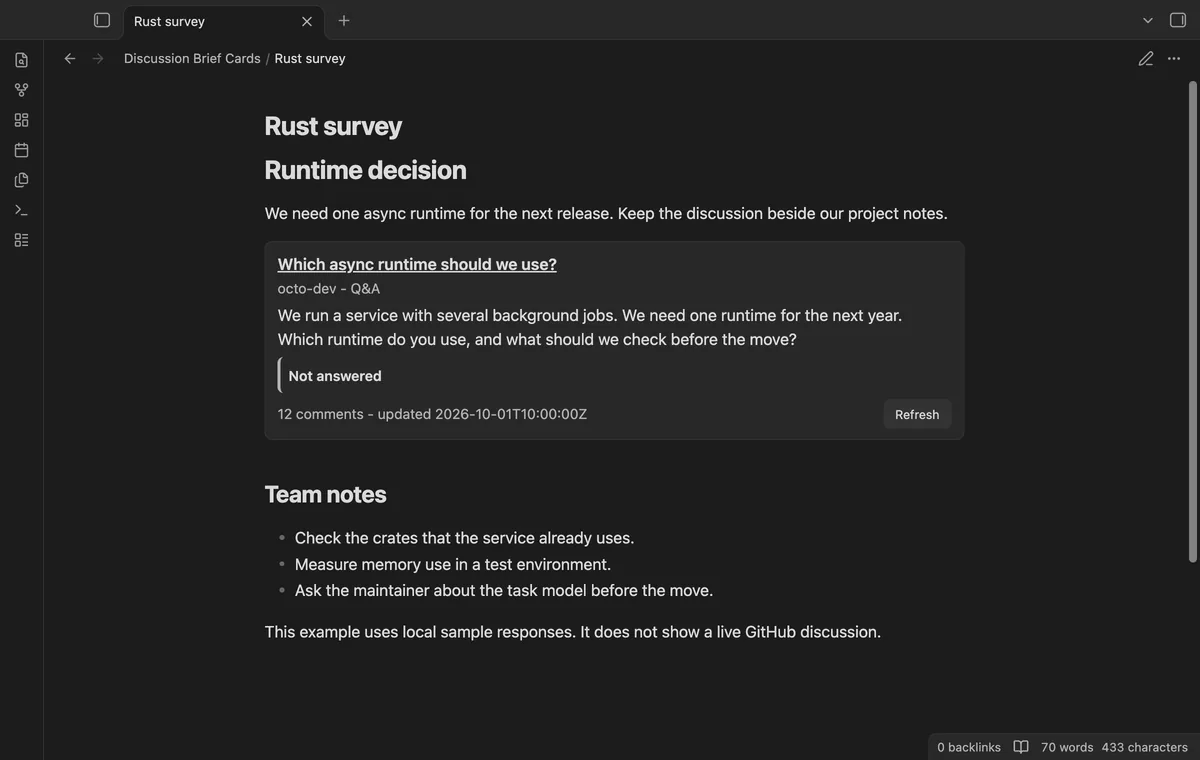
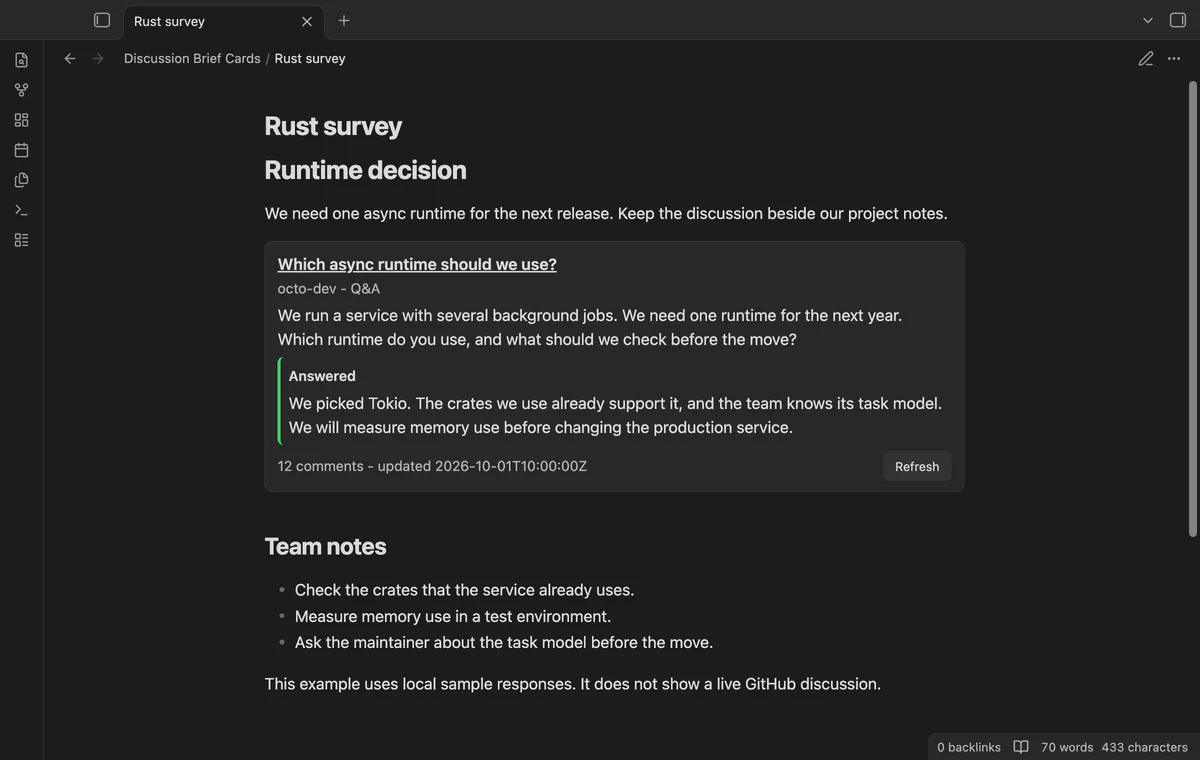

Put a GitHub discussion URL in a discussion code block and open Reading view. Discussion Brief Cards shows its text, answer state and source link beside your notes. Loading fresh data needs a separate discussion read token.
Your own decisions stay outside the block. The screenshots use local sample responses rather than live GitHub discussions.
 Play demo
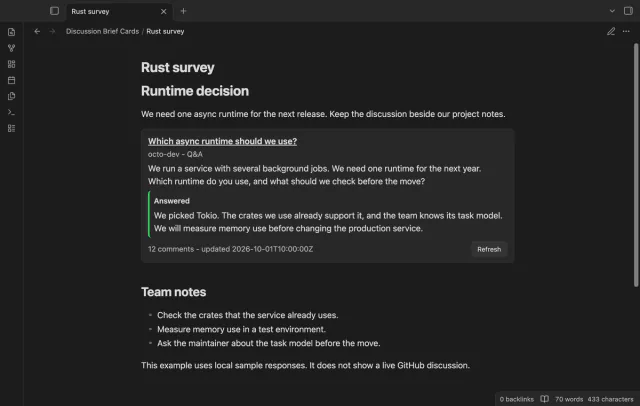
See the title, author, category, comment count and update date. The body stops at 1,500 characters, with a source link for the full text. HTML and image markup stay plain text.
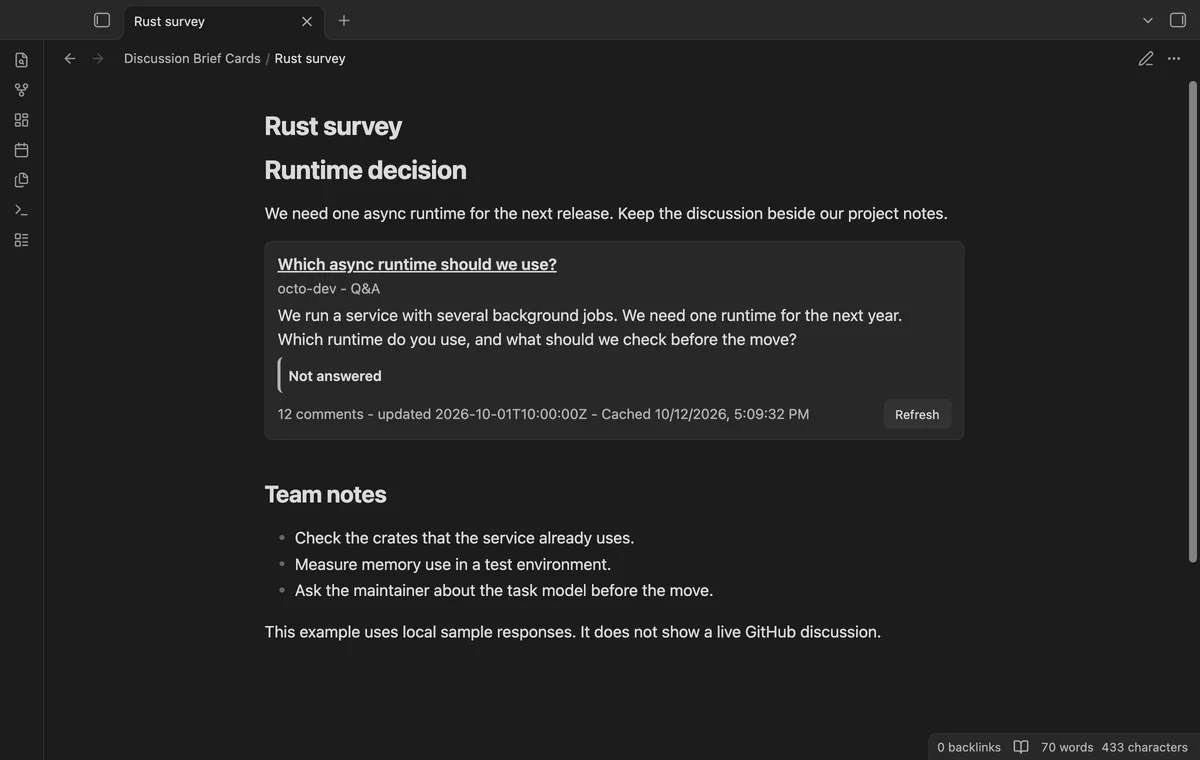
The card shows Answered or Not answered and the accepted answer text. Answers stop at 800 characters. Refresh requests a new response.
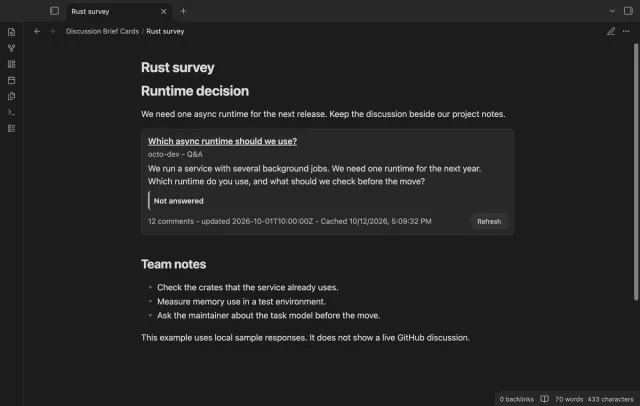
A cached card shows its fetch time. Cards render from the cache within its configured age and can fall back to saved text after a failed fetch. Turning caching off leaves previous saved entries.
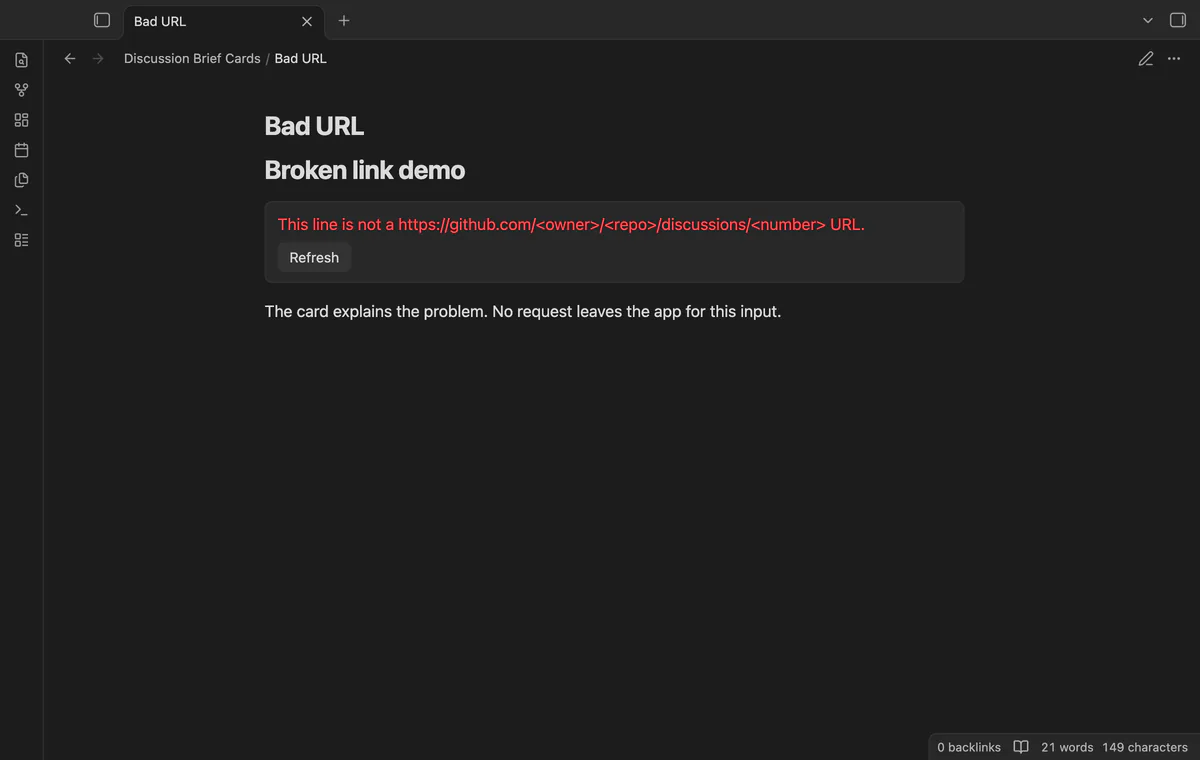
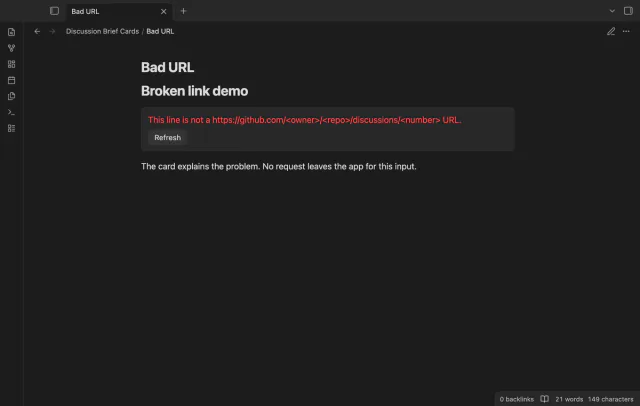
Issue URLs, pull request URLs and other hosts stop before a request. Missing tokens, HTTP failures and missing discussion data show messages in the card.
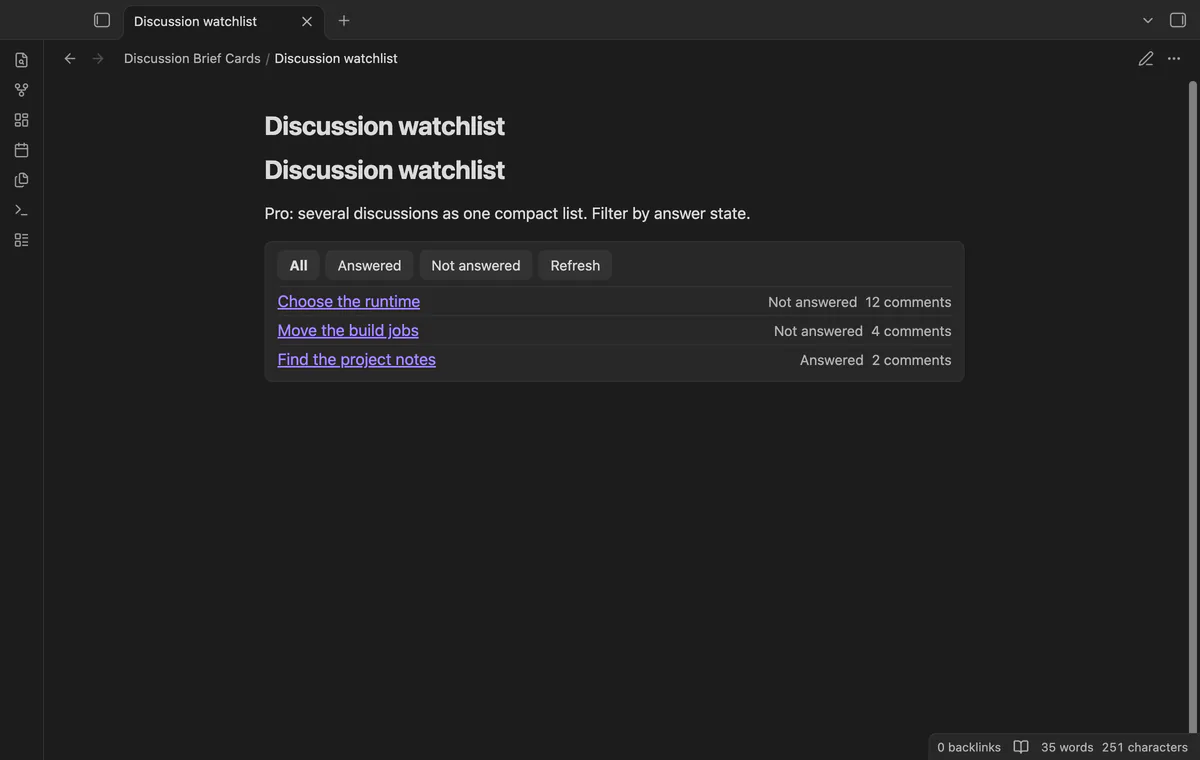
The free version shows one discussion per block; compact lists need Pro.
Pro costs $5 a month or $15 one time through GitHub Sponsors. One sponsorship turns on Pro in every plugin that has it.
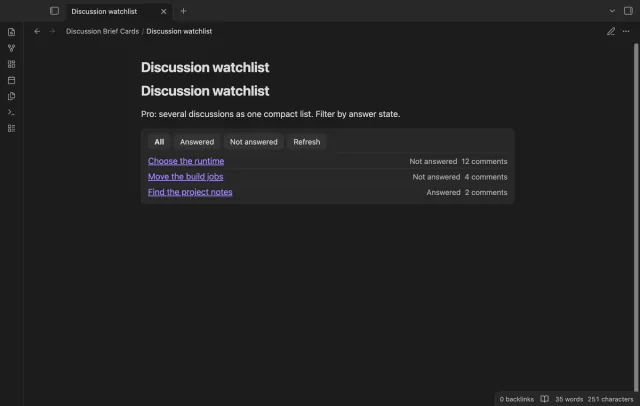
A discussion-list block shows several source links, answer states and comment counts. Filter by answer state or refresh the list. Errors remain visible when you filter.
needs
steps
Open the plugin settings and select or add a secret for Discussion read token.
Use a GitHub token with permission to read your source discussion.
Write a discussion code block with one GitHub discussion URL inside.
Open Reading view and select Refresh when you need a new response.
If the app can't find a new plugin yet, try again later. Obsidian says a plugin that passes the review shows in the app within 24 hours.
Need a change for your team? I build custom Obsidian plugins and features.
Fresh card reads need a GitHub account and a discussion read token. Single cards do not need a Sponsors sponsorship.
Sponsors sign-out clears the Sponsors token. Your separate discussion read token stays in Obsidian secret storage.
No, the cache age is checked when a card renders. The plugin does not poll a closed note.
The reader accepts GitHub discussion URLs only. Other URL types show an error before any discussion request.
Cached discussion text stays in the plugin data file. Sync and backup tools can copy that file, including its saved discussion content.
When a card needs a fetch or you select Refresh, api.github.com receives the repository owner, repository name, discussion number and read token. These fields come from your note URL; other note text and file paths stay local. Sponsors sign-in separately sends client id, scope and device codes to github.com, then its token and sponsorship query to api.github.com.
Tell me what is broken in Discussion Brief Cards, or what it should do next.
Discussion Brief Cards 1.1.0, MIT license
MIT · no telemetry · core features free
Update heading links and embeds when you edit a heading.
Find notes by date and links, with a preview for each result.