How to import Standard Notes into Obsidian
Export a decrypted JSON backup and convert supported records into Markdown notes.
Convert the Journey ZIP backup to Markdown, then review the notes and photos before removing the original. As of October 2026, the routes here use a separate converter or Journey Diary Import. The plugin adds an in-app preview.
A Journey backup contains diary entries and photo references that need conversion before becoming vault notes. Journey Diary Import tests use a public 2021 sample and generated entries with the same keys.
The journey-markdown-converter project reads a Journey JSON ZIP export and writes Markdown files to an output folder. Its options include file-name and body templates.
Choose your ZIP from the plugin’s file picker, review counts and paths, then import into separate note and attachment folders. Pro can append entries to daily notes or use year and month folders.
MIT · no telemetry · core features free
Make a ZIP backup in Journey and keep the original.
Run Import Journey ZIP backup and choose the ZIP with the file picker.
Choose note and attachment folders, then check counts, warnings and output paths.
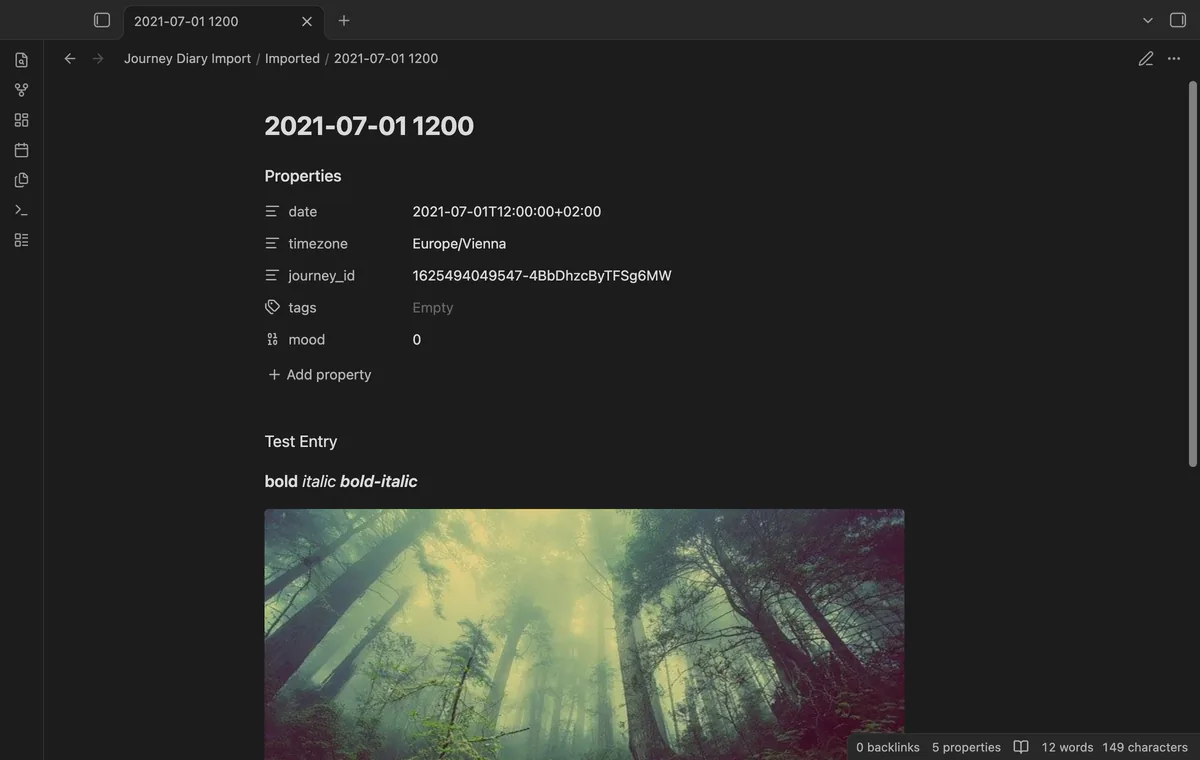
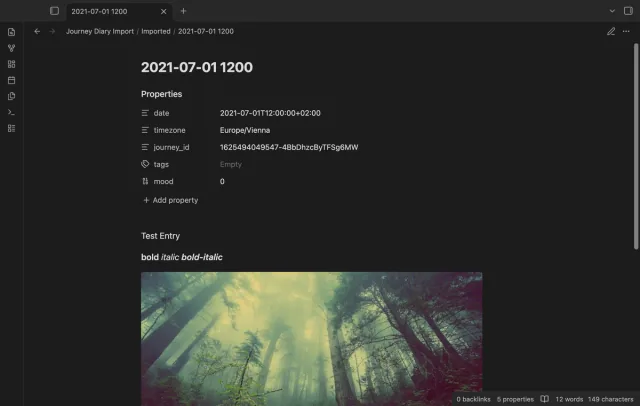
Select Import entries and compare the resulting notes with Journey.
It gives you a place to inspect the converted notes before using daily merge. Another import creates duplicates, so keep the original backup and review the first result.
The importer uses UTC when the timezone is missing. An unknown timezone also falls back to UTC and adds a warning.
 You can now import a Journey diary.
You're officially a regular.
Obsidian rewards people who share. NoteMods is just me and a lot of coffee. If this guide saved you a fight with the syntax, buy me a cup.
That's visit . Regulars are the reason I keep NoteMods running. If it's part of your routine now, a coffee says thanks better than anything.
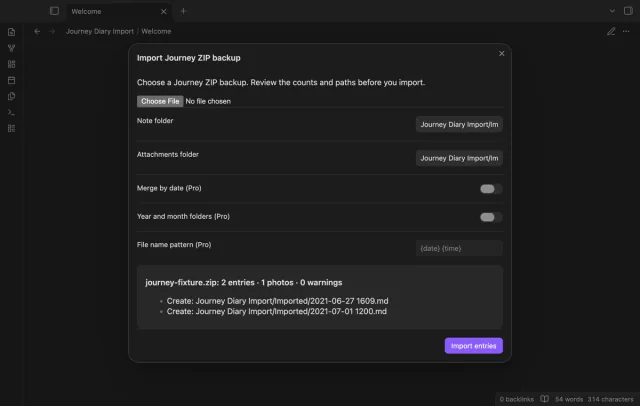
Preview a Journey ZIP and import dated notes with local photos.