How to import Zim notebooks into Obsidian
Convert your Zim pages to Markdown, then put the resulting files in your vault.
Export a decrypted JSON backup and convert supported records into Markdown notes. As of October 2026, Obsidian reads local Markdown, and its import guide lists no dedicated Standard Notes route. Standard Notes Import reads a supported backup in your vault and keeps source tags, UUIDs and date strings.
A Standard Notes backup stores note records and tag references in JSON rather than separate Markdown files. Standard Notes Import supports legacy backups without a version field and version 004, with defined plain text and Markdown editor shapes.
Create a Markdown note and copy the text you want to keep from Standard Notes. Obsidian's syntax guide explains how to add headings, lists and links.
Use this route when you want to review each note as you move it. Add your tags and source dates yourself if you need them.
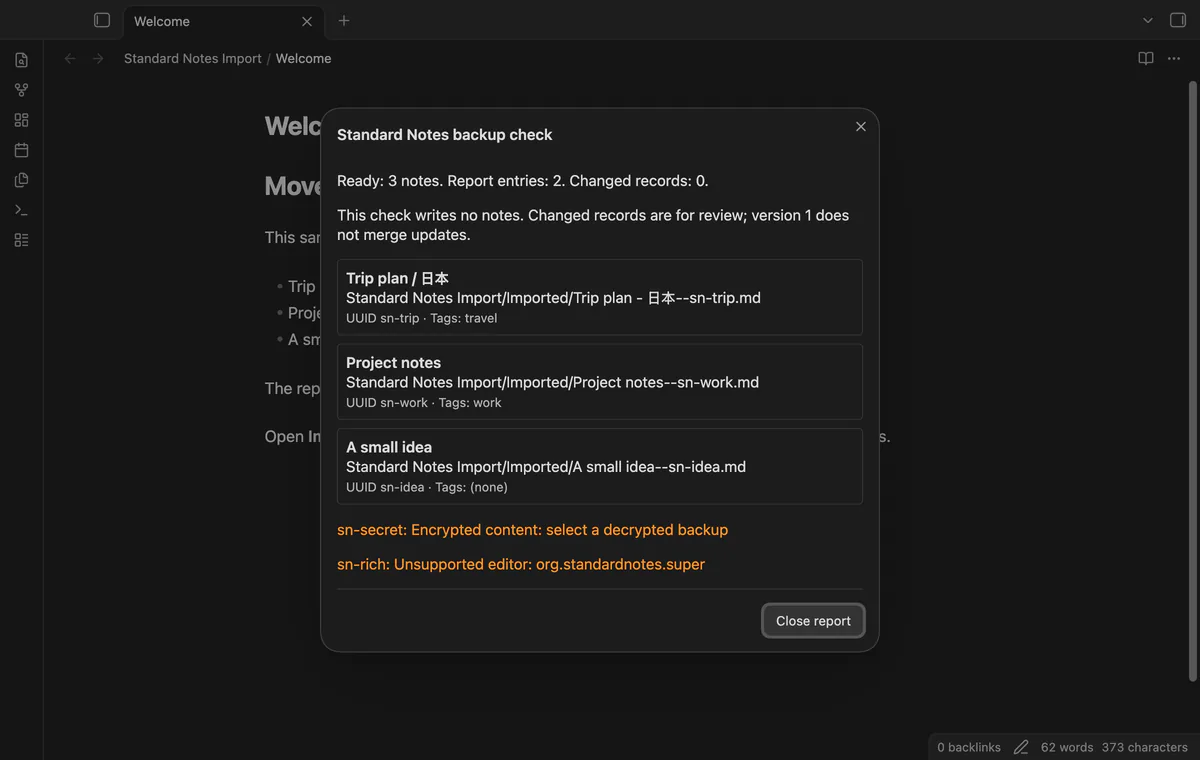
Copy a decrypted JSON backup into your vault and run Import a decrypted backup. Choose a destination and select Check backup to read planned paths and skipped records before writing.
The importer creates Markdown from supported Note records and joins their Tag references in either direction. Repeat imports skip UUIDs already present in vault notes, while Pro previews changes for manual review.
MIT · no telemetry · core features free
Export a decrypted JSON backup from Standard Notes and keep a separate copy.
Copy the backup into your vault and run Import a decrypted backup from the command palette.
Choose the file and destination, then select Check backup.
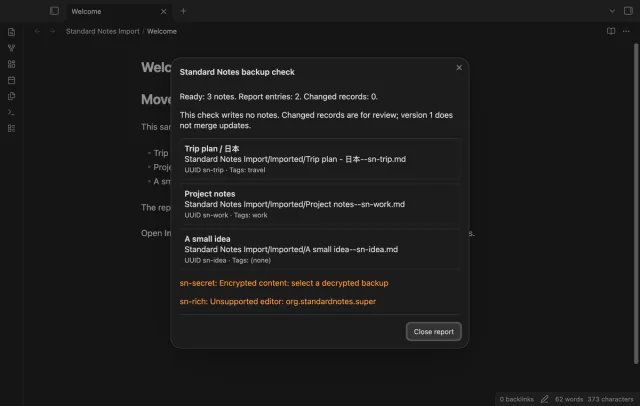
Read planned paths and skipped records, then close the report.
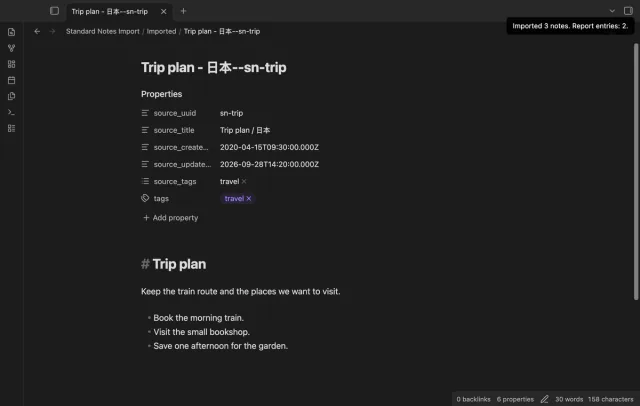
Select Import notes and check the new Markdown files and source properties.
Use a decrypted backup with no version field or with version 004. The input needs an items array. Other version fields are rejected.
The importer writes supplied date strings into source_created_at and source_updated_at. It doesn't set the file system dates or invent missing source dates.
Pro rules choose folders for new records only. Existing UUIDs are skipped, and saving a rule doesn't move a note already imported.
 You can now import Standard Notes into Obsidian.
You're officially a regular.
Obsidian rewards people who share. NoteMods is just me and a lot of coffee. If this guide saved you a fight with the syntax, buy me a cup.
That's visit . Regulars are the reason I keep NoteMods running. If it's part of your routine now, a coffee says thanks better than anything.
Import supported text, tags, UUIDs and dates from a decrypted JSON backup.