How to embed a Kanban board in a note in Obsidian
As of October 2026, a normal embed of a Kanban plugin board shows plain Markdown, one heading under the other.
As of October 2026, Obsidian can hold a draft in a Markdown note, which you can copy into Kanban. Kanban Draft Vault instead captures nonempty updates from Kanban's new-card form while the companion is enabled. It can't recover text that disappeared before capture started.
Kanban uses Markdown-backed boards, but a new-card form is a separate place to write. If you lose text by closing that form, a saved note draft or a captured local copy gives you somewhere to return. Recovery copies text for you to paste after checking the board.
Write the card text in an ordinary note first. Use paragraphs or lists as needed, then copy the text into a new Kanban card. Kanban's repository describes its boards as Markdown-backed.
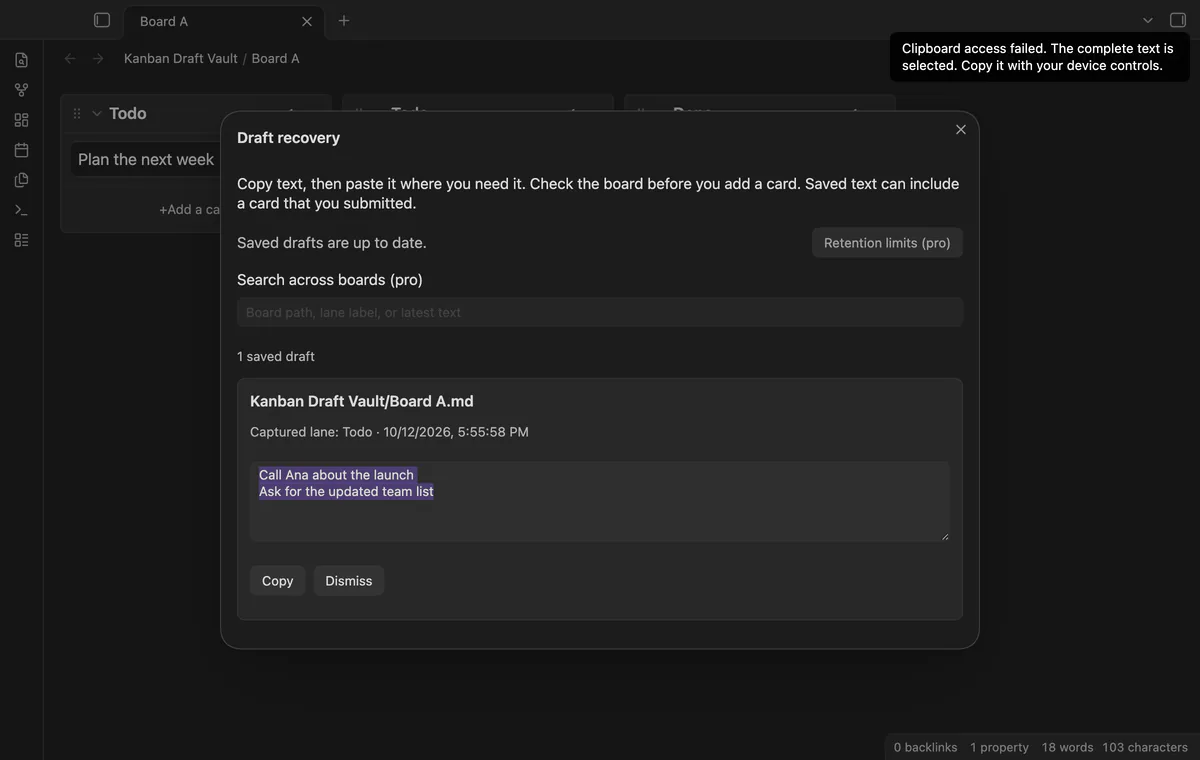
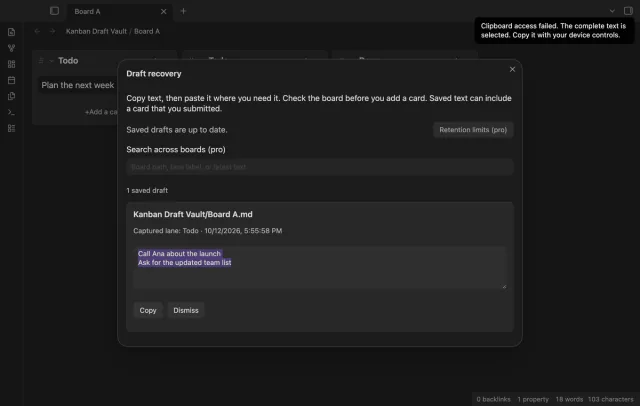
Keep the companion enabled while typing in Kanban's new-card form. Open draft recovery to find captured text with its board path and lane label. Copy it, inspect the board for a submitted card, then paste into your chosen destination.
Saved records survive a normal reload. If the dialog reports a save failure, keep the app open, copy needed text and select Retry save.
MIT · no telemetry · core features free
Install and enable Kanban and Kanban Draft Vault.
Type a sentence in a small board's new-card form.
Close the form, then run Open draft recovery.
Check the saved board path and text before using it for longer drafts.
Copy the text, inspect the board and paste into the destination you choose.
Dismiss the saved copy when you no longer need it.
Capture needs the companion enabled when the editor changes. A form closed before that has no captured record here. Use a separate note draft for future text if you prefer a manual workflow.
Inspect the board before pasting a recovered draft. Empty updates retain the last nonempty text, so a submitted card can remain in recovery. Recovery doesn't submit cards itself.
Pro search checks board paths, captured labels and latest text. It doesn't inspect earlier versions. Open a draft's Saved versions to find and copy older text.
 You can now keep Kanban new-card drafts.
You're officially a regular.
Obsidian rewards people who share. NoteMods is just me and a lot of coffee. If this guide saved you a fight with the syntax, buy me a cup.
That's visit . Regulars are the reason I keep NoteMods running. If it's part of your routine now, a coffee says thanks better than anything.
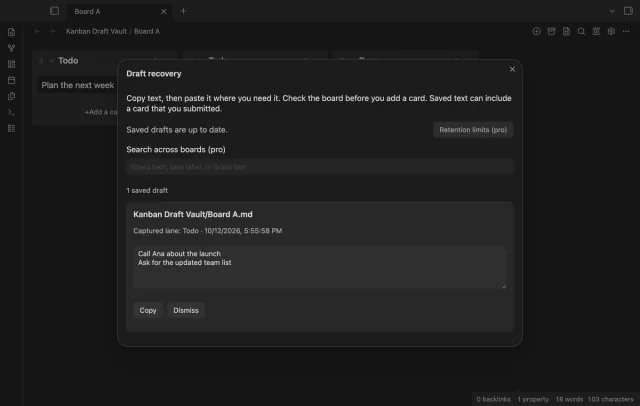
Find saved card drafts and copy their text to your board.