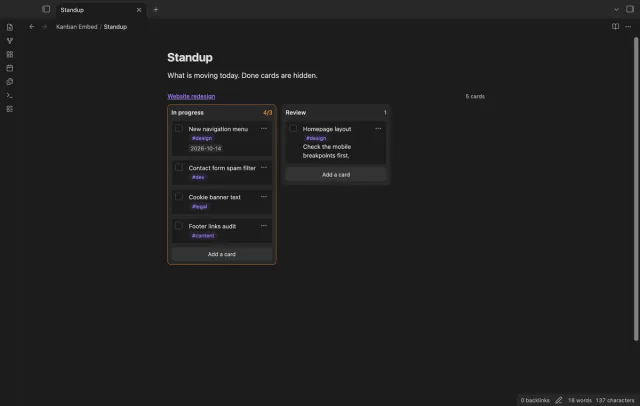
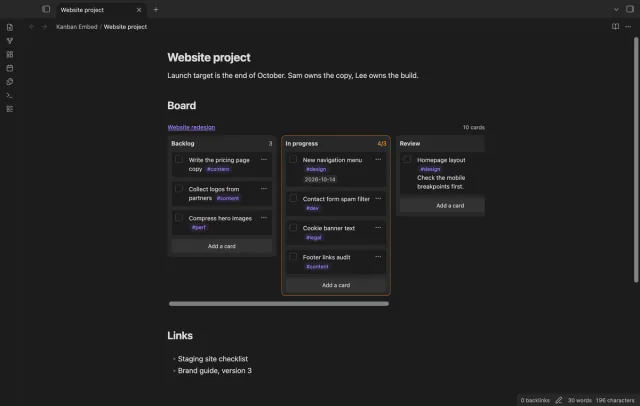
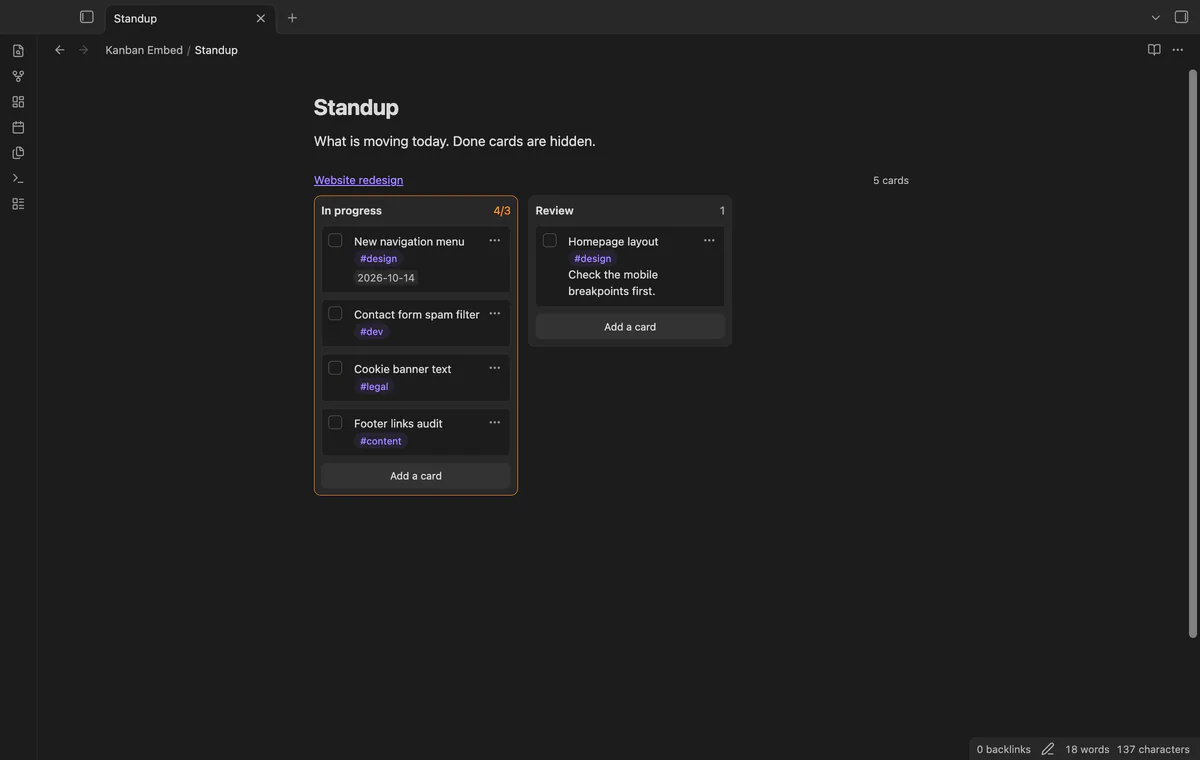
As of October 2026, a normal embed of a Kanban plugin board shows plain Markdown, one heading under the other. Obsidian itself can put a Kanban view of a base inside a note since version 1.14, but each card there is a note. To see a Kanban plugin board as side-by-side lanes in a note, you need a plugin that reads the board file.
Updated · 4 ways compared · 8 sources
Background
The request is issue 4 of the Kanban plugin, titled Feature Request: Embed kanban board in a page. It was opened on 22 April 2021 and is still open. As of October 2026 it has 258 reactions, and 247 of them are thumbs up.
The first post asks for a project page that holds links, other project information and a board of the tasks. A 2023 comment asks to show only two lanes of a board in a daily note. In February 2026 a commenter wrote down the plain embed as a way that works today.
4 ways to do it
A normal embed of the board note
Put an exclamation mark before the link to the board note and Obsidian embeds the note. Add a lane name after a hash sign and you get that lane only, because each lane is a heading.
A commenter on issue 4 described both forms in February 2026. Obsidian's help page on embeds confirms that you can embed a whole note or one heading.
limits
You get the board as a note embed, not as lanes side by side. The same commenter says you have to click through and open the board to change it.
Bases is a core plugin, and it has a Kanban layout in Obsidian 1.14 and later. The layout shows files as cards in columns, one column for each value of the property you group by. Drag a card to another column and Obsidian updates that property in the note.
You can embed a base file in any note and name the view after a hash sign. So a board whose cards are notes can sit inside a project page with no community plugin.
limits
Each card is a file, so a Kanban plugin board, where a card is a list item, doesn't turn into such a board. The help page adds that you can't move cards or columns when you group by a formula.
Fancy Kanban, a plugin that keeps the board in the note
Fancy Kanban stores each board as a code block inside a note, with a config section and a Markdown table. Its README says boards render inline next to your other content, with drag and drop and a card editor. The author announced it on issue 4 in July 2026 as free and open source.
One command imports a board of the Kanban plugin into a new file. The original file isn't changed.
limits
The board format is different, so after the import you have a new file next to your old board. The README says the import strips dates, tags, block IDs and wikilinks from card titles.
Kanban Embed, a view of the board file you already have from this site
Kanban Embed reads the board file of the Kanban plugin and draws its lanes side by side inside any note. You add a small code block with the name of the board. It works in Reading view and in Live Preview, and it doesn't need the Kanban plugin installed.
The free version shows one board per embed. It picks lanes, hides done cards, checks off cards and updates when the board file changes. Moving cards, adding cards, several boards in one embed and the card filter need Pro.
limits
Archived cards don't show, and you still need the Kanban plugin for the full board view. On a touch screen, cards move through the Move to menu and not by drag, and moving cards is a Pro feature.
Install Kanban Embed from Community plugins and enable it.
Open the note that should hold the board and put the cursor where the board goes.
Run the command Insert a board embed and pick a board. The list shows every note with kanban-plugin in its frontmatter.
To show only some lanes, add a line such as lanes: In progress, Review to the block.
To hide checked cards, add the line hide-done: true. The header then says how many cards are hidden.
Select the checkbox on a card to check it off. Kanban Embed changes only that one line of the board file.
Common questions
Why does a normal embed of my Kanban board show a list and not lanes?
An embed shows the Markdown of the board file, where each lane is a heading and each card is a list item. A 2021 comment on issue 4 explains the cause. The Kanban plugin draws the board as its own view type, so a normal embed doesn't use it.
Can I use the Kanban view of Bases for a board I made with the Kanban plugin?
Not directly. A Bases Kanban view shows files as cards and takes the column from a property. A Kanban plugin board keeps all its cards as list items in one file. You'd need one note for each card first.
Can I show only one lane of a board in my daily note?
Yes, in two ways. A normal embed with the lane heading shows that lane as a plain list. Kanban Embed takes a lanes line and draws the lanes you name as columns, in your order.
What happens to an embedded board when the board file changes somewhere else?
With Kanban Embed, every embed of that board draws again when the file changes, for example after a sync. Before each write, the plugin checks that the card line is still the same as on screen. If it isn't, it doesn't write.
Bases can't list the checklist tasks inside your notes on its own, as of October 2026. A base row is a file, and an Obsidian developer wrote in 2025 that Bases doesn't read file contents. You can make each task its own note, or add a community view for Bases that reads the task lines.
Obsidian's help site, read in October 2026, describes no way to merge Markdown tables from several notes into one table. Bases builds its rows from files and its columns from properties, and Dataview doesn't read tables either. You can move the rows into properties, write SQL with SQLSeal, or add a Bases view that reads the tables.