How to turn filters on and off in Obsidian Bases
The Views help page, read in October 2026, describes how to add filters, but no way to switch one off.
As of October 2026, Bases sorts the rows of a view by property values, and you can't drag a row to a new place. The usual fix is a number property that you edit by hand and sort on. A plugin can write that number for you when you drag a row.
Bases Manual Order has Pro, and $15 one time turns it on in all 129 plugins.
On 3 September 2026 a forum user asked how to sort the entries of a column in the new Kanban view by hand. A reply says it is not possible. The feature request "Bases Kanban, manual card ordering within a column" opened on 6 October 2026. On 8 November 2026 it had 11 posts and 59 likes, 33 of them on the first post.
Add a number property, for example rank, to each note. Open the Sort menu of the view, select Add sort and choose that property from smallest to largest.
To move a note, change its number. Leave gaps such as 10, 20 and 30, so one new note fits between two others.
The Kanban view of Bases lets you drag a card to another column, which changes the grouped property of that note. You can also drag a column heading to change the order of the columns.
In the Group menu of any view, choose Manual as the sort order. You can then drag whole groups into the order you want.
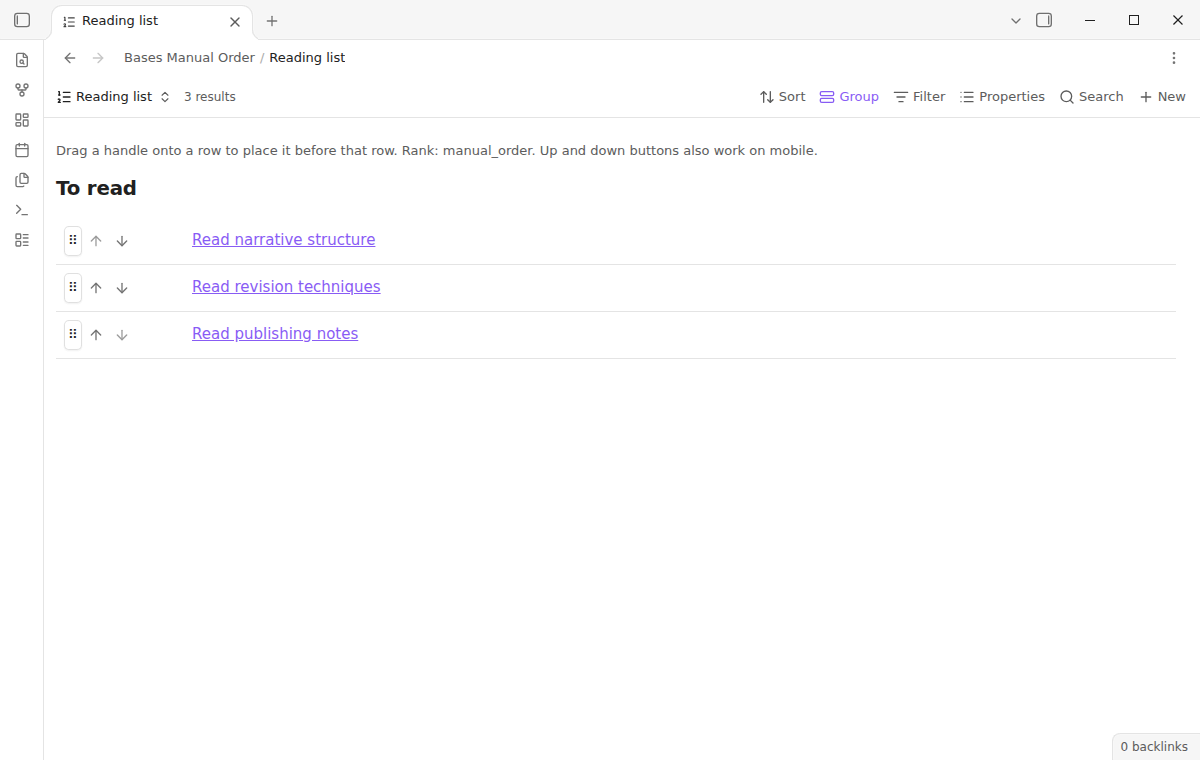
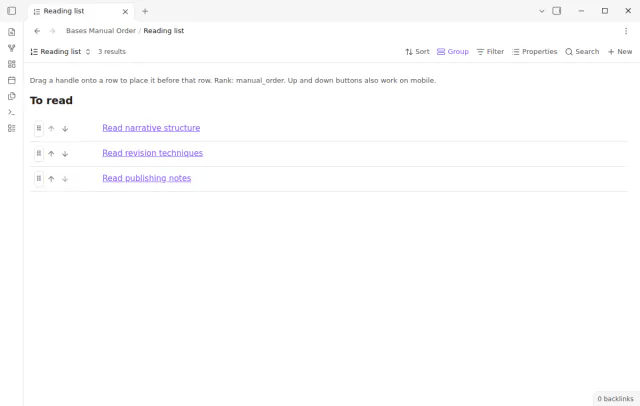
Bases Manual Order adds a view named Manual order, with a table layout and a list layout. Drag a row handle onto another row, or press the up and down buttons. The plugin saves the result as a number in the manual_order property.
A move inside a group changes one note in most cases. Rows stay in their group, so a move never changes a status or project value.
MIT · no telemetry · core features free
Install Bases Manual Order and turn it on, with the Bases core plugin. It needs Obsidian 1.13.4 or later.
Open a base, add a view and choose Manual order as its type.
Pick the properties to show in the Properties menu, and set Layout to Table or List in the view options.
Drag a row handle onto the row that must come after it, or use the arrow buttons.
To see the same order in a core table, sort that table from smallest to largest by manual_order.
No. The Table view sorts rows by the sorts in the Sort menu. The help pages describe drag only for sorts, groups, views and Kanban cards between columns.
Not in core Bases, as of October 2026. A forum feature request asks for it. Bases Manual Order does not change the Kanban view, but its list layout keeps rows inside each group.
Yes, when each order lives in its own number property. In Bases Manual Order the default view writes manual_order. Another rank property for a second view needs Pro.
 You can now manually sort notes.
This guide uses Bases Manual Order. Pro adds "Separate orders". One payment of $15 turns on Pro in 129 plugins.
This guide uses Bases Manual Order. Pro adds "Separate orders". One payment of $15 turns on Pro in 129 plugins.
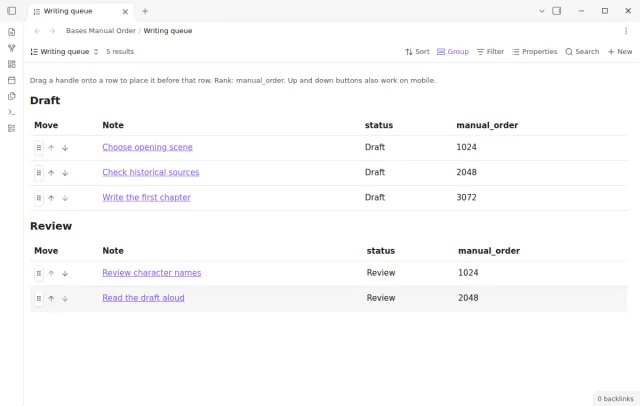
Drag rows in a Bases view and keep the order as a number in each note.