Bases Task Rows
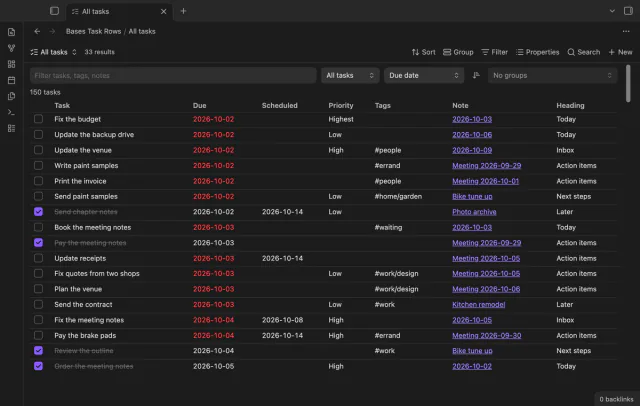
See each task from the notes in a base as a separate row.
Drag rows in a Bases view and keep the order as a number in each note.
MIT · no telemetry · core features free
The directory takes these platforms from the plugin manifest. The automated tests run in the desktop app only.
Directory facts fetched from community.obsidian.md/users/theluckystrike.
You plan a queue in Bases and need an order that no date or title can express.
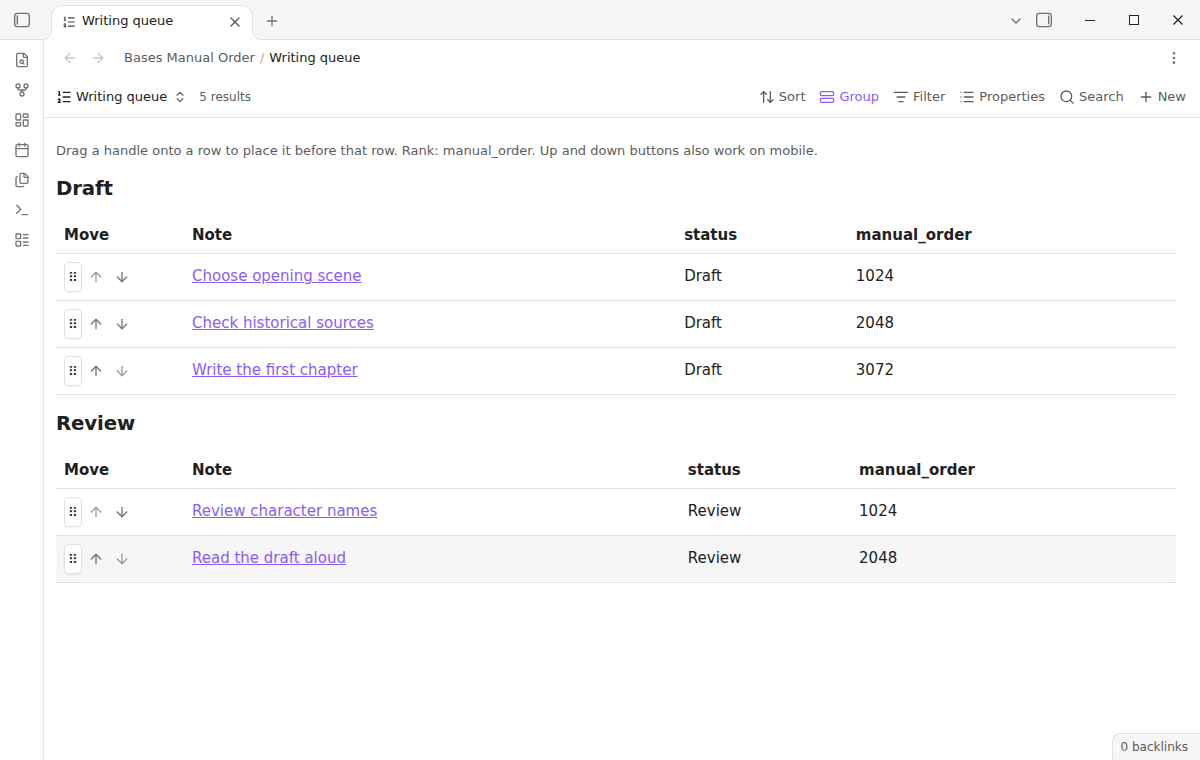

Add a Manual order view to a base and drag a row handle or press a move button. The plugin saves the result as a number in a note property. Other Bases views can sort by that number.
 Play demo
Drop a row handle onto another row to put the note before it. The view follows your base filters and groups. Rows move within their group, so a move never changes a status or project value.
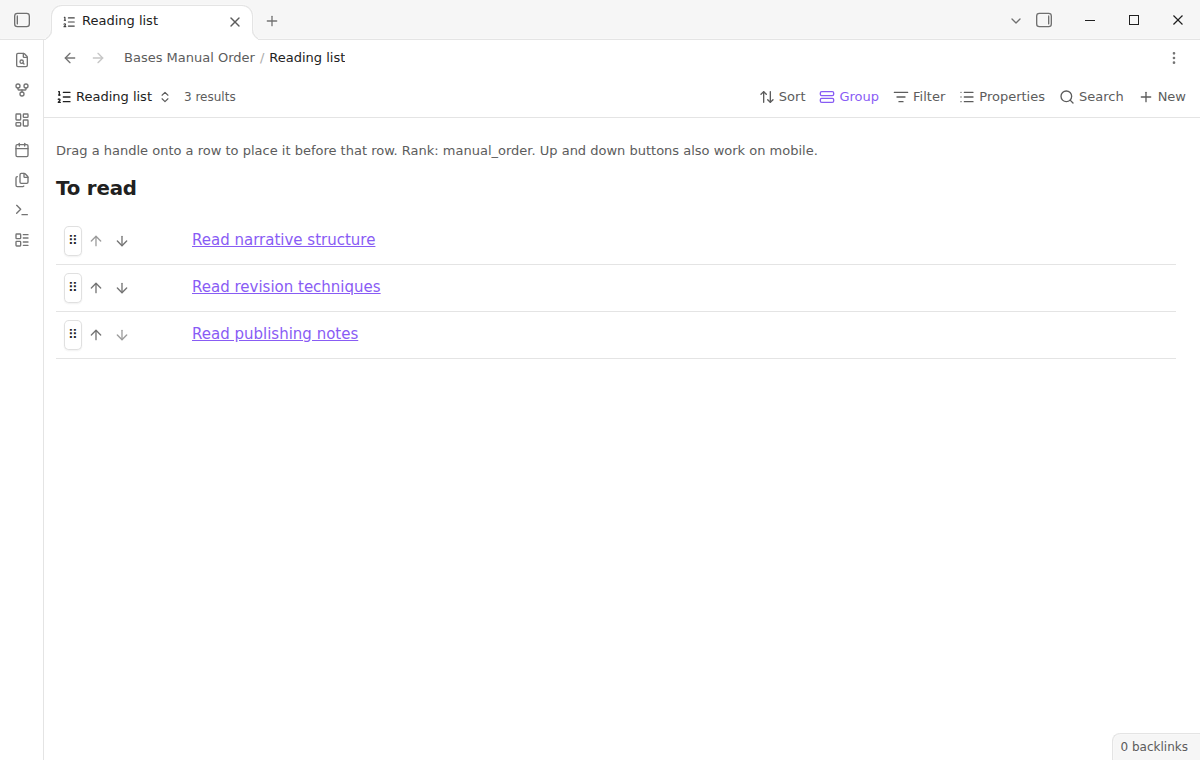
Set Layout to List when you only need titles. Both layouts use the same saved ranks. The up and down buttons work with a keyboard and on a touch screen.
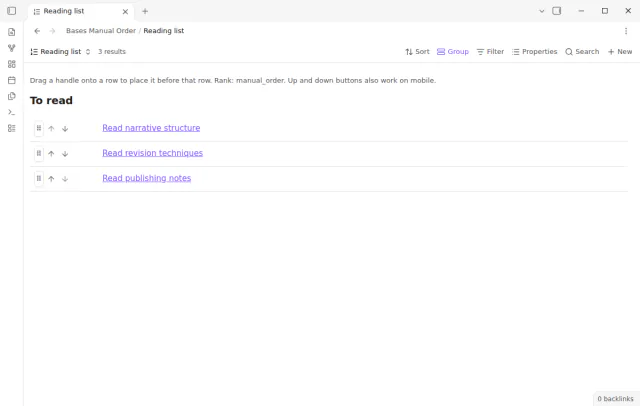
A normal move writes one note, for example rank 1536 between 1024 and 2048. A move that writes more than ten notes asks for confirmation first. A text value in the rank field stops the move with an explanation.
The free version saves every order to the manual_order property, with no row limit.
Pro costs $5 a month or $15 one time through GitHub Sponsors. One sponsorship turns on Pro in every plugin that has it.
Pro adds custom rank properties, so each view can keep a separate ordering. Use reading_order for one queue and draft_order for another. The saved numbers stay in your notes when Pro is off.
needs
steps
Open a base that shows Markdown notes and add a view of the type Manual order.
Select the properties you want to see through the Properties menu.
Choose Table or List in the view options.
Drag a handle onto the row that should follow it, or use the arrow buttons.
If the app can't find a new plugin yet, try again later. Obsidian says a plugin that passes the review shows in the app within 24 hours.
Two forum topics ask how to sort Bases entries by hand. The request for drag and drop that is saved to a property has 28 likes on its first post.
Need a change for your team? I build custom Obsidian plugins and features.
Use the opposite move button to put the row back. The plugin has no undo history. Keep normal vault backups to recover earlier values.
Sort that table ascending by manual_order. The plugin does not add handles to the built-in table or list.
No. It arranges rows in tables and lists. It does not move cards between status columns or edit status properties.
Obsidian writes the frontmatter again, so YAML comments and formatting can change. The note body stays the same.
Avoid it. The plugin checks the previous rank before each write, but it cannot resolve conflicting sync writes from another device.
Until you select Sign in with GitHub, Bases Manual Order makes no network requests. Sign in and the sponsorship check contact github.com and api.github.com with the scope read:user, and a successful check is reused for 7 days. The plugin sends no note content, file names or other vault data.
Tell me what is broken in Bases Manual Order, or what it should do next.
Bases Manual Order 1.2.0, MIT license
MIT · no telemetry · core features free
See each task from the notes in a base as a separate row.
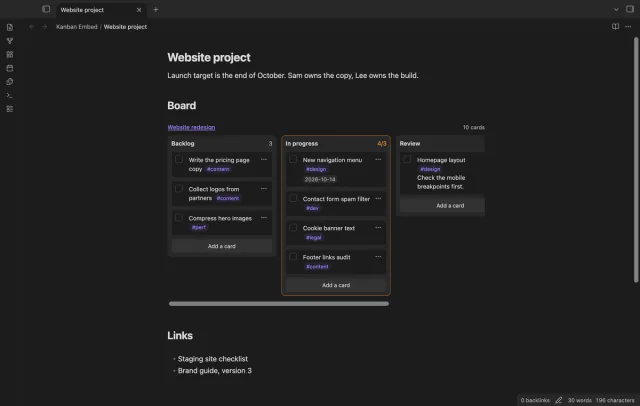
Use a Kanban board inside a project or daily note.
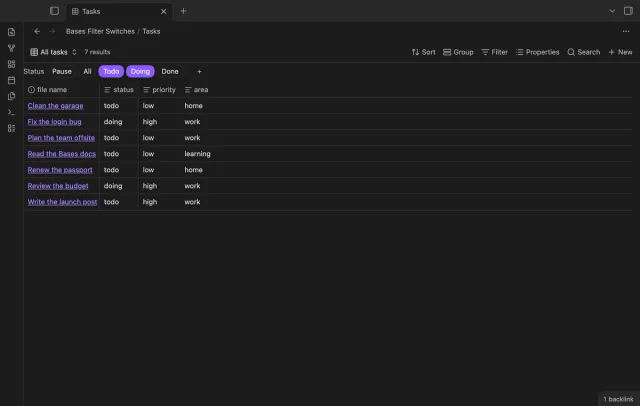
Turn saved Bases filters on or off with switches.