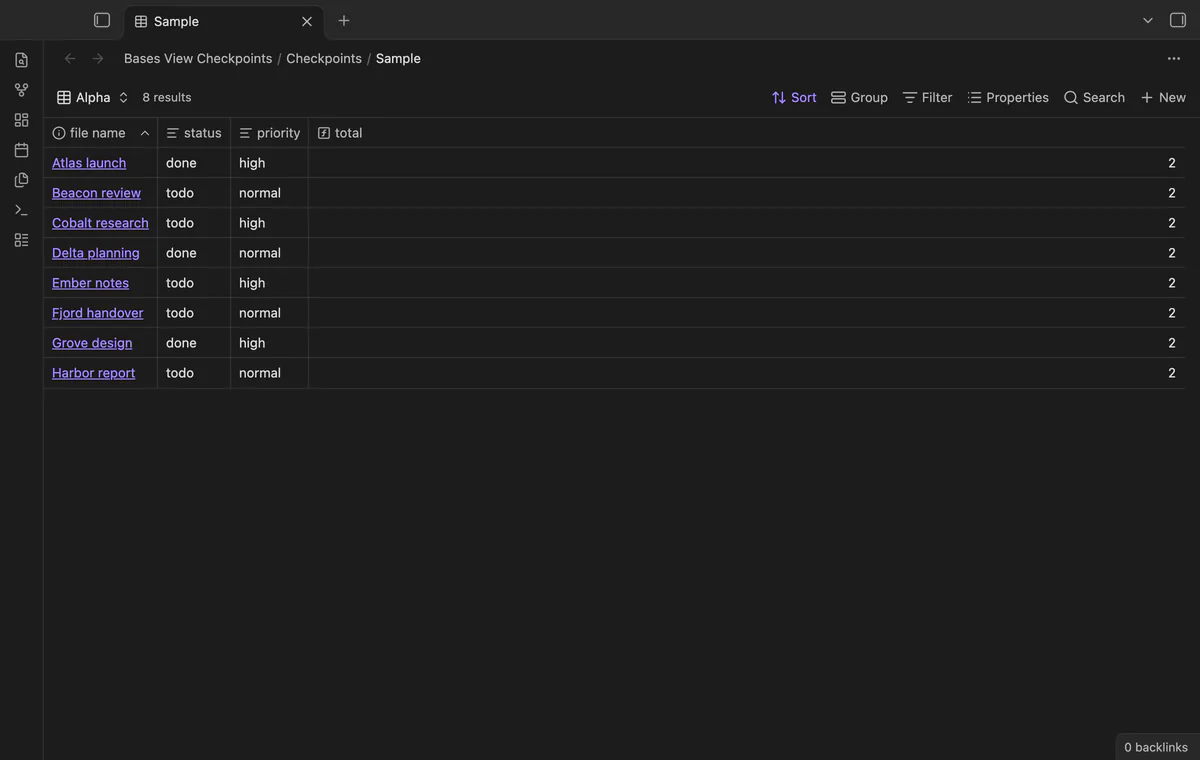
How to turn filters on and off in Obsidian Bases
The Views help page, read in October 2026, describes how to add filters, but no way to switch one off.
As of October 2026, Obsidian lets you create separate Base views with their own configurations. Keep a regular view and a temporary view, or save a checkpoint before changing the existing setup.
Bases stores a view setup inside the Base file. When you change a sort or filter for one task, the old setup is gone. A checkpoint saves the file values needed to return.
Use the Base view menu to add a view for temporary work and keep your regular view for repeated tasks. Each view can have its own display, sort and filters.
Use the sort and filter menus to put known settings back. Choose This view when you want a filter to affect the current view.
Save the file and named view before making changes. Later, inspect the restore preview and confirm the saved setup.
MIT · no telemetry · core features free
Open the Base whose view you want to keep.
Run Save view checkpoint and select the file and view.
Change the view for your current task.
Run Restore view checkpoint, read the preview and confirm.
Run Undo last checkpoint restore if you need the previous file text.
Separate views suit configurations you want available together. A checkpoint suits returning one named view to its earlier file values.
Check the changed view keys and shared definitions. Shared filters or formulas can change results in another view.
The undo command requires unchanged file text after the restore. A later file edit causes it to refuse.
 That's every step, start to finish.
You're officially a regular.
Obsidian rewards people who share. NoteMods is just me and a lot of coffee. If this guide saved you a fight with the syntax, buy me a cup.
That's visit . Regulars are the reason I keep NoteMods running. If it's part of your routine now, a coffee says thanks better than anything.
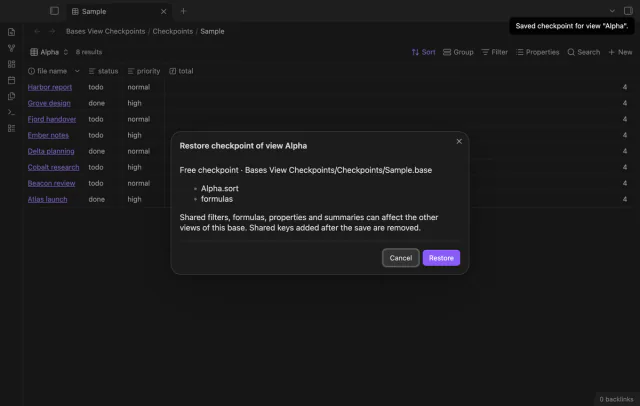
Save a Base view before you change its settings.