How to search notes by date in Obsidian
Core search has no operator for the created or modified date, as of October 2026.
As of October 2026, Obsidian can fold headings to hide answer sections while you review a note manually. Folding hides text; you keep track of your answers yourself. Pocket Note Quiz adds answer reveals, result buttons, and a score for question lines in your current note.
Pocket Note Quiz reads question and answer blocks from your Markdown note. Its README asks you to separate blocks with blank lines, so you don't need a separate card file.
Put each question in a heading and its answer below that heading. Use the arrow beside the heading to fold the answer section, then unfold it after recalling your answer.
Obsidian enables folding by default. You can assign hotkeys to Fold more and Fold less to fold or unfold the section at your cursor.
Write a question line containing ?, put its answer below, and leave a blank line before the next question. Run Start quiz on current note, select a filter, and reveal each answer before choosing Correct or Wrong.
The free version shows your score and can write result marks back to the note. Pro combines folder questions, saves dated score reports, and stores named marker presets.
MIT · no telemetry · core features free
Write What is ATP? on one line and Energy carrier on the next.
Leave a blank line before the next question block, then open the note.
Run Start quiz on current note from the command palette and select All questions.
Recall the answer, select Show answer, then choose Correct or Wrong.
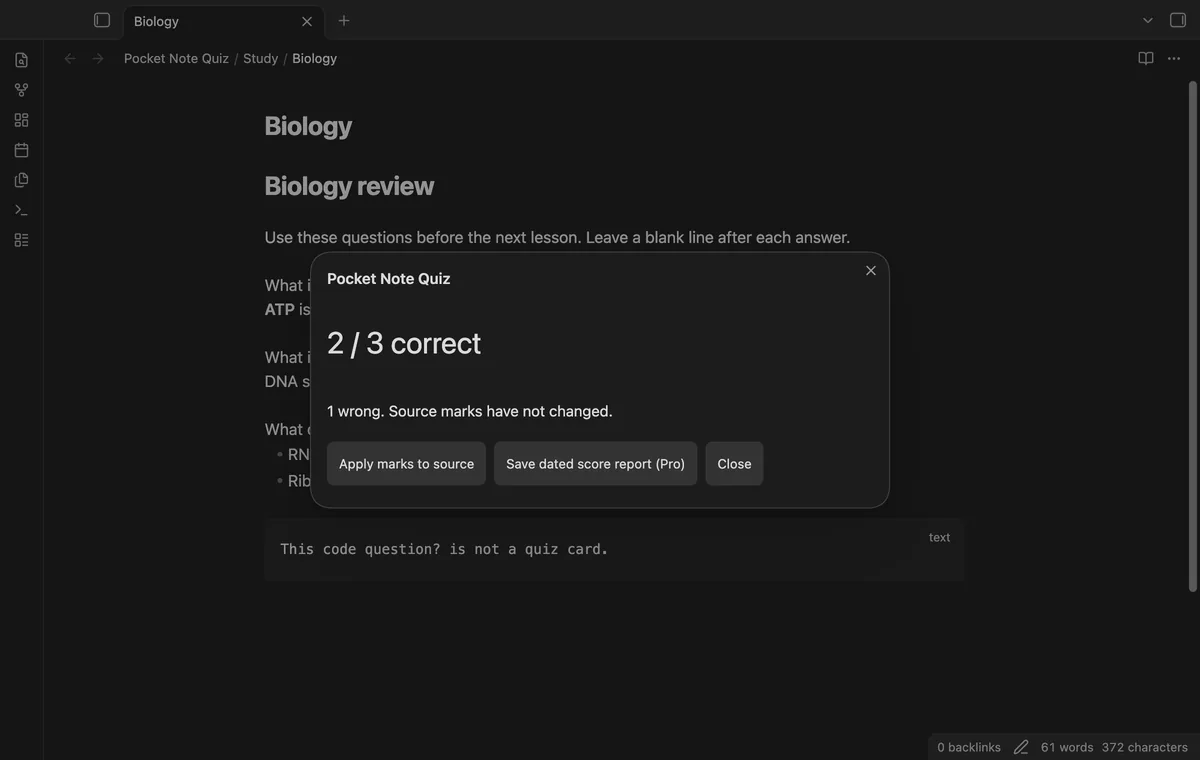
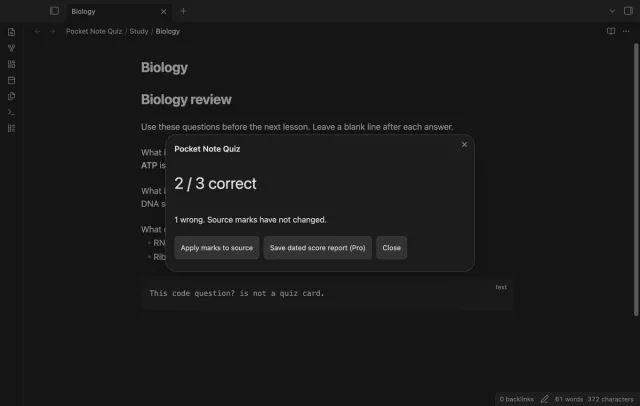
Read the score and apply source marks if you want saved results for a later wrong-question review.
An answer continues until a blank line, even when the answer text contains the question marker. Add a blank line before the next question block and start another quiz.
Apply source marks after completing a quiz, then start another quiz and select Only wrong. That filter uses saved source marks, so unsaved results from an earlier quiz won’t select questions.
Free quiz operations need no GitHub account. Use local attachments because revealing a remote image can make Obsidian request its host. Pro has an offline window of up to 14 days after a successful sponsorship check.
 That's every step, start to finish.
You're officially a regular.
Obsidian rewards people who share. NoteMods is just me and a lot of coffee. If this guide saved you a fight with the syntax, buy me a cup.
That's visit . Regulars are the reason I keep NoteMods running. If it's part of your routine now, a coffee says thanks better than anything.
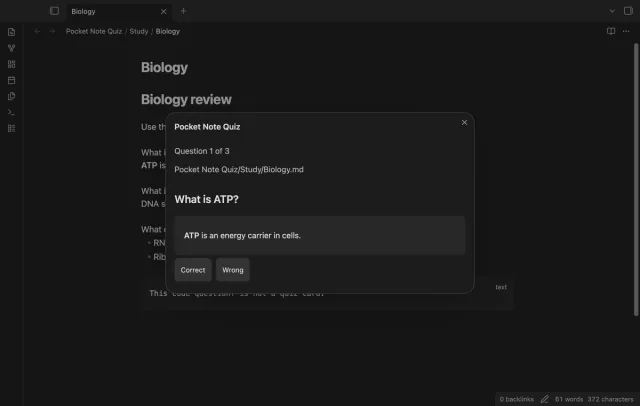
Review questions and choose to save results.