Search Operators
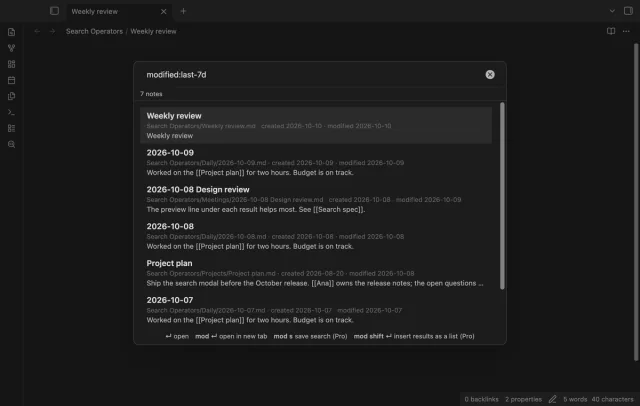
Find notes by date and links, with a preview for each result.
Review questions and choose to save results.
MIT · no telemetry · core features free
The directory takes these platforms from the plugin manifest. The automated tests run in the desktop app only.
Directory facts fetched from community.obsidian.md/users/theluckystrike.
You keep study questions and answers in Markdown notes and want to review them one at a time.
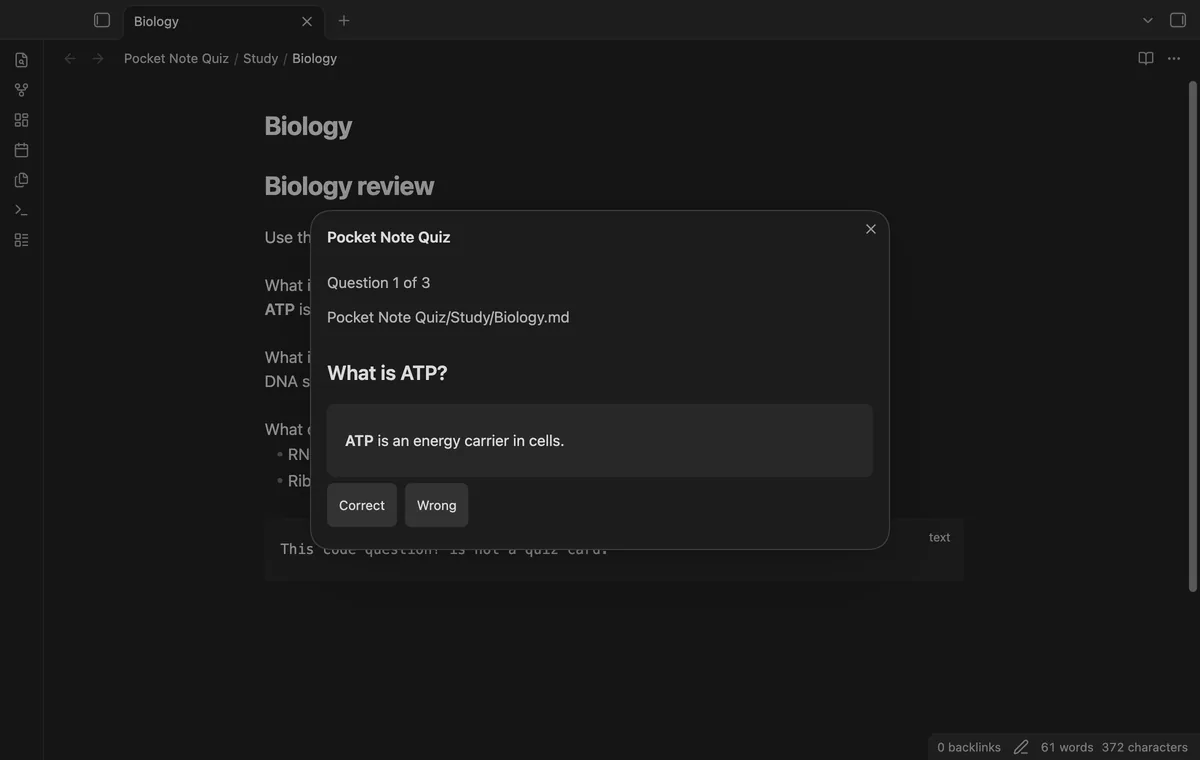
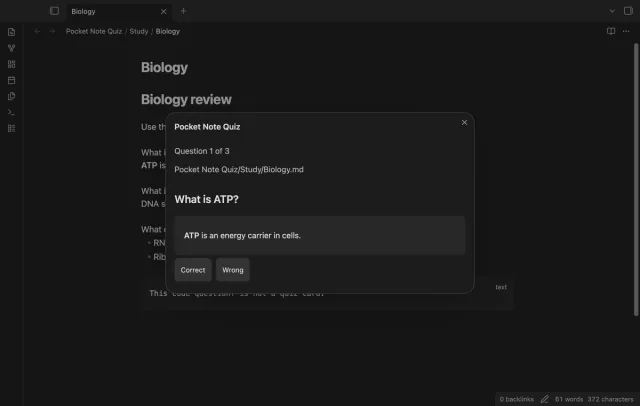
Your questions stay in the note where you wrote them. Pocket Note Quiz shows one question, hides its answer, and lets you choose Correct or Wrong after revealing it. You decide whether to apply the results to your source.
The current-note quiz is free and needs no account. Pro adds folder quizzes, dated score reports, and named question-marker presets.
 Play demo
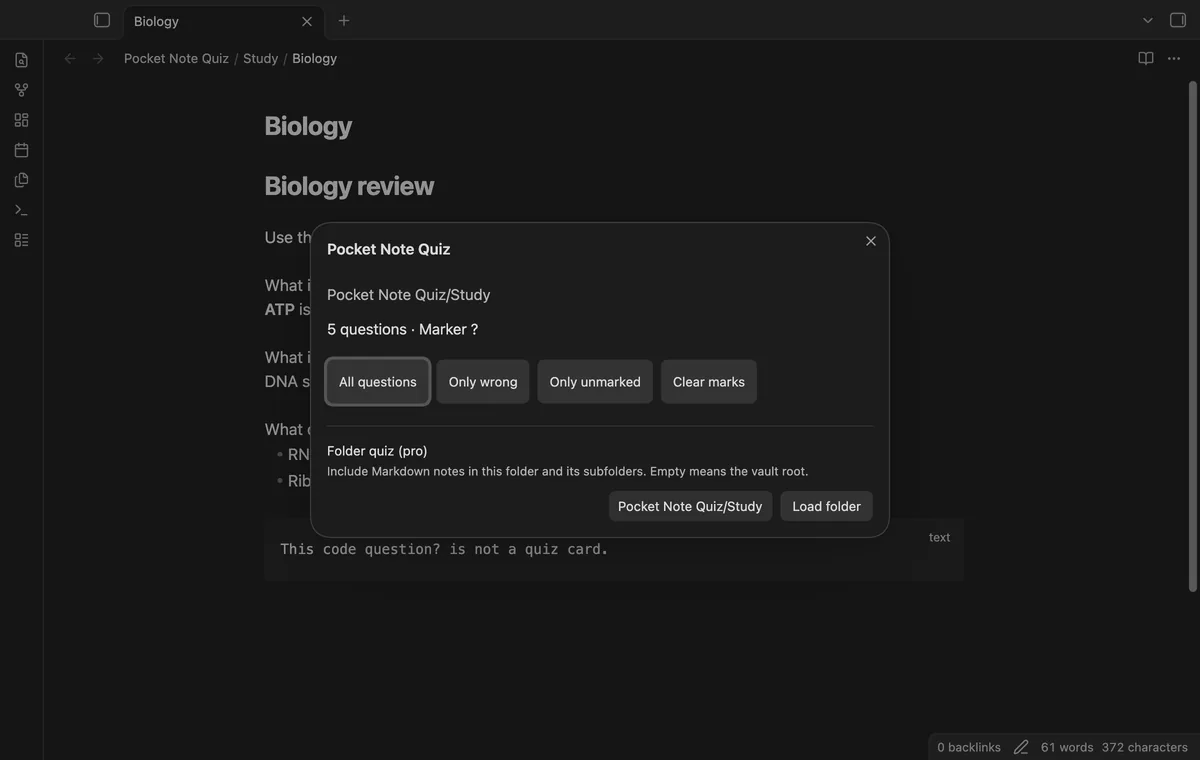

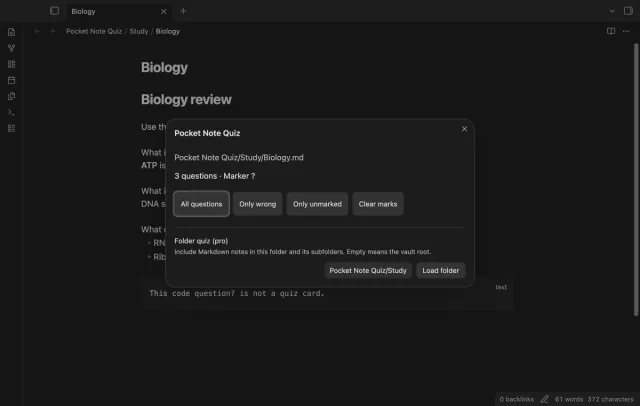
Run Start quiz on current note to load question lines containing your marker, which defaults to ?. Answers continue to the next blank line. The parser excludes question lines in frontmatter and fenced code.
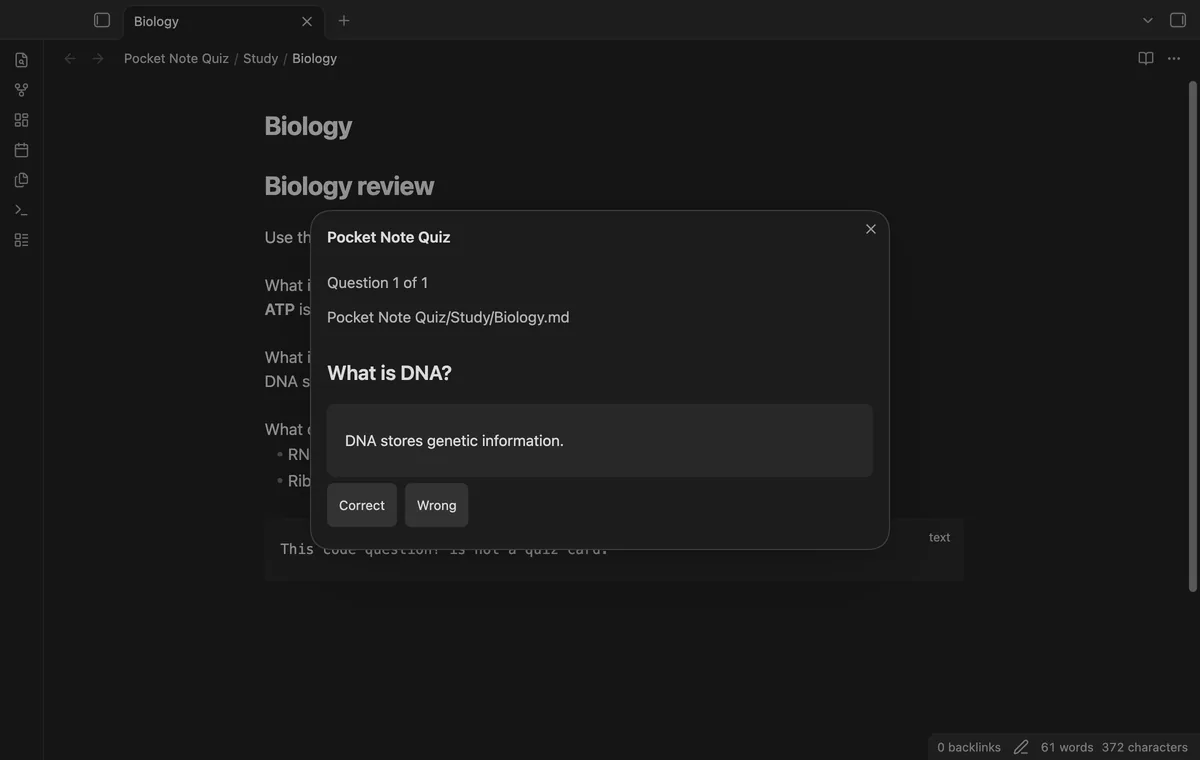
Select Show answer to reveal the answer with Markdown formatting and local links. Choose Correct or Wrong to advance. Closing the quiz doesn't write result marks.
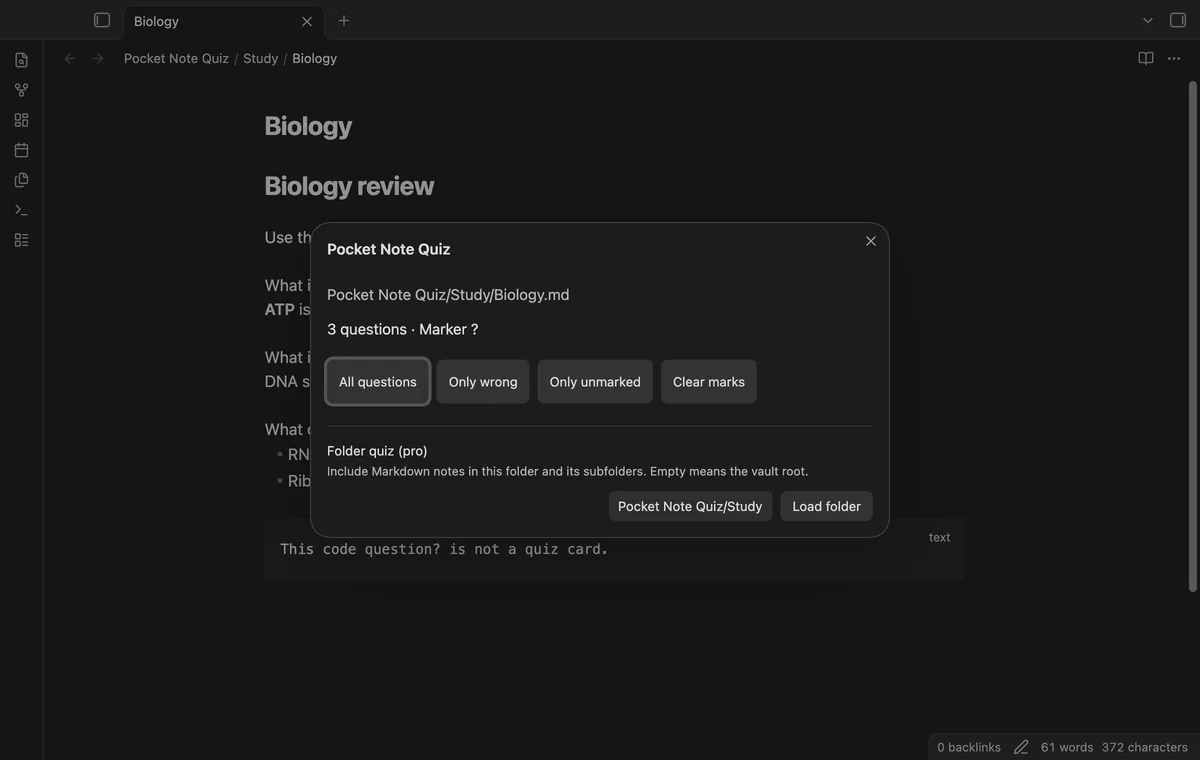
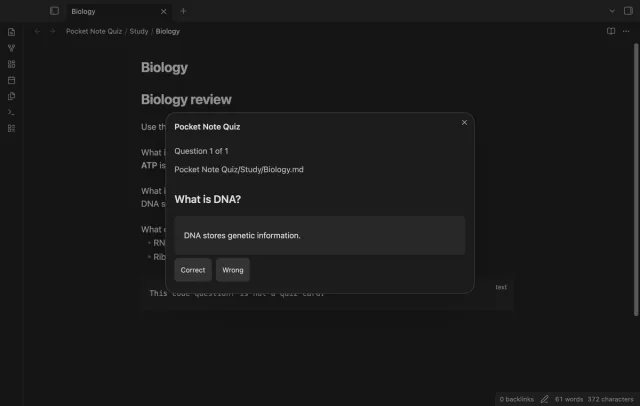
Only wrong and Only unmarked use the result marks already saved in your source. Clear marks removes trailing result marks from question lines in the loaded scope immediately. It leaves marks within answer text alone.
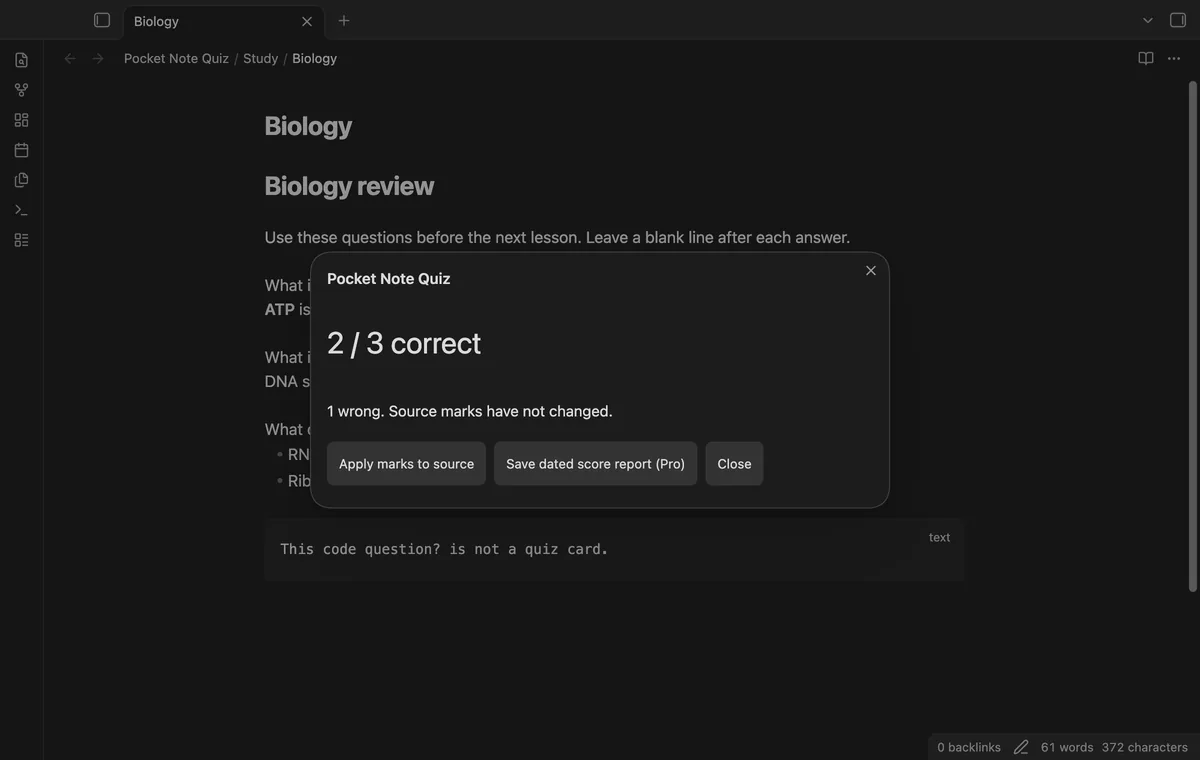
The score shows correct, wrong, and total counts. Apply marks to source writes result marks to question lines, replacing old marks and preserving trailing block IDs. Changed or moved questions can be skipped, and the notice reports applied and skipped counts.
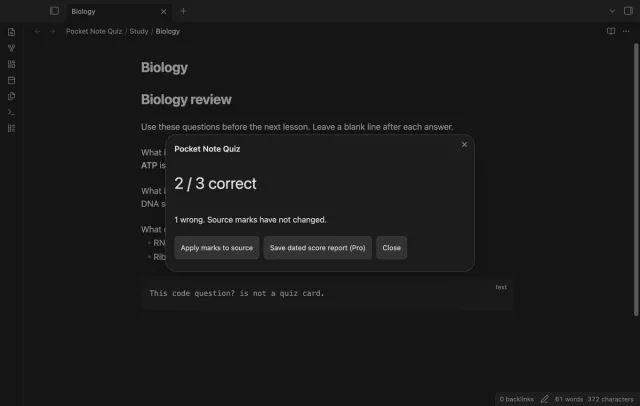
Folder quizzes, dated score reports, and named question-marker presets need Pro.
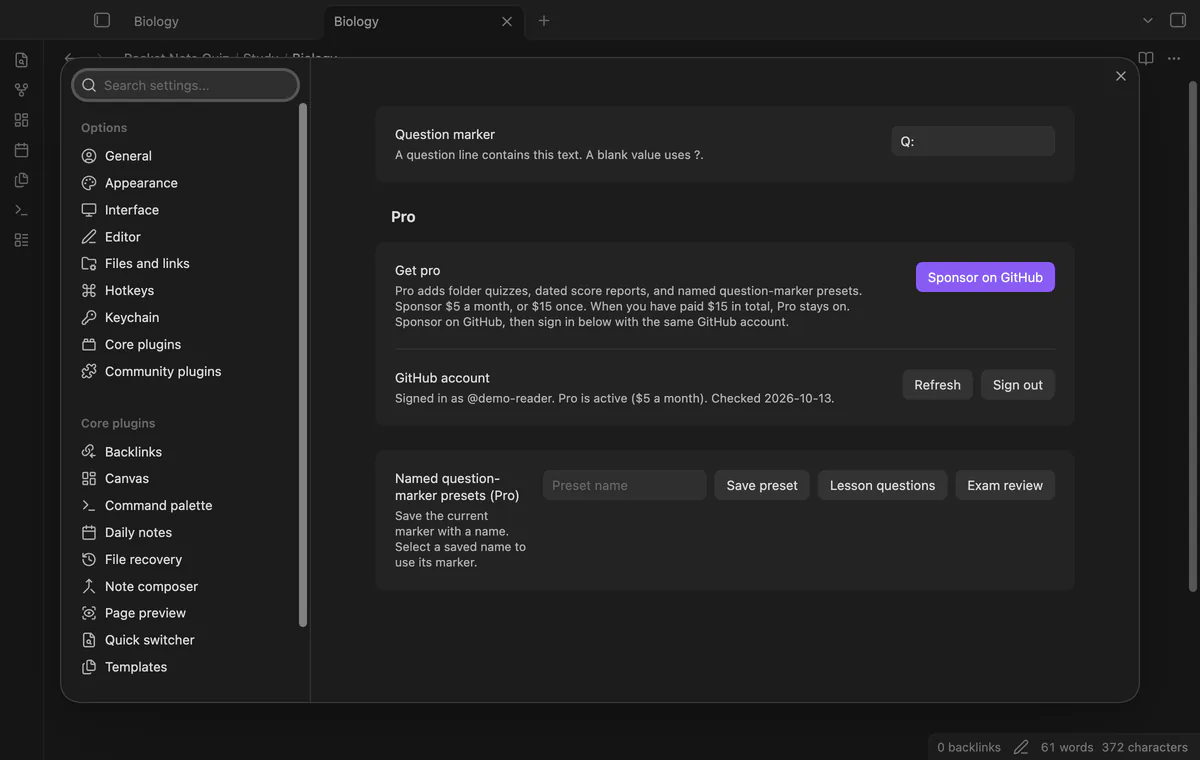
Pro costs $5 a month or $15 one time through GitHub Sponsors. One sponsorship turns on Pro in every plugin that has it.
Enter a vault-relative folder path and select Load folder to combine Markdown questions from that folder and its subfolders. An empty path selects the vault root. Folder paths are case sensitive.
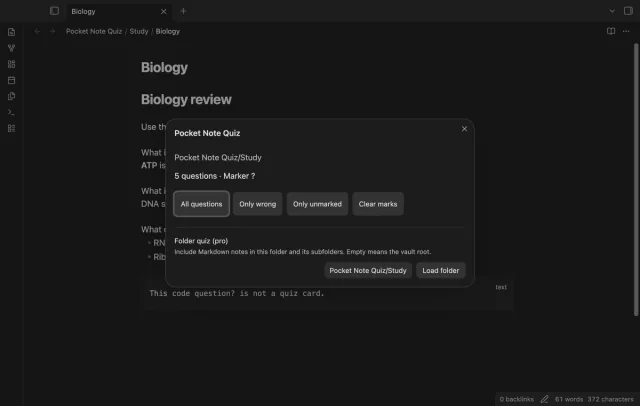
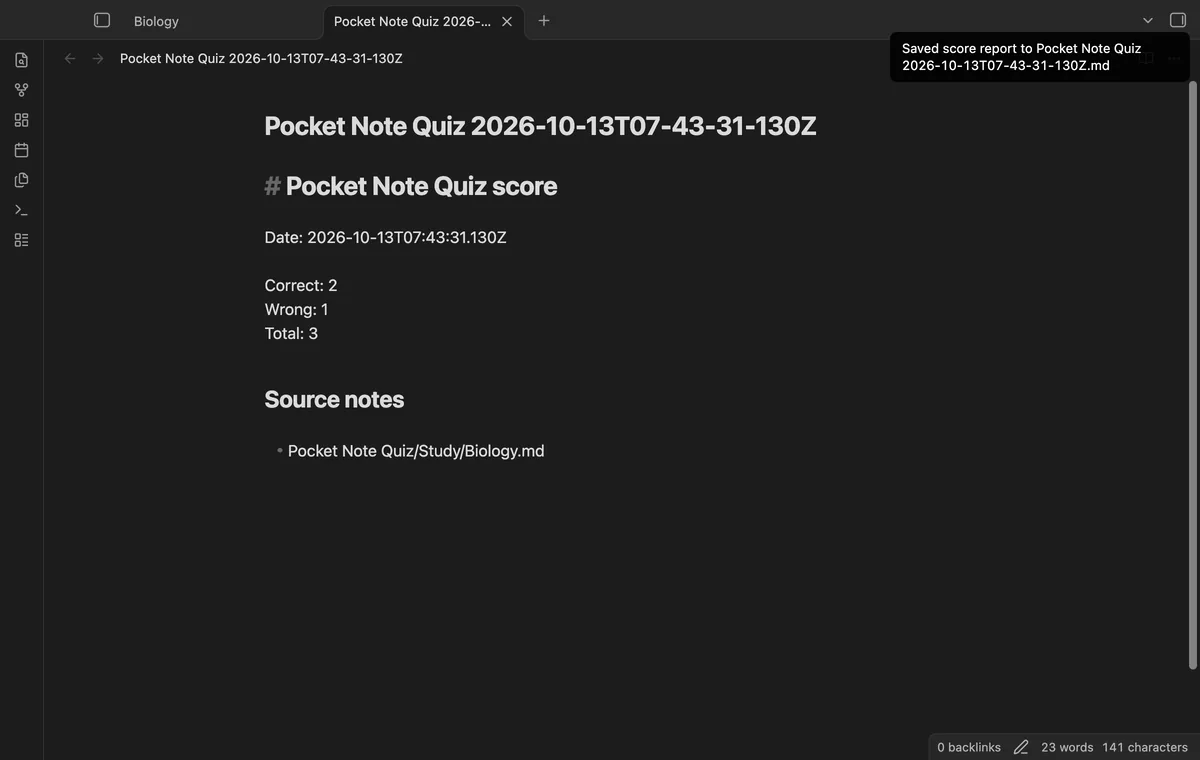
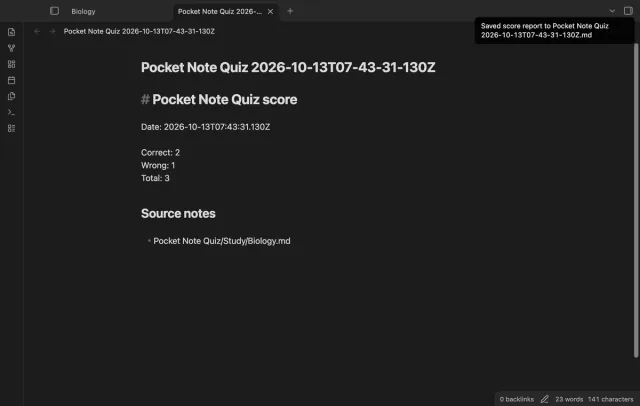
Save dated score report (Pro) creates a Markdown note at your vault root with a UTC date, counts, and source paths. It doesn't include questions or answers. Saving a report doesn't apply source marks.
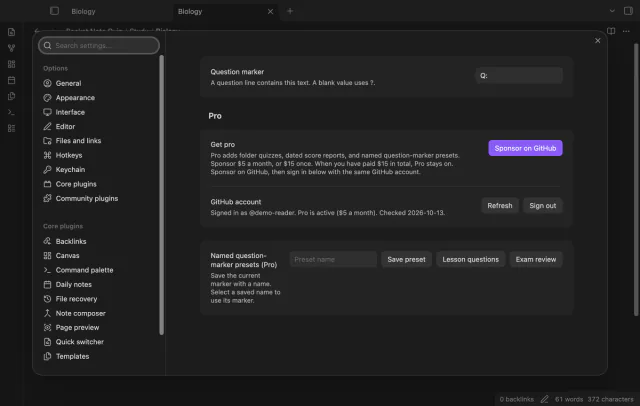
Save your current marker under a name in the settings, then select that name to reuse it. Saving the same name replaces the preset. Presets stay saved when Pro turns off, but their controls need Pro.
needs
steps
Open a Markdown note with a question line containing ?, followed by its answer and a blank line.
Run Start quiz on current note from the command palette.
Choose a question filter, reveal each answer, and select Correct or Wrong.
Read the score and select Apply marks to source if you want to save the results.
If the app can't find a new plugin yet, try again later. Obsidian says a plugin that passes the review shows in the app within 24 hours.
Need a change for your team? I build custom Obsidian plugins and features.
Yes, set Question marker in the settings to the literal text your question lines contain. A blank setting returns to ?. Start a new quiz after changing it.
Choosing Correct or Wrong doesn't write a source mark until you select Apply marks to source. Clear marks changes question lines immediately. Applying results can skip changed, moved, or deleted questions.
The manifest permits mobile loading, and the README reports tests in phone emulation. Physical phones and tablets haven't been tested. The emulated screen doesn't establish device behavior.
A successful GitHub check is reused for 7 days, and failed checks can retry after 6 hours. Refresh requests an earlier check. Pro can work offline for up to 14 days after a successful check. Sign out or a negative sponsorship answer turns Pro off.
After you select Sign in with GitHub, the plugin sends client ID, read:user scope and device-flow codes to github.com during sign-in. It sends your token and sponsorship query to api.github.com after sign-in and during later checks, without note text or paths. Revealing an answer with a remote image lets Obsidian request that image from its host.
Tell me what is broken in Pocket Note Quiz, or what it should do next.
Pocket Note Quiz 1.1.0, MIT license
MIT · no telemetry · core features free
Find notes by date and links, with a preview for each result.
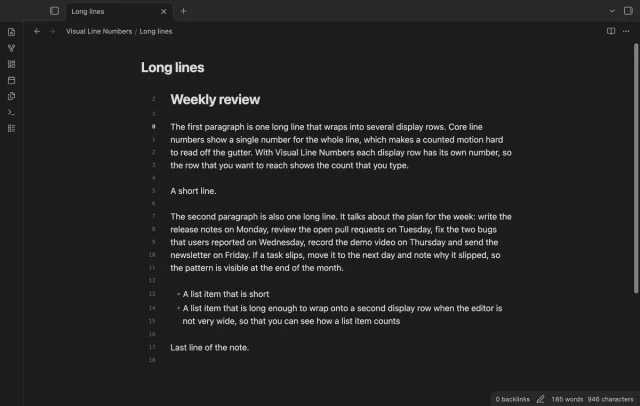
Show a line number for each wrapped row in the editor.