How to check CSV column rules in Obsidian
Check parsed CSV fields against rules you choose, then record errors by row and column.
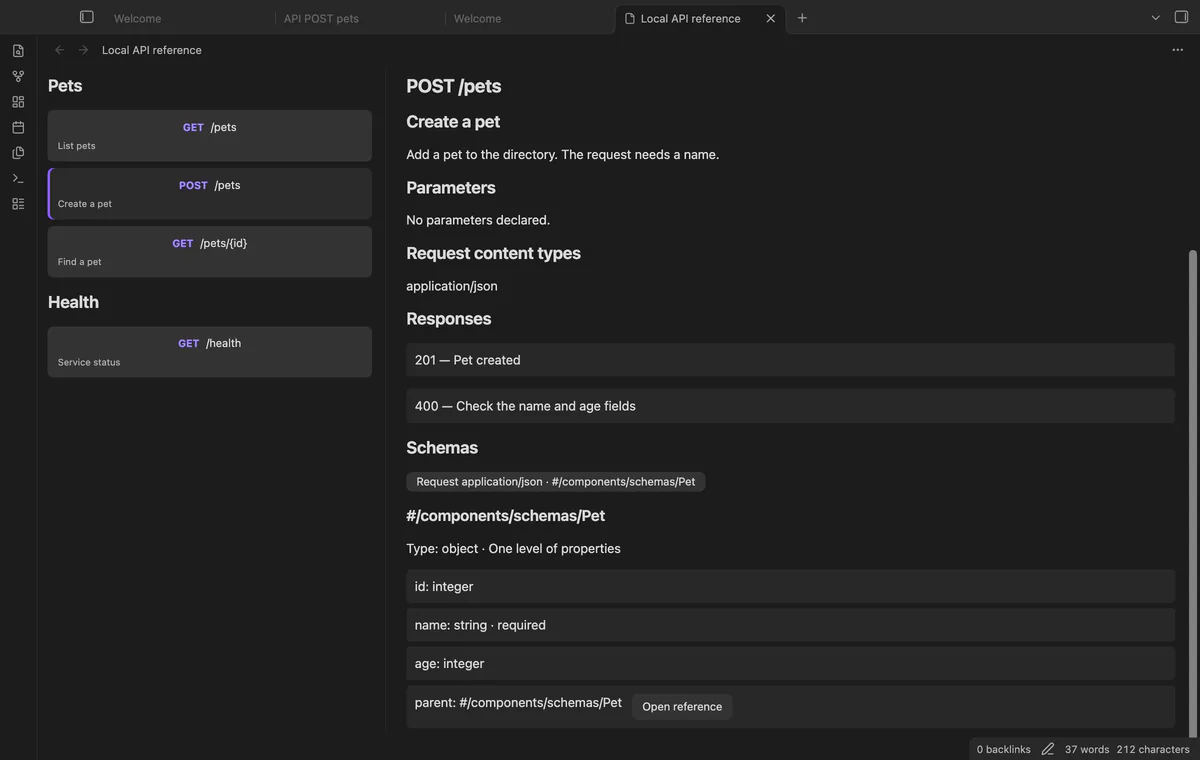
Use an OpenAPI reader to browse methods, paths, parameters and responses in your specification. As of October 2026, Obsidian code blocks display source; Local API Reference adds an endpoint view for vault files.
Keep the specification path visible while reading endpoint details. Local API Reference separates methods on the same path and groups endpoints by their operation tags.
Swagger documents a Docker image for running its editor locally. Pull docker.swagger.io/swaggerapi/swagger-editor:next-v5, then run it with port mapping 8080:80 and open http://localhost:8080/.
Put an OpenAPI 3.0 or 3.1 JSON or YAML file in the vault and run Open local API file. Select an endpoint, then open its schema buttons to inspect one level of properties.
The reader does not call the described API or fetch remote references. With Pro, write a separate endpoint note to keep a snapshot beside your other notes.
MIT · no telemetry · core features free
Put an OpenAPI 3.0 or 3.1 JSON or YAML file in your vault.
Run Open local API file from the command palette.
Select the file, then choose an endpoint in the tag list.
Read its details and open a schema button to inspect properties.
After editing the source elsewhere, select Reload source.
Open the schema panel and follow its reference buttons. Each panel stays shallow instead of expanding the recursive tree.
After editing the source, select Reload source in the reader. A previously exported endpoint note stays a snapshot.
 You can now read OpenAPI files in Obsidian.
You're officially a regular.
Obsidian rewards people who share. NoteMods is just me and a lot of coffee. If this guide saved you a fight with the syntax, buy me a cup.
That's visit . Regulars are the reason I keep NoteMods running. If it's part of your routine now, a coffee says thanks better than anything.
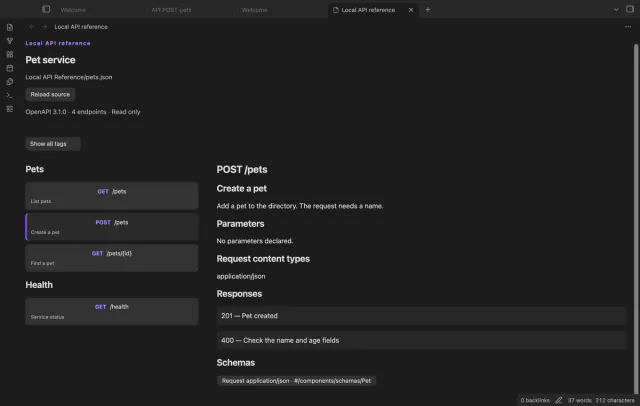
Inspect endpoints and schema properties in local OpenAPI files.