How to check CSV column rules in Obsidian
Check parsed CSV fields against rules you choose, then record errors by row and column.
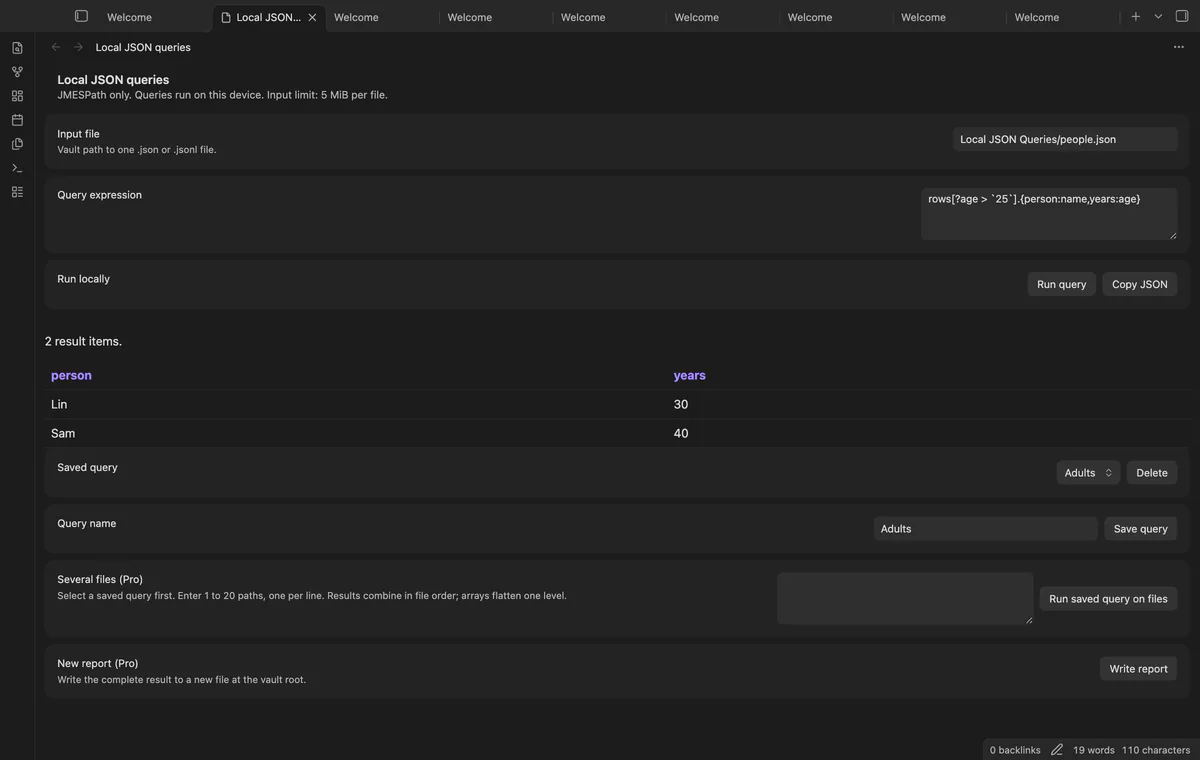
Use JMESPath to select fields or filter records in a JSON file. As of October 2026, Obsidian code blocks display code; Local JSON Queries evaluates expressions against vault files.
Start with the input structure before writing a filter. A rows array needs a different expression from JSONL records that become an array at the root.
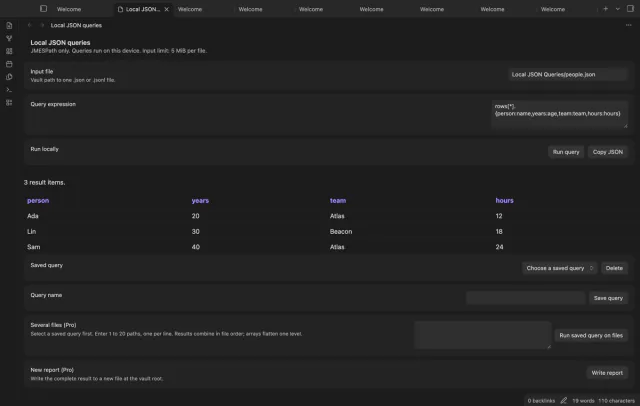
Use the official tutorial’s interactive examples to practice field selection, projections and filters with its sample JSON. For a rows array, rows[*].name selects names.
Put the JSON or JSONL file in your vault, enter its path and run @ to inspect its shape. For JSONL records with a name field, try [*].name.
For an object with a rows array, use rows[*].name, then save the file and expression as a named pair. Copy JSON keeps the complete result.
MIT · no telemetry · core features free
Put a JSON or JSONL file in your vault.
Run Open JSON query view from the command palette.
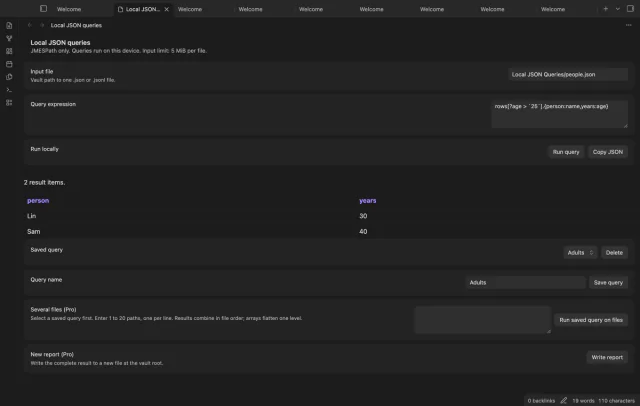
Enter the file path and a JMESPath expression, then select Run query.
Save the pair with a name or select Copy JSON to copy the result.
Use @ to show the input value. Check its field names and array structure before writing a projection.
A missing field can return null without a parse error. Check the path, field case and input structure before changing the query.
 You can now query JSON files in Obsidian.
You're officially a regular.
Obsidian rewards people who share. NoteMods is just me and a lot of coffee. If this guide saved you a fight with the syntax, buy me a cup.
That's visit . Regulars are the reason I keep NoteMods running. If it's part of your routine now, a coffee says thanks better than anything.
Run and save JMESPath queries on vault JSON or JSONL files.