How to use a custom property as tags in Obsidian
As of October 2026, only the built-in tags property has the Tags type in Obsidian.
As of October 2026, Iconize keeps the icon that you pick with Change icon in its own data file, not in the note. Iconize can read an icon from a property, but its picker does not write one. A plugin can copy each icon into the note properties and keep them current.
Icon Frontmatter Mirror has Pro, and $15 one time turns it on in all 129 plugins.
Iconize issue 380 asks for an option that makes the add-on write the icon to the frontmatter. Its first post wants Change icon to set the frontmatter when Use icon in frontmatter is on. An icon in the note travels with it through sync, copies and search.
Add the icon property to a note and type the icon name that Iconize uses, such as LiBookOpen. With Use icon in frontmatter on in Iconize, Iconize reads the icon from that property.
This works note by note, and you can add iconColor for a color.
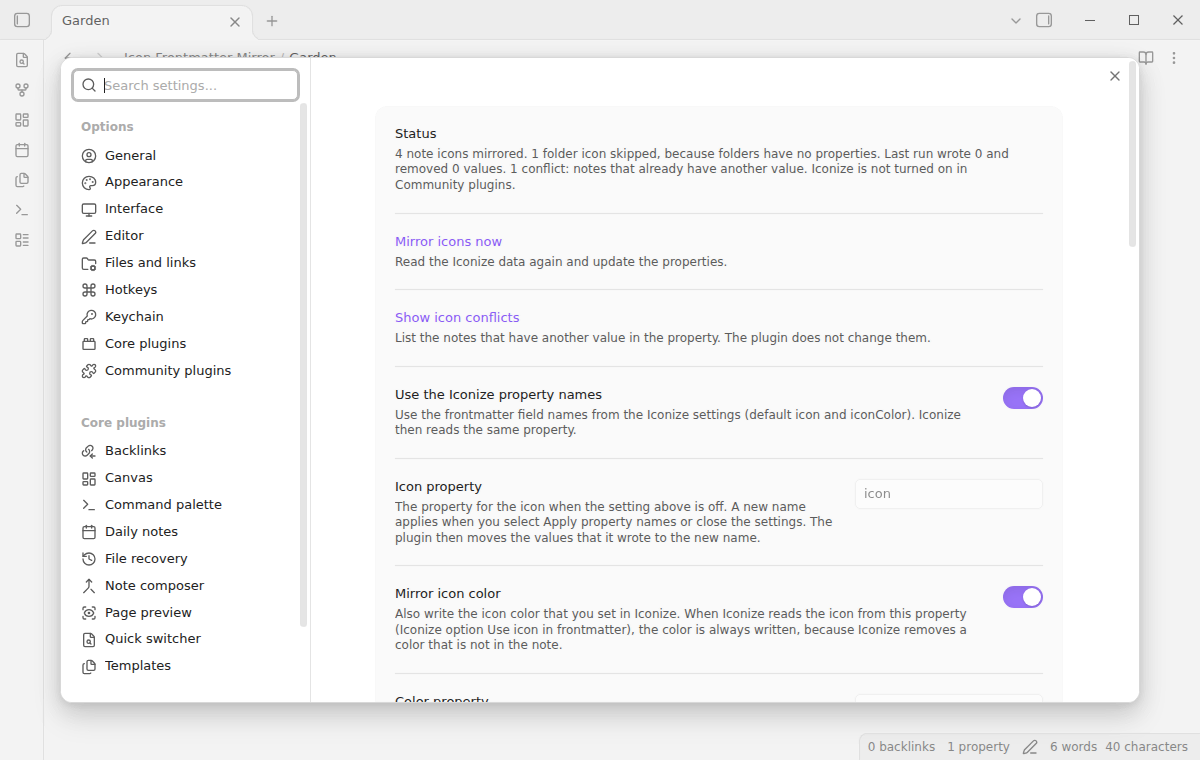
Icon Frontmatter Mirror reads the Iconize data file and writes each note icon to the icon property, and its color to iconColor. It checks the file every 2 seconds by default, so a change shows in 2 to 4 seconds.
It never writes the Iconize data file. A note that already has another value goes to a conflict list, and the plugin does not change it.
MIT · no telemetry · core features free
Open Settings, then Community plugins, and turn off restricted mode.
Select Browse, search for Icon Frontmatter Mirror, then select Install and Enable. Iconize must be installed and on too.
Right-click a note in the file explorer, select Change icon and pick an icon.
After 2 to 4 seconds, open the note. The properties show icon with the name of the icon.
To update all notes at once, run Icon Frontmatter Mirror: Mirror icons now from the command palette.
No. It only reads that file. It writes to your notes through the frontmatter API of Obsidian, and only when a value must change.
The plugin removes the property only if it still has the value that the plugin wrote. A value that you typed stays. If one check would remove values from more than 10 notes, it holds the removals and shows a notice.
The plugin does not overwrite it and puts the note in a conflict list. Run Show icon conflicts to see each note value next to the Iconize value. You can then replace them or keep the note values.
 That's every step, start to finish.
This guide uses Icon Frontmatter Mirror. Pro adds "Extra properties and folder notes". One payment of $15 turns on Pro in 129 plugins.
This guide uses Icon Frontmatter Mirror. Pro adds "Extra properties and folder notes". One payment of $15 turns on Pro in 129 plugins.
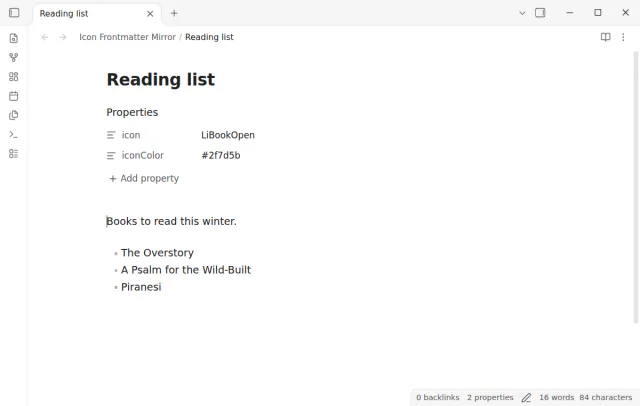
Pick an icon with Iconize and the note gets the same icon in its properties.