How to copy a saved Bases view into a note
As of October 2026, Obsidian can embed a named Base view or render a base code block.
As of October 2026, Bases lists the saved views of a base in the view menu at the top left of the toolbar. You open the menu each time you change views, and core Obsidian has no setting that shows the views as tabs. An embed for each view or a plugin keeps the view names in sight.
Bases View Tabs has Pro, and $15 one time turns it on in all 129 plugins.
The forum request "Base views as tabs?" opened on 23 August 2025. On 8 November 2026 it had 10 posts and 21 likes, 16 of them on the first post. The first post calls the drop down menu not very practical, and a later reply asks for a view list that stays visible.
Select the view name at the top left of a base to see all views, switch to one or add a new one. Drag a view by its icon to change the order of the list.
The first view in the list loads by default when you open the base.
Write an embed of the base file with a view name after a hash sign, for example [[Tasks.base#Done]] with an exclamation mark in front. Each embed opens on its view.
Put one embed under each heading of a dashboard note. You then scroll between views instead of using the menu.
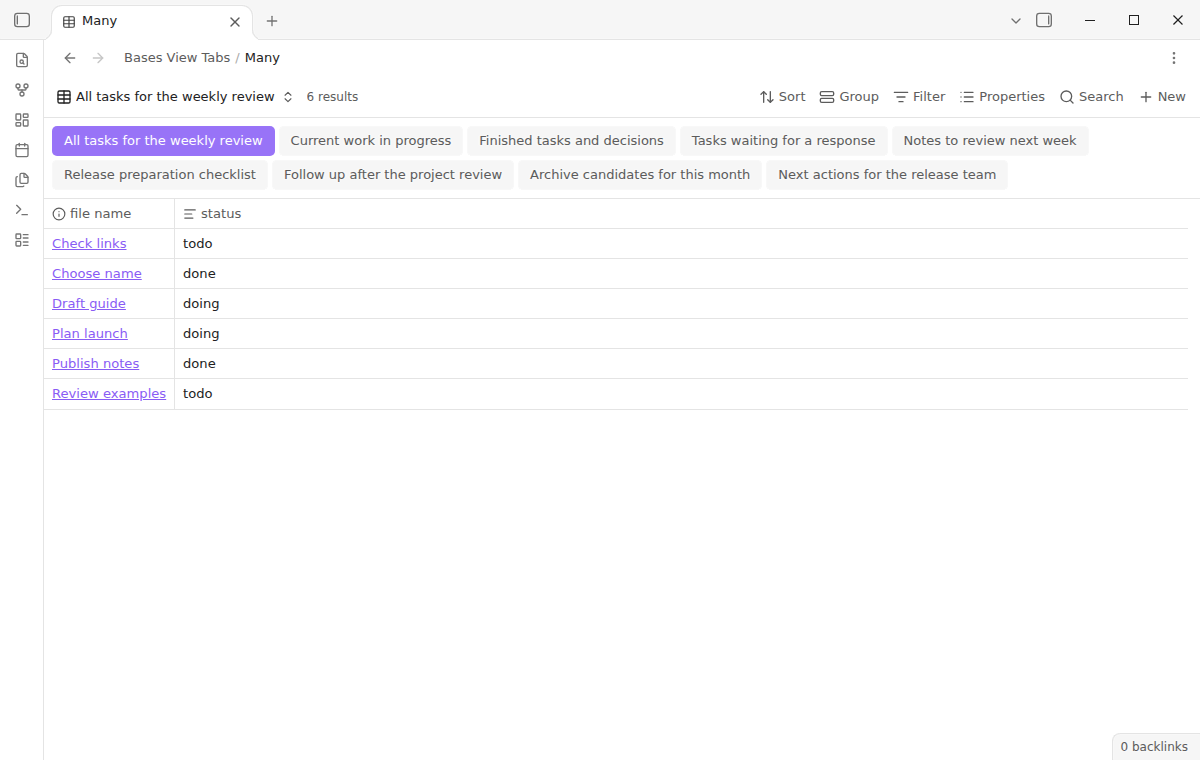
Bases View Tabs puts a strip of view names under the toolbar of each base file. Select a name to change to that view in one click, with its own filters, sort and columns.
The strip lists every saved view on its own, in the order of the base file. Keyboard focus, wrapping of long names and a memory of the last view are free.
MIT · no telemetry · core features free
Install Bases View Tabs and turn it on, with the Bases core plugin. It needs Obsidian 1.13.4 or later.
Open a .base file that has two or more saved views. Their names appear in a strip under the toolbar.
Select a name to change the view, or run Focus the view tabs and move with the arrow keys.
Turn on Wrap tabs in the plugin settings when the names do not fit on one line.
Leave Remember the last view on to open each base in the view you used last.
Yes. In core Bases the first view in the list loads by default, so drag the view you want to the top. Bases View Tabs also opens each base in the view you selected last, unless you turn that setting off.
Core Bases switches views through the view menu. Bases View Tabs adds the command Focus the view tabs, and the arrow keys then move between names. It assigns no hotkey, so you can set one in the Hotkeys settings.
The manifest does not limit the plugin to desktop, and the free strip uses normal buttons. The README says that this version has no editor for pins and icons on mobile.
 That's every step, start to finish.
This guide uses Bases View Tabs. Pro adds "Pinned views and icons". One payment of $15 turns on Pro in 129 plugins.
This guide uses Bases View Tabs. Pro adds "Pinned views and icons". One payment of $15 turns on Pro in 129 plugins.
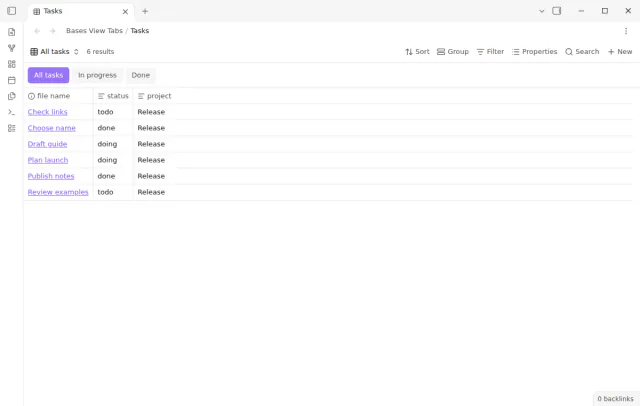
Change between the saved views of a Base in one click from a tab strip under its toolbar.