How to limit spellcheck to the active paragraph in Obsidian
As of October 2026, Obsidian offers a native Spellcheck switch in editor settings.
As of October 2026, two quick taps on a note in Reading view open the editor. The help pages list no setting for this. The view switcher and a default view for new tabs choose how a note opens, and a plugin can turn the double tap off.
Reading Tap Guard has Pro, and $15 one time turns it on in all 129 plugins.
The forum request "Turn off (or customize) double tap to switch to editing view" opened on 22 January 2026. It has 66 likes and 33 posts. The first post asks for options to choose what a double tap does, or to turn it off.
Obsidian opens new tabs in editing mode by default. You can change this under Settings, Editor, Default view for new tabs. The view switcher in the upper-right corner and the command Toggle Reading view move a note between views.
These settings control how a note opens. After an accidental double tap, the view switcher takes you back to Reading view.
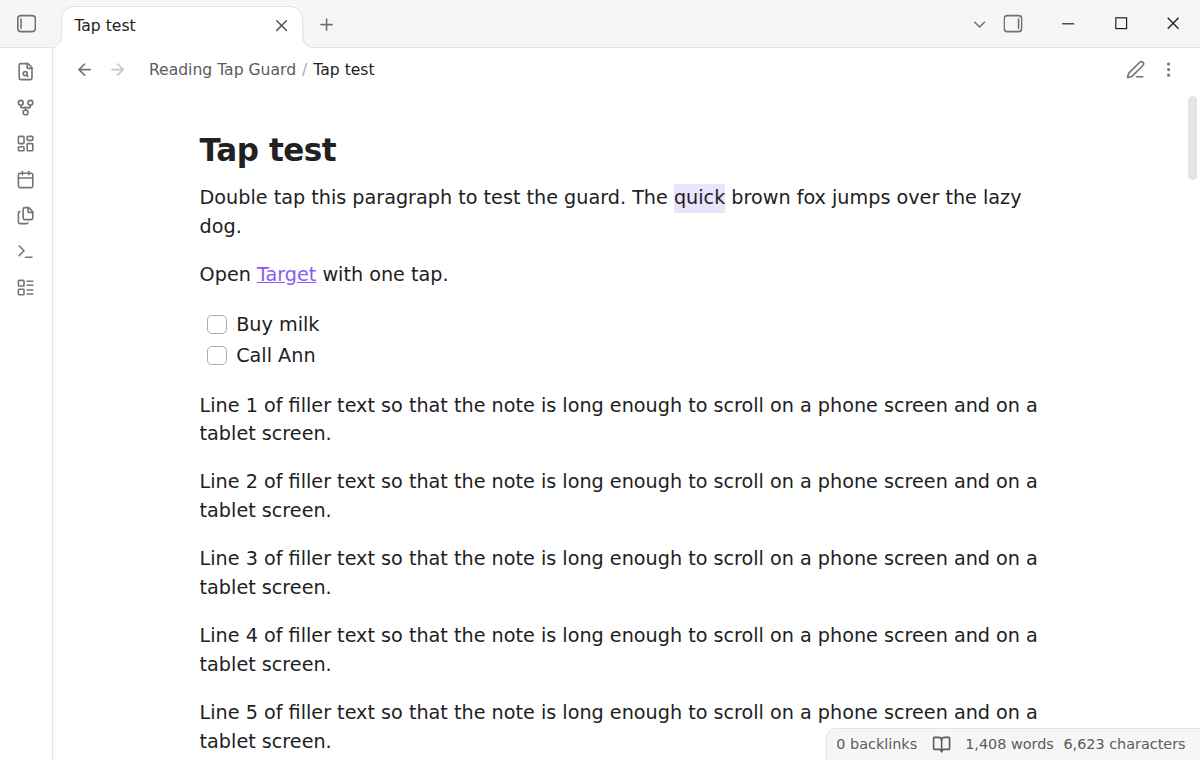
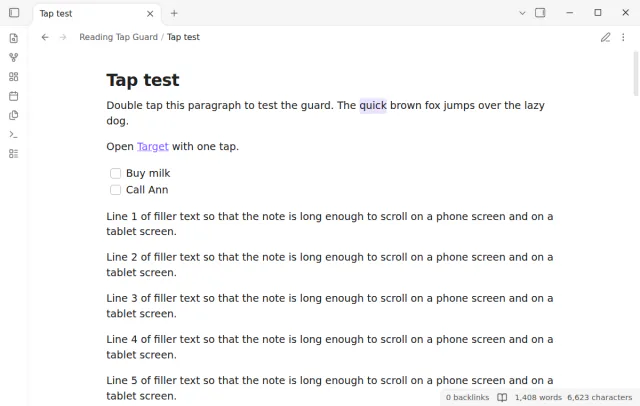
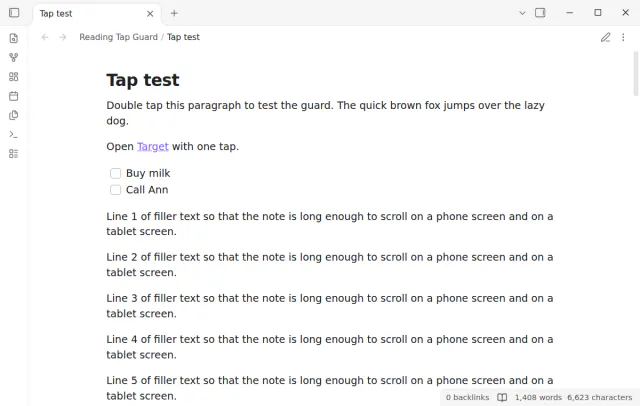
Reading Tap Guard stops a double tap in Reading view from opening the editor. One tap on a link or a task checkbox still works, and a drag still scrolls the note.
The setting Double tap in reading view has three values. Do nothing is the default, Select the word selects the word under your finger, and Switch to editing gives back the Obsidian behavior.
MIT · no telemetry · core features free
Open Settings, then Community plugins, and turn off restricted mode.
Select Browse, search for Reading Tap Guard, then select Install and Enable. It needs Obsidian 1.13.4 or later.
Open a note in Reading view and read as usual. A double tap now does nothing.
To edit, select the edit button in the view header, or run Toggle Reading view from the command palette.
To select a word with a double tap instead, open the plugin settings and set Double tap in reading view to Select the word.
The Obsidian help pages that cover Reading view and the mobile app list none, as of October 2026. Default view for new tabs only sets how a new tab opens. A forum request for the option opened in January 2026.
Yes, with Reading Tap Guard. Set Double tap in reading view to Select the word. You can then copy the word or look it up, and the note stays in Reading view.
Obsidian counts two taps as a double tap when they are less than 500 ms apart. A bump or a shaky hand can make two taps that fast. Reading Tap Guard Pro adds a Double tap interval setting from 150 ms to 500 ms.
 That's every step, start to finish.
This guide uses Reading Tap Guard. Pro adds "Shorter double tap interval". One payment of $15 turns on Pro in 129 plugins.
This guide uses Reading Tap Guard. Pro adds "Shorter double tap interval". One payment of $15 turns on Pro in 129 plugins.
Keep a note in Reading view when a finger taps twice by accident, or pick what a double tap does.