Bases Note Templates
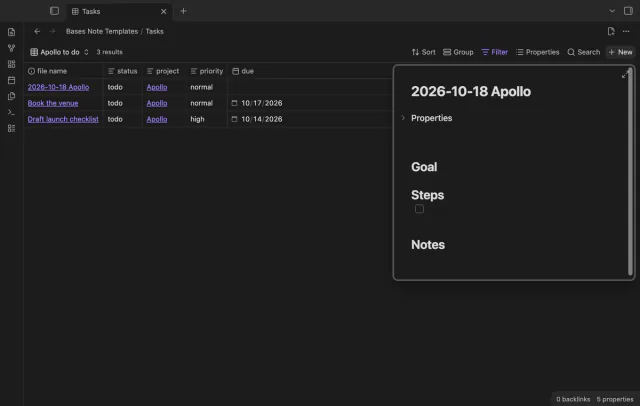
Create notes in Bases with a template and filter values.
Copy a saved Bases view into a note.
MIT · no telemetry · core features free
Desktop app tests do not prove phone or tablet behavior. Live GitHub sign-in and payment were not tested.
Directory facts fetched from community.obsidian.md/users/theluckystrike.
You reuse one view from a larger Base in a project note, weekly review or dashboard.
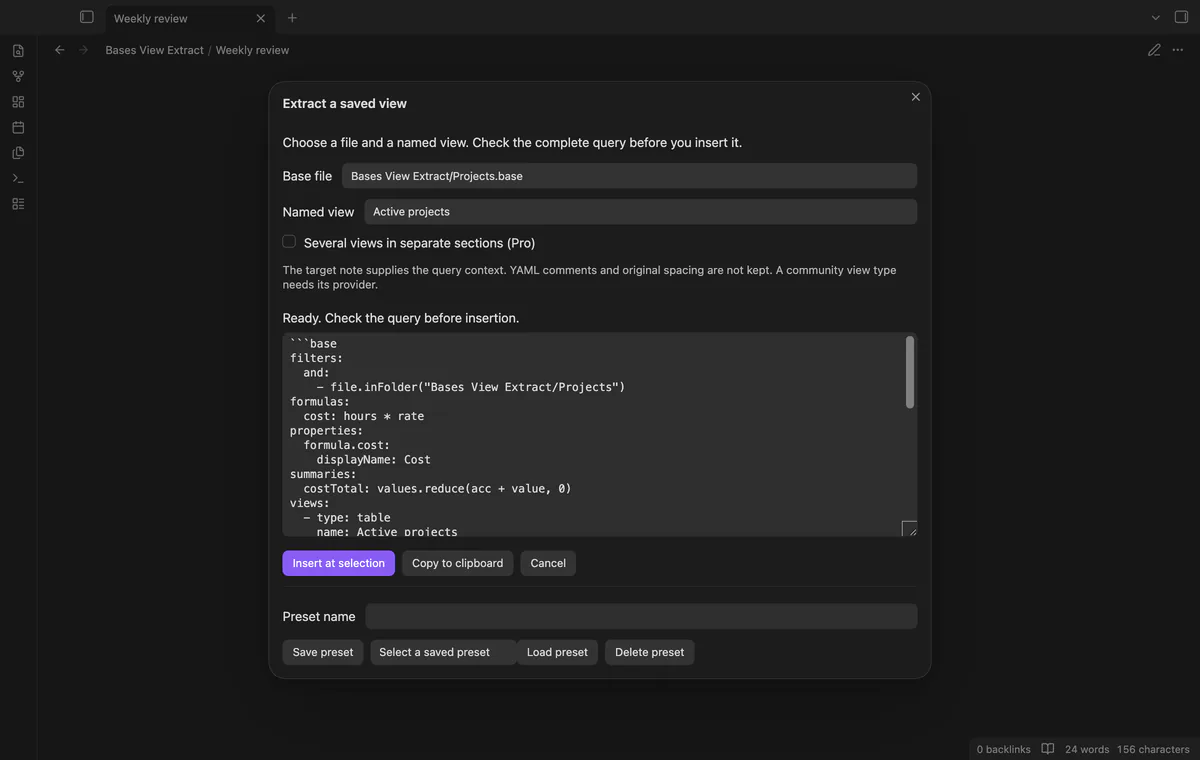
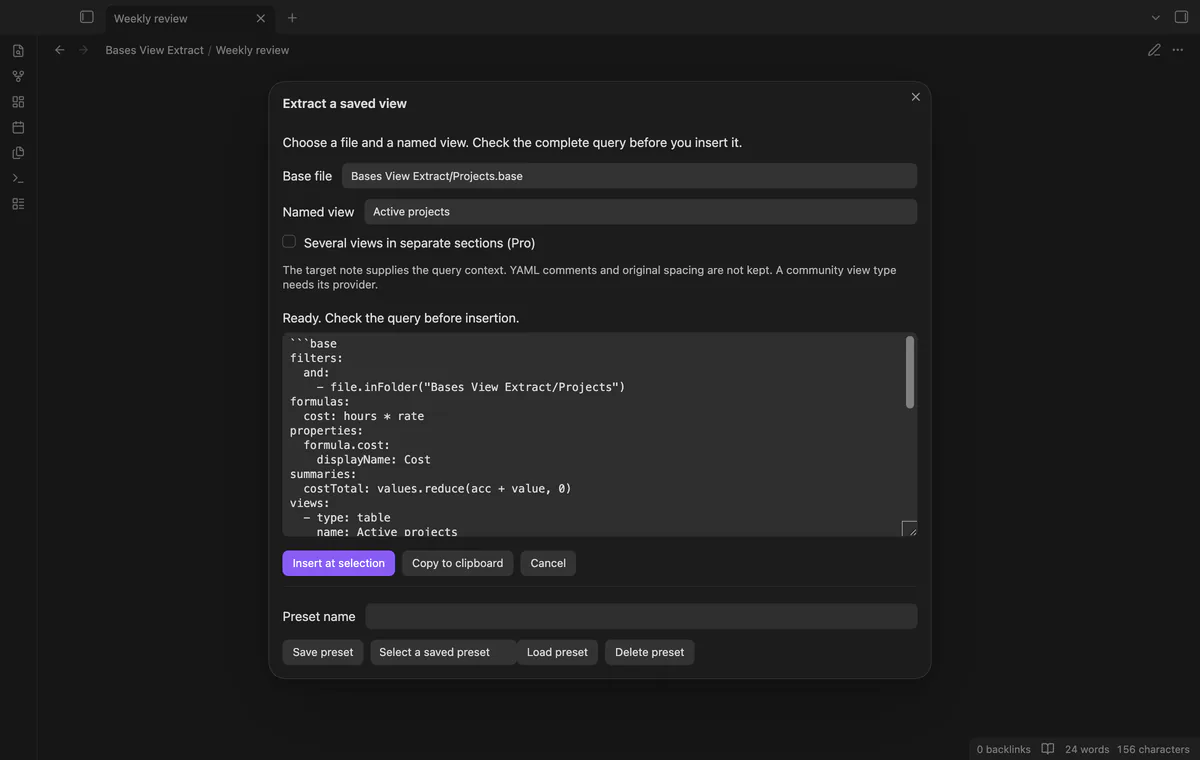
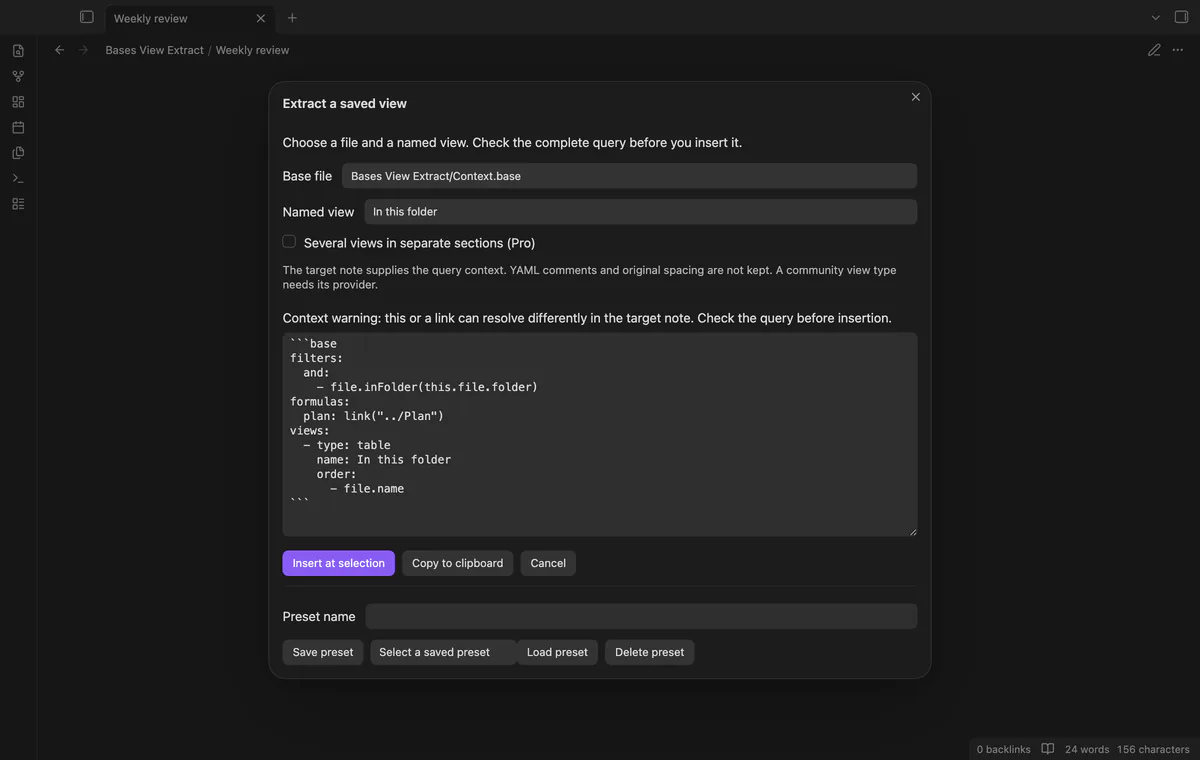
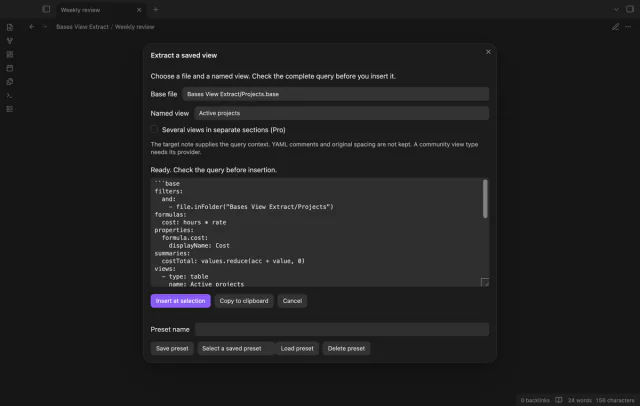

Bases View Extract copies one named view from a Base into a complete embedded query. Shared definitions stay with the view. Check the YAML preview, then insert the block at your selection without changing the source Base.
 Play demo
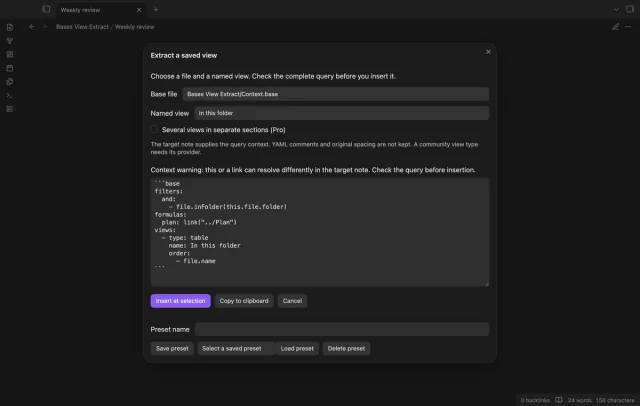
Select a Base file and a saved view by name. The output keeps that view and leaves the others out. Names are case-sensitive, and a duplicate selected name stops extraction.
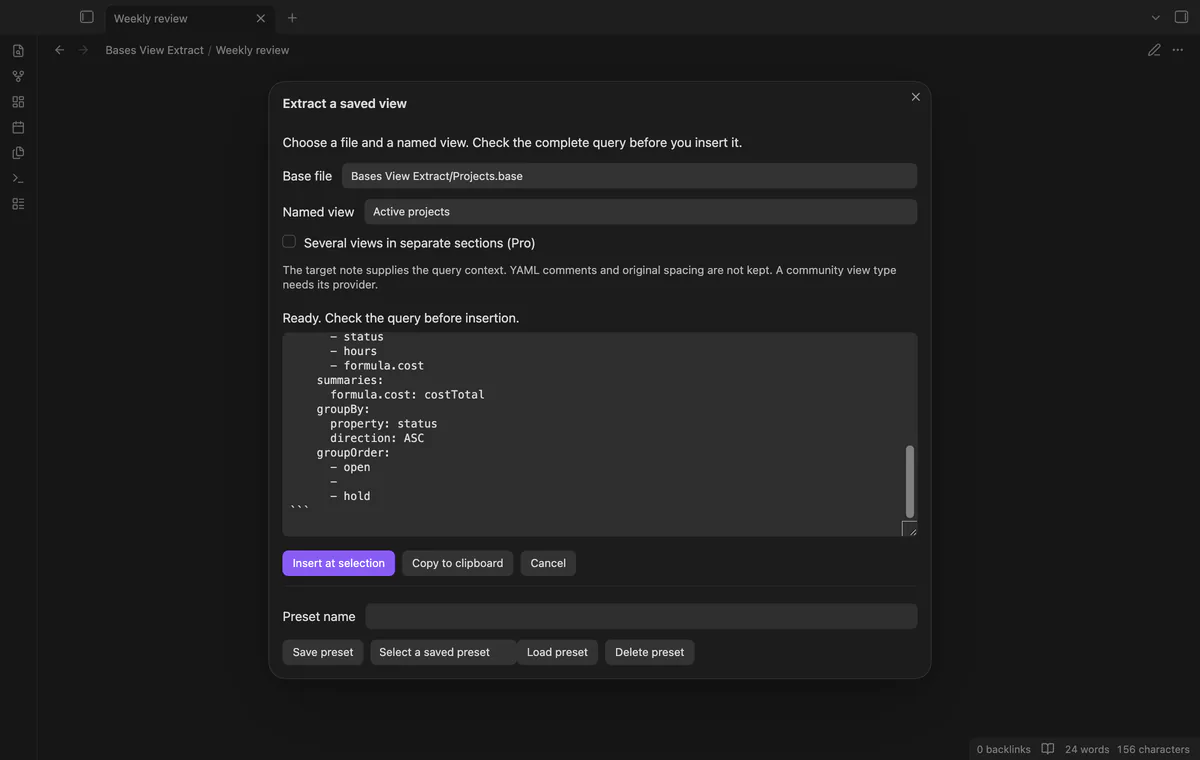
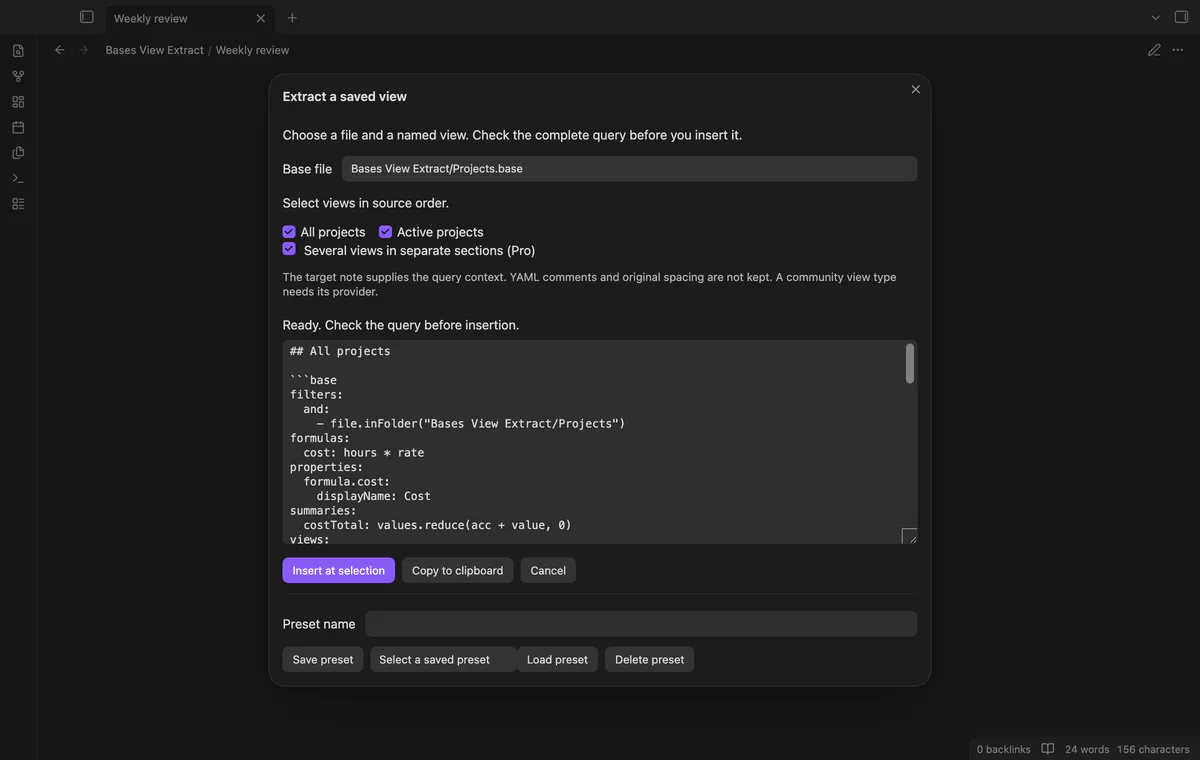
Keep shared filters, formulas, property labels and summary definitions with the selected view. Unknown top fields and view options remain as parsed values. A community view still needs its provider.
Read the fenced query before insertion, including sort rules, group setup and summary choices. Group order retains its sequence and null keys. YAML comments and original spacing do not survive serialization.
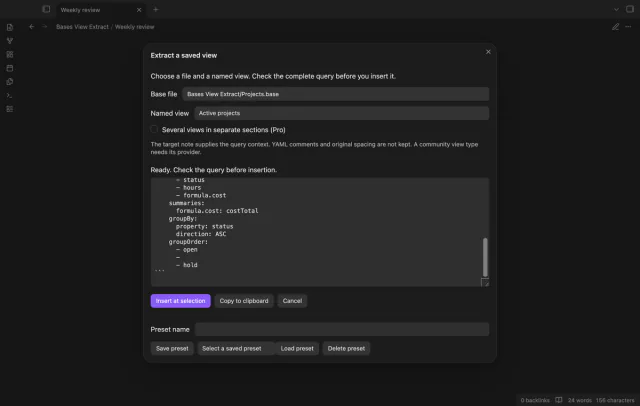
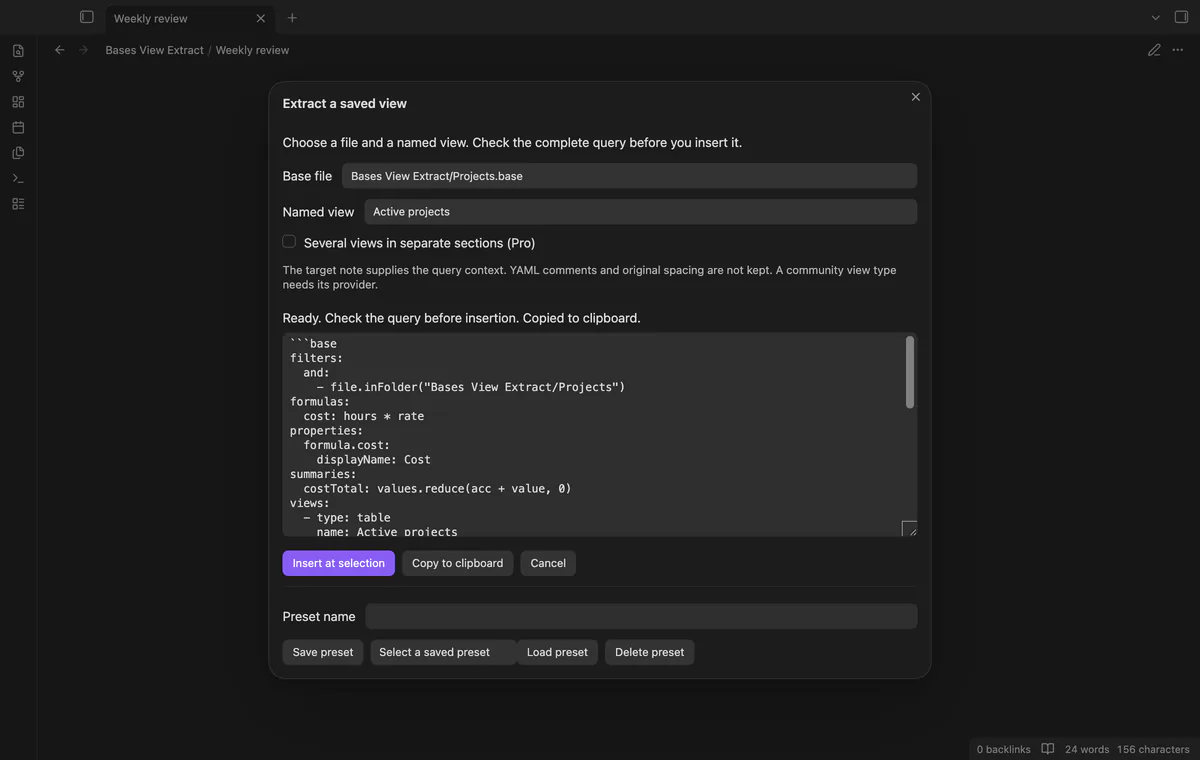
Copy the complete fenced query and its shared definitions for another note or template. The editor and source stay unchanged, and one saved view is free. If clipboard access fails, select the preview text and copy it manually.
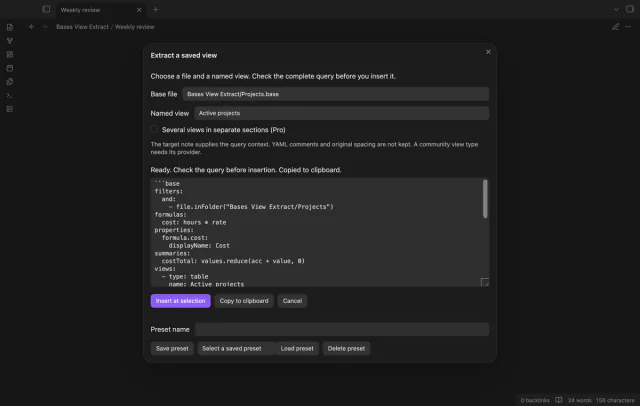
The preview explains that the target note supplies the query context. Expressions with this, wikilinks, link or file calls, or parent paths trigger a stronger warning. The check is conservative; review your expressions before insertion.
Pro costs $5 a month or $15 one time through GitHub Sponsors. One sponsorship turns on Pro in every plugin that has it.
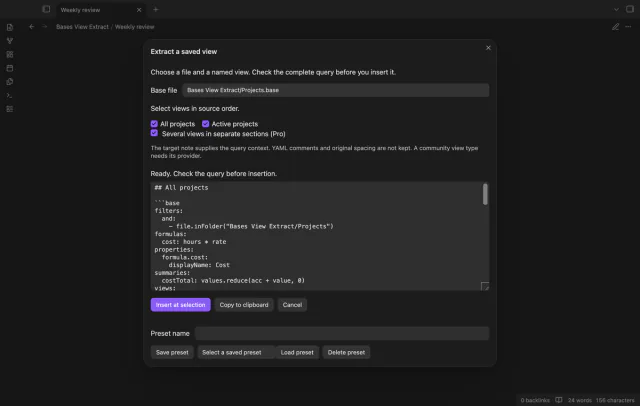
Select several views to create separate note sections in source order. Each section has a heading and a complete query with shared definitions. Check the combined preview before inserting it.
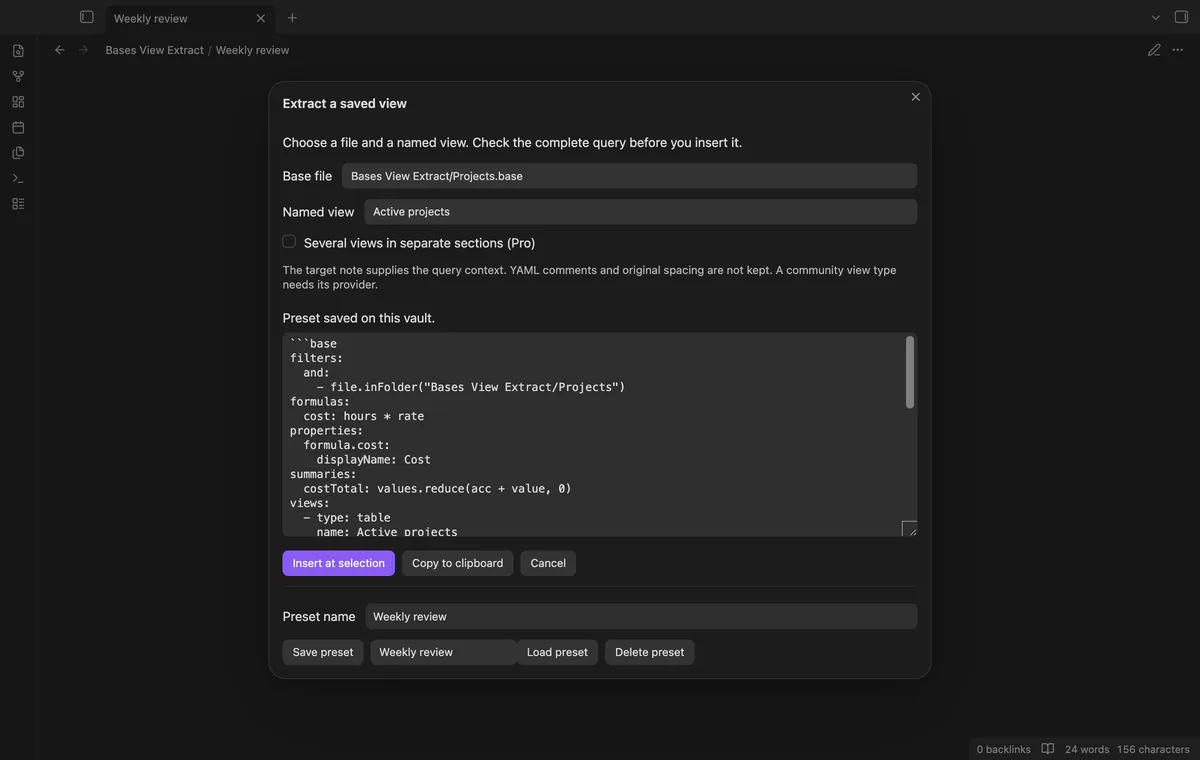
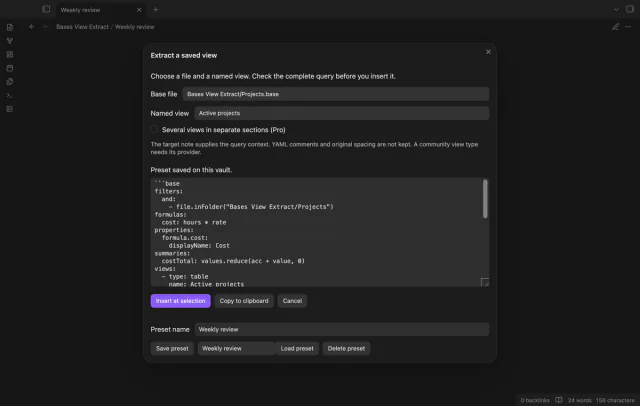
Save a named snapshot of the source query and chosen views. Source edits do not update it, and duplicate preset names are rejected. Delete preset removes the local copy even with Pro off.
needs
steps
Open the target Markdown note and place the cursor on an empty line, or select text to replace.
Run Extract a saved view from the command palette.
Select a Base file and its named view.
Read the preview and context notice, then choose Copy to clipboard or Insert at selection.
If the app can't find a new plugin yet, try again later. Obsidian says a plugin that passes the review shows in the app within 24 hours.
Need a change for your team? I build custom Obsidian plugins and features.
The inserted block is a snapshot without a connection back to the source. Run extraction again after a source edit to get a new copy.
No, unused shared formulas remain present. Extraction keeps parsed definitions without evaluating filters or calculating results.
Insertion stops if the target note, text or selection changes. Close the window and run the command again.
Presets stay in the plugin’s data.json in your vault. Vault sync can copy that file to other devices.
No, it copies the query source with its base fence. Check expressions in the note where you paste it, because that note supplies the context.
Before GitHub sign-in, the plugin sends nothing; sign-in sends a public client ID and read:user to github.com, then polls for authorization. api.github.com receives an authenticated query for your account, sponsorship tier and total payment; no note content, file names or vault data leaves. Successful checks last 7 days; failed checks retry after 6 hours, and Refresh requests an earlier check.
Tell me what is broken in Bases View Extract, or what it should do next.
Bases View Extract 1.2.0, MIT license
MIT · no telemetry · core features free
Create notes in Bases with a template and filter values.
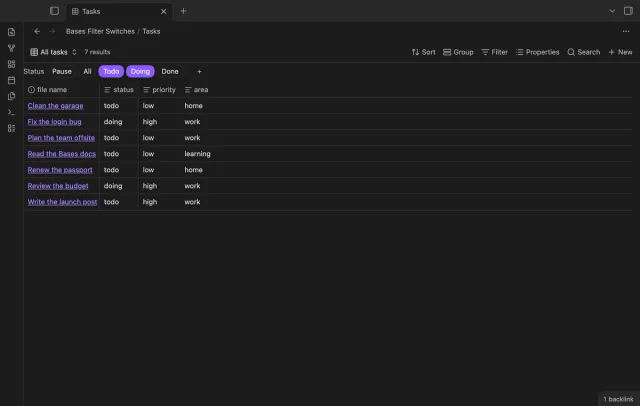
Turn saved Bases filters on or off with switches.