
Embed Outline
See headings from embedded notes in one outline.
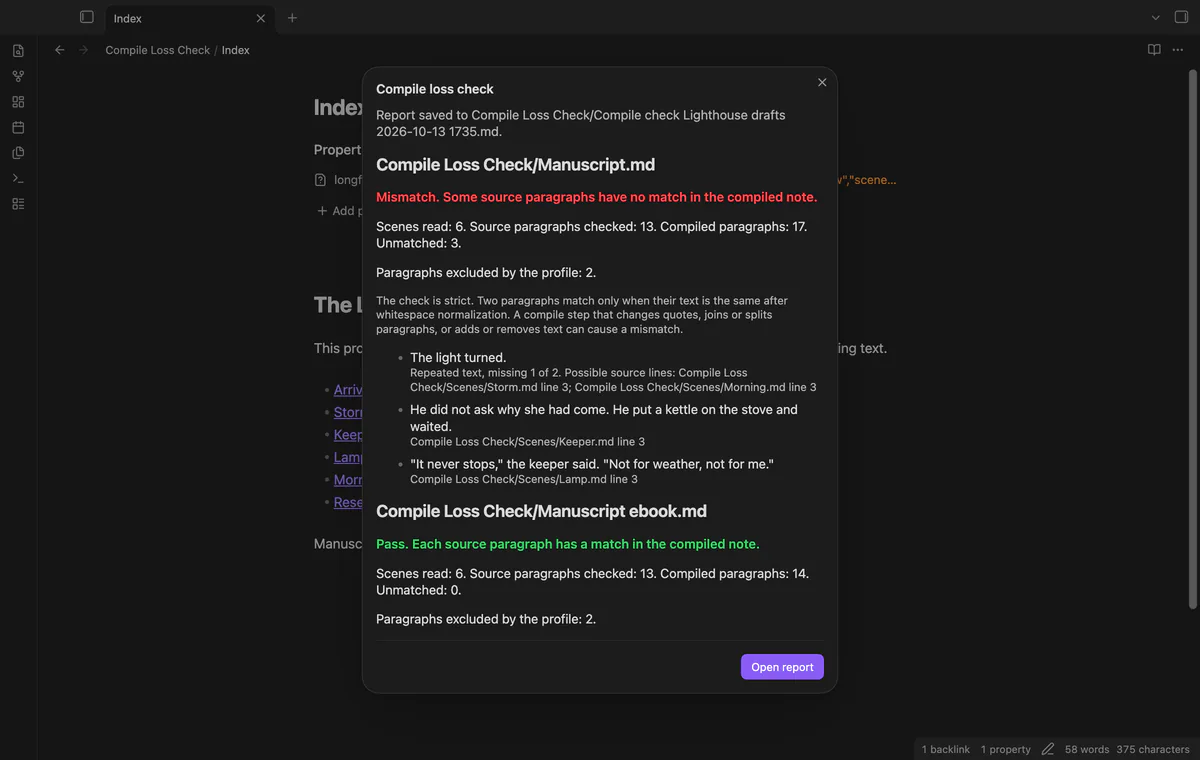
Find compiled paragraphs with no Longform match.
MIT · no telemetry · core features free
The README reports macOS app tests on Obsidian 1.13.4 and 1.14.4 with a handwritten manuscript. Mobile use, real Longform compiles, large-manuscript speed and real GitHub sign-in remain untested.
Directory facts fetched from community.obsidian.md/users/theluckystrike.

You draft in Longform scenes and want to check a compiled manuscript before sending it.
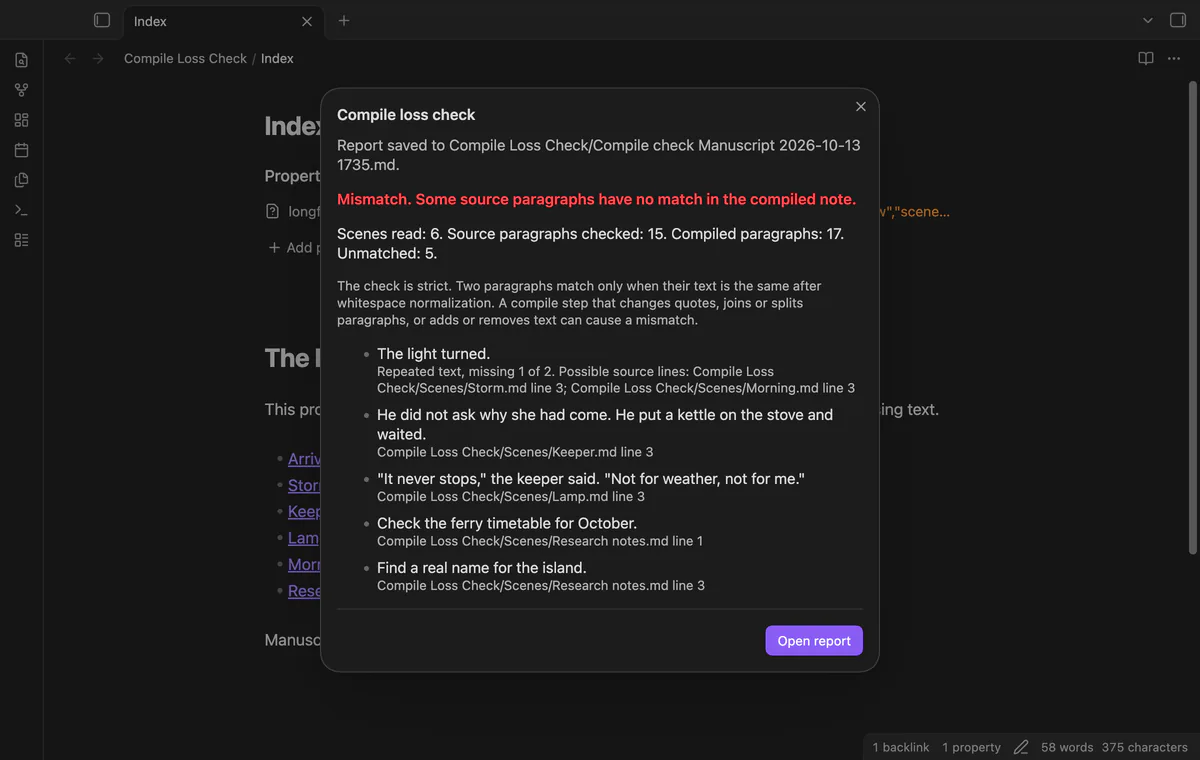
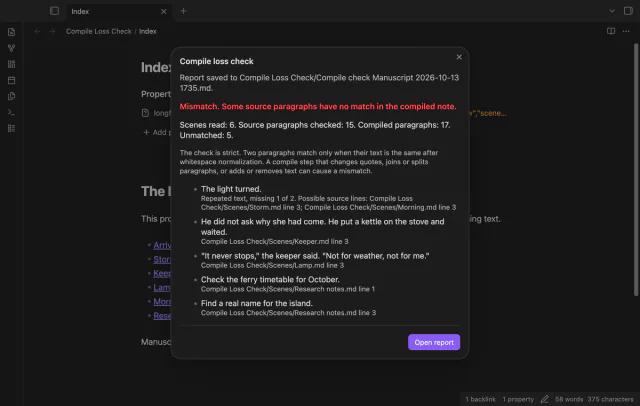
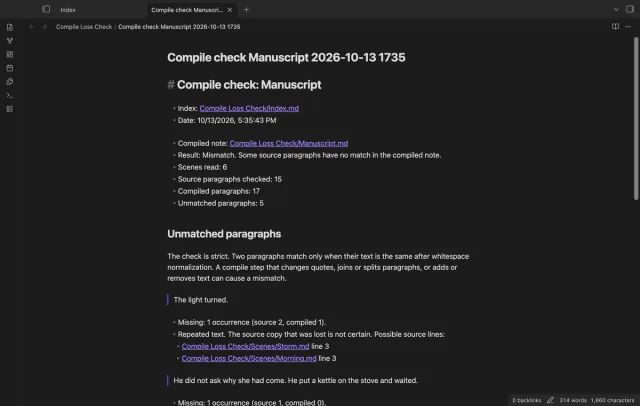
Compile Loss Check compares your current scenes with a compiled Markdown note. It saves paragraphs with no match in a new report with scene links and line numbers.
The comparison counts matching paragraph text after collapsing whitespace. Changed quotes or joined paragraphs can produce mismatches, so read the report before treating a result as lost text.
 Play demo
Compare paragraph text and occurrence counts after collapsing whitespace. The check skips initial YAML properties and paragraphs containing only a thematic break. Extra compiled text does not fail the check.
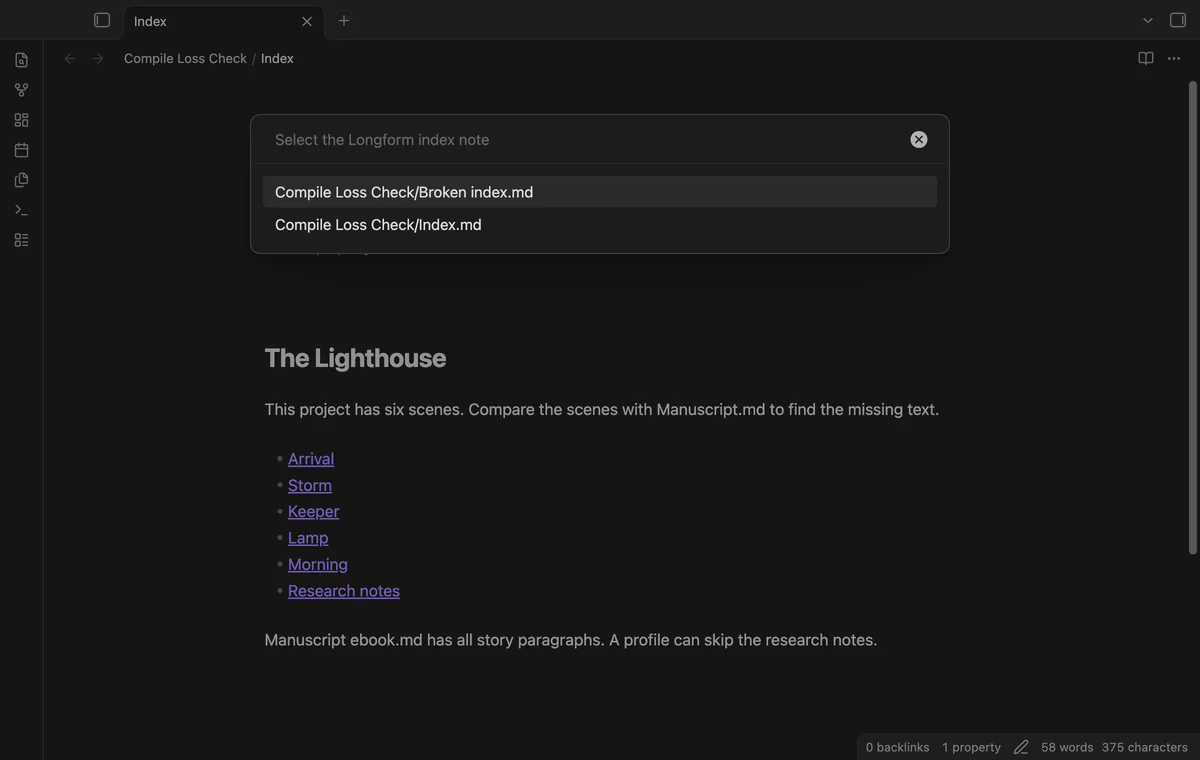
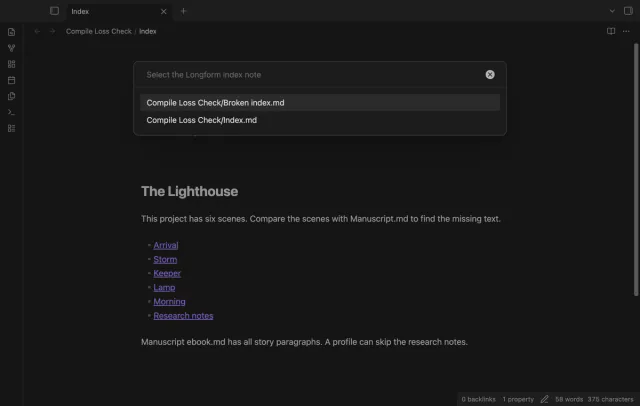
Run Check a compiled manuscript and select your index, then your compiled note. The checker reads nested scene order from the index without starting Longform.
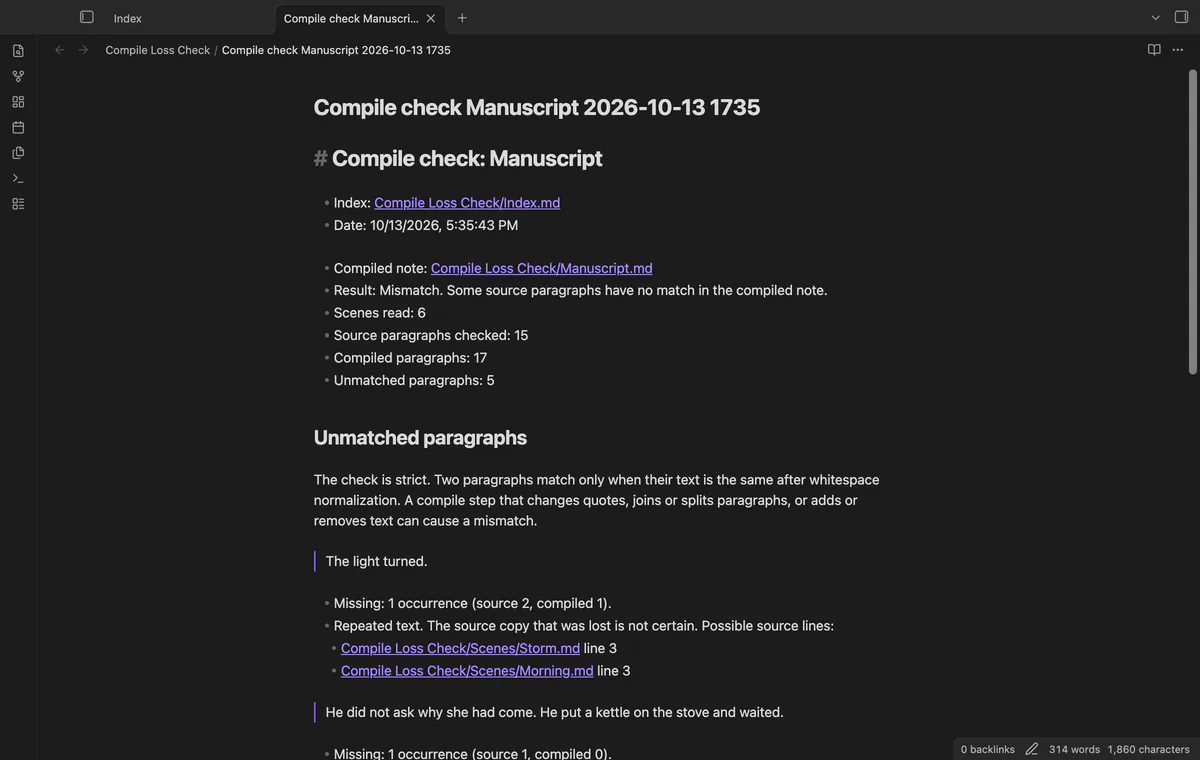
Each check creates a report with scene links and source line numbers. Reports go beside the compiled note unless you choose a report folder in settings. An occupied report name gets a number.
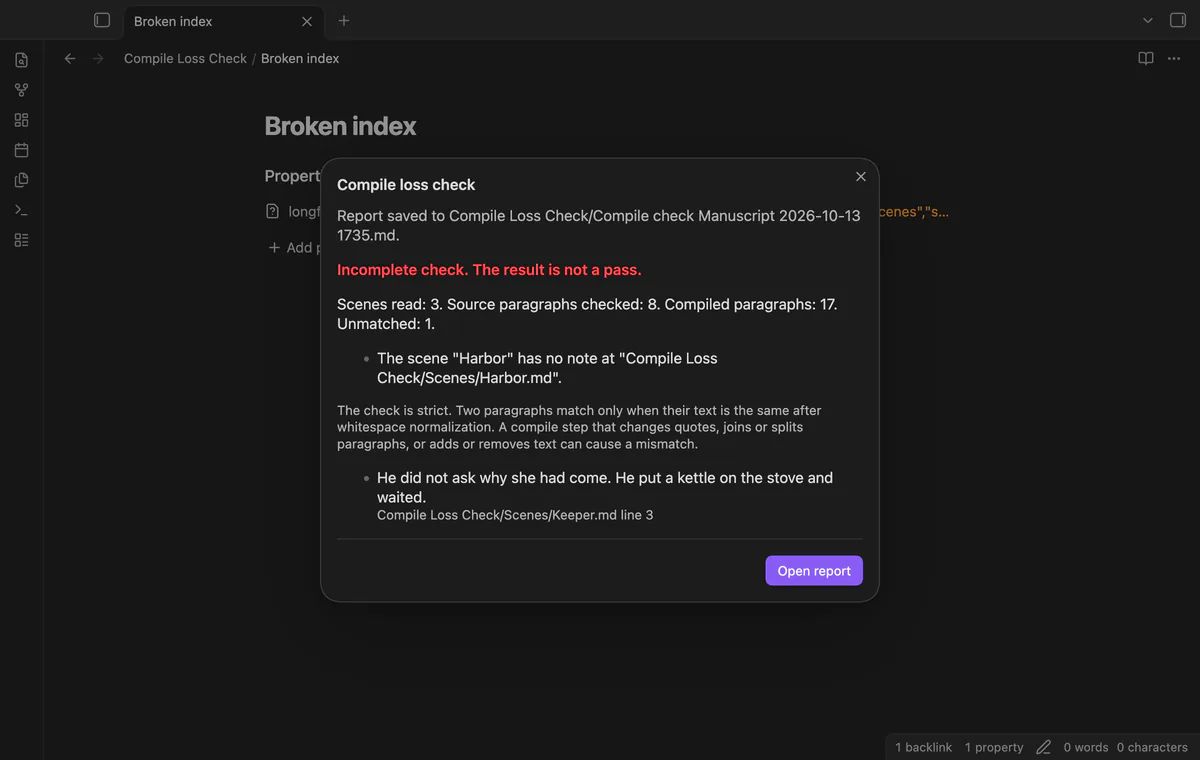
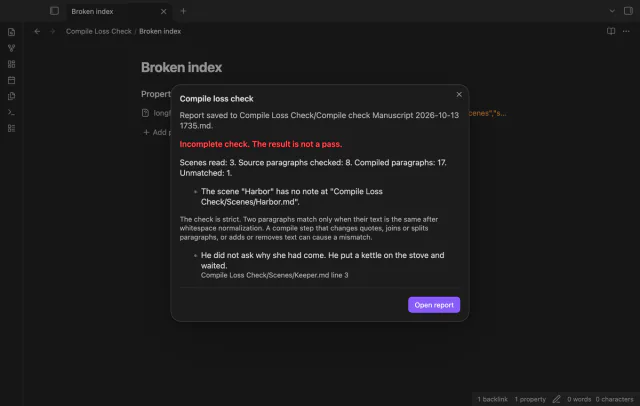
Missing scenes, invalid scene lists and unsupported project formats produce an incomplete result with errors. If an input note changes during the scan, run another check.
The free version checks one index against one compiled note and saves a report; profiles, exclusions and report history need Pro.
Pro costs $5 a month or $15 one time through GitHub Sponsors. One sponsorship turns on Pro in every plugin that has it.
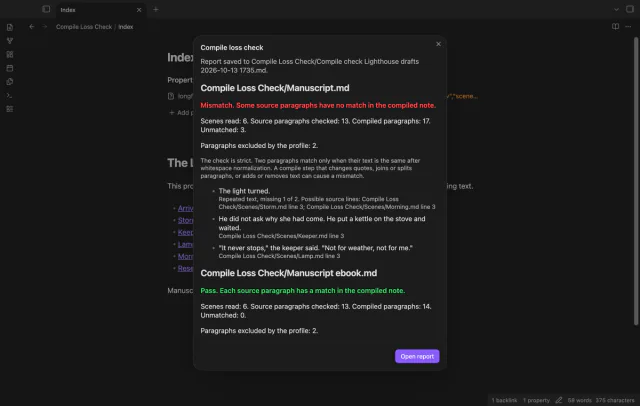
Save your last check as a named profile with paragraph texts and scene paths to skip. The report counts excluded source paragraphs. Profiles stay in the plugin data of your vault.
Add several compiled notes to one profile and get a report section for each. With Pro active, saved checks enter a history that keeps the newest 200 entries. Open an earlier report by date, profile and result.
needs
steps
Compile your Longform project to a note, or use a compiled note you already have.
Run Check a compiled manuscript from the command palette.
Select your project index, then your compiled note.
Read the result and select Open report to review the saved note.
If the app can't find a new plugin yet, try again later. Obsidian says a plugin that passes the review shows in the app within 24 hours.
Need a change for your team? I build custom Obsidian plugins and features.
Changed words, quote marks or paragraph boundaries can prevent a strict match. The report can hint at changed quotes or a longer paragraph containing the text.
No. It reads your scenes as they are now. Later edits can show as mismatches against an older manuscript.
It reads your index, scenes and compiled note. It creates a new report note and makes the report folder if needed.
Sponsor theluckystrike through GitHub Sponsors for $5 a month or $15 once, then sign in through plugin settings. A total payment of $15 meets the payment requirement without further payment. Sign-in and sponsorship checks still apply.
After you select Sign in with GitHub, github.com receives the public client ID, profile scope and device-flow sign-in requests. Queries to api.github.com ask for your sponsorship tier and total payment on sign-in, scheduled refreshes or Refresh. The plugin sends no note content, file names or vault data, and makes no network requests before sign-in.
Tell me what is broken in Compile Loss Check, or what it should do next.
Compile Loss Check 1.1.0, MIT license
MIT · no telemetry · core features free
See headings from embedded notes in one outline.
Update heading links and embeds when you edit a heading.