
AsciiDoc Files
Edit AsciiDoc source and see its preview side by side.
Import local Diaro backups as dated notes.
MIT · no telemetry · core features free
The README reports desktop app tests. Physical phones and tablets were not tested.
Directory facts fetched from community.obsidian.md/users/theluckystrike.
You want to move Diaro backups into dated journal notes in your vault.
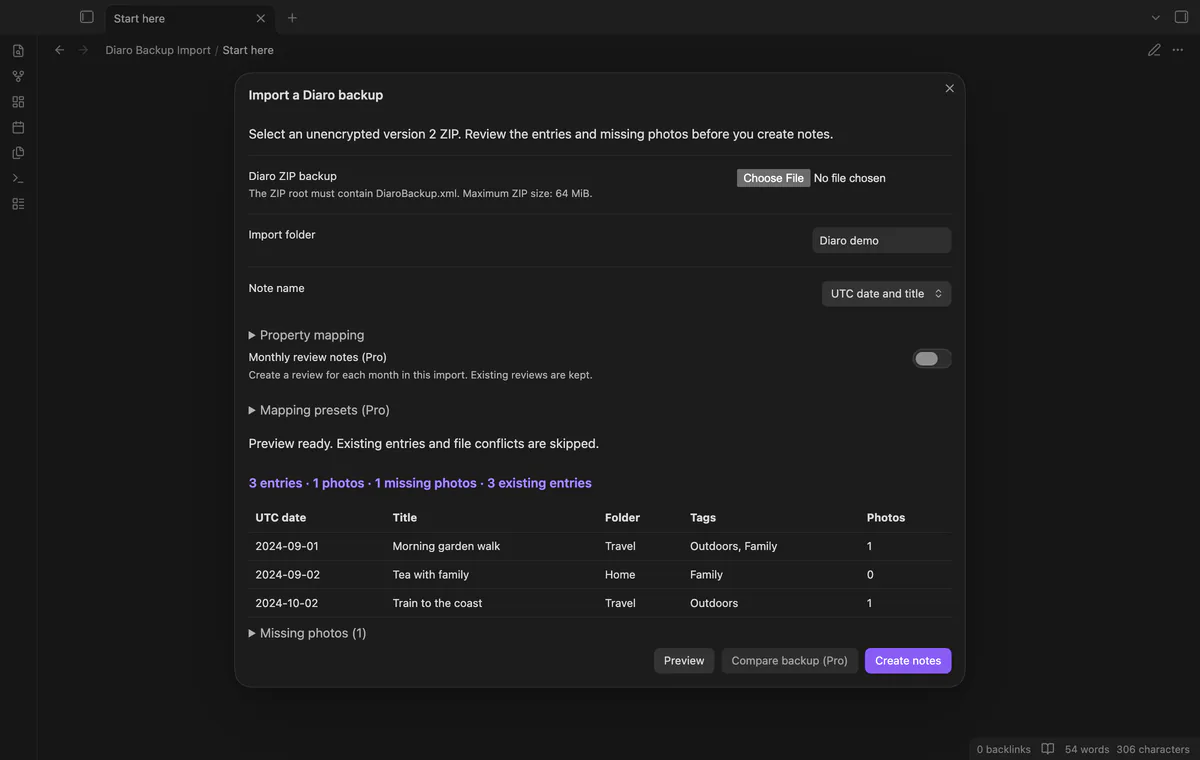
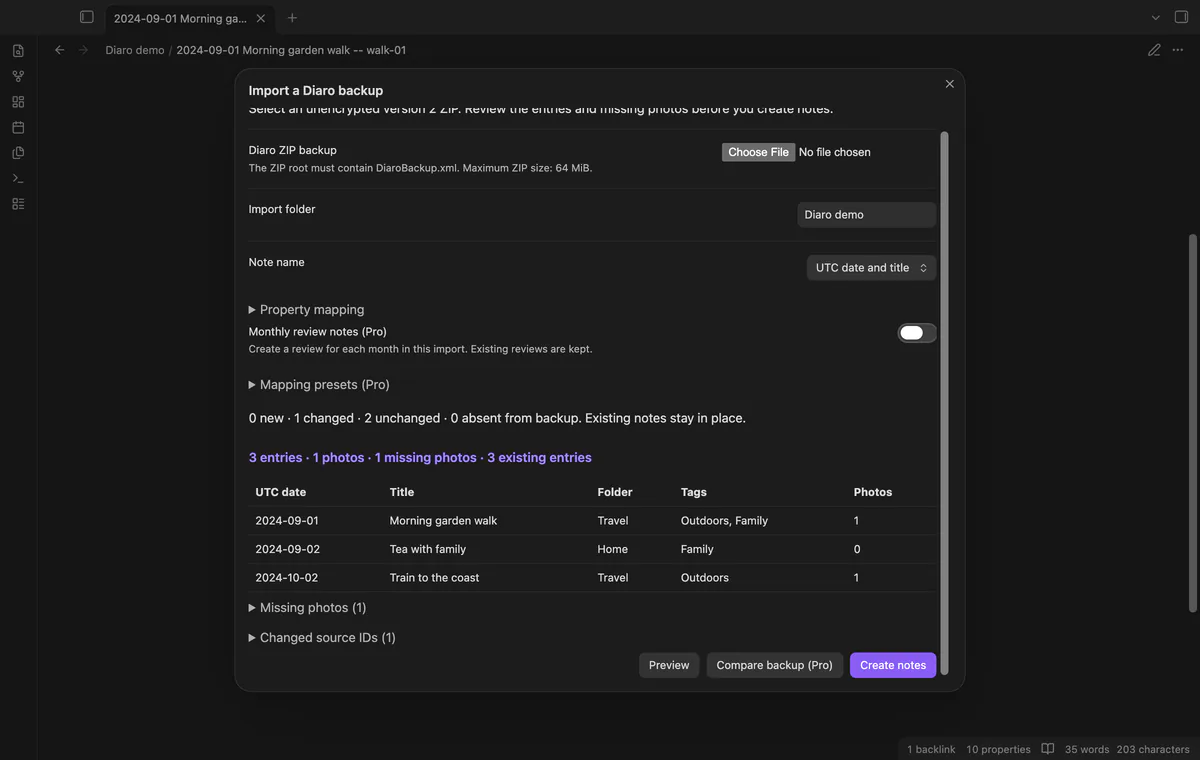

Choose your unencrypted Diaro backup ZIP and check its entries, missing photos and file conflicts. Diaro Backup Import creates dated Markdown notes with source metadata. The local import needs no Diaro account.
 Play demo
Check counts and the first eight entries before importing. Missing photos leave a message in the note rather than blocking its text.
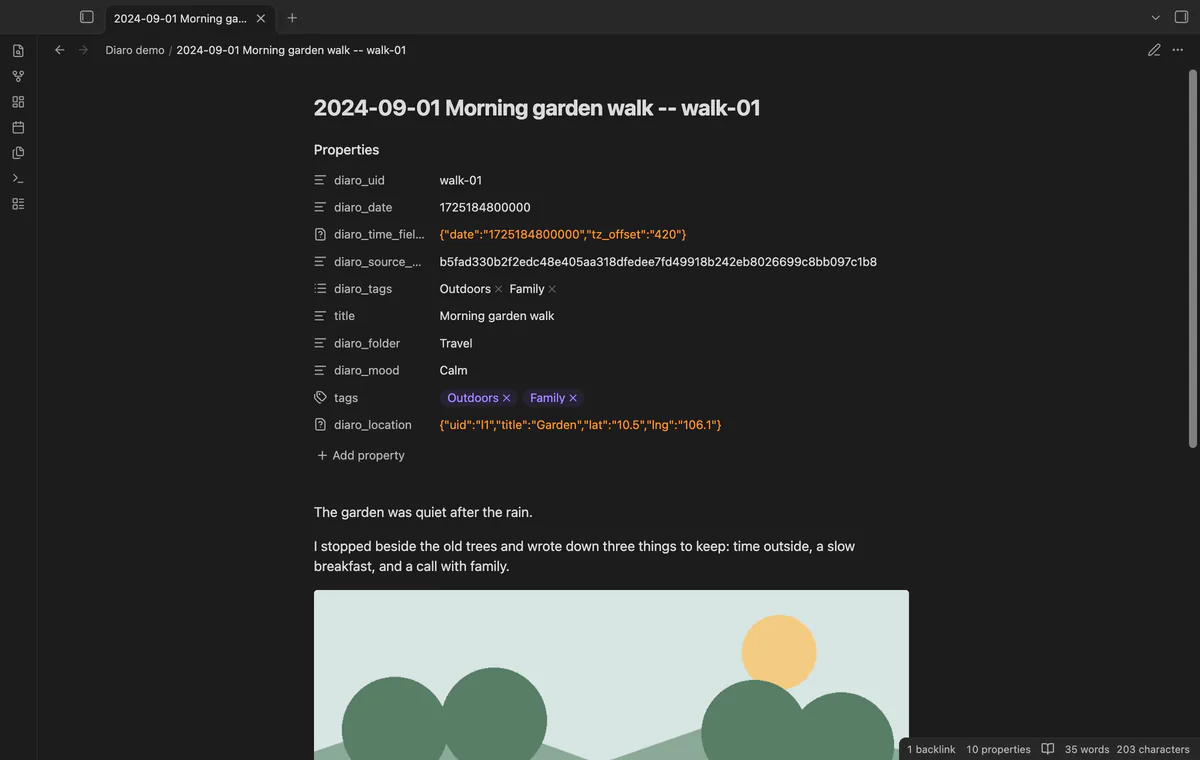
Notes keep source IDs, original time fields and joined metadata. Filenames use UTC dates, while the source timezone offset remains uninterpreted.
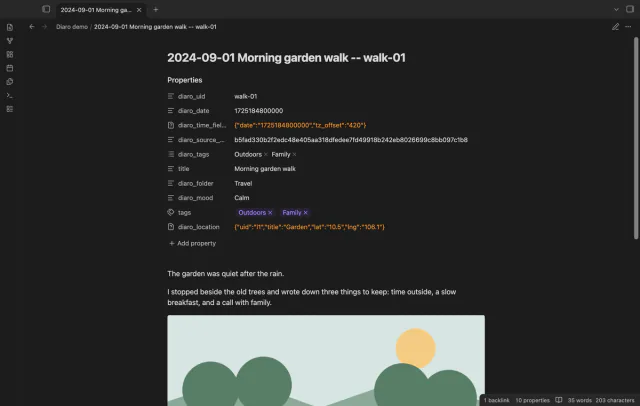
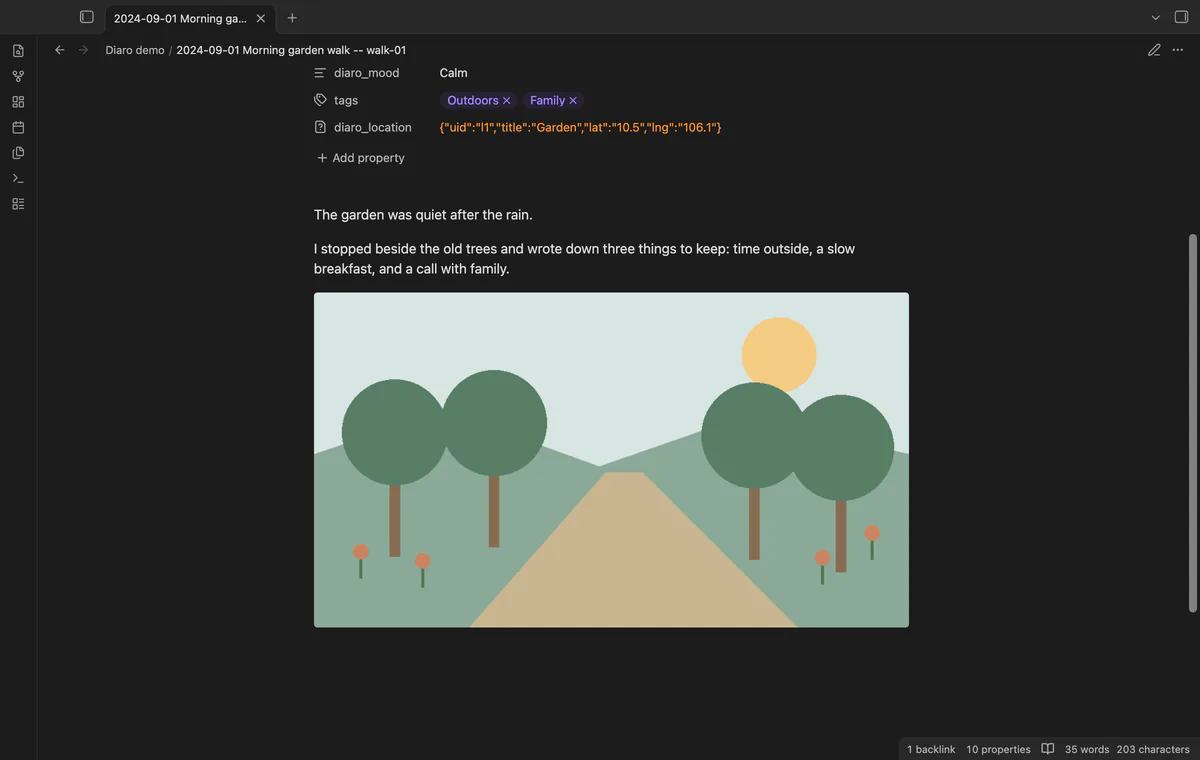
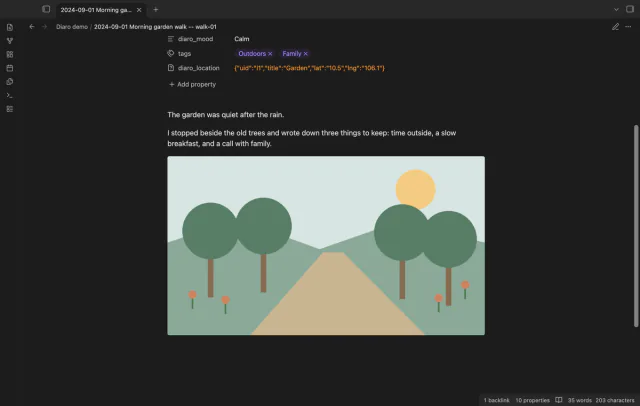
Supported referenced photos are copied from backup attachment records into the import folder. Notes embed those local files without downloading source web links.
Pro costs $5 a month or $15 one time through GitHub Sponsors. One sponsorship turns on Pro in every plugin that has it.
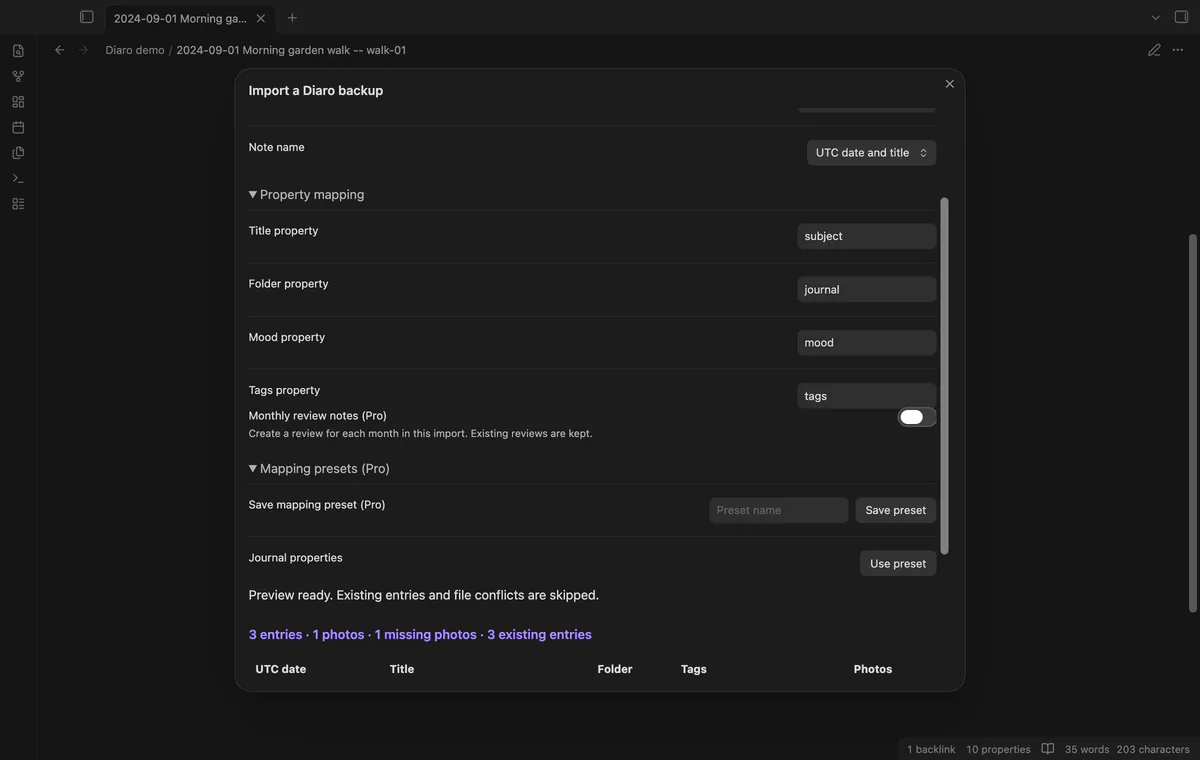
Property mapping is free, while Pro saves up to 20 named mappings and note-name formats. Source ID and time properties retain fixed names.
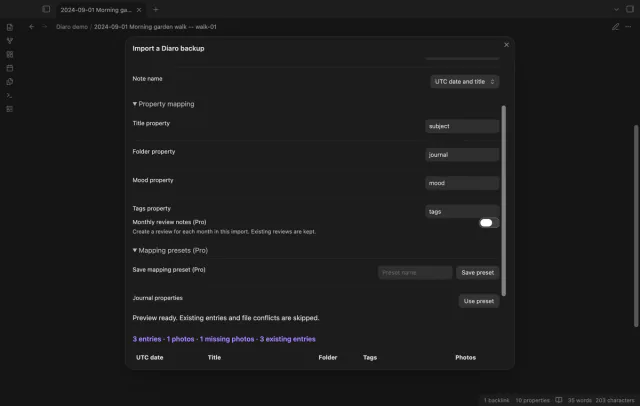
Pro compares incoming source fields and photo bytes with saved import hashes. It reports changes without updating or deleting existing notes.
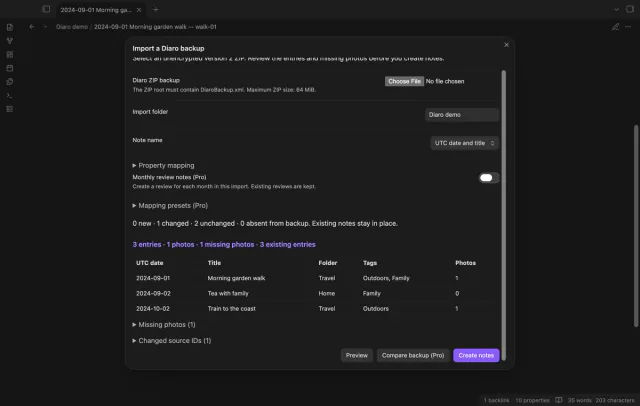
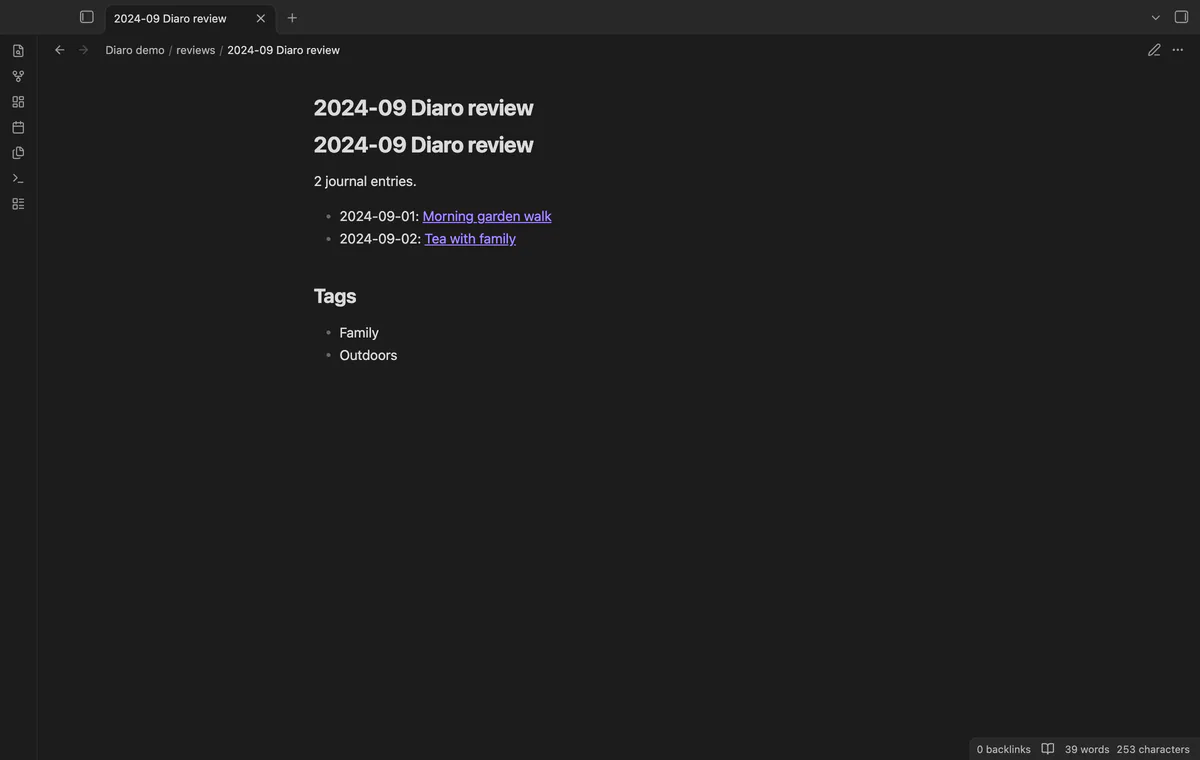
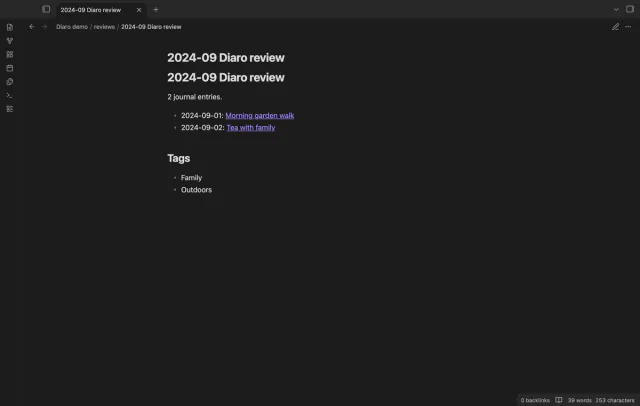
Pro creates month reviews with links to entries created during that run. Existing reviews remain in place and produce a reported error.
needs
steps
Make an unencrypted Diaro ZIP backup and keep a copy.
Run Import a Diaro backup from the command palette.
Select the ZIP and review the folder, counts and warnings.
Adjust naming or property mapping if needed, then preview again.
Select Create notes and check the result counts, errors and sample photos.
If the app can't find a new plugin yet, try again later. Obsidian says a plugin that passes the review shows in the app within 24 hours.
Need a change for your team? I build custom Obsidian plugins and features.
The ZIP needs version 2 of DiaroBackup.xml at its root. Encrypted archives, wrapper folders, split ZIP files and ZIP64 are unsupported.
Source IDs already found within the destination folder are skipped. Removing those IDs or moving notes outside that folder prevents the scan from finding them.
Comparison checks source hashes from imported records. Your later edits to the Markdown body don't change that hash.
The importer can copy supported HEIC and HEIF files. Display depends on the device and format, and the tests use PNG images.
After you select Sign in with GitHub, the plugin sends its client ID, read:user scope and device-flow requests to github.com. Due checks and Refresh send your token to api.github.com to read your sponsorship tier and total payment. No note text, filenames or other vault data goes to either host.
Tell me what is broken in Diaro Backup Import, or what it should do next.
Diaro Backup Import 1.1.0, MIT license
MIT · no telemetry · core features free
Edit AsciiDoc source and see its preview side by side.

See headings from embedded notes in one outline.
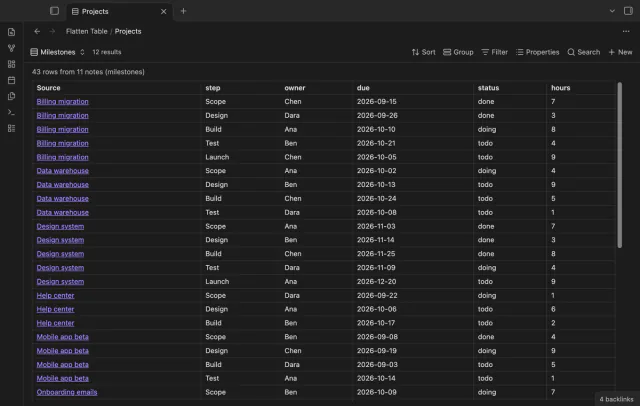
Show each item of a Bases list property as a separate row.
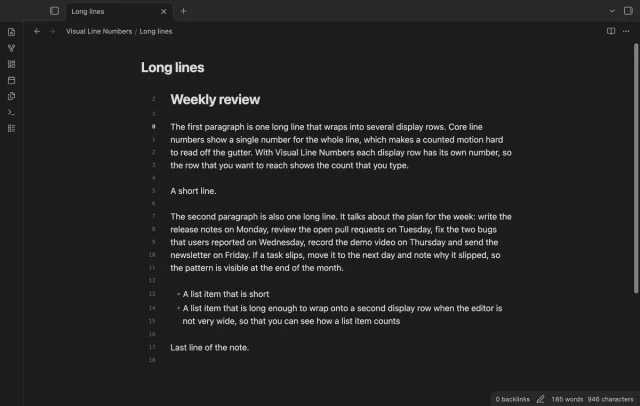
Show a line number for each wrapped row in the editor.